How to Automate LinkedIn Connection Requests in 2026 (Safe Method)
The safe method to automate LinkedIn connection requests in 2026. Daily limits by plan (20-50/day), 300-character note limit, best practices, step-by-step ReactIn setup, and safety comparison of top tools.
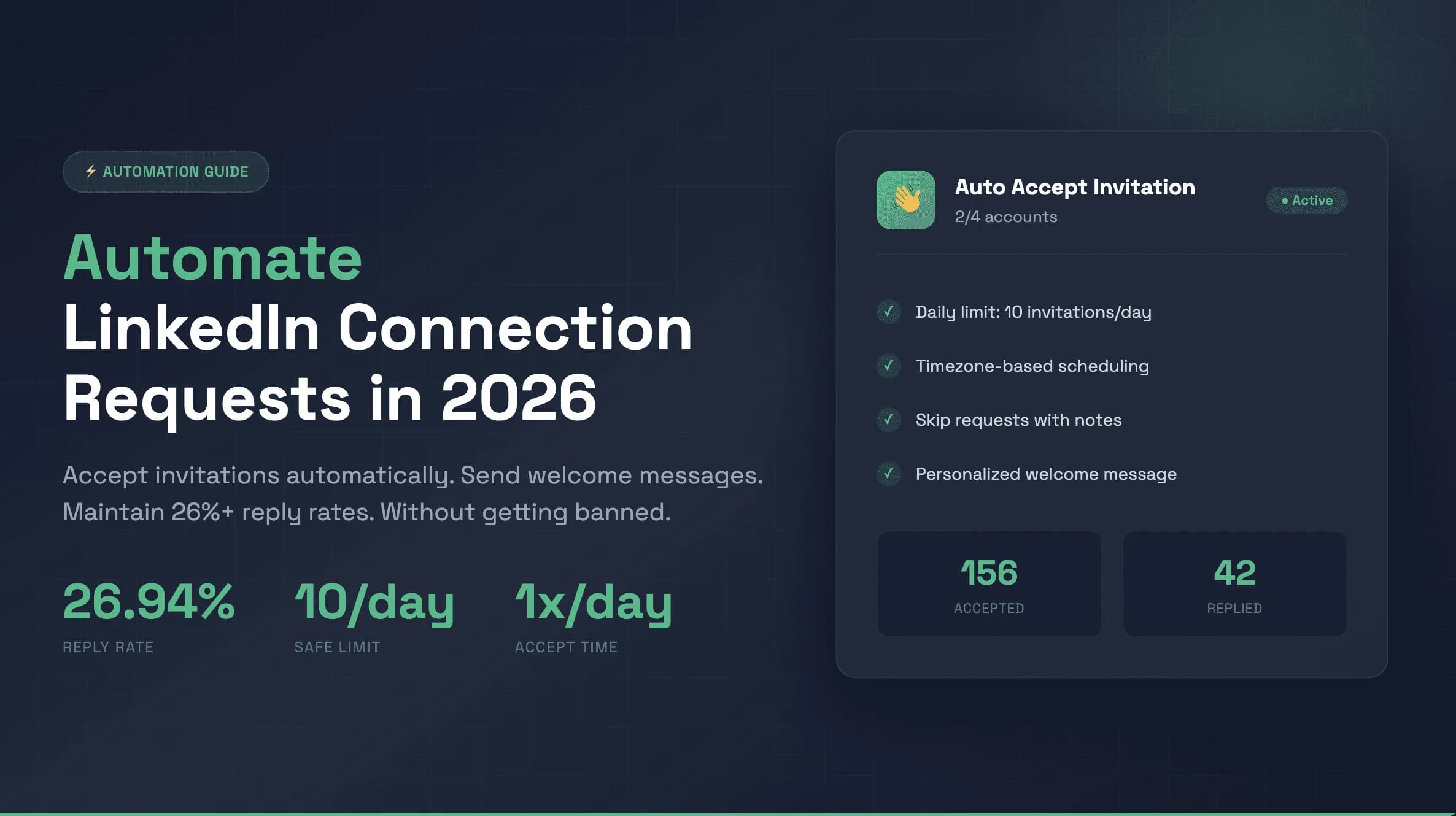
Automating LinkedIn connection requests can 3x your pipeline or get your account permanently banned - the difference comes down to method. In 2026, LinkedIn's detection systems are more advanced than ever, using behavioral analysis, velocity checks, and pattern recognition to flag unsafe automation.
This guide covers the safe method for automating connection requests in 2026 - the exact limits, character constraints, best practices, and step-by-step setup that keeps your account protected while scaling outreach to 20-50 connection requests per day.
of banned LinkedIn accounts used unsafe automation tools or exceeded daily limits
Based on aggregated LinkedIn automation user data 2024-2026
Why Safety Matters When Automating Connection Requests
LinkedIn is not anti-automation. They are anti-spam. The platform actively encourages tools built on their official API and partners that respect user experience. The issue arises when automation tools blast hundreds of generic connection requests, scrape data aggressively, or mimic bot-like patterns.
In 2026, LinkedIn's enforcement has three tiers: soft warnings (temporary connection limits for 24-72 hours), hard restrictions (feature locks for 1-4 weeks), and permanent bans (account termination with no appeal). The jump from tier one to tier three can happen in days if patterns are flagged as malicious.
The good news: safe automation is entirely possible in 2026. Tools like ReactIn are built from the ground up with safety-first architecture - cloud-based execution, human-like delays, adjustable daily limits, and real-time monitoring. The key is choosing the right tool and following the limits.
LinkedIn Connection Request Limits in 2026
LinkedIn enforces daily, weekly, and monthly connection request limits that vary by account type and history. Here are the current limits as of 2026:
| Account Type | Daily Limit | Weekly Limit | Monthly Limit |
|---|---|---|---|
| Free | 20-25 | 100-125 | 400-500 |
| Premium / Business | 30-40 | 150-200 | 600-800 |
| Sales Navigator | 40-50 | 200-250 | 800-1000 |
Weekly Limits Explained
Weekly limits are not simply 7x the daily limit. LinkedIn tracks rolling 7-day windows, meaning you cannot front-load all requests on Monday and expect a full quota on Tuesday. Spread your daily volume evenly across business days (Monday-Friday) and reduce activity on weekends to mimic natural behavior.
Monthly Limits and Pending Requests
Monthly limits include pending (unanswered) connection requests. If you have 200 pending requests, they count toward your monthly cap. Withdraw requests that have been pending for more than 3 weeks to free up quota. LinkedIn penalizes accounts with high volumes of unanswered requests - it signals low-quality outreach.
LinkedIn Connection Request Note: Character Limit in 2026
The LinkedIn connection request note character limit in 2026 is 300 characters on every plan - Free, Premium, and Sales Navigator. This limit applies to the optional personalization note you can attach to a connection request. It has been 300 characters since LinkedIn reduced it from 300 words in 2021.
characters - the maximum length for a LinkedIn connection request note in 2026
LinkedIn official platform limit, verified June 2026
The 120-180 Character Sweet Spot
While 300 characters is the maximum, data from 80,000+ connection requests shows that notes between 120 and 180 characters achieve the highest acceptance rates (42-55%). Shorter notes feel incomplete, longer notes feel like sales pitches. The sweet spot is a brief, personalized message that gives a clear reason to connect without asking for anything.
High-Performing Connection Note Templates (Under 180 Characters)
For a complete breakdown of character limits across connection notes, InMails, and DMs, read our LinkedIn connection request character limit guide.
Best Practices for LinkedIn Connection Requests in 2026
Following these 5 best practices consistently will keep your acceptance rate above 40% and your account safe from restrictions:
Personalize every request (or send without a note)
Generic notes like 'I'd like to add you to my professional network' get 15-20% acceptance. Personalized notes referencing a specific post, mutual connection, or shared interest get 42-55%. If you cannot personalize, data shows that sending without a note actually outperforms generic notes (55-68% acceptance for no-note requests).
Target the right people with intent signals
Connection requests to people who have already shown interest (viewed your profile, engaged with your content, changed jobs recently) get 2-3x higher acceptance rates. Tools like ReactIn detect 20+ intent signals so you reach people who are already warm.
Maintain a healthy acceptance rate above 40%
LinkedIn monitors your acceptance rate closely. If it drops below 30%, your account is at risk of restrictions. If it drops below 20%, expect temporary bans. Monitor weekly and adjust your targeting if the rate declines. Withdraw pending requests older than 3 weeks.
Spread volume across business hours
Sending 25 connection requests at 3 AM looks suspicious. Spread your daily volume across 9 AM - 6 PM in your target's timezone, with natural gaps between requests (2-5 minutes minimum). The best tools randomize timing automatically to mimic human behavior.
Warm up new accounts before scaling
Never go from 0 to 25 connection requests per day. New accounts or accounts without recent activity need a 2-4 week warmup period. Start at 3-5 requests per day and increase by 2-3 per week. ReactIn lets you set and adjust daily limits per LinkedIn account, so you can increase volume progressively during your warmup period.
For deeper data on the with-note vs. without-note debate, see our LinkedIn connection request: with or without a note analysis.
The Safe Automation Method: Step-by-Step with ReactIn
Here is the exact 5-step method to automate LinkedIn connection requests safely in 2026. This approach uses ReactIn's safety-first architecture to stay within LinkedIn's limits while maximizing acceptance rates:
Connect your LinkedIn account and set initial daily limits
Link your LinkedIn account to ReactIn's cloud-based platform. Set your initial daily limits to 3-5 connection requests per day in LinkedIn Accounts settings, then gradually increase them over 2-4 weeks. ReactIn uses a dedicated cloud IP and mimics human browsing patterns from day one.
Build a targeted list using intent signals
Create a SmartList based on intent signals: profile viewers, post engagers, job changers, or company growth signals. Targeting warm prospects increases acceptance rates by 2-3x compared to cold lists. Import from Sales Navigator, CSV, or use ReactIn's built-in scraping.
Write personalized connection notes under 180 characters
Use dynamic variables ({{firstName}}, {{company}}, {{mutualConnection}}) to personalize at scale while staying under the 180-character sweet spot. ReactIn's AI columns can generate unique personalization for each prospect based on their profile data.
Set daily limits and configure human-like delays
Set your daily connection request limit based on your account type (15-20 for Free, 25-30 for Premium, 35-45 for Sales Navigator). Configure randomized delays between 2-5 minutes per action. ReactIn enforces these limits automatically and pauses if it detects any LinkedIn warnings.
Monitor acceptance rates and adjust weekly
Check your acceptance rate weekly in ReactIn's analytics dashboard. If it stays above 40%, you can gradually increase volume. If it drops below 35%, reduce daily limits by 20% and review your targeting. ReactIn sends automatic alerts if your acceptance rate trends downward.
For the complete warmup protocol, read our LinkedIn account warmup guide.
LinkedIn's Automation Policy in 2026: What's Allowed
LinkedIn's Terms of Service (Section 8.2) prohibit 'automated use of the platform' - but the reality is more nuanced. LinkedIn actively partners with approved tools and has an official API. Here is the practical breakdown of what is and is not enforced in 2026:
What LinkedIn tolerates in practice
- Cloud-based tools that mimic human browsing patterns and respect daily limits
- Personalized connection requests at moderate volume (within the limits above)
- Scheduled posting and engagement through approved partners
- CRM integrations that sync contact data without scraping
What LinkedIn actively detects and penalizes
- Browser extension-based automation (detectable via DOM injection patterns)
- Mass scraping of profile data without engagement context
- Sending identical messages to hundreds of prospects (template spam)
- Exceeding daily/weekly limits or sending requests during off-hours at inhuman speeds
For a deeper dive into LinkedIn's automation rules, read our complete LinkedIn automation guide for 2026.
LinkedIn Automation Tools: Safety Comparison 2026
Not all LinkedIn automation tools are equally safe. Here is how the top tools compare on the safety features that matter most in 2026:
| Tool | Architecture | Warmup Support | Auto Safety Limits | Safety Rating |
|---|---|---|---|---|
| ReactIn | Cloud-based | Yes (adjustable daily limits) | Yes (auto-pause on warnings) | 9.5/10 |
| Expandi | Cloud-based | Yes (manual config) | Yes (basic) | 8/10 |
| Dripify | Cloud-based | No | Yes (daily caps) | 7/10 |
| Waalaxy | Browser extension | No | Limited | 5/10 |
| PhantomBuster | Cloud (scripts) | No | Manual only | 6/10 |
| HeyReach | Cloud-based | No | Yes (basic) | 7.5/10 |
For the full feature-by-feature comparison, see our best LinkedIn automation tools 2026 ranking.
Connection Request Acceptance Rate Benchmarks 2026
Your acceptance rate is the single most important metric for account safety. Here is what to expect based on your personalization approach:
| Approach | Average Acceptance Rate |
|---|---|
| No note (blank connection request) | 55-68% |
| Generic note (template, no personalization) | 15-25% |
| Personalized note (120-180 chars) | 42-55% |
| Intent-based targeting + personalized note | 55-72% |
Acceptance Rates by Industry
| Industry | Average Acceptance Rate |
|---|---|
| SaaS / Technology | 35-45% |
| Marketing / Agencies | 40-52% |
| Finance / Banking | 25-35% |
| Consulting / Professional Services | 38-48% |
| Healthcare / Pharma | 22-32% |
Conclusion: Automate Safely or Don't Automate at All
LinkedIn connection request automation is a powerful growth lever when done safely. The difference between a thriving pipeline and a banned account comes down to choosing the right tool, respecting the limits, and following a disciplined warmup process.
The safe method is not slower - it is more effective. By targeting the right people with the right message at the right time, you send fewer requests and get better results. Quality over quantity is not just a safety strategy - it is the best growth strategy.
For more automation rules and 26%+ reply rate strategies, read our guide to automating LinkedIn connection requests.
Frequently Asked Questions
Sources & Further Reading
- LinkedIn's official User Agreement and Professional Community Policies: LinkedIn User Agreement
- LinkedIn help center on connection request limits and invitations: LinkedIn Help - Invitations
Related Articles
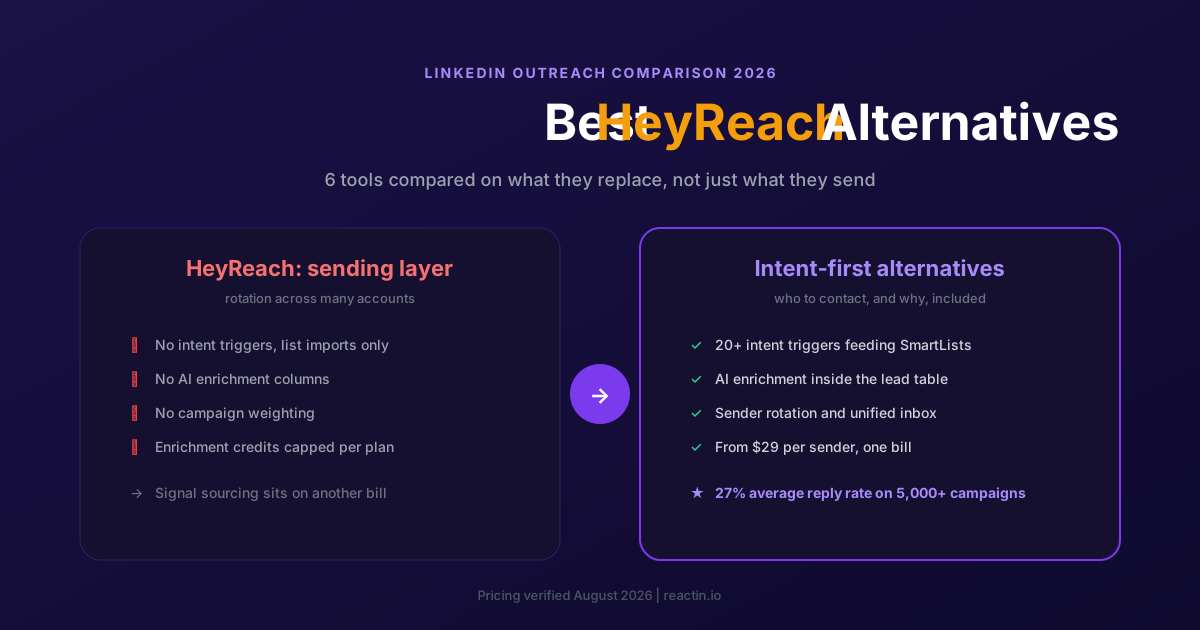
The 6 Best HeyReach Alternatives in 2026 (Priced and Compared)
HeyReach scales sending across many accounts, but it does not tell you who to contact. Here are the 6 best alternatives for 2026, with verified pricing and the cost of the stack HeyReach does not include.
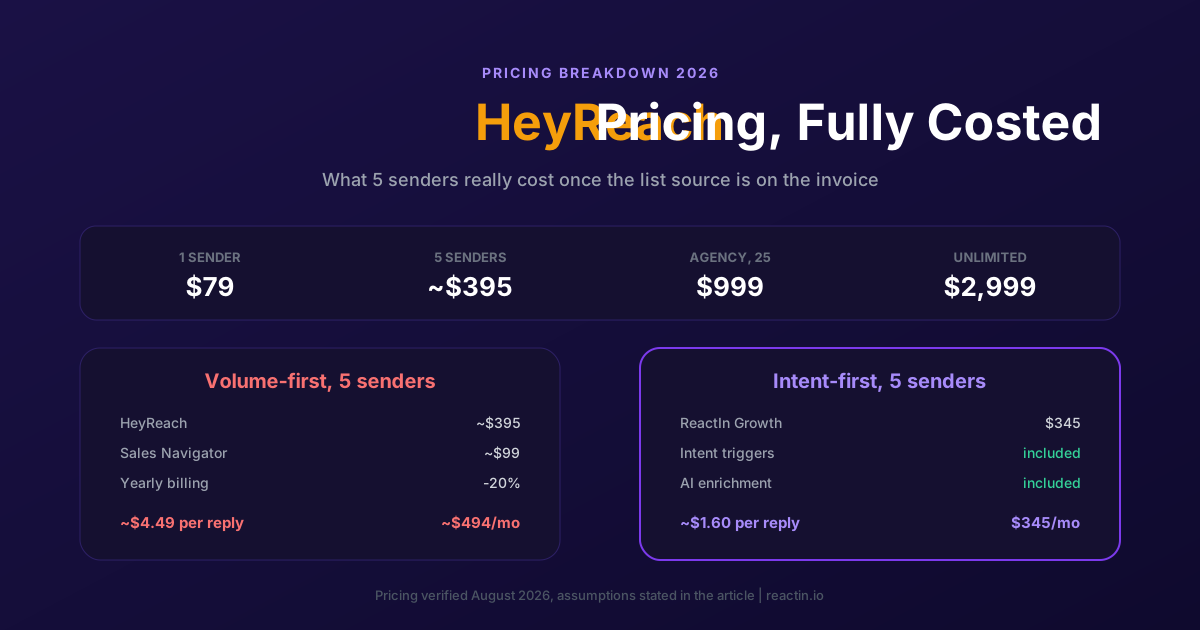
HeyReach Pricing in 2026: Real Cost per Sender and 5 Cheaper Alternatives
HeyReach Growth starts at $79 per sender, Agency is $999 for 25 senders and Unlimited is $2,999. Here is every plan, what the price includes and leaves out, and how to compare cost per reply instead of cost per seat.
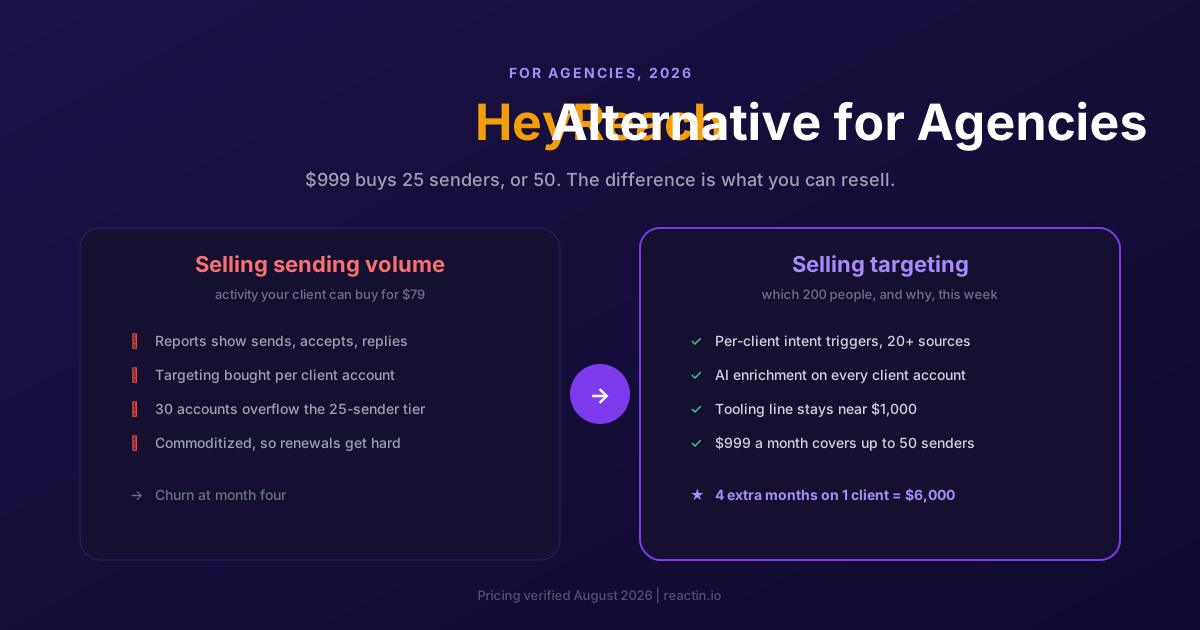
The Best HeyReach Alternative for Agencies in 2026 (5 Options Compared)
Agencies rarely leave HeyReach because the sending broke. They leave because volume services get commoditized. Here are 5 options compared on margin per client and months retained.
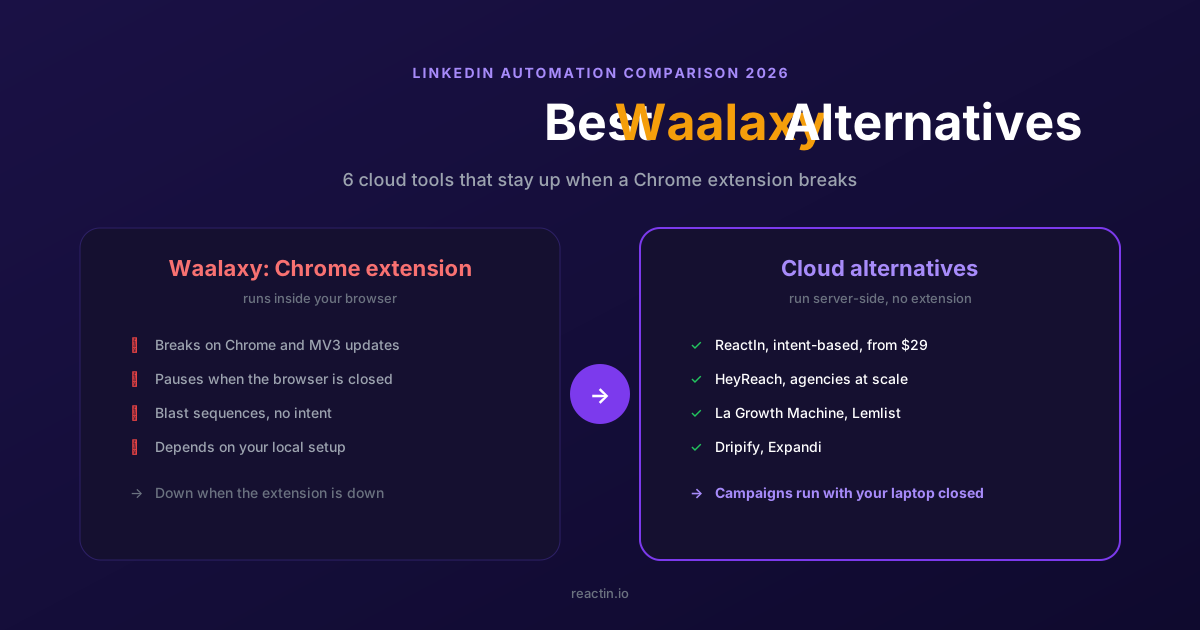
The 6 Best Waalaxy Alternatives in 2026 (Cloud Tools, No Extension)
Waalaxy runs as a Chrome extension that pauses when the browser breaks. Here are the 6 best cloud-based alternatives for 2026, with verified pricing and the right pick for your motion.
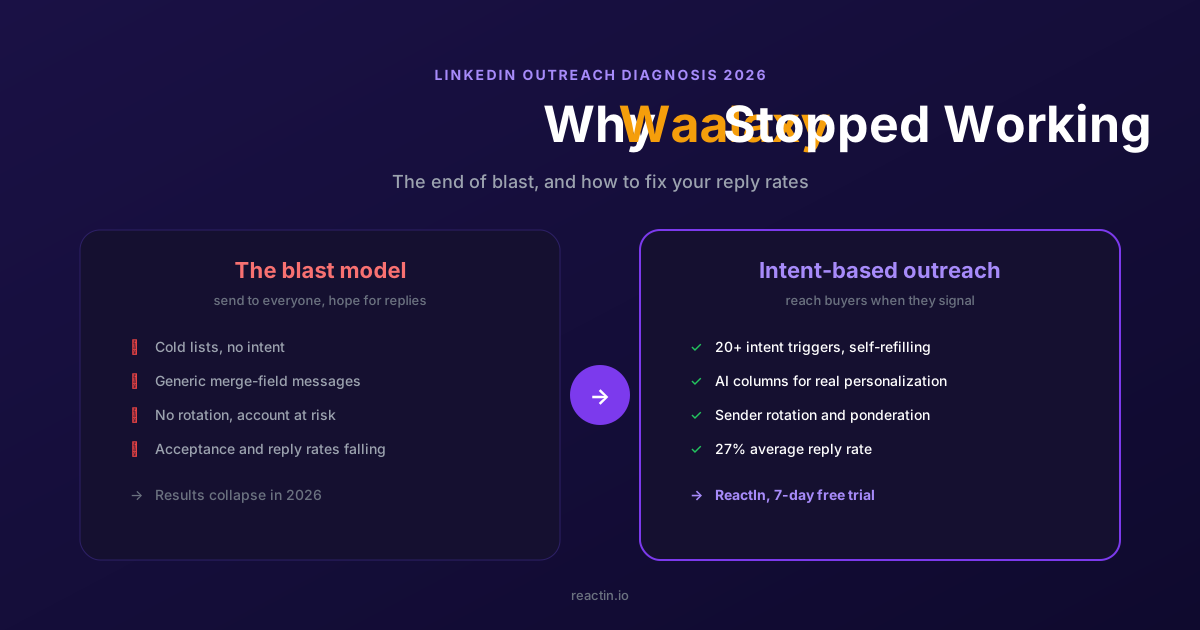
Why Waalaxy Stopped Working in 2026 (And How to Fix Your Reply Rates)
Your Waalaxy reply rates cratered in 2026 and you cannot tell why. Here is what changed, why blast outreach stopped working, and how intent-based prospecting brings double-digit reply rates back.
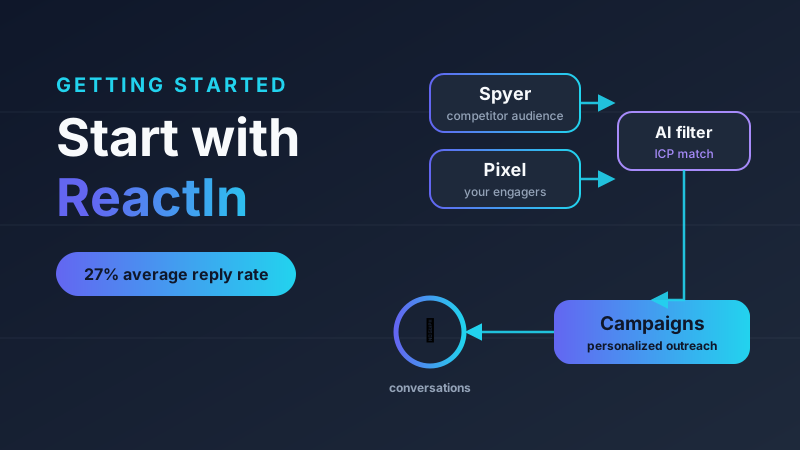
How to Get Started with ReactIn: The Complete Starter Pack (2026)
New to ReactIn? Learn what Spyer, Pixel, and campaigns do, and follow a layer-by-layer starter pack to build an intent-based LinkedIn pipeline that runs on autopilot.
Best Software Affiliate Programs in 2026 (Ranked by Category)
Your software stack costs hundreds a month and earns you nothing. The best software affiliate programs for 2026 fix that, ranked by commission, recurring value and category. ReactIn leads for B2B and LinkedIn audiences, next to Notion, NordVPN, Semrush, HubSpot, Systeme.io and Hostinger.
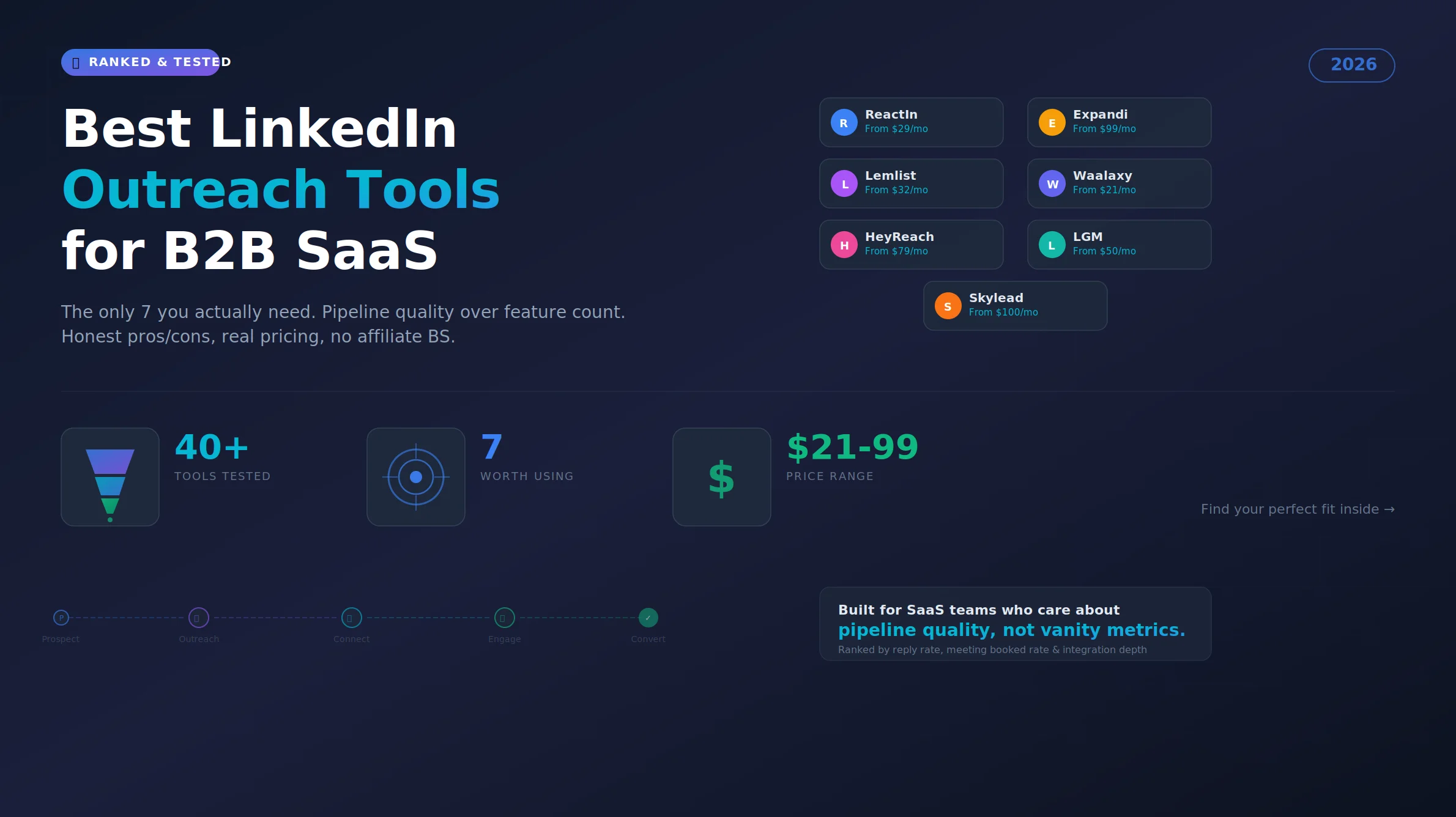
Best LinkedIn Outreach Tool for B2B SaaS in 2026 (Ranked by Pipeline Quality, Not Feature Lists)
The 7 best LinkedIn outreach tools for B2B SaaS in 2026, ranked by pipeline quality and true cost. ReactIn replaces 3-4 tools ($69/mo vs $500+/mo stack) with intent signals, AI enrichment, and automated campaigns. Full 5-seat cost comparison included.
LinkedIn Prospecting Guide 2026: Build Pipeline With Signal-Based Targeting
The complete LinkedIn prospecting guide for 2026. ICP definition, lookalike audiences, SmartList building, and signal-based targeting. Turn LinkedIn into your #1 pipeline source.
ReactIn Alternatives & Comparisons 2026: Find the Right LinkedIn Tool
Compare ReactIn with every major LinkedIn automation tool in 2026. Head-to-head comparisons with BeReach, Gojiberry, Phantombuster, Waalaxy, and more. Find the right tool for your use case.
Free LinkedIn Tools 2026: 4 Tools to Preview, Scrape, Hook & Coach
4 free LinkedIn tools by ReactIn - no signup required. Preview your posts pixel-perfect, scrape post likers into lead lists, generate scroll-stopping hooks with AI, and get GTM coaching. The complete free toolkit for B2B professionals.
Best LinkedIn Tools 2026: The Complete B2B Stack Guide
The definitive guide to LinkedIn tools in 2026. Automation, scraping, AI sales tools, and CRM integrations - compared and ranked. Build your ideal LinkedIn tech stack at any budget.
Affiliate Marketing Guide 2026: From First Commission to Passive Income
The complete affiliate marketing guide for 2026. Choose your niche, find the best programs (B2B, SaaS, recurring), build your funnel, and scale to passive income. Includes links to our ranked program lists.
LinkedIn Outreach Playbook 2026: From Warmup to Closed Deals
The complete LinkedIn outreach playbook for 2026. Account warmup, connection request strategies, DM copywriting rules, multi-touch sequences, and optimization tactics. Based on data from 5,000+ campaigns.
Best LinkedIn Automation Tool for Agencies in 2026 (Ranked by Total Cost, Not Feature Lists)
The 7 best LinkedIn automation tools for agencies in 2026, ranked by true cost at scale. ReactIn replaces 3-4 tools ($69/mo vs $300+/mo stack) with intent signals, AI enrichment, and unified inbox. Full "True Cost for 10 Accounts" comparison included.
Best Marketing Affiliate Programs in 2026 (Ranked by Niche)
You recommend marketing tools every week and earn nothing. The best marketing affiliate programs for 2026 fix that, ranked by recurring rate, cookie and niche. ReactIn leads for B2B and LinkedIn marketers, next to AWeber, Semrush, GetResponse, Leadpages, Unbounce and Moosend.
Best B2B Affiliate Programs in 2026 (Ranked for Business Audiences)
The best B2B affiliate programs for 2026, ranked by value per business referral and audience fit. ReactIn leads for B2B, LinkedIn and GTM creators with 30% recurring for life, compared against HubSpot, Pipedrive, monday.com, ClickUp, ActiveCampaign and Semrush.
Best SaaS Affiliate Programs in 2026 (Ranked by Recurring Commission)
The best SaaS affiliate programs for 2026, ranked by recurring economics and audience fit. ReactIn leads for LinkedIn, GTM and agency creators with 30% recurring and lifetime attribution, compared against Systeme.io, GetResponse, ActiveCampaign, HubSpot, Kit and Semrush.
Best Recurring Affiliate Programs in 2026 (Lifetime Commissions Ranked)
The best recurring affiliate programs for 2026, ranked by recurring quality, lifetime attribution over 12-month caps. ReactIn leads for B2B, LinkedIn and GTM creators with 30% recurring for life, compared against Systeme.io, Kit, GetResponse, Cloudways, HubSpot and Teachable.
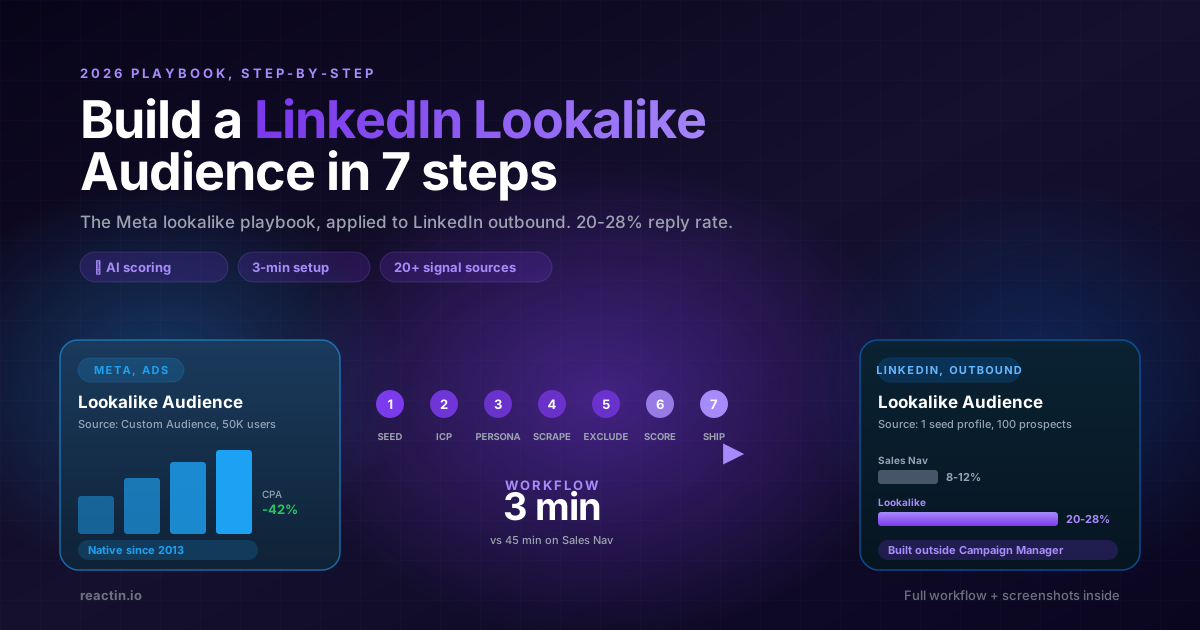
How to Build a LinkedIn Lookalike Audience in 2026 (Full Workflow + Screenshots)
LinkedIn never shipped a native Lookalike Audience for outbound. Here is the full 2026 workflow: pick the seed, write your ICP, run the waterfall scrape, ship a 50-lead audience in under 5 minutes that hits 20-28% reply rates.
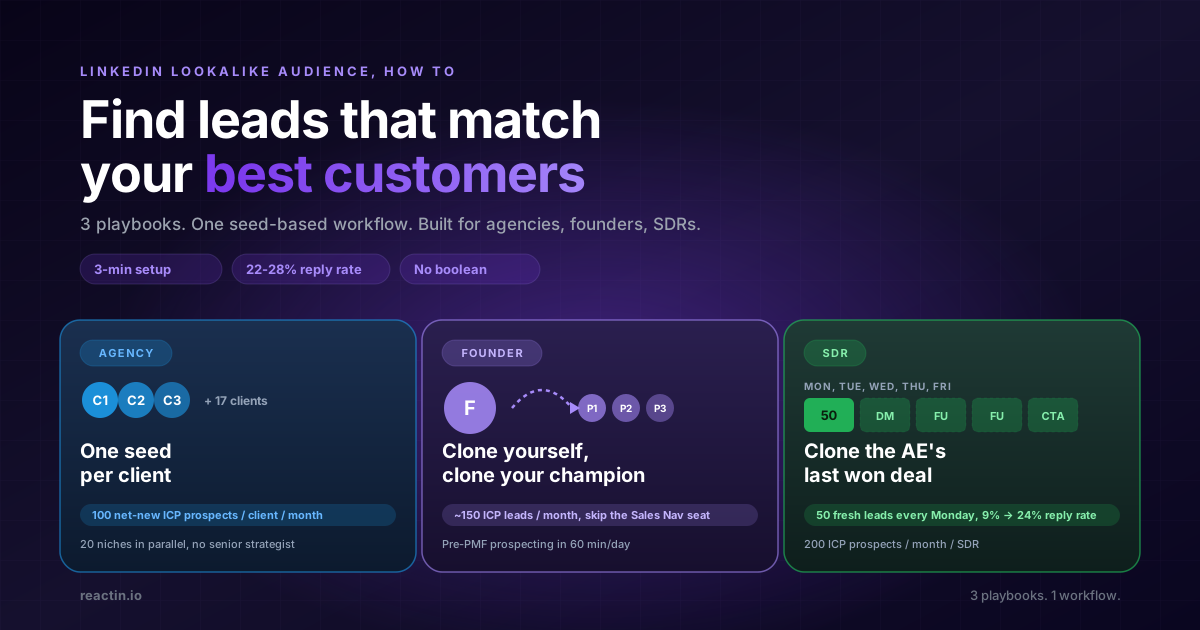
LinkedIn Lookalike Audience: How to Find Leads That Match Your Best Customers (2026)
LinkedIn never shipped a native lookalike audience for outbound. Here is how to build one in 3 minutes, with 3 detailed playbooks for agencies, founders, and SDRs hitting 22-28% reply rates.
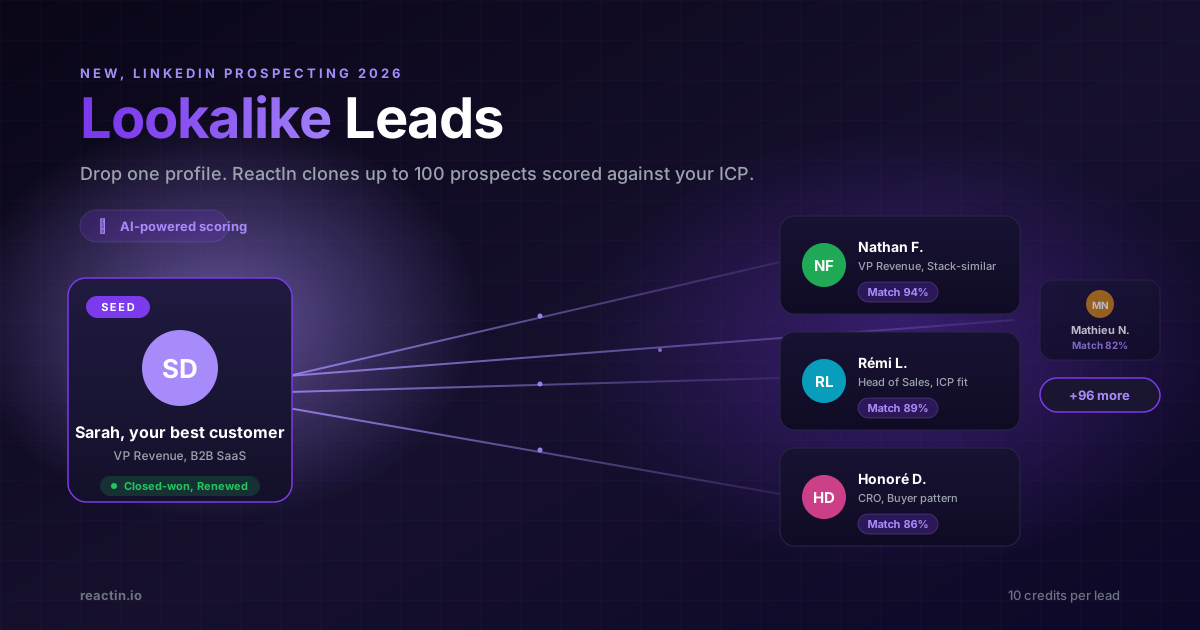
LinkedIn Lookalike Leads: Clone Your Best Customers in 3 Minutes (2026)
Drop one LinkedIn profile, describe your ICP and persona, and ReactIn returns up to 100 prospects who match. The Meta Lookalike playbook, applied to B2B prospecting. 22% reply rates vs 8% from Sales Nav.
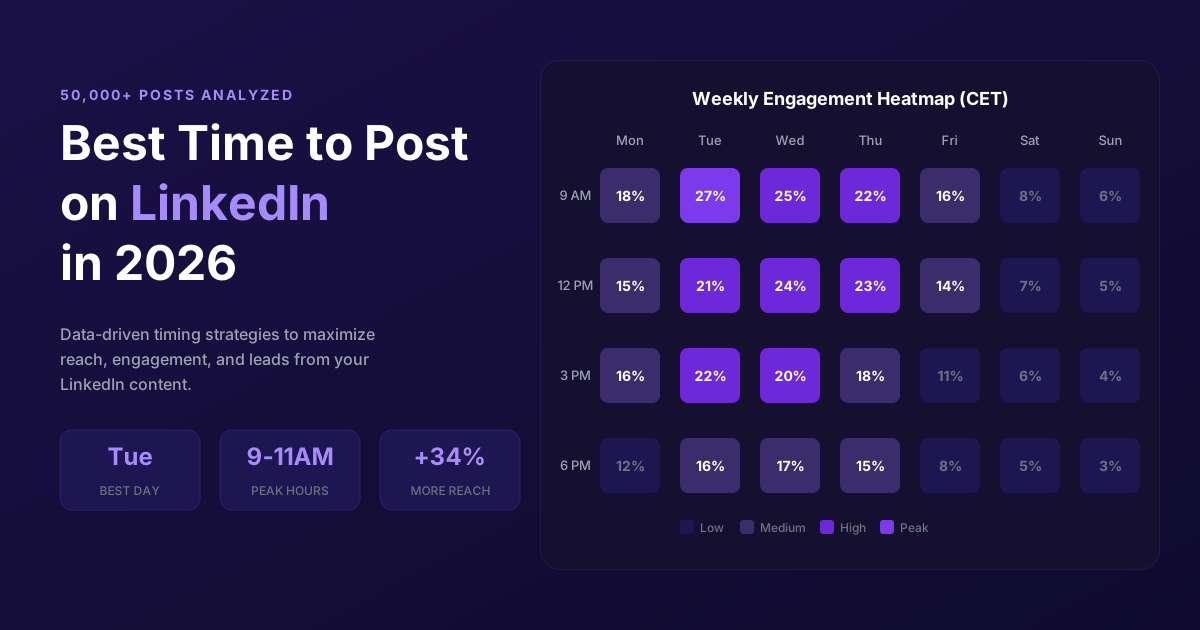
Best Time to Post on LinkedIn in 2026 (50,000+ Posts Analyzed)
When should you post on LinkedIn for maximum engagement? Analysis of 50,000+ posts reveals the best times, days, and strategies to maximize reach in 2026.
LinkedIn Connection Request Note: Character Limit, 2026 Rules & Best Templates
The official LinkedIn connection request note limit in 2026 is 300 characters, on every plan. But notes between 120 and 180 characters win on acceptance rate. Full breakdown, 10 templates, and the difference with InMail and DM limits.
LinkedIn Connection Requests: With or Without a Note? (2026 Data)
Should you add a note to LinkedIn connection requests? 80,000+ requests analyzed. No-note invites get 55-68% acceptance vs 28-45% with notes. See when each approach wins.
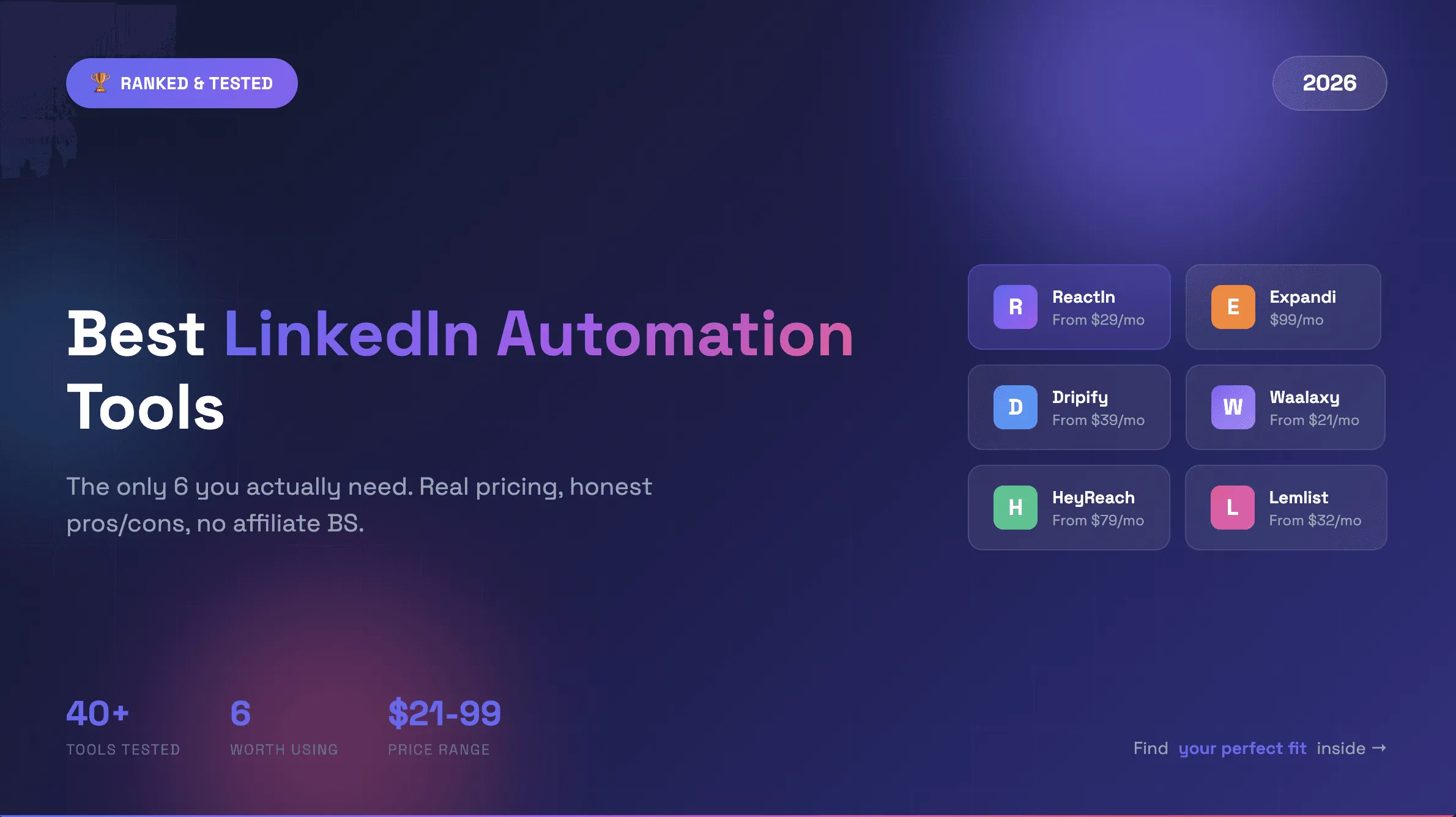
Best LinkedIn Automation Tools 2026 - Top 6 Ranked
Honest comparison of the 6 best LinkedIn automation tools in 2026. Tested hands-on with real campaigns. ReactIn, Expandi, Dripify, Waalaxy, HeyReach, and Lemlist ranked by results.
How to Automate LinkedIn Connection Requests: 5 Rules for 26% Reply Rates (2026)
Stop losing leads. 5 proven rules to automate LinkedIn connection requests safely and hit 26%+ reply rates with personalized welcome messages.
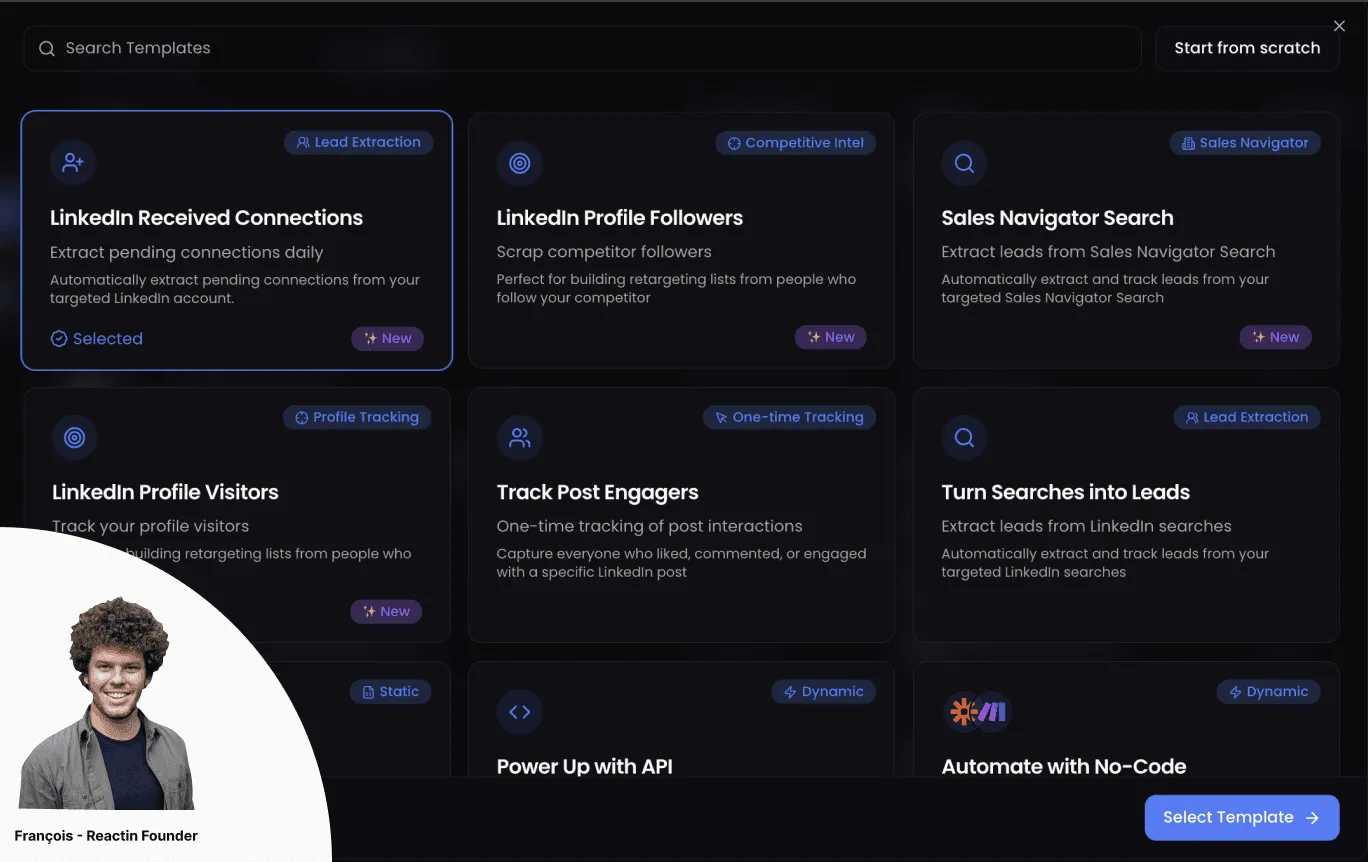
How to Automatically Accept LinkedIn Connection Requests (and Send a Welcome DM)
Learn how to automatically accept LinkedIn connection requests and send personalized welcome DMs. Step-by-step ReactIn setup, compare 5 tools, and maintain 26%+ reply rates safely.
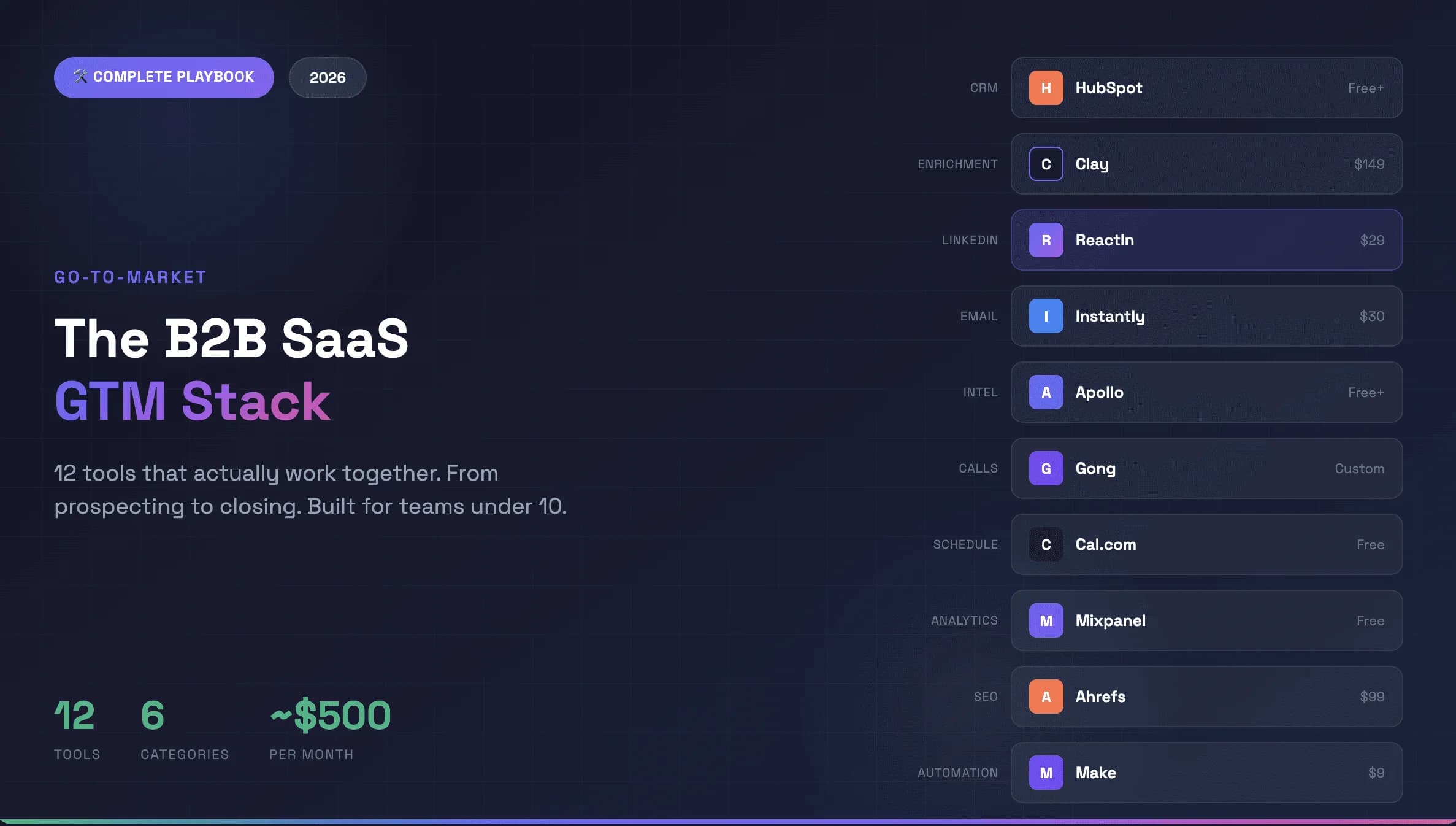
Best Go-to-Market Tools for B2B SaaS 2026: The 12-Tool GTM Stack
The best go-to-market tools for B2B SaaS in 2026. A complete 12-tool GTM stack with automation platforms that actually integrate - from prospecting to closing, built for scaling SaaS businesses. ~$500/month total.
How to Warm Up a LinkedIn Account Safely Before Scaling Outreach (2026)
Step-by-step 4-week plan to warm up your LinkedIn account safely. Daily limits, organic engagement strategy, and how to scale outreach without getting restricted.
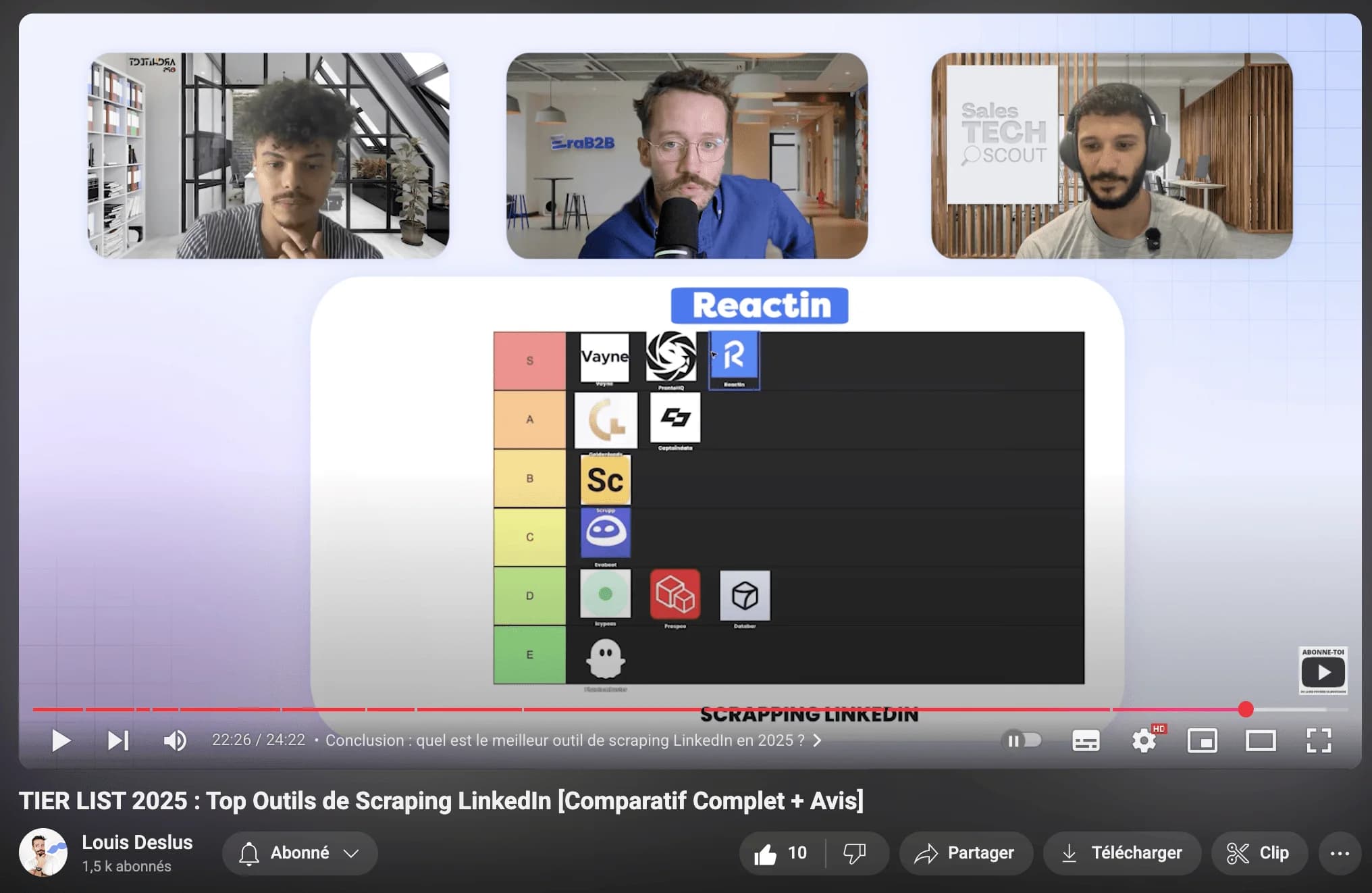
Top LinkedIn Scraping Tools for B2B Growth (2026 Review)
Honest comparison of the best LinkedIn scraping tools in 2026. ReactIn, PhantomBuster, Captain Data, Evaboot, and Prospeo ranked by features, safety, and pricing.
LinkedIn Automation Guide: The Complete 2026 Playbook
The definitive guide to LinkedIn automation in 2026. 5 intent-based workflows, 10 messaging rules, safety limits, and tool comparisons. 27% average reply rate across 5,000+ campaigns.
The 7 Best AI Sales Tools to Close More Deals in 2026
Discover the best AI sales tools in 2026. Top AI-powered tools for closing deals: ReactIn for LinkedIn outreach, Allo as the best AI phone agent, Clay for prospecting, Attio for CRM, and more.
Intent-Based Marketing Automations in 2026: The Complete Guide to 3x Reply Rates
Stop blasting the same message to every lead. Intent-based marketing automations use buyer signals to reach the right person at the right moment - delivering 3x higher reply rates. 5 workflows, benchmarks, and step-by-step setup inside.
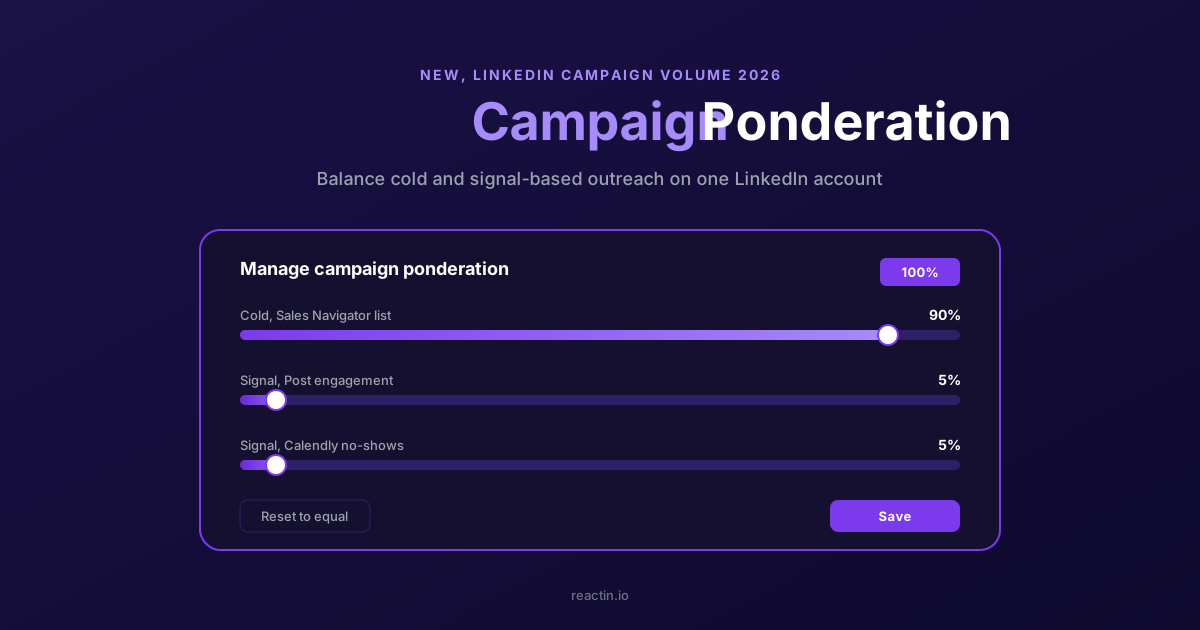
How to Balance LinkedIn Campaign Volume Across Tools (Waalaxy, HeyReach, Expandi, Dripify, LGM, PhantomBuster, Gojiberry vs ReactIn)
Most LinkedIn automation tools force you to pick: one big cold campaign, or none. Here is how Waalaxy, HeyReach, Expandi, Dripify, LGM, PhantomBuster and Gojiberry actually let you split daily volume between campaigns - and how ReactIn’s new Campaign Ponderation finally lets you run a 90/5/5 mix of cold + signal-based outreach.
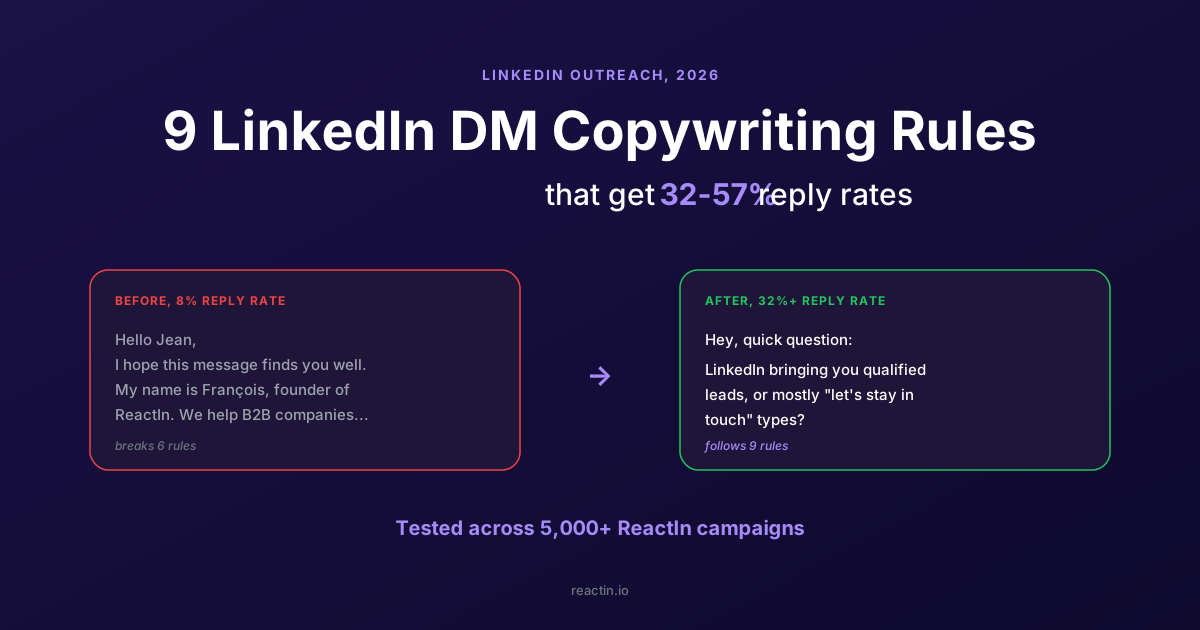
9 LinkedIn DM Copywriting Rules That Get 32-57% Reply Rates (2026)
The average LinkedIn direct message response rate is 8-12%. Our campaigns hit 32-57%. 9 tested copywriting rules, the 5-3-2 rule explained, and how to turn replies into meetings.
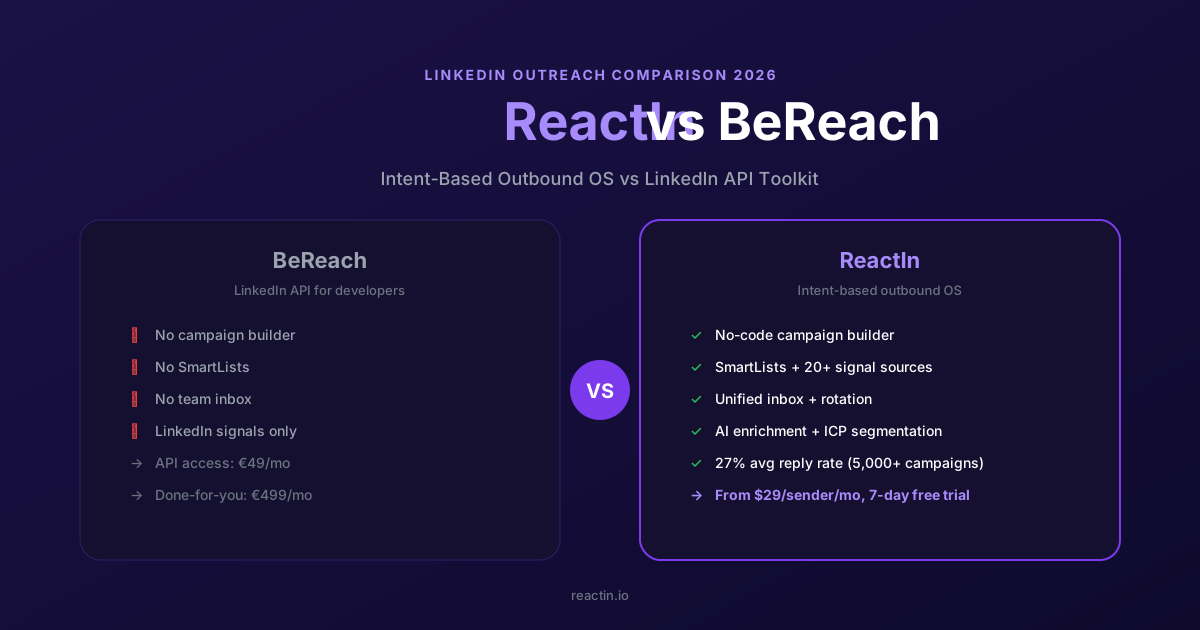
ReactIn vs BeReach (2026): Intent-Based Outbound OS or LinkedIn API Toolkit?
BeReach is a LinkedIn API for developers. ReactIn is an intent-based outbound OS for sales teams - 20+ signal sources, SmartLists, AI enrichment, and 27% reply rates out of the box. Full feature-by-feature comparison.
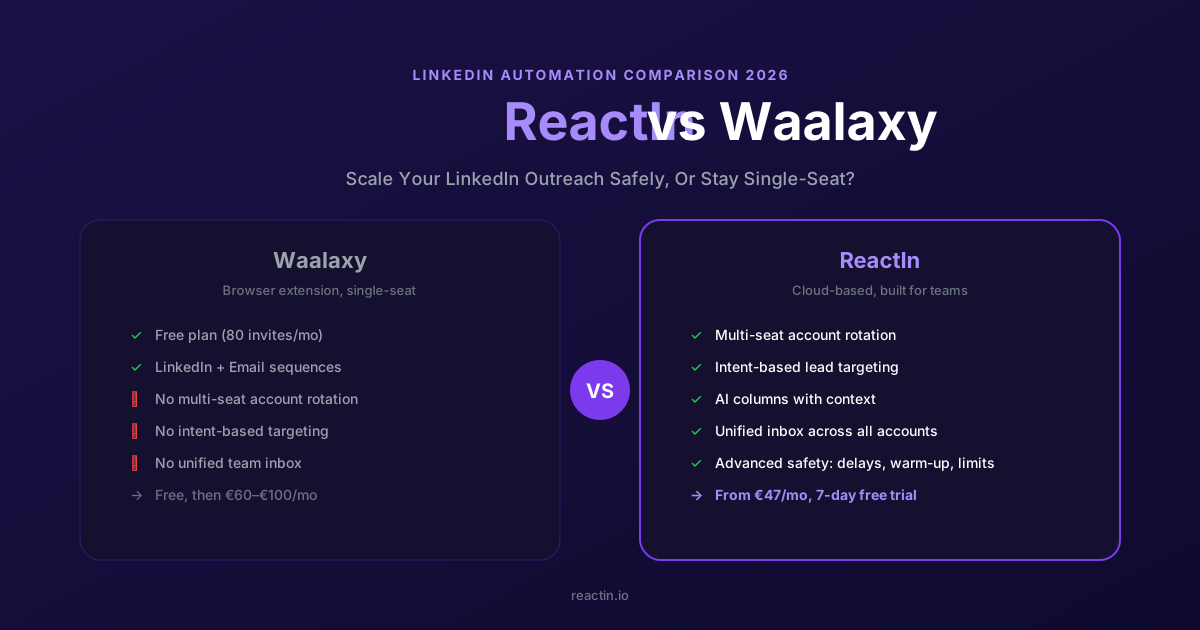
ReactIn vs Waalaxy (2026): Blast Campaigns or Intent-Based Outreach?
Waalaxy is built for mass LinkedIn campaigns. ReactIn is built for intent-based outreach with 20+ signal sources, AI columns, and campaign ponderation. Full comparison inside.
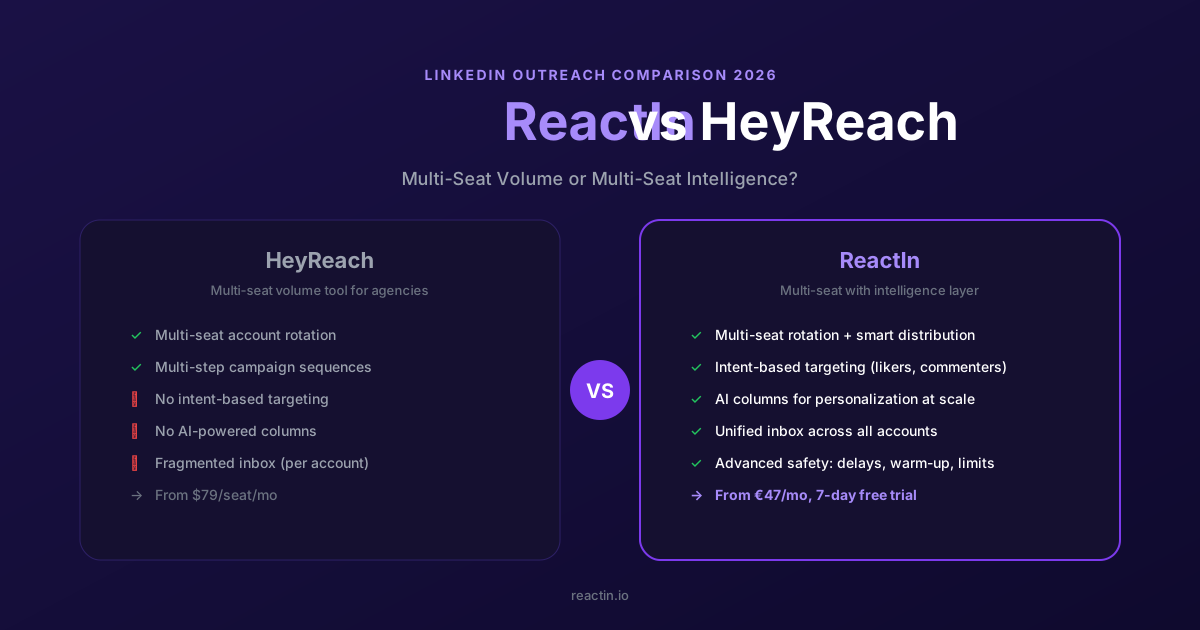
ReactIn vs HeyReach (2026): Volume Rotation or Intent-Driven Outreach?
HeyReach focuses on multi-sender rotation for agencies. ReactIn combines smart rotation with 20+ intent signals, AI columns, and campaign ponderation - all at $69/mo per sender.
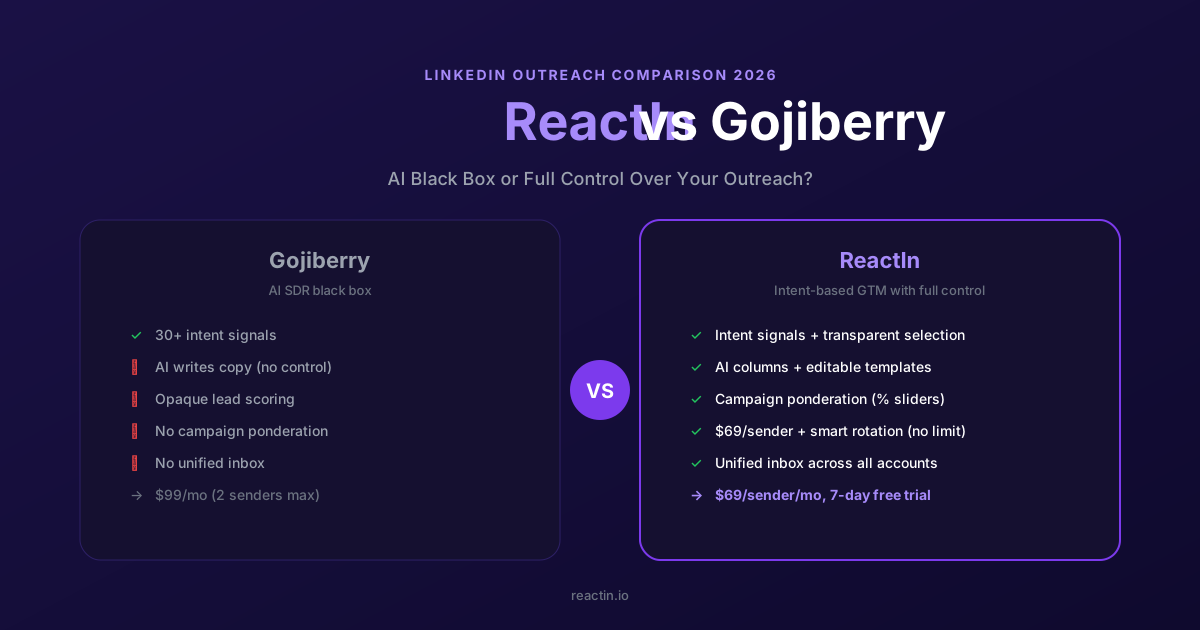
ReactIn vs Gojiberry (2026): AI Black Box or Full Control Over Your Outreach?
Gojiberry is an AI SDR black box. ReactIn gives you intent signals with full workflow control: AI columns, editable templates, campaign ponderation, $69/mo per sender.
How to Scrape LinkedIn Comments: Tools, Policy & Lead Gen Guide (2026)
Learn how to scrape LinkedIn comments safely in 2026. Best tools compared, LinkedIn scraping policy explained, and step-by-step guide to turning commenters into qualified leads.
Discover the Secret to Maximizing LinkedIn Engagement with Perfect Timing
A data-driven guide to LinkedIn engagement timing in 2026. Best times and days by region, content type timing, weekend strategies, LinkedIn Ads scheduling, and peak activity hours.
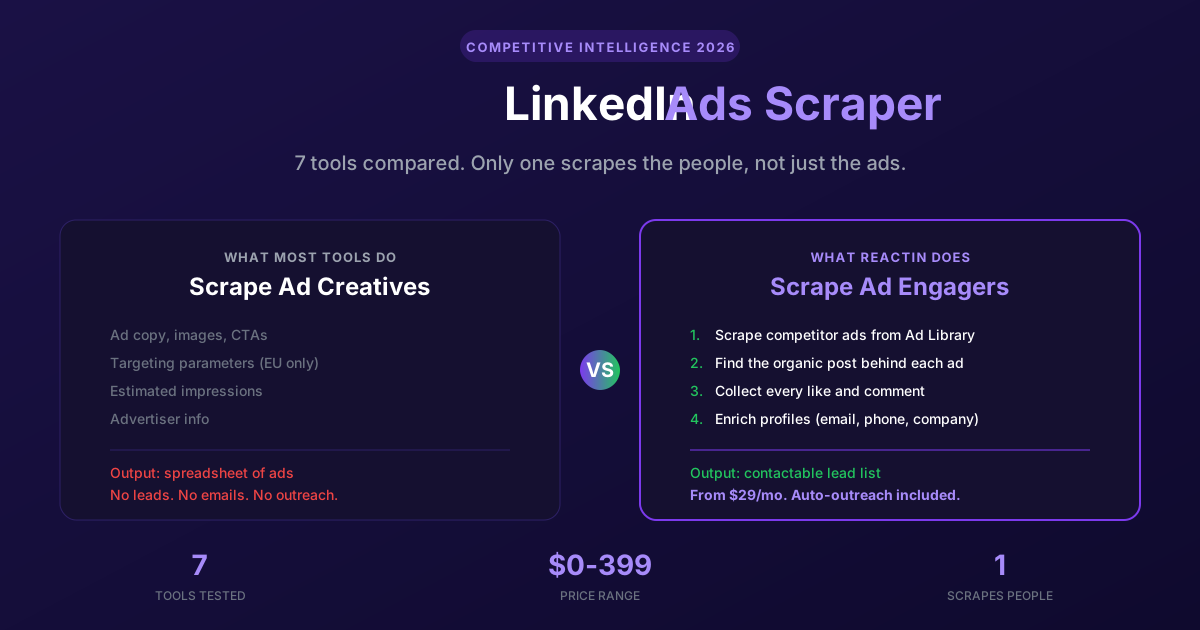
LinkedIn Ads Scraper in 2026: 7 Tools to Spy on Competitor Ads (and Steal Their Audience)
The 7 best LinkedIn ads scrapers in 2026, from ad library extractors to engagement scrapers. Most tools stop at ad creatives. ReactIn goes further: it scrapes the people who engage with competitor ads and turns them into a contactable lead list. Full pricing and feature comparison included.