How to Scrape LinkedIn Comments: Tools, Policy & Lead Gen Guide (2026)
Learn how to scrape LinkedIn comments safely in 2026. Best tools compared, LinkedIn scraping policy explained, and step-by-step guide to turning commenters into qualified leads.
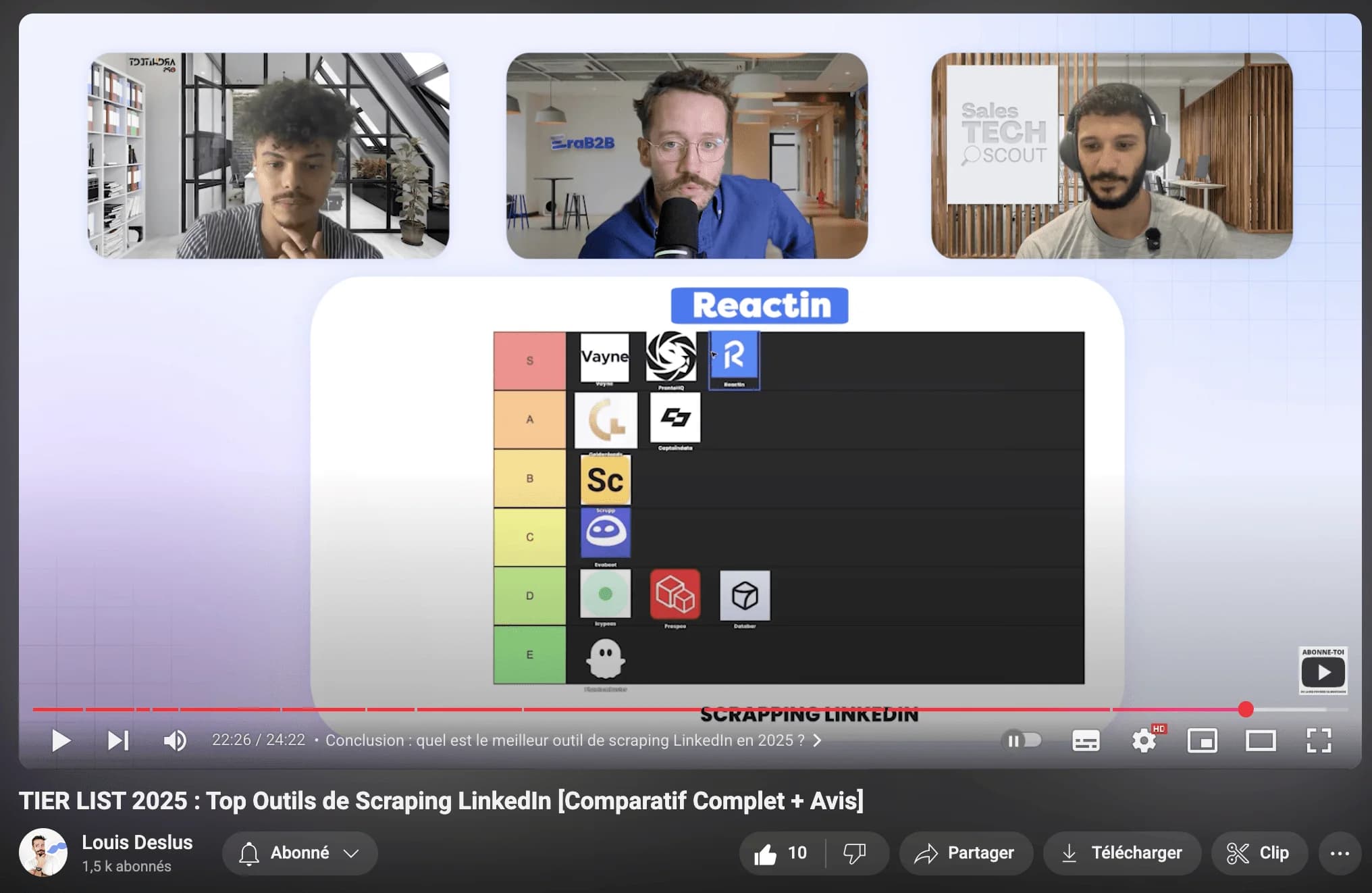
LinkedIn comments are one of the most valuable - and most overlooked - data sources for B2B prospecting. When someone takes the time to write a comment on a post, they're signaling real interest in a topic, sharing their perspective, and revealing pain points you can address.
This guide covers how to scrape LinkedIn comments safely and effectively in 2026 - the tools, the process, what LinkedIn allows, and how to turn comment data into qualified leads.
Why Scrape LinkedIn Comments?
Likes and reactions show passive interest. Comments show active engagement. When someone writes a comment on a LinkedIn post, they're investing time and thought - which makes them a much higher-quality lead signal than a simple reaction.
Scraping comments gives you three things no search filter can provide:
- Intent data: Commenters are actively thinking about the topic. If someone comments on a post about CRM migration challenges, they likely have that problem right now.
- Personalization context: The comment text itself tells you exactly what the person cares about, giving you a natural conversation opener for outreach.
- Competitor intelligence: Monitoring comments on competitor posts reveals their audience, objections prospects raise, and feature requests that aren't being met.
Use Cases for LinkedIn Comment Data
Comment scraping isn't just about building lead lists. Here are four ways B2B teams use this data to drive results.
Lead Generation from Post Engagement
The most direct use case: scrape commenters from posts that discuss problems your product solves, then reach out with a personalized message referencing their comment. This consistently outperforms cold outreach because you already know what the prospect cares about. Teams using this approach report 20-30% reply rates compared to 5-10% for generic cold DMs.
Content Ideas and Topic Research
Scraping comments across posts in your niche reveals recurring questions, frustrations, and trends. Use this data to create content that directly addresses what your audience is already talking about - instead of guessing what topics might resonate.
Competitor Analysis
Monitor comments on your competitors' posts to understand their audience sentiment, identify common objections, and spot gaps in their offering. When prospects comment with unmet needs on a competitor's post, that's a qualified lead for your solution.
Engagement Tracking and Social Listening
Track who consistently comments on posts in your industry to identify thought leaders, potential partners, and highly engaged prospects. Over time, this builds a picture of the most active voices in your market - people who are worth building relationships with.
How to Scrape LinkedIn Comments: Step-by-Step
Here's the practical workflow for extracting comment data from LinkedIn posts using a tool like ReactIn.
Find the right posts to scrape
Identify LinkedIn posts with high engagement in your niche. Look for posts from industry influencers, competitor company pages, or thought leaders that discuss topics relevant to your product. Posts with 50+ comments are the sweet spot - enough volume to build a list, but still targeted enough to be relevant.
Set up your scraping trigger
In ReactIn, create a SmartList with a LinkedIn post engagement trigger. Paste the post URL, and the tool will automatically capture everyone who comments - along with their comment text, profile data, and engagement timestamp. For ongoing monitoring, set up triggers on your own posts or competitor pages to continuously capture new commenters.
Enrich and filter the results
Raw commenter data needs qualification. Use AI-powered enrichment to add job titles, company info, and ICP scoring. Then filter out commenters who don't match your target profile - you want decision-makers at companies in your target segment, not random engagers.
Launch personalized outreach
With enriched, filtered comment data, craft outreach that references the specific post and their comment. Something like: 'Saw your comment on [Author]'s post about [Topic] - you mentioned [specific point]. We've been working on exactly that problem...' This level of personalization is what drives 25%+ reply rates.
Best Tools for Scraping LinkedIn Comments
Not every LinkedIn scraping tool handles comment extraction well. Here's how the main options compare for this specific use case.
| Tool | Comment Scraping | Captures Comment Text | Auto-Outreach |
|---|---|---|---|
| ReactIn | Automatic via SmartLists | Yes | Yes (built-in DMs) |
| PhantomBuster | Manual per post URL | Yes | No (export only) |
| Captain Data | Via workflow setup | Yes | No (export only) |
| Manual / Scripts | Custom code required | Depends on implementation | No |
For a full comparison of scraping tools beyond comment extraction, see our top LinkedIn scraping tools guide.
What Is the Best Tool for Scraping LinkedIn Comments?
The best tool for scraping LinkedIn comments is ReactIn if you intend to contact the commenters, and PhantomBuster if you only need a one-off export from a single post URL. That split matters more than any feature checklist: comment data loses most of its value the moment it lands in a CSV nobody works.
Every tool on the market will hand you a list of names. What separates a real comment scraper from a generic LinkedIn scraper is what arrives alongside that list - and whether it keeps arriving after you close the tab.
Three Questions That Decide Which Tool Wins
- Does it capture the comment text? The text is the entire reason to scrape comments instead of likes. A tool that returns profile URLs alone has given you a reaction list with extra steps - and no opening line.
- Does it run once or continuously? A post scraped today misses everyone who comments tomorrow. Trigger-based capture keeps collecting while the thread is still moving; a manual export freezes the list at the moment you clicked.
- Does the data go anywhere? Export-only tools leave you to enrich, filter and message in three other places. Every handoff is somewhere the comment context gets dropped - and that context is the one thing you scraped it for.
The Best Comment Scraping Tool by Use Case
- ReactIn - best overall: SmartLists capture commenters and their comment text automatically, enrich them against your ICP, and launch the DM that quotes the comment. Nothing leaves the platform between the scrape and the reply.
- PhantomBuster - best for one-off exports: The Post Commenters Phantom pulls everyone off a given post URL in a few minutes. You run it manually, one post at a time, and you handle enrichment and outreach elsewhere.
- Captain Data - best for engineering teams: API-driven workflows that chain comment extraction, enrichment and a CRM push. Powerful and expensive, and it assumes someone on the team maintains the pipeline.
- Browser extensions and scripts - cheapest, riskiest: They run from your own session with no rate limiting, which is exactly the pattern LinkedIn's detection is tuned for. Fine for ten comments, not for a prospecting motion.
If you are still choosing, answer the outreach question first. Teams that scrape comments in order to send messages are better served by a tool that does both; teams that scrape comments for research are better served by the cheapest reliable export.
LinkedIn's Scraping Policy for Comments
Before scraping any LinkedIn data - including comments - it's important to understand what's allowed, what's risky, and where the legal lines are.
What LinkedIn's ToS Says About Comments
LinkedIn's User Agreement (Section 8.2) explicitly prohibits automated scraping of any content on the platform - and comments are no exception. Here's what this means in practice:
- Automated extraction of comment text, commenter profiles, or engagement metadata is technically a ToS violation, regardless of whether the data is publicly visible
- LinkedIn's detection systems look for non-human browsing patterns, rapid API calls, and automated scrolling through comment threads
- Enforcement is progressive: first a warning, then temporary restrictions, then permanent account suspension for repeat violations
What's Lower Risk vs. Higher Risk
Not all comment scraping carries the same level of risk. Understanding the spectrum helps you make informed decisions:
- Lower risk: Using cloud-based tools with human-like delays that capture commenters gradually over time (e.g., ReactIn SmartLists that collect engagers as they interact naturally)
- Medium risk: One-time extraction of commenters from a specific public post using a tool with rate limiting (e.g., PhantomBuster's Post Commenters Phantom)
- Higher risk: Bulk scraping thousands of comments across many posts in a short time window using browser extensions or custom scripts without rate limiting
GDPR and Data Protection Considerations
If you're targeting EU residents, GDPR applies to scraped comment data just as it does to any personal data processing:
- You need a legitimate interest basis for processing the data - 'they commented publicly' is not automatically sufficient
- Provide a clear opt-out mechanism in any outreach based on scraped comment data
- Don't store comment data longer than necessary for your stated purpose, and document your data processing activities
Best Practices for Comment Scraping
Follow these guidelines to scrape LinkedIn comments safely and effectively without putting your account at risk.
- Start small: Begin with a few posts per week and scale gradually. Sudden spikes in activity trigger LinkedIn's detection systems.
- Use cloud-based tools: Cloud tools like ReactIn operate from dedicated infrastructure with human-like delays, which is significantly safer than browser extensions that run from your session.
- Focus on quality over quantity: A list of 50 qualified commenters who match your ICP is worth more than 500 random engagers. Always filter by job title, company size, and relevance.
- Personalize your outreach: The whole point of scraping comments is the context they provide. If your outreach doesn't reference what the person actually said, you've wasted the best part of the data.
For the complete LinkedIn tool stack, read our Best LinkedIn Tools guide for 2026.
Frequently Asked Questions
Sources & Further Reading
- LinkedIn's User Agreement addresses automated data collection in detail. Read the full LinkedIn User Agreement.
- The hiQ Labs v. LinkedIn ruling is a key legal precedent for data scraping. Read more about the case at EFF - hiQ v. LinkedIn.
Related Articles
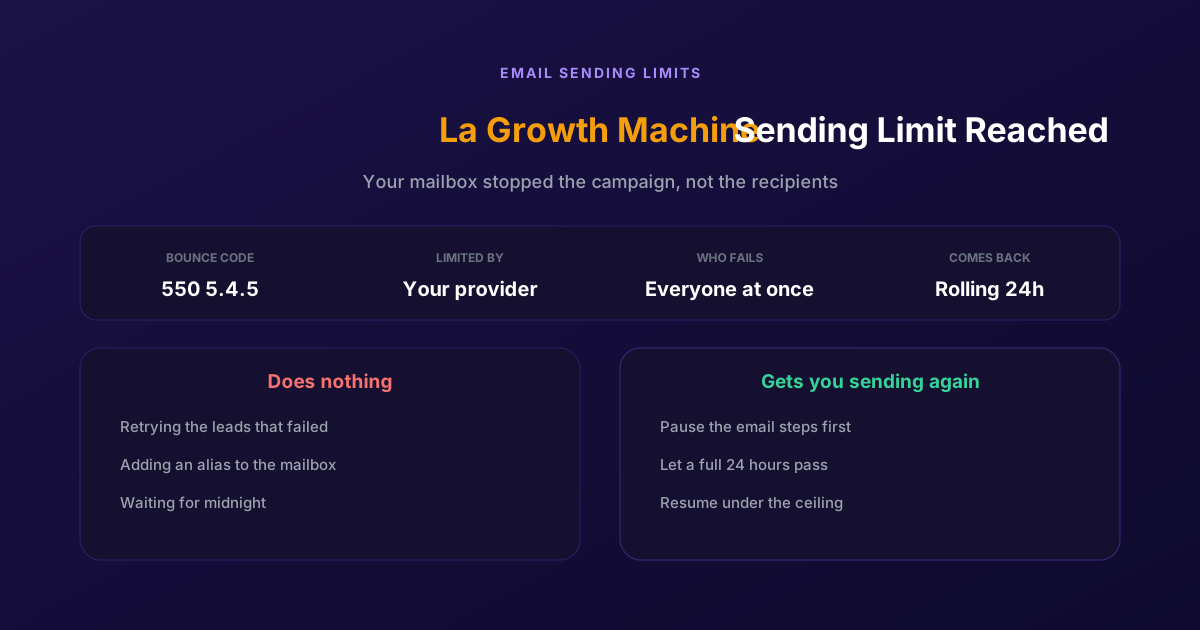
Fix "You Have Reached a Limit for Sending Mail" in La Growth Machine
The message belongs to your email provider, not to the tool. The mailbox has spent its daily allowance, every recipient fails at once, and capacity comes back on a rolling 24-hour window rather than at midnight.
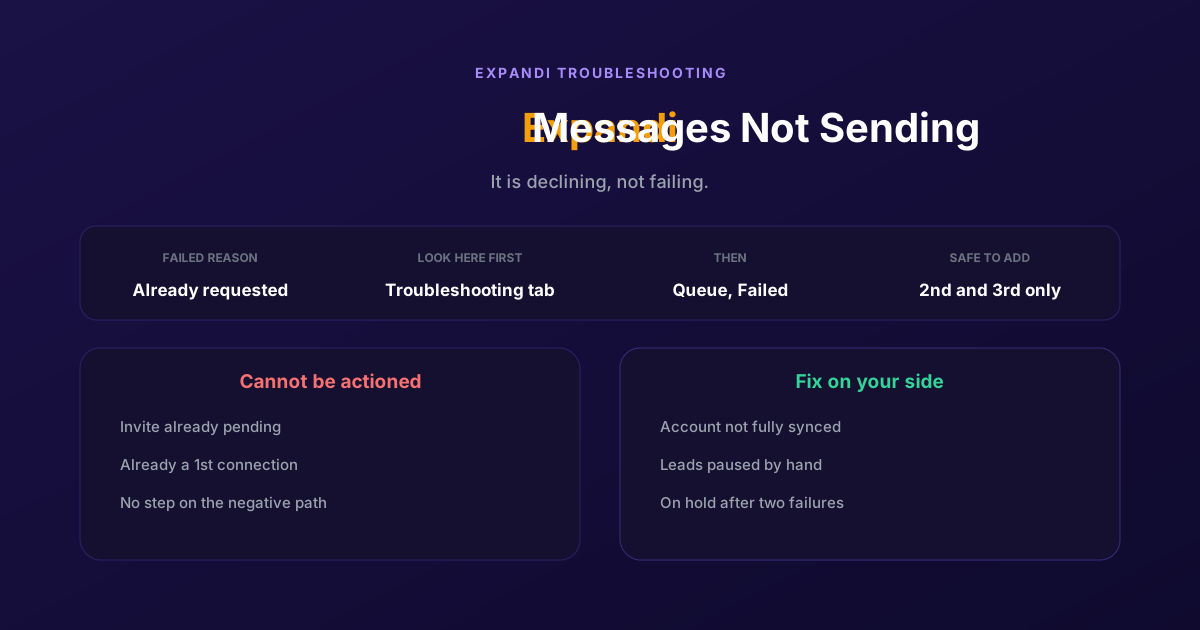
How to Fix Expandi Messages Not Sending (Pending Invites)
A connector campaign opens with a connection request, and a lead who already has one pending cannot receive a second. So the campaign has nothing it is allowed to do, and it says so in a tab most people never open.
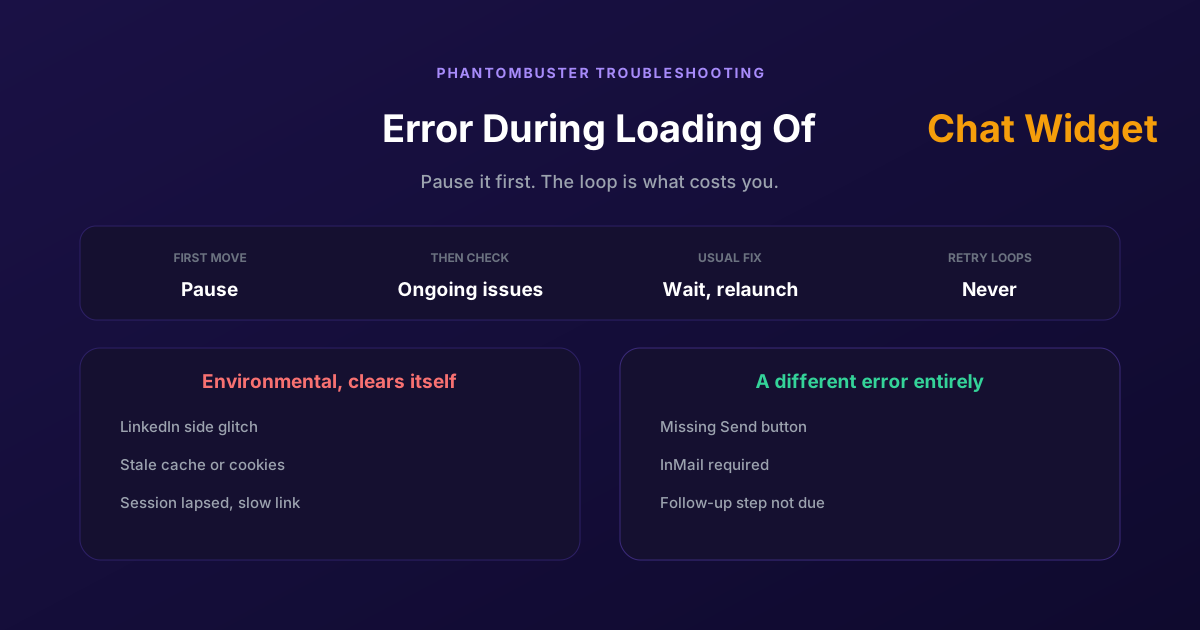
How to Fix Phantombuster "Error During Loading of Chat Widget"
Phantombuster documents this one, and the documented fix is mostly to wait. The expensive part is a Phantom left looping against it, burning execution time on attempts that cannot succeed.
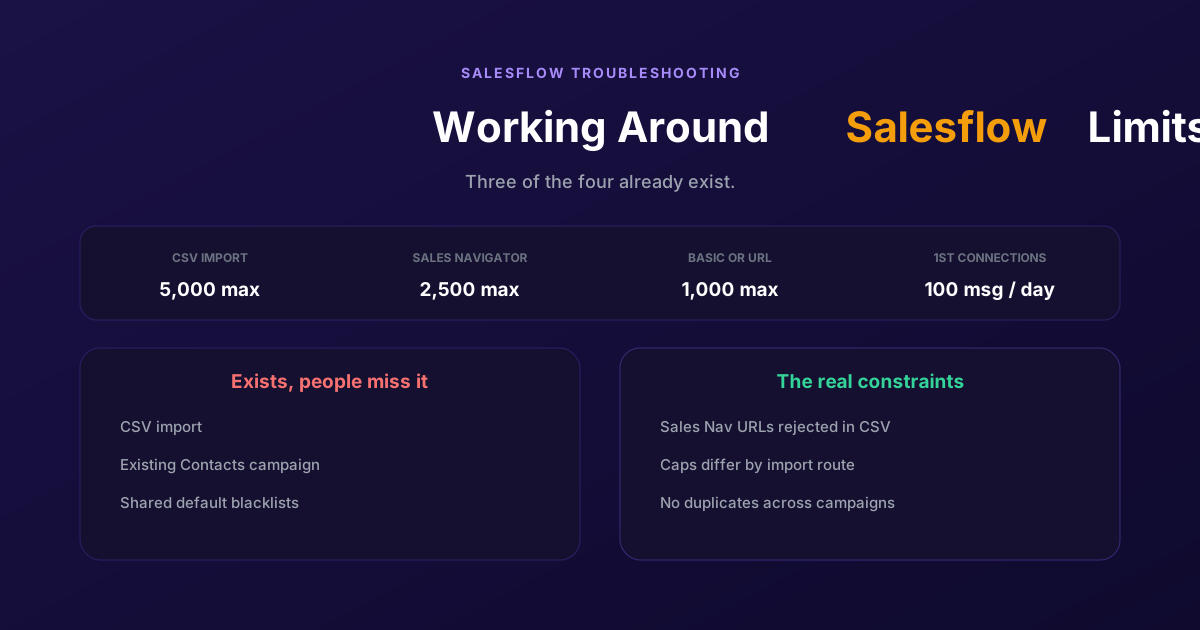
Working Around the Limitations on Salesflow (2026 Guide)
CSV import exists, so does a campaign type for contacts you already hold, and so do shared blacklists. The constraints that actually bite are narrower: rejected Sales Navigator URLs, per-route caps, and a deliberate block on duplicates.