Best LinkedIn Tools 2026: The Complete B2B Stack Guide
The definitive guide to LinkedIn tools in 2026. Automation, scraping, AI sales tools, and CRM integrations - compared and ranked. Build your ideal LinkedIn tech stack at any budget.
The average B2B sales team uses 4.7 different LinkedIn tools - and most of them overlap. One tool for scraping, another for automation, a third for enrichment, a fourth for analytics. The result? $300+/month in SaaS costs, broken integrations, and data scattered across dashboards.
This guide cuts through the noise. We tested and compared every major LinkedIn tool category in 2026 - automation, scraping, AI sales, CRM, and analytics - so you can build a stack that actually works without overspending.
average number of LinkedIn tools used by B2B sales teams
2026 SaaS spend survey
The market has shifted. All-in-one platforms now outperform fragmented stacks - lower cost, fewer integrations to maintain, and better data flow between scraping, enrichment, and outreach.
Whether you are a solo founder with $50/month or an agency managing 20 LinkedIn accounts, this guide maps out the exact tools, budget tiers, and evaluation criteria you need.
1. The LinkedIn Tool Stack in 2026
The LinkedIn tool ecosystem has matured dramatically since 2023. Back then, you needed separate tools for every task: PhantomBuster for scraping, Expandi or Dripify for automation, Clay or Dropcontact for enrichment, and HubSpot for CRM. In 2026, the best platforms consolidate these capabilities.
Understanding the five core tool categories helps you identify gaps in your current stack and avoid paying twice for overlapping features.
The 5 LinkedIn Tool Categories
Every LinkedIn tool on the market falls into one or more of these categories:
- Automation: Connection requests, follow-up messages, profile visits, and multi-step sequences. The foundation of any outbound workflow.
- Scraping & Data Extraction: Pulling profile data, company information, and email addresses from LinkedIn searches and Sales Navigator.
- AI Enrichment & Sales Intelligence: Using AI to score leads, generate personalized messages, and surface buying intent signals.
- CRM & Pipeline Management: Tracking conversations, managing deal stages, and syncing LinkedIn activity with your sales pipeline.
- Analytics & Reporting: Campaign performance tracking, reply rates, A/B test results, and ROI measurement.
Tool Category Comparison: 2023 vs 2026
Here is how the typical stack has evolved:
| Category | 2023 Stack | 2026 Stack | Monthly Cost Saved |
|---|---|---|---|
| Automation | Expandi ($99) or Dripify ($79) | ReactIn ($69, includes automation) | $10-30 |
| Scraping | PhantomBuster ($69) or Captain Data ($399) | ReactIn (included) or Evaboot ($29) | $40-370 |
| Enrichment | Clay ($149) + Dropcontact ($24) | ReactIn AI columns (included) | $100-170 |
| CRM Sync | Zapier ($49) + HubSpot (free) | Native integrations (HubSpot, Attio) | $0-49 |
| Total | $320-750/mo | $69-169/mo | $150-580 |
2. Automation Tools
LinkedIn automation is the engine of any outbound strategy. These tools handle connection requests, follow-up sequences, profile visits, and message personalization at scale.
The market has matured significantly. In 2026, the key differentiators are not basic automation features (everyone has those) but intent signals, safety architecture, and true cost per sender.
Top 6 Automation Tools Compared
Here is a quick comparison of the leading automation tools in 2026:
| Tool | Price/Sender/Mo | Best For | Key Differentiator |
|---|---|---|---|
| ReactIn | $69 | Teams & agencies | Intent signals + AI enrichment included |
| Expandi | $99 | Solo users | Smart sequences & A/B testing |
| Waalaxy | from EUR19 | Beginners | Simple UI, email + LinkedIn combo |
| HeyReach | $79 | Multi-account agencies | Sender rotation across accounts |
| Dripify | $79 | Sales teams | Built-in lead management CRM |
| Lemlist | $109 | Multichannel outreach | Email + LinkedIn + cold call sequences |
average reply rate for intent-based automation campaigns
ReactIn data, Q1 2026
For a deep dive into how these tools compare on features, pricing, and real campaign results, read our full automation tools ranking.
Running an agency with multiple client accounts? See our dedicated guide on the best automation tool for agencies, ranked by true cost at scale.
Learn how to put these tools to work in our Complete LinkedIn Automation Playbook.
3. Scraping & Data Extraction Tools
Before you can automate outreach, you need clean, enriched lead data. Scraping tools extract profiles from LinkedIn and Sales Navigator searches, then enrich them with emails, phone numbers, and company data.
The scraping landscape has changed significantly in 2026. LinkedIn has tightened its API restrictions, making browser-based scrapers riskier. Cloud-based extraction through official or semi-official channels is now the safer approach.
The Modern Scraping Workflow
Here is how a typical 2026 scraping workflow looks:
Define your search
Use Sales Navigator filters or Boolean search to find your target audience. The tighter your filters, the better your lead quality.
Extract profiles
Run the scrape using a cloud-based tool. ReactIn, PhantomBuster, or Evaboot can pull 100-2,500 profiles per search depending on your plan.
Enrich with contact data
Add verified email addresses, phone numbers, and company data. ReactIn does this automatically with AI columns; standalone tools like Dropcontact or Hunter.io work for manual enrichment.
Push to outreach
Load enriched leads directly into your automation campaigns. With an all-in-one platform, this step is automatic - no CSV exports or Zapier needed.
Key Scraping Tools in 2026
The top scraping tools each have a different sweet spot:
- ReactIn: Built-in scraping with automatic enrichment and direct-to-campaign flow. No separate tool needed. Included in the $69/mo plan.
- PhantomBuster: The Swiss army knife of scraping. Handles LinkedIn, Sales Navigator, and 100+ other platforms. Starting at $69/mo for 5 hours of execution time.
- Evaboot: Purpose-built for Sales Navigator exports with automatic data cleaning. Starting at $29/mo. Best for teams already using Sales Nav heavily.
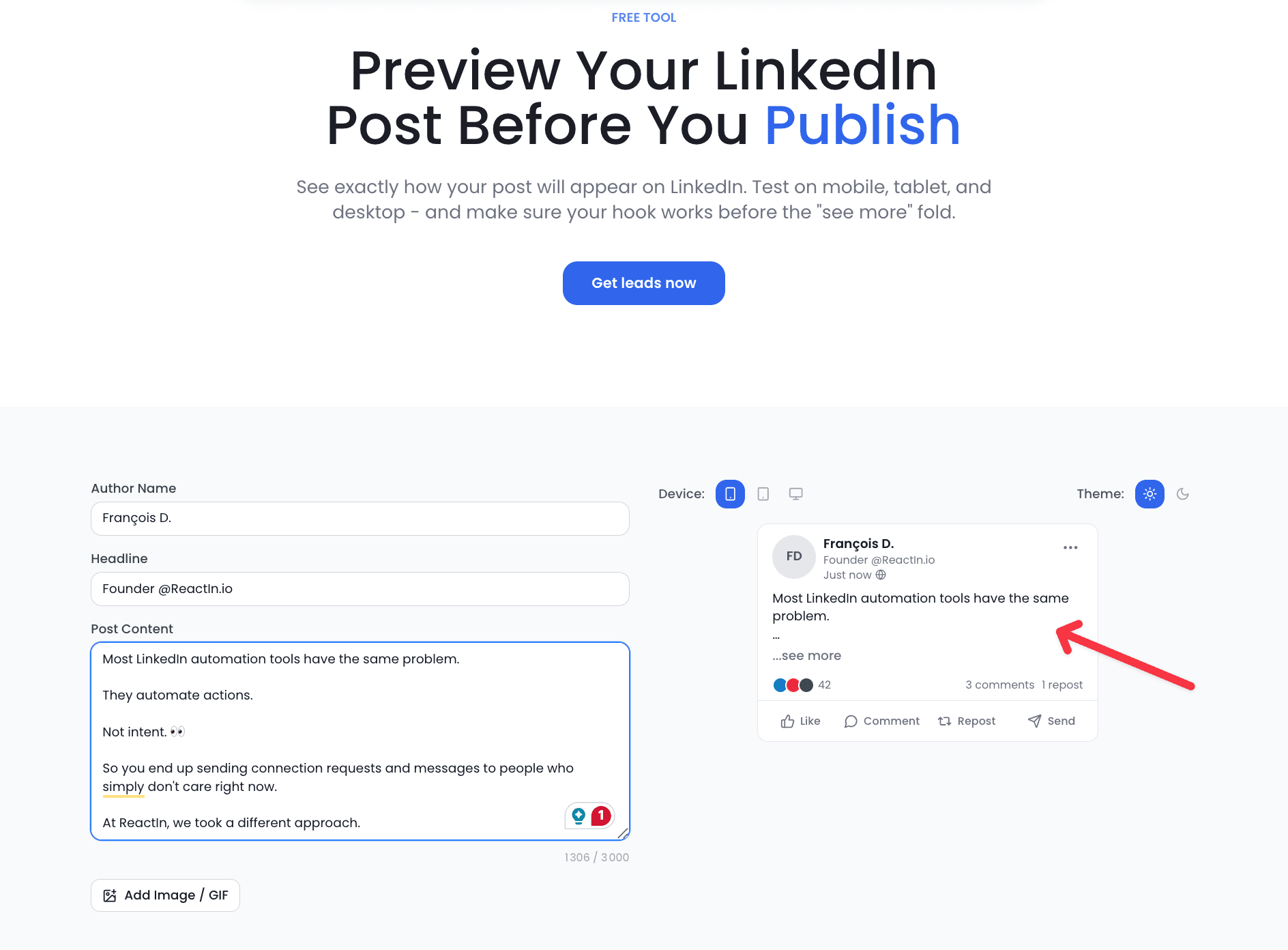
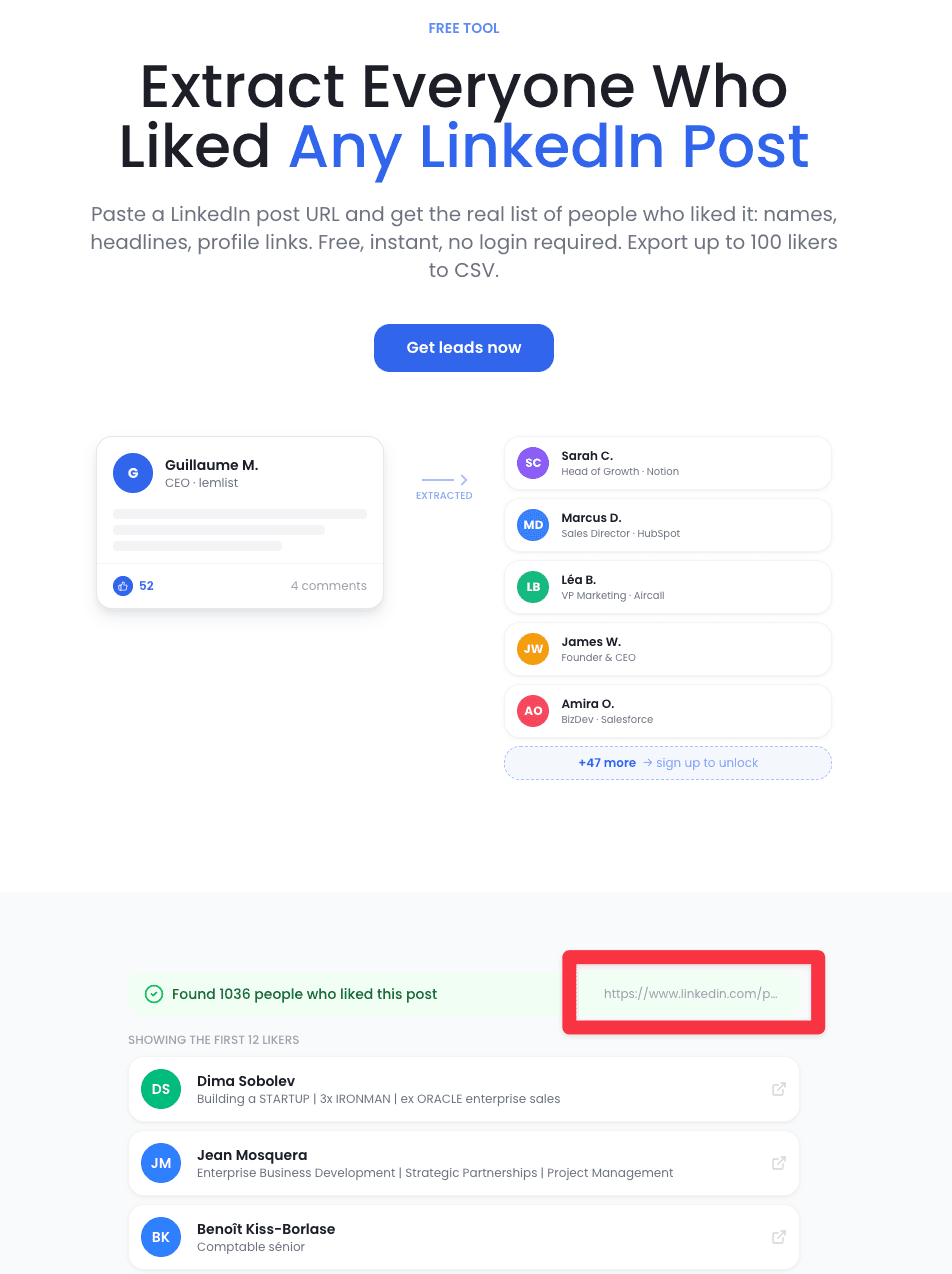
- ReactIn free scrapers: No budget yet? The free LinkedIn Follower Scraper and Likes Scraper pull leads from any profile or post with no login required - a zero-cost way to start before you invest in a paid stack.
For a full breakdown of every scraping tool with pricing, safety scores, and use cases, see our top LinkedIn scraping tools review.
4. AI-Powered Sales Tools
AI has transformed the LinkedIn sales stack from a nice-to-have to a competitive necessity. In 2026, the best AI sales tools do not just automate tasks - they make decisions that used to require senior sales judgment.
From lead scoring and ICP matching to personalized message generation and deal prediction, AI tools are the fastest-growing category in the LinkedIn ecosystem.
What AI Sales Tools Actually Do in 2026
Modern AI sales tools cover four critical capabilities:
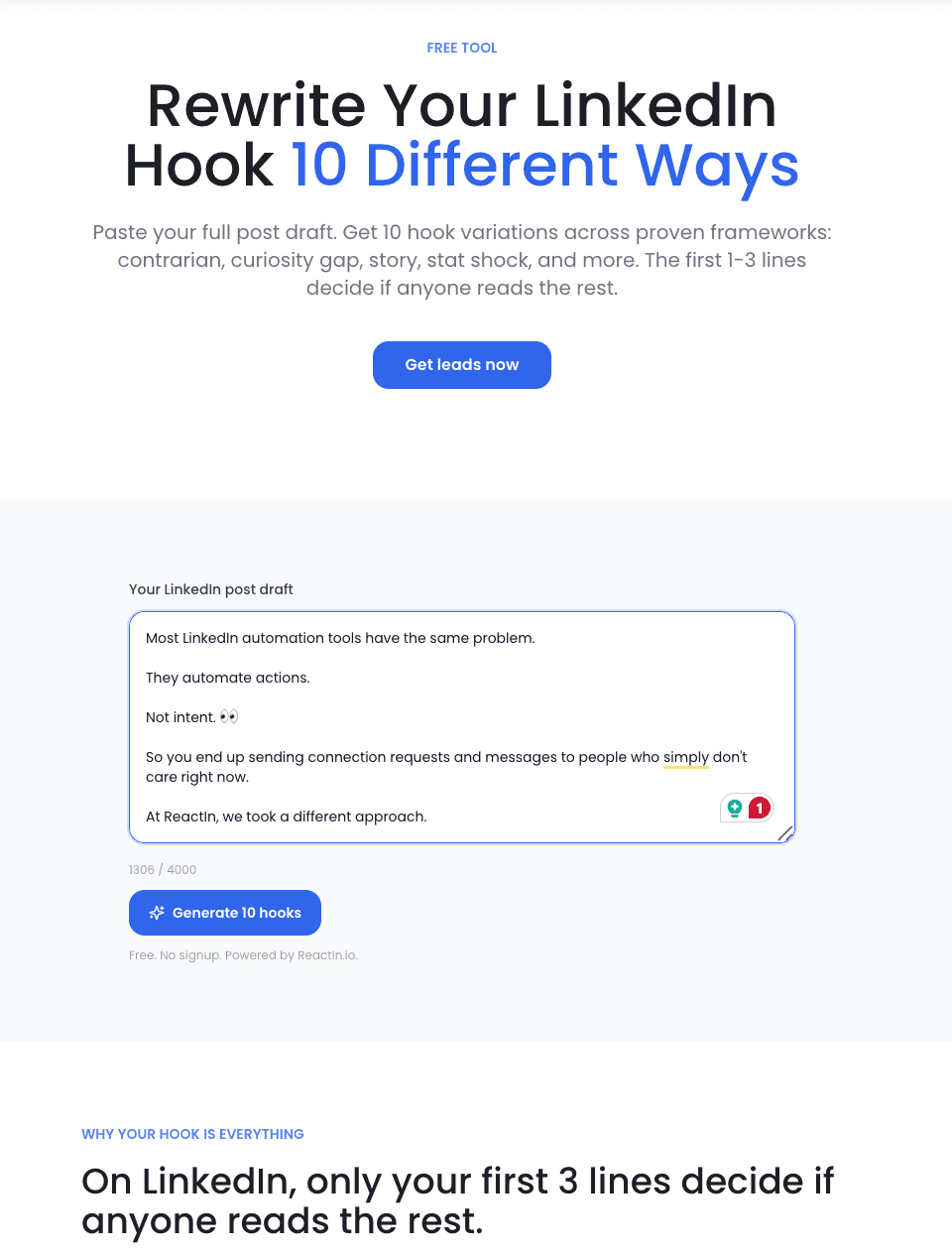
- Lead Scoring & ICP Matching: AI analyzes your best customers, identifies patterns, and scores new prospects on fit. ReactIn's Lookalike Leads feature does this in one click.
- Personalized Message Generation: AI writes connection request notes and follow-up messages based on the prospect's profile, recent activity, and company news. Not templates - genuinely personalized copy.
- Data Enrichment: AI columns in tools like ReactIn and Clay can research any prospect attribute you need: tech stack, recent funding, hiring signals, competitor usage.
- Intent Signal Detection: AI monitors LinkedIn activity (post engagement, profile views, job changes) to surface prospects who are actively in-market for your solution.
higher reply rates when using AI personalization vs. template-based outreach
ReactIn A/B test data, 2026
The AI Sales Tool Landscape
The market splits into two camps: standalone AI tools (Clay, Apollo) that focus on data and enrichment, and integrated platforms (ReactIn) that combine AI with automation and outreach. For most teams, the integrated approach delivers better results because there is no data transfer friction.
“The teams that win in 2026 are not the ones with the most tools. They are the ones whose tools talk to each other - where a signal detected at 9 AM becomes a personalized message by 9:05 AM.”
For detailed reviews of every AI sales tool with real campaign benchmarks, see our guide on the 7 best AI sales tools in 2026.
See how these tools fit into a real outreach workflow in our LinkedIn Outreach Playbook.
5. Building Your LinkedIn Tech Stack
The right stack depends on your team size, budget, and sales motion. A solo founder running 20 outreach sequences per week has very different needs from an agency managing 50 client accounts.
Here is how to build the right stack at three budget tiers, plus a step-by-step process for assembling your tools.
Stack Recommendations by Budget
Three proven configurations based on real team setups:
| Budget Tier | Tools | Best For | Expected Output |
|---|---|---|---|
| $50/mo (Starter) | ReactIn Basic ($29, signals and enrichment, no outreach) + LinkedIn Premium ($30) | Solo founders, freelancers | 50-100 connections/week, 10-15 meetings/month |
| $200/mo (Growth) | ReactIn Growth ($69) + Sales Navigator ($99) + Attio (free tier) | Small sales teams (2-5 reps) | 200-400 connections/week, 30-50 meetings/month |
| $500/mo (Scale) | ReactIn Growth ($69/sender x 5) + Sales Nav Team ($149) + HubSpot Pro | Agencies, large sales teams | 1,000+ connections/week, 100+ meetings/month |
4 Steps to Assemble Your Stack
Follow this process to avoid tool sprawl and wasted budget:
Audit your current tools
List every LinkedIn-related tool you pay for. Calculate the true monthly cost including per-seat charges, overage fees, and integration tools like Zapier. Most teams discover 30-40% of their spend is redundant.
Map your workflow gaps
Walk through your outbound process from lead identification to meeting booked. Where do you lose time? Where does data break between tools? These friction points are where you need consolidation, not more tools - and the fastest way to see what a single platform covers is to read through its list-building and scoring templates.
Pick one core platform
Choose a single platform that covers your three most important needs (typically automation + scraping + enrichment). Build outward from there, adding specialized tools only for capabilities the core platform cannot cover.
Test for 30 days before committing
Run your existing workflow and new stack in parallel for one month. Compare cost per meeting booked, time spent on manual tasks, and data quality. The numbers will make the decision obvious.
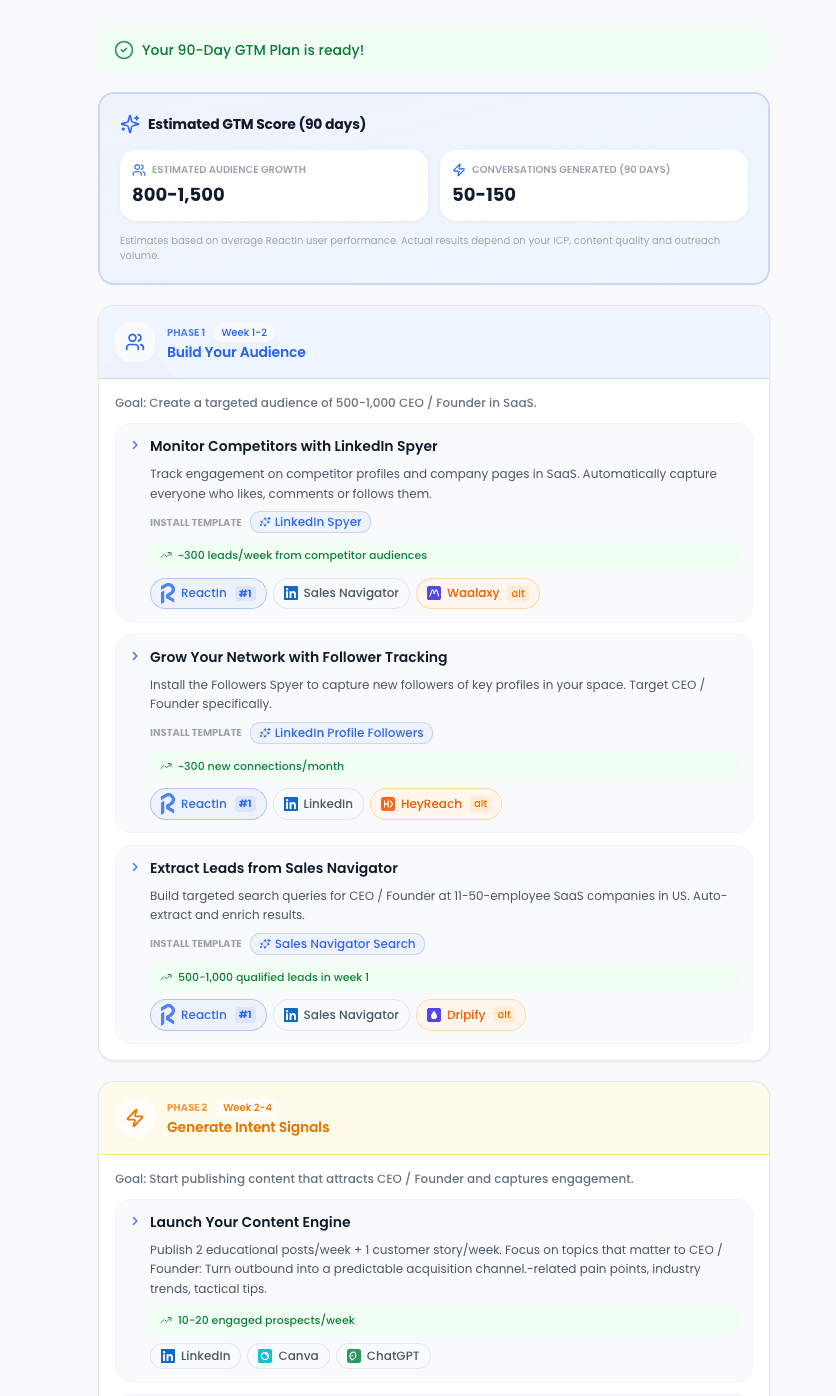
For a complete GTM stack blueprint with 12 tool recommendations across every category, see our B2B SaaS GTM Stack guide.
6. How to Evaluate & Choose
With dozens of LinkedIn tools competing for your budget, picking the right ones requires a structured approach. Feature lists are misleading - every tool claims to have 'AI-powered' everything.
Here is a practical framework for evaluating tools based on what actually matters for results.
The 7-Point Evaluation Checklist
Score each tool on these criteria before committing:
- Safety architecture: Cloud-based with dedicated IPs, not browser extensions. Adjustable daily limits per account and human-like activity patterns.
- True cost per sender: Include all add-ons, overage fees, and required companion tools. ReactIn at $69/sender/mo includes what costs $200+ with separate tools.
- Data flow: Can leads move from scraping to enrichment to outreach without manual exports? One-platform flow beats multi-tool integrations.
- Intent signal coverage: Does the tool detect buying signals (post engagement, profile views, job changes) or just blast cold lists?
- Personalization depth: Template variables ({{firstName}}) are table stakes. Look for AI-generated messages based on profile context and activity.
- Team features: Unified inbox, sender rotation, campaign ponderation, and role-based access matter for teams of 3+.
- Support responsiveness: Run a trial and submit a support ticket. Response time under 4 hours = good. Over 24 hours = red flag.
Red Flags to Watch For
Avoid tools that show these warning signs:
Security Considerations
Your LinkedIn account is a professional asset. Protect it:
- Never use tools that store your LinkedIn password in plain text. Cookie-based authentication is the standard.
- Verify the tool uses dedicated IP addresses, not shared datacenter IPs that LinkedIn has already flagged.
- Check the tool's data retention policy. Your lead data should be encrypted at rest and in transit.
- Ensure the tool is GDPR-compliant if you operate in Europe. This includes data export and deletion capabilities.
of LinkedIn account restrictions come from browser-based tools, not cloud platforms
For a detailed head-to-head breakdown, check our ReactIn Alternatives & Comparisons guide.
Looking for free options? Check out our free LinkedIn tools guide - 4 no-signup tools for post preview, likes scraping, hook generation, and GTM coaching.
The LinkedIn tool ecosystem in 2026 rewards simplicity. The teams booking the most meetings are not the ones with the most tools - they are the ones with the fewest integration points and the fastest signal-to-outreach loop.
Start with one core platform that covers automation, scraping, and enrichment. Add specialized tools only when you hit a specific capability gap. Your stack should get simpler over time, not more complex.
Frequently Asked Questions
Sources & Further Reading
- For a deeper understanding of the B2B sales tech landscape, LinkedIn's Sales Solutions blog regularly publishes insights on how top-performing teams leverage LinkedIn tools effectively.
- The HubSpot State of Sales Report provides benchmarks on how B2B sales teams are adopting AI, automation, and social selling tools - useful context for evaluating your own stack.
- For enterprise-level tool evaluation frameworks, Gartner's research on sales technology offers structured methodologies for choosing the right tools based on team size and sales motion.
Related Articles
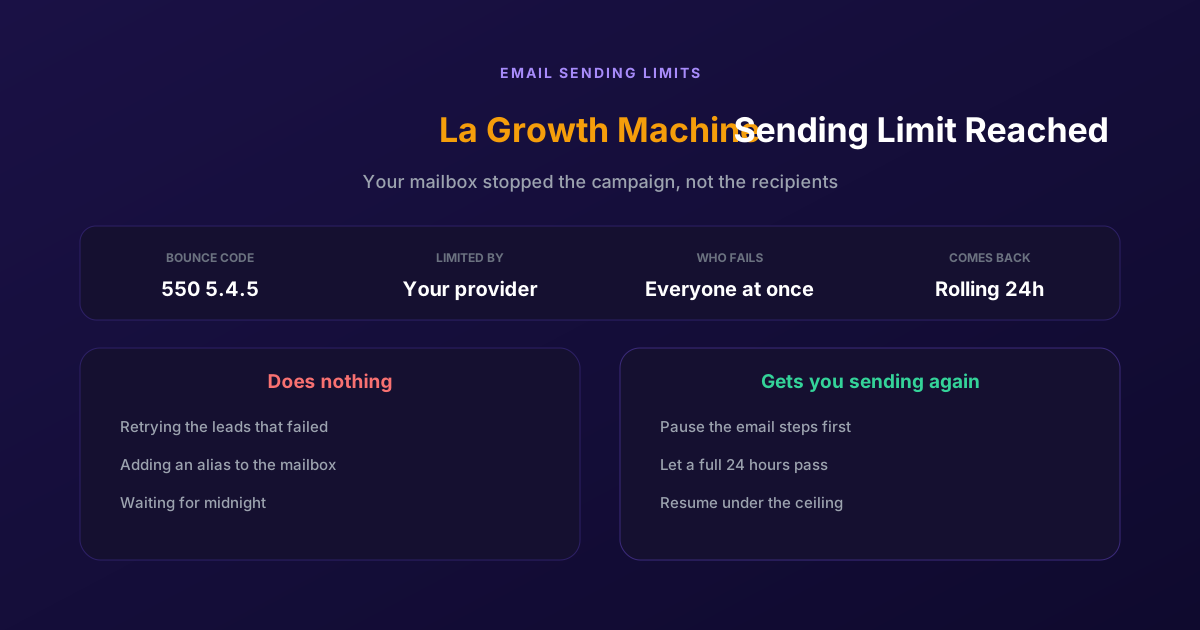
Fix "You Have Reached a Limit for Sending Mail" in La Growth Machine
The message belongs to your email provider, not to the tool. The mailbox has spent its daily allowance, every recipient fails at once, and capacity comes back on a rolling 24-hour window rather than at midnight.
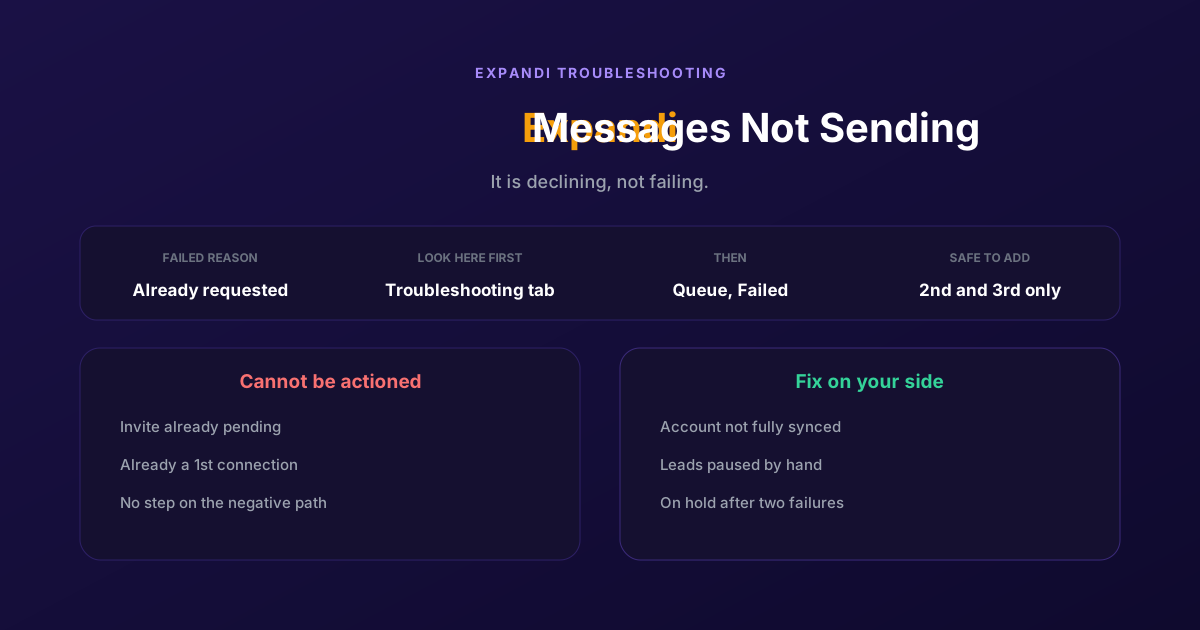
How to Fix Expandi Messages Not Sending (Pending Invites)
A connector campaign opens with a connection request, and a lead who already has one pending cannot receive a second. So the campaign has nothing it is allowed to do, and it says so in a tab most people never open.
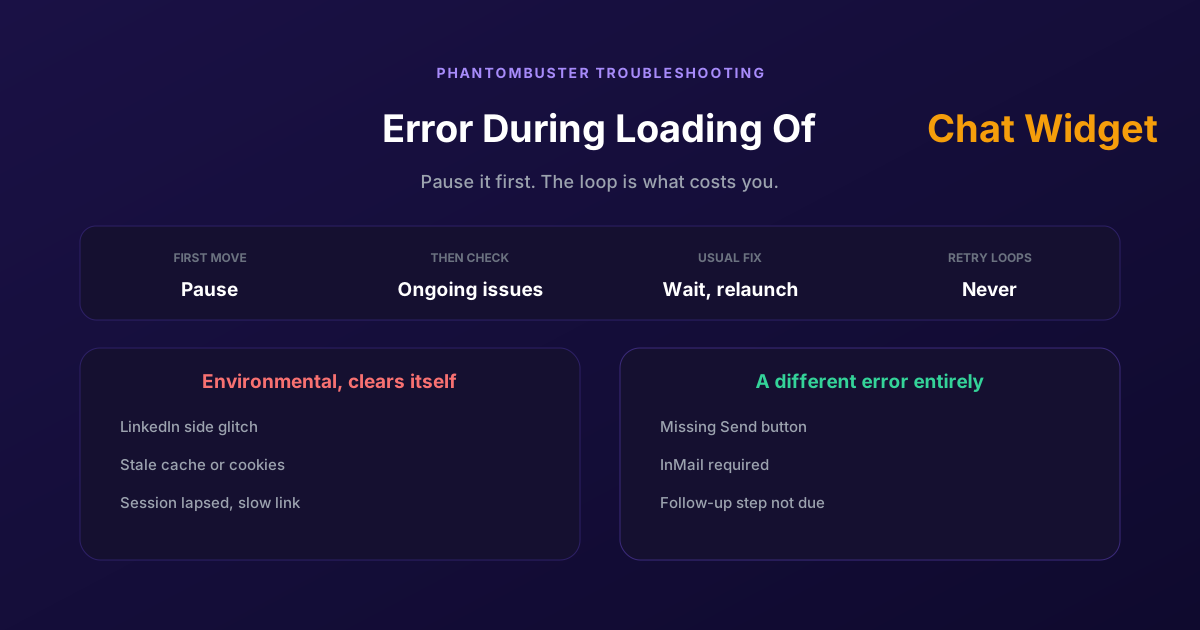
How to Fix Phantombuster "Error During Loading of Chat Widget"
Phantombuster documents this one, and the documented fix is mostly to wait. The expensive part is a Phantom left looping against it, burning execution time on attempts that cannot succeed.
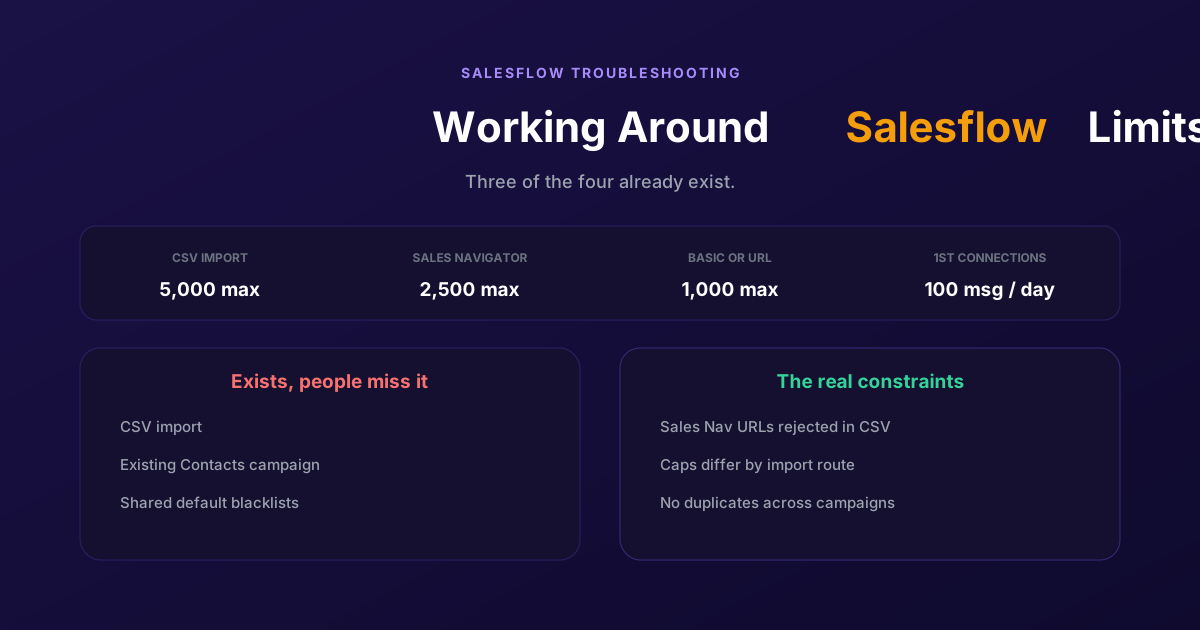
Working Around the Limitations on Salesflow (2026 Guide)
CSV import exists, so does a campaign type for contacts you already hold, and so do shared blacklists. The constraints that actually bite are narrower: rejected Sales Navigator URLs, per-route caps, and a deliberate block on duplicates.