Best LinkedIn Automation Tool for Agencies in 2026 (Ranked by Total Cost, Not Feature Lists)
The 7 best LinkedIn automation tools for agencies in 2026, ranked by true cost at scale. ReactIn replaces 3-4 tools ($69/mo vs $300+/mo stack) with intent signals, AI enrichment, and unified inbox. Full "True Cost for 10 Accounts" comparison included.
You're running outreach for 10 clients. That means 10 LinkedIn logins. 10 inboxes. 10 separate dashboards. You switch between accounts 30 times a day. You lose 2 hours just on login logistics. And you're paying $300+ per month per seat for 4 different tools that barely talk to each other.
One client gets their account restricted. Now your shared IP is flagged. Three more accounts get throttled within days.
Sound familiar? This is the reality for most lead gen agencies in 2026.
I tested 10 LinkedIn automation tools specifically for agency use. Not solo founders. Not small teams. Agencies managing 10-50 LinkedIn accounts simultaneously. Here are the 7 best linkedin automation tools for agencies that actually work.
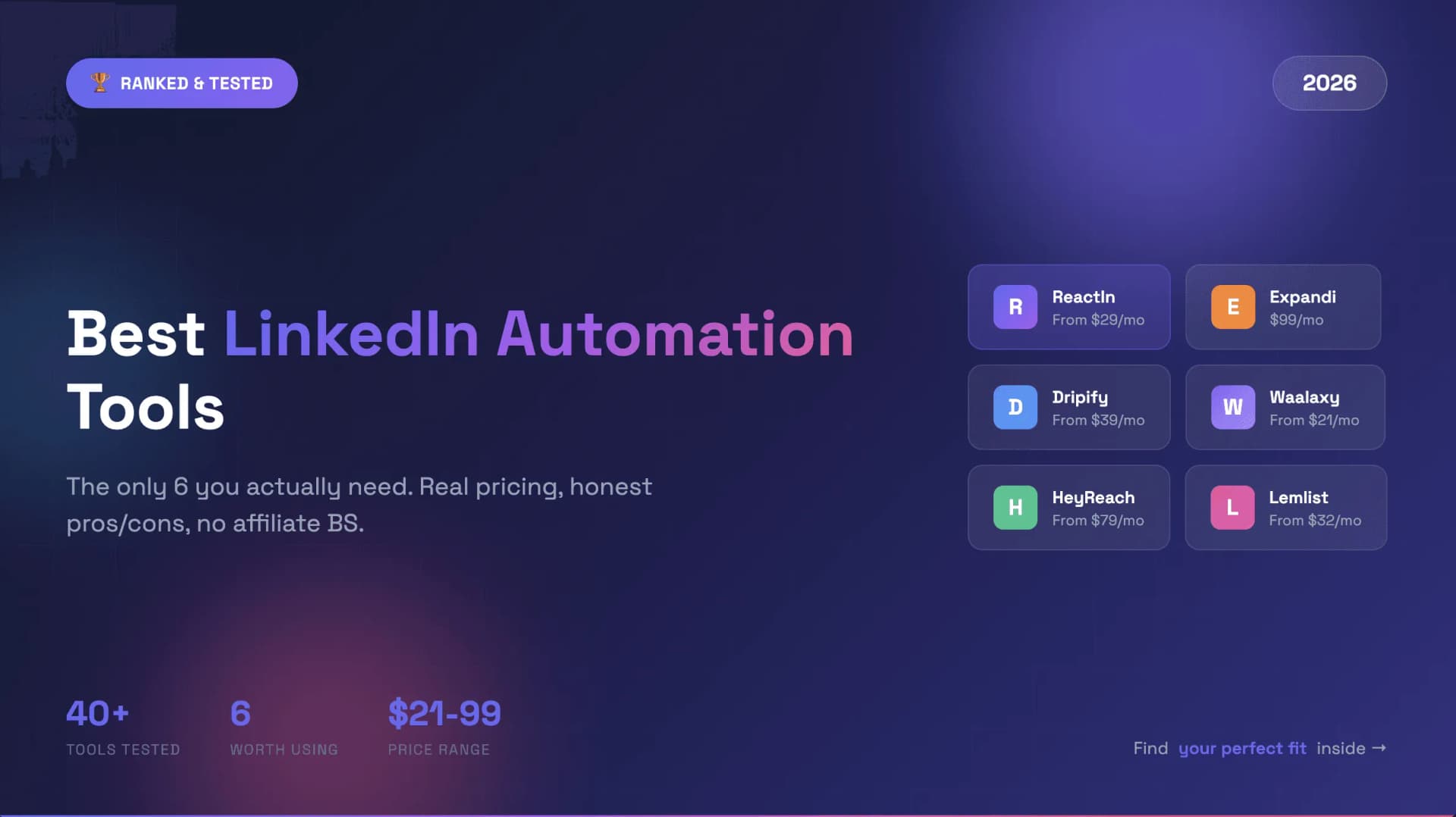
TL;DR: Best LinkedIn Automation Tools for Agencies 2026
Short on time? Here's the quick comparison. Scroll down for full reviews.
| Tool | Best For | Price | Key Strength | True Cost (10 accts) |
|---|---|---|---|---|
| ReactIn | Replacing your tool stack | $69/mo | Intent signals + enrichment + inbox in one | $999/mo |
| HeyReach | Scale (20+ accounts) | $999/mo (Agency) | Multi-sender rotation, white-label | ~$1,174/mo |
| Expandi | Account safety | $99/seat | Dedicated country-based IP per account | ~$1,165/mo |
| Skylead | LinkedIn + email combo | $100/seat | All features, one price, no surprises | ~$1,175/mo |
| Dripify | Small agencies (<5 accts) | $59/seat | Clean UI, easy onboarding | ~$1,195/mo |
| Zopto | White-label at scale | $80/seat (51+) | Full rebrand, volume discounts | ~$1,675/mo |
| Waalaxy | Solo consultants | From €19/user/mo | Simple setup, 14-day free trial | N/A |
"True Cost" includes enrichment tools, intent signal tools, and inbox management you'll need alongside each platform.
ReactIn Product Snapshot
Before the reviews: here's what ReactIn does, since it's our product and transparency matters.
ReactIn is an intent-based outbound platform for B2B teams. It detects buying signals across LinkedIn, enriches leads with AI, and triggers personalized campaigns automatically.
What's included in one platform
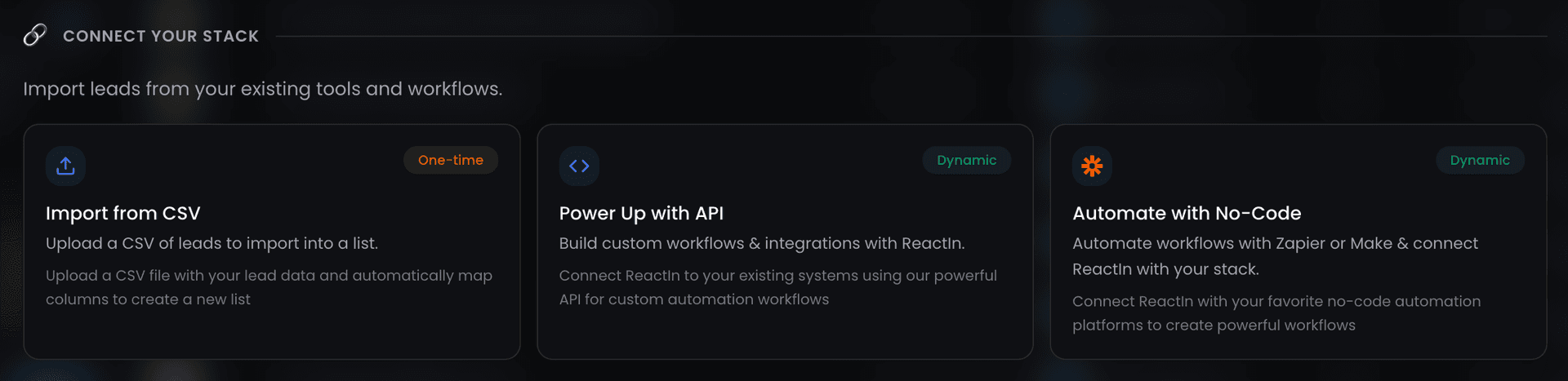
- 20+ intent signal triggers (post engagers, profile visitors, job changers, competitor watchers, webinar attendees)
- AI auto-enrichment (company data, job titles, contact info, no per-credit pricing)
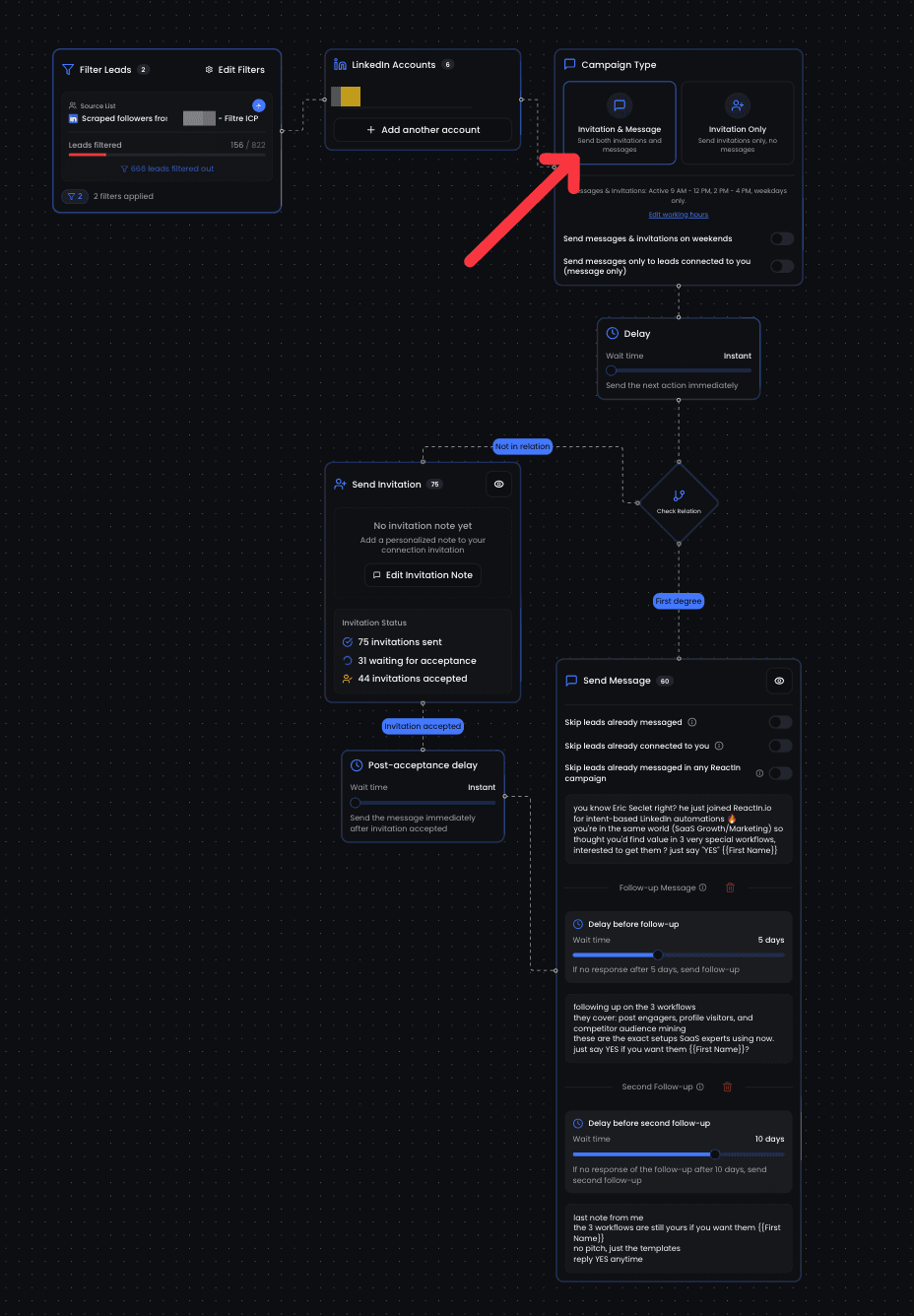
- Visual campaign builder with conditional logic
- Multi-sender support (up to 8 LinkedIn accounts per org)
- Unified inbox across all accounts
- Webhook events and API access
Pricing
| Plan | Price | What You Get |
|---|---|---|
| Basic | $29/mo | Signals and enrichment, no outreach |
| Growth | $69/mo | Invitations, messages, follow-ups, sender rotation, lead management |
| Agency | $999/mo | Up to 50 senders (~$20/sender) |
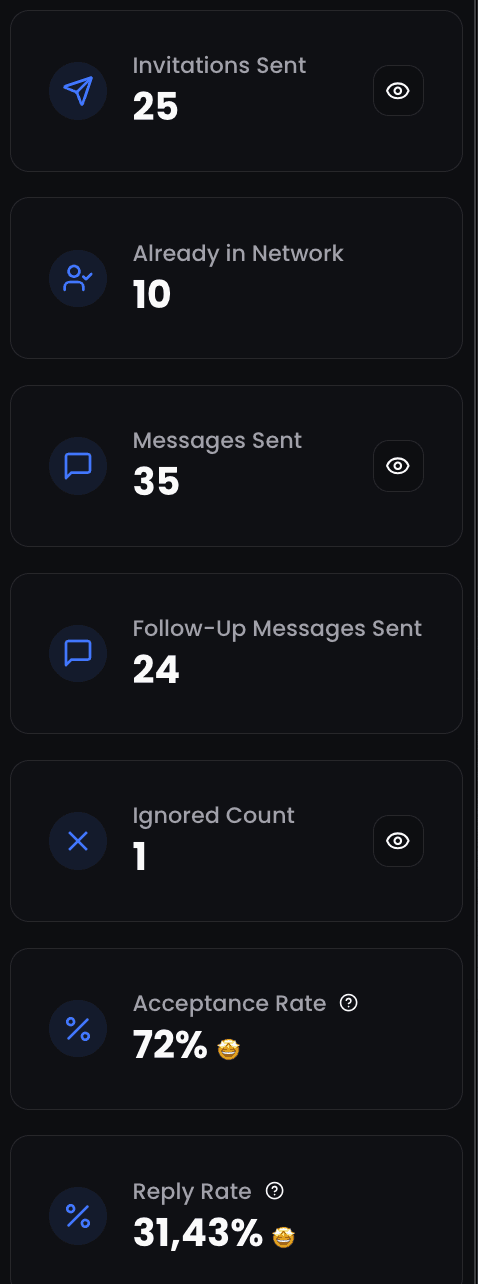
Results: 27% average reply rate across 5,000+ campaigns. Top campaigns hit 40-60%.
What we don't do (yet): native email channel, white-label on Growth plan.
Now, the comparison.
How I Evaluated These Tools
Most comparison articles rank tools on the same grid: pricing, safety, features. That grid misses what kills agency profitability. Here are the six criteria that actually matter:
- Intent signal coverage: Can it identify buying signals and trigger campaigns automatically? Or are you manually building static lists every week?
- Native enrichment: Does the tool enrich leads itself? Or do you need Clay or Dropcontact as a separate $100/mo subscription?
- Multi-sender management: How many LinkedIn accounts can you run? How painful is the setup? Does one restricted account contaminate the others?
- Unified inbox: Can your team manage replies across all client accounts from one screen? Or are you logging into 10 LinkedIn tabs?
- Stack replacement value: How many separate tools does this one eliminate?
- True cost at scale: What does it actually cost to run 10 client accounts, including every add-on you'll need?
#1 ReactIn: Best for Replacing Your Entire Tool Stack
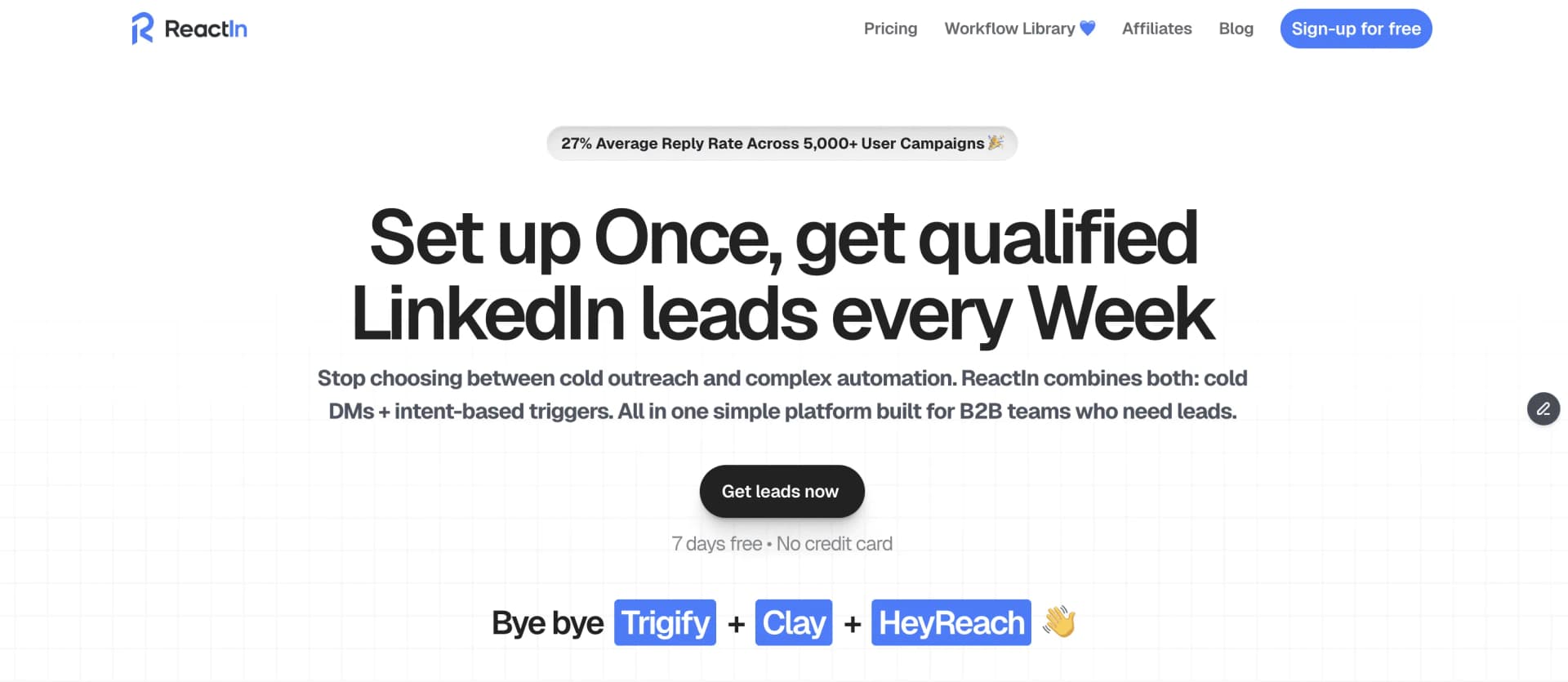
Most LinkedIn tools ask: "Who do you want to target?" ReactIn asks a different question: "Who is already interested?"
That shift changes everything. Instead of blasting cold messages to strangers, you're reaching people who already showed intent. They visited a profile. Liked a competitor's post. Changed jobs. Filled out a form.
Why Agencies Switch to ReactIn
The math is simple. Here's what a typical agency tool stack costs vs. ReactIn:
| What you're replacing | Current cost | With ReactIn |
|---|---|---|
| LinkedIn automation (HeyReach/Expandi) | $79-99/mo per seat | Included |
| Intent signals (e.g. Bombora) | $50-100/mo | Included |
| Data enrichment (Clay, Dropcontact) | $50-150/mo | Included |
| Inbox management | $30-50/mo | Included |
| Total per seat | $209-399/mo | $69/mo |
What Makes It Work for Agencies
- 20+ intent signal triggers. Post engagers, profile visitors, competitor watchers, job changers, webinar attendees: each one ships as a ready-made template you clone per client. Your lists build themselves.
- AI auto-enrichment. Leads arrive pre-enriched. No separate tool. No per-credit billing that eats your margin on high-volume campaigns.
- Multi-sender (up to 8 accounts). Distribute outreach automatically with managed daily limits.
- Unified inbox. Every reply from every client account. One screen. Your team assigns conversations, tags leads, tracks status.
- Visual campaign builder. Conditional logic: connect, if accepted, message, if replied, tag. Build once, clone for every client.
Adding a new client sender? Warm up each new LinkedIn account before it joins the rotation.
Pricing
| Plan | Price | What You Get |
|---|---|---|
| Basic | $29/mo | Signal capture, SmartLists, enrichment, AI ICP segmentation, no outreach |
| Growth | $69/mo | + invitations, messages, follow-ups, sender rotation, lead management |
| Agency | $999/mo | Up to 50 senders (~$20/sender) |
Pros:
- Highest reply rates tested (27% average, top campaigns 40-60%)
- Dynamic SmartLists update automatically. No manual list building.
- Replaces 3-4 tools in your stack immediately
- Best agency pricing at ~$20/sender
Cons:
- LinkedIn only. No native email channel.
- Newer platform with a smaller community than HeyReach or Expandi
- Requires active content strategy or competitor presence to generate signals
Best for: Agencies that want to stop paying $300+/month per seat for a stack of tools that don't talk to each other. Especially strong if your clients care about reply rates over volume.
#2 HeyReach: Best for Large Agencies (20+ Accounts)
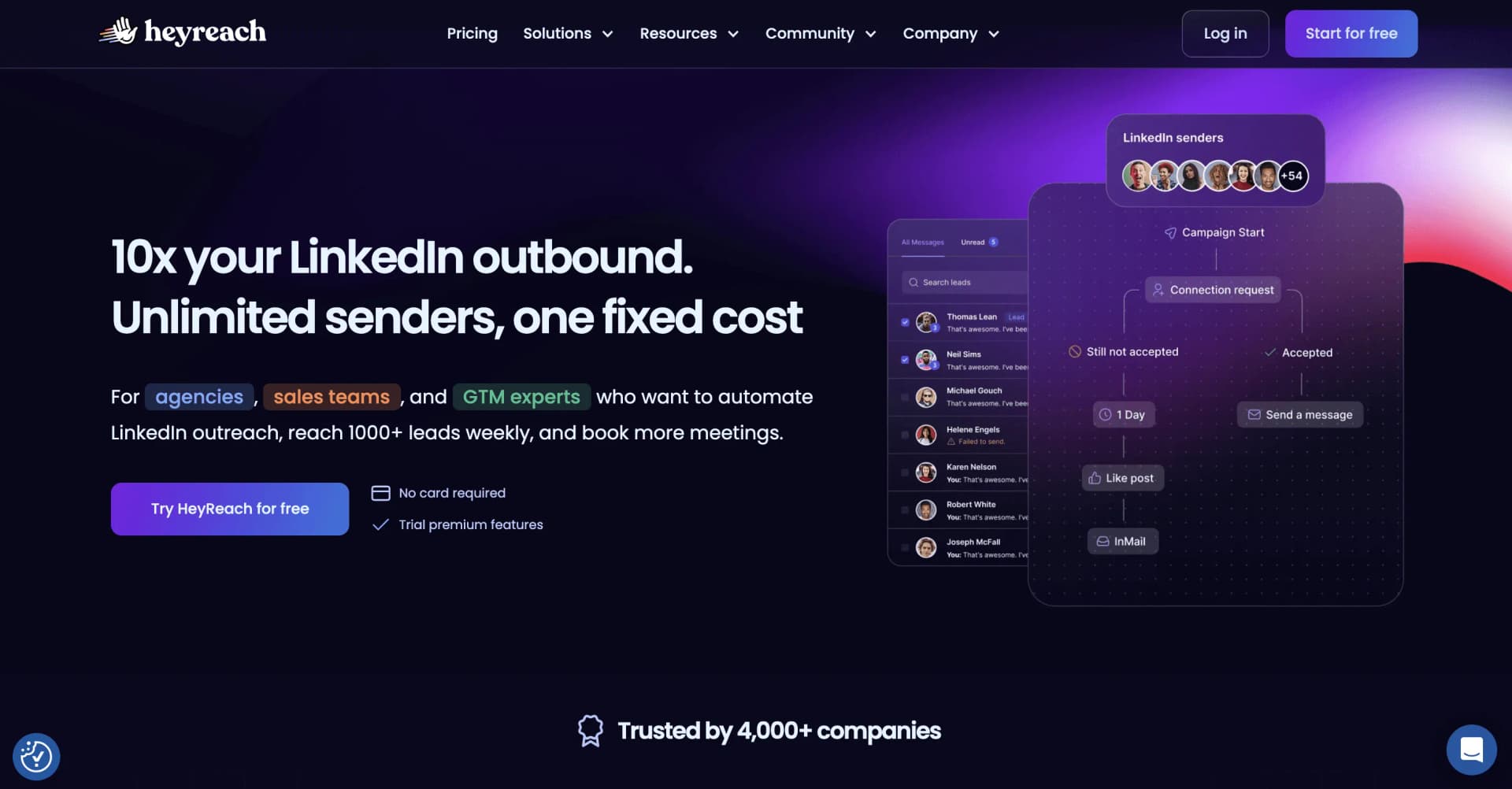
HeyReach built its entire product around agencies. If you manage 20+ client LinkedIn accounts and your primary need is sender rotation at scale, it's proven.
What HeyReach Does Well
- Multi-sender rotation across campaigns with automatic deduplication
- Unified inbox across all accounts
- White-label branding on Agency and Unlimited plans
- Unlimited team members. No per-VA charges.
What You'll Still Need Alongside It
- Intent signal tool ($50-100/mo). HeyReach has no buying signal detection.
- Data enrichment tool ($50-150/mo) past the bundled credits. HeyReach includes 100 per sender on Growth, 1,000 on Agency, but no AI enrichment columns.
- Sales Navigator ($99/seat). Required for advanced filtering.
Pricing
| Plan | Price | What You Get |
|---|---|---|
| Growth | $79/mo | 1 sender, sender count set by a selector |
| Agency | $999/mo | 25 senders, whitelabel, done-for-you onboarding |
| Unlimited | $2,999/mo | Unlimited senders, multi-brand whitelabels |
Pros:
- Best multi-sender rotation for high-volume agencies
- Flat pricing model rewards scale (not per-seat)
- White-label included on Agency+
- Strong GTM integrations (HubSpot, Salesforce, Pipedrive)
Cons:
- HubSpot integration reported as glitchy. Some agencies lost weeks of campaign data to sync errors.
- Page loads take 3-5 seconds. Inbox freezes at high conversation volumes.
- No AI features. No intent signals. No enrichment.
- 25% price increase since 2024.
True cost for 10 accounts: ~$999/mo (Agency) + ~$100/mo enrichment + ~$75/mo intent = ~$1,174/month
Best for: Established agencies already at scale (20+ accounts) who prioritize white-label and sender rotation over targeting quality.
#3 Expandi: Best for Account Safety
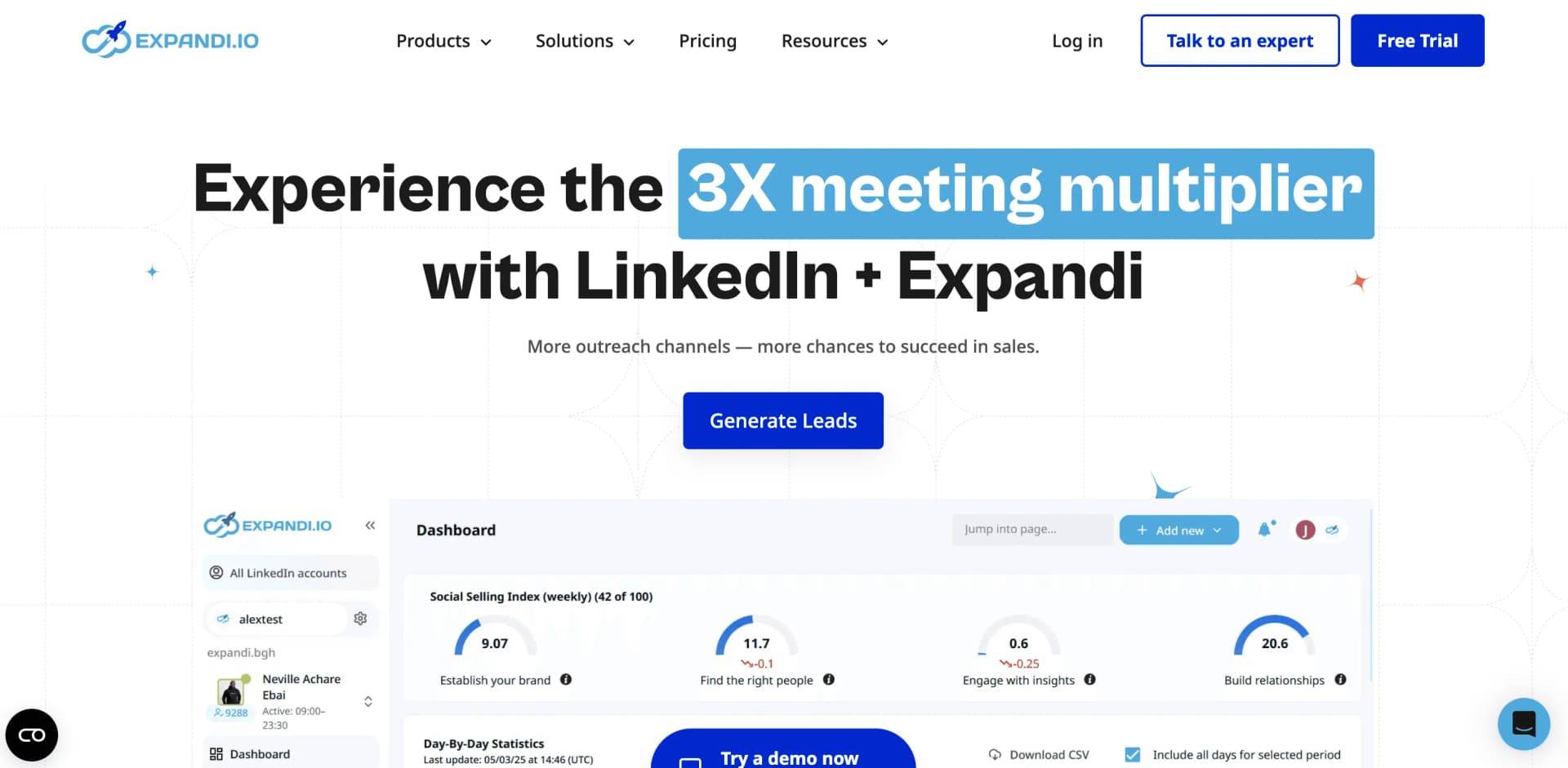
LinkedIn restricted over 1 million accounts in 2025. Expandi's dedicated country-based IP per account is its core pitch.
What Expandi Does Well
- Dedicated country-based IP per account. Strongest safety claim in the market.
- Smart if/then sequence builder
- Multichannel: LinkedIn + email follow-ups
- Smart warmup that gradually increases daily activity limits
What You'll Still Need Alongside It
- A wider signal tool. Expandi's Signals cover profile visitors, company page visitors and post engagers only.
- Data enrichment tool. No native enrichment.
- Personalized images require Hyperise ($69/mo extra).
Pricing
| Plan | Price | What You Get |
|---|---|---|
| Monthly | $99/seat | All features, dedicated IP, cloud-based |
| Annual | $79/seat | Same features, 20% discount |
| Agency | Custom | Multi-account dashboard, role permissions |
Pros:
- Most established safety features (dedicated IP, smart warmup, human-like delays)
- All LinkedIn actions included in one plan
- A/B testing built in
- Responsive support
Cons:
- Per-seat pricing gets expensive fast. 10 accounts = $990/month.
- Multi-account workspace described as "buggy" by users.
- Signals limited to 3 types. No enrichment.
- Some billing issues reported.
True cost for 10 accounts: $990/mo + ~$100/mo enrichment + ~$75/mo intent = ~$1,165/month
Best for: Agencies managing high-value client accounts (executives, thought leaders) where a LinkedIn ban would be catastrophic. The dedicated IP justifies the premium.
#4 Skylead: Best LinkedIn + Email Combo
Skylead takes the "one price, everything included" approach. $100/seat gets LinkedIn automation, unlimited email accounts, email warm-up, and built-in email discovery.
What Skylead Does Well
- Smart sequences with if/else conditional logic (LinkedIn + email + InMail)
- Unlimited email accounts, up to 100,000 emails/month included
- Built-in email discovery and verification. No extra cost.
- Multi-account dashboard with client management
Pricing
| Plan | Price | What You Get |
|---|---|---|
| All-in-One | $100/seat | Every feature. No tiers. No upsells. |
Pros:
- Transparent pricing. Everything included at $100/seat.
- True multichannel: LinkedIn + email + InMail in one sequence
- Built-in email discovery saves a separate subscription
- Dedicated IP per account
Cons:
- $100/seat with no budget option. No room for smaller agencies.
- Steep learning curve for beginners.
- No intent signal detection. No auto-enrichment.
True cost for 10 accounts: $999/mo + ~$100/mo enrichment + ~$75/mo intent = ~$1,175/month
Best for: Agencies running true multichannel campaigns (LinkedIn + email) who want one predictable price with no hidden add-ons.
#5 Dripify: Best for Small Agencies (<5 Accounts)
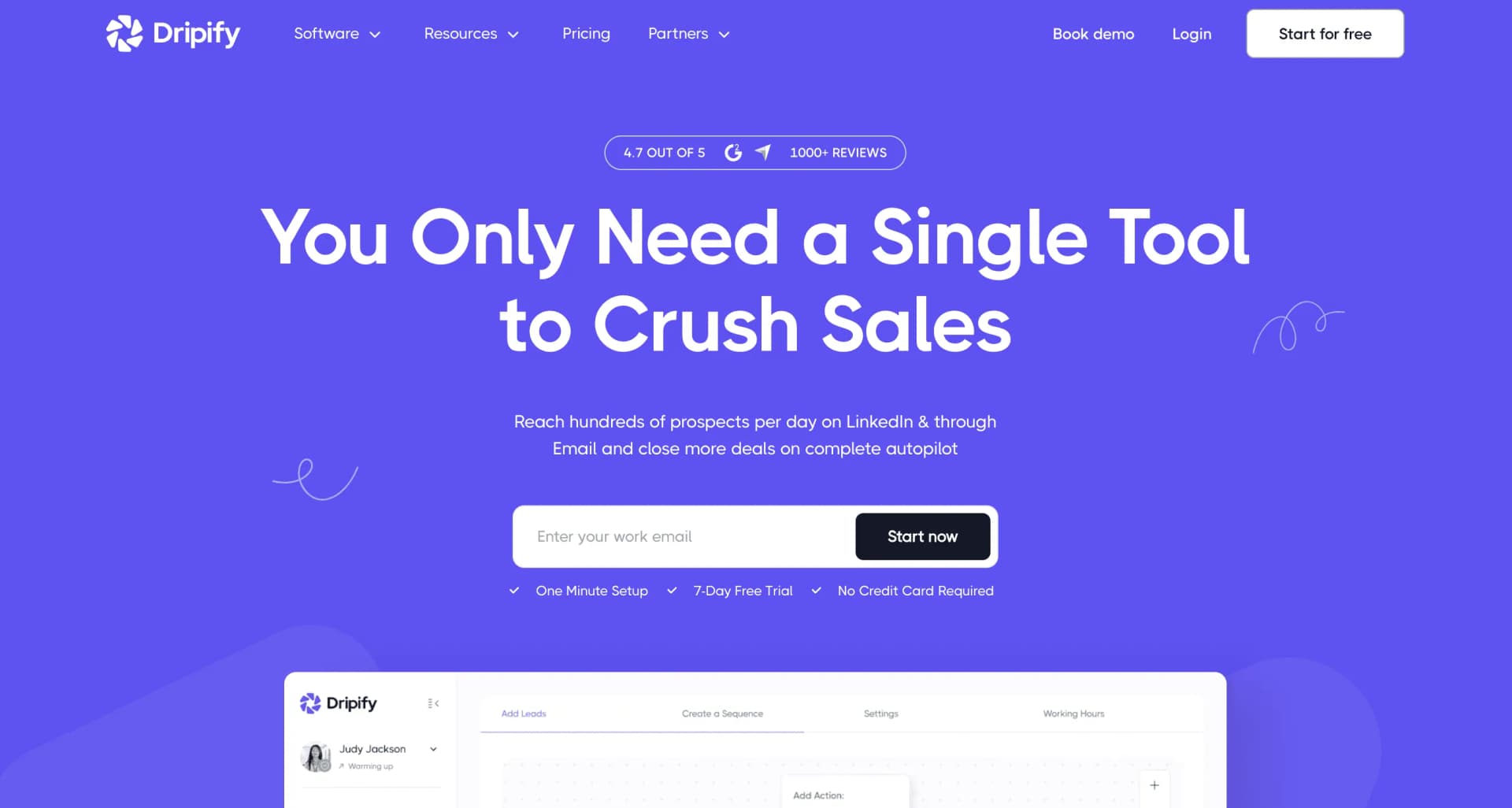
Dripify has the most intuitive campaign builder in the market. If your team isn't technical and you manage fewer than 5 client accounts, it's the easiest entry point.
What Dripify Does Well
- Drag-and-drop visual campaign builder
- A/B testing on messages (Pro+)
- Team management dashboard (Advanced plan)
- Smart inbox with shared conversation history
Pricing
| Plan | Monthly | Annual |
|---|---|---|
| Basic | $59/mo | $39/mo |
| Pro | $79/mo | $59/mo |
| Advanced | $99/mo | $79/mo |
Pros:
- Best value for money at the low end
- Clean, intuitive UI. Easy to learn.
- Good campaign analytics
- Responsive support
Cons:
- Per-user pricing scales poorly. 10 accounts on Advanced = $990/month.
- No true multi-client workspace.
- LinkedIn only. No email integration.
- No intent signals. No enrichment.
True cost for 10 accounts: $990/mo + ~$100/mo enrichment + ~$75/mo intent + ~$30/mo inbox = ~$1,195/month
Best for: Small agencies (3-5 client accounts) who prioritize ease of use over advanced targeting.
#6 Zopto: Best for White-Label at Scale
Zopto is expensive per seat. But if you're running 50+ accounts and need full white-label branding, volume discounts bring the per-seat cost to $80/month.
What Zopto Does Well
- AI-powered message writing
- Multichannel: LinkedIn + email + X (Twitter)
- Full white-label reporting
- Volume discounts down to $80/seat at 51+ users
Pricing
| Plan | Price | Notes |
|---|---|---|
| Basic | $197/seat/mo | LinkedIn only |
| Pro | $297/seat/mo | + email + X |
| Agency | From $80/seat | 51+ users, + $997 one-time white-label fee |
Pros:
- Full white-label capabilities
- Volume discounts make it competitive at 51+ accounts
- AI message writing
- Multichannel (LinkedIn + email + X)
Cons:
- Highest entry price in the market ($197/seat minimum).
- Requires LinkedIn Premium or Sales Navigator.
- $997 one-time white-label setup fee.
- No native enrichment. No intent signals.
True cost for 10 accounts: ~$1,500/mo + ~$100/mo enrichment + ~$75/mo intent = ~$1,675/month (plus $997 one-time)
Best for: Large established agencies (50+ accounts) who need full white-label and can absorb the high upfront costs.
#7 Waalaxy: Best Low-Cost Starting Point
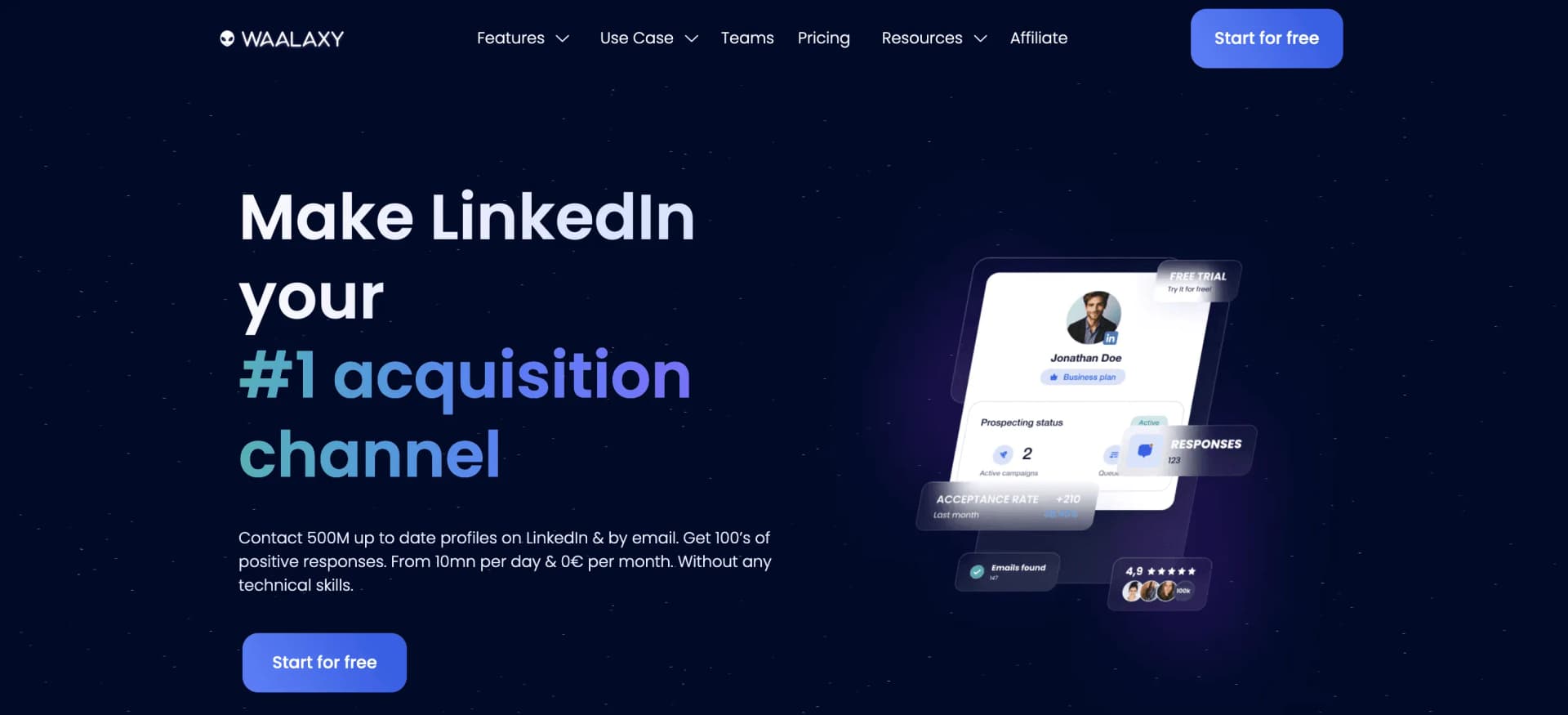
Waalaxy isn't an agency tool. We include it because many freelancers start here before scaling up. It's the cheapest way to test LinkedIn outreach.
What Waalaxy Does Well
- 14-day free trial on every plan
- 99+ pre-built sequence templates
- Email outreach on Business plan
- Simplest learning curve of any tool on this list
Pricing
| Plan | Price (yearly billing) | Invites/month |
|---|---|---|
| Free trial | €0 for 14 days | Any plan |
| Pro | €19/user/mo | 300 |
| Advanced | €49/user/mo | 800 |
| Business | €69/user/mo | 800, plus email |
Pros:
- 14-day free trial to test the waters
- Easiest learning curve
- LinkedIn + email in one tool (Business plan)
- 99+ templates to start fast
Cons:
- Pro caps invitations at 300 a month.
- No multi-account management. No white-label. No agency features.
- Inbox is a paid add-on on top of your plan.
- No intent signals. No enrichment.
Best for: Solo consultants testing LinkedIn outreach before committing to an agency-grade tool. Graduate to a Tier 1 tool once you have 3+ clients.
The Real Comparison: True Cost for 10 Client Accounts
This is the table every other "best tool" article skips. What you'll actually pay when you add the tools you need alongside your automation platform:
| Tool | Base (10 accts) | + Enrichment | + Intent | + Inbox | Total/month |
|---|---|---|---|---|---|
| ReactIn | $999 (Agency) | Included | Included | Included | $999/mo |
| HeyReach | $999 (Agency) | +$100 | +$75 | Included | $1,174/mo |
| Expandi | $990 | +$100 | +$75 | Included | $1,165/mo |
| Skylead | $999 | +$100 | +$75 | Included | $1,175/mo |
| Dripify | $990 | +$100 | +$75 | +$30 | $1,195/mo |
| Zopto | ~$1,500 | +$100 | +$75 | Included | $1,675/mo |
Enrichment estimate based on mid-tier Clay/Dropcontact plans. Intent signals based on mid-tier signal tool plans.
For solo use or small teams (1-3 accounts), ReactIn's Growth plan at $69/mo replaces a $300+/mo stack entirely.
How to Choose: Decision Framework
Here's which tool fits which situation:
- You want to kill the tool stack tax: ReactIn. Intent signals, enrichment, inbox, campaigns in one platform. Best reply rates in the category.
- You run 20+ accounts and need white-label: HeyReach. Flat pricing rewards scale. Proven at high volume.
- Account safety is non-negotiable: Expandi. Dedicated country-based IPs per account. Best safety track record.
- You run LinkedIn + email multichannel: Skylead. One price. Everything included. No surprises.
- You're a small agency (<5 accounts): Dripify. Cheapest entry. Easiest onboarding.
- You need full white-label at 50+ accounts: Zopto. Volume discounts and full rebrand.
- You're a solo consultant testing the waters: Waalaxy. Start with the 14-day trial. Upgrade when you hit 3+ clients.
For a complete strategy on how to use LinkedIn automation effectively, check out our complete LinkedIn automation playbook for 2026.
For the full LinkedIn tool stack breakdown, read our Best LinkedIn Tools guide for 2026.
Frequently Asked Questions
Sources & Further Reading
- Review verified user ratings on the G2 Grid for LinkedIn Automation Tools to compare agency-focused platforms.
- For LinkedIn's official guidelines on third-party tools, see the LinkedIn Partner Program directory.
Related Articles
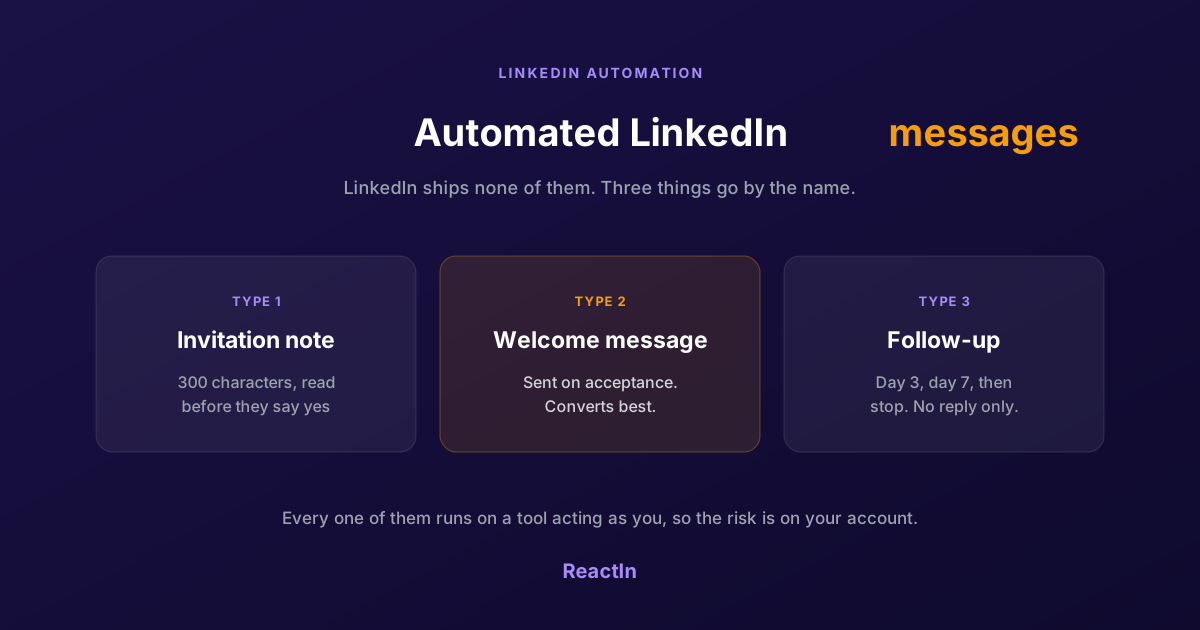
Automated LinkedIn Messages: How to Send Them Without Getting Restricted (2026)
LinkedIn ships no automated messaging at all. Here are the three things people call an automated LinkedIn message, how to set one up, what the terms actually say, and the three cases where writing by hand wins.
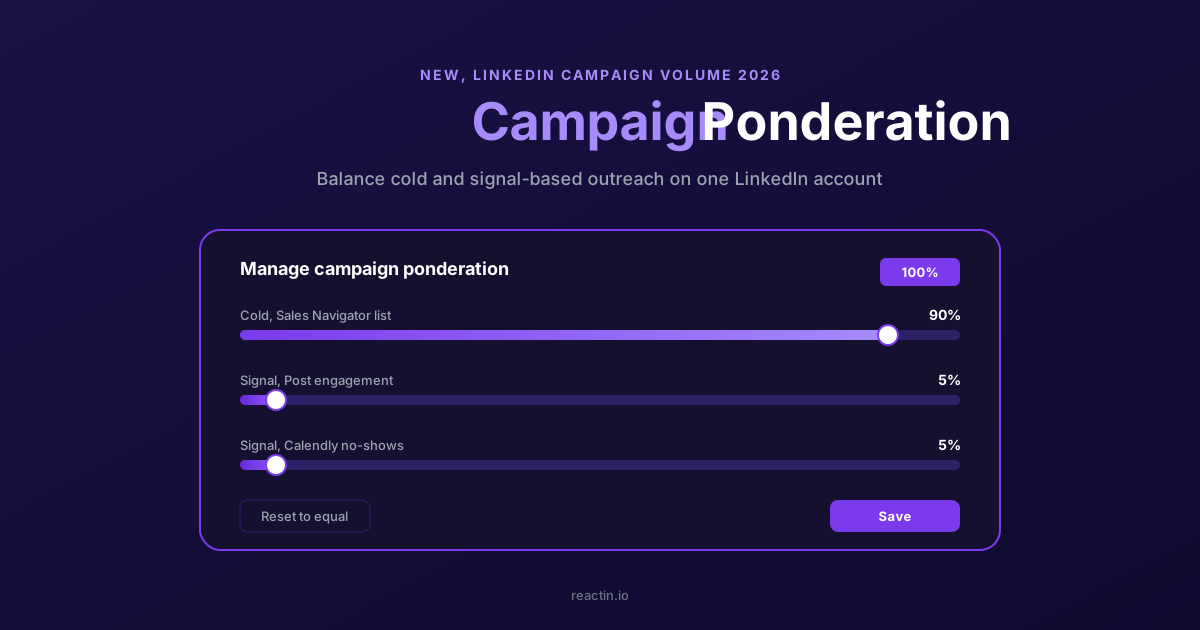
How to Balance LinkedIn Campaign Volume Across Tools (Waalaxy, HeyReach, Expandi, Dripify, LGM, PhantomBuster, Gojiberry vs ReactIn)
Most LinkedIn automation tools force you to pick: one big cold campaign, or none. Here is how Waalaxy, HeyReach, Expandi, Dripify, LGM, PhantomBuster and Gojiberry actually let you split daily volume between campaigns - and how ReactIn’s new Campaign Ponderation finally lets you run a 90/5/5 mix of cold + signal-based outreach.
How to Automate LinkedIn Connection Requests (Auto Connect) Safely in 2026
Automate invitations on LinkedIn without getting restricted: 2026 daily limits by plan, the 300-character note, acceptance rates by approach, and a 5-step ReactIn setup.
Best LinkedIn Automation Tools 2026 - Top 6 Ranked (Safest & Cheapest)
Honest comparison of the 6 best LinkedIn automation tools in 2026, tested hands-on with real campaigns. Ranked by ban risk and results, with full pricing, the free plans that actually exist, and where AI SDRs fit.