How to Warm Up a LinkedIn Account Safely Before Scaling Outreach (2026)
Step-by-step 4-week plan to warm up your LinkedIn account safely. Daily limits, organic engagement strategy, and how to scale outreach without getting restricted.

Jumping into LinkedIn automation without warming up your account is the fastest way to get restricted or permanently banned. LinkedIn's detection systems are more sophisticated than ever, and accounts that go from zero to full-speed automation get flagged within days.
This guide breaks down the exact 4-week warmup process that protects your account while building the activity foundation you need for safe, effective outreach at scale. Whether you're setting up a new LinkedIn profile or preparing an existing one for automation, this plan works.
of restricted LinkedIn accounts skipped the warmup phase
Based on aggregated data from LinkedIn automation user reports 2024-2026
Why Warming Up Your LinkedIn Account Matters
LinkedIn tracks every action on your account: connection requests, profile views, messages, searches, and engagement patterns. New accounts or accounts with low activity that suddenly spike in volume trigger automated detection systems.
Think of it like a credit score. A brand-new LinkedIn account with 50 connections that suddenly sends 25 connection requests per day looks suspicious. An account with 500+ connections, regular engagement, and a history of organic activity sending 20 requests per day looks normal.
The warmup process builds your account's trust score with LinkedIn's algorithms - establishing patterns of legitimate behavior that make your future automation activity blend in with organic usage.
Week 1: Profile Optimization
Before sending a single connection request, your profile needs to look credible and complete. LinkedIn's algorithm and your prospects both evaluate your profile before accepting requests.
Complete your profile to All-Star level
Upload a professional headshot, write a compelling headline (not just your job title), and fill out your About section with at least 3-4 paragraphs. Add your current and past positions with descriptions. LinkedIn profiles at All-Star level get 21x more profile views.
Build your connection base to 500+
Connect with colleagues, classmates, and people you actually know. If you're below 500 connections, LinkedIn displays your exact count, which signals a thin network. Once you pass 500, it shows "500+" - a credibility threshold that significantly improves acceptance rates on cold outreach.
Add skills and get endorsements
Add 10-15 relevant skills to your profile and ask 5-10 contacts to endorse your top skills. Endorsed skills boost your profile's visibility in LinkedIn search and make your profile appear more established to the algorithm.
Set your profile to public and enable activity visibility
Make sure your profile is visible to everyone and that your activity broadcasts (likes, comments, post shares) are turned on. This ensures your organic engagement in Week 2 is visible to your network, building social proof.
Week 2: Organic Engagement
This week is about creating a consistent activity footprint on LinkedIn. The goal: make your account look like an active professional who genuinely uses the platform - because that's exactly what LinkedIn's algorithm rewards.
Engage with content daily (15-20 minutes)
Like 10-15 posts per day, leave 3-5 thoughtful comments (not just "Great post!"), and share 1-2 articles relevant to your industry. Focus on posts from people in your target audience. This builds familiarity and primes your network for future connection requests.
Join and participate in 3-5 LinkedIn Groups
Join groups relevant to your industry or target market. Comment on group discussions, answer questions, and share insights. Group activity signals to LinkedIn that you're a legitimate professional, not a bot. It also expands your 2nd-degree network.
Publish your first post or article
Write and publish at least one LinkedIn post or article this week. It doesn't need to go viral - it just needs to exist. Content creators get significantly more profile views and higher acceptance rates on connection requests. Even a short industry take or a professional insight works.
By the end of Week 2, your account should have a visible pattern of daily engagement that establishes you as an active LinkedIn user in the algorithm's eyes.
Week 3: Start Connecting
Now that your profile is optimized and you have an engagement history, it's time to start sending connection requests - manually, and at conservative volumes.
Send 5-7 personalized connection requests per day
Start with 5-7 requests per day, always with a personalized note. Reference something specific - a mutual connection, their recent post, a shared group, or a genuine reason to connect. Personalized requests have 2-3x higher acceptance rates than blank requests.
Target high-acceptance prospects first
During warmup, prioritize prospects who are likely to accept: people in your industry, 2nd-degree connections, group members, and people who've viewed your profile. A high acceptance rate (above 40%) signals to LinkedIn that you're sending legitimate requests.
Follow up with new connections via DM
When someone accepts your request, send a brief thank-you message within 24 hours. Don't pitch immediately - introduce yourself, mention why you connected, and engage naturally. This builds your messaging history and warms up your DM activity.
For detailed strategies on writing connection request messages, see our guide on automating LinkedIn connection requests.
Week 4: Scale with Automation
After three weeks of organic activity and manual outreach, your account has built enough trust to safely introduce automation tools. The key principle: start slow and increase gradually.
Begin with 10-15 automated connection requests per day
Don't jump to maximum volume on day one. Start at 10-15 automated requests per day and hold this level for the first 3-5 days. Monitor your acceptance rate - it should stay above 35%. If it drops, reduce volume immediately.
Add automated profile views and post engagement
Beyond connection requests, automate 20-30 profile views per day and light engagement actions (likes, follows). These lower-risk actions build your activity volume without triggering restrictions. Many prospects will view your profile back, creating warm leads.
Gradually increase to your target volume by end of week
By the end of Week 4, you can safely reach 15-20 connection requests per day if your acceptance rate stays strong. Some established accounts with excellent acceptance rates (above 50%) can push to 20-25, but always monitor for LinkedIn warnings.
For a comprehensive overview of safe automation practices, check our complete LinkedIn automation playbook.
LinkedIn Warmup Timeline Simulator
Configure your account parameters to get a personalized warmup plan
4-Week Ramp-Up Timeline
Day-by-Day Breakdown
| Day | Limit |
|---|---|
| Day 1 | 4 |
| Day 2 | 4 |
| Day 3 | 4 |
| Day 4 | 4 |
| Day 5 | 5 |
| Day 6 | 5 |
| Day 7 | 5 |
| Total | 31 |
Focus on profile optimization and organic engagement. Like and comment on posts in your niche before sending any invitations.
| Day | Limit |
|---|---|
| Day 8 | 8 |
| Day 9 | 8 |
| Day 10 | 8 |
| Day 11 | 9 |
| Day 12 | 9 |
| Day 13 | 10 |
| Day 14 | 10 |
| Total | 62 |
Continue organic engagement. Start sending manual connection requests with personalized notes to warm prospects.
| Day | Limit |
|---|---|
| Day 15 | 13 |
| Day 16 | 13 |
| Day 17 | 14 |
| Day 18 | 14 |
| Day 19 | 15 |
| Day 20 | 16 |
| Day 21 | 16 |
| Total | 101 |
Begin using automation tools at a conservative pace. Mix automated invitations with continued manual engagement.
| Day | Limit |
|---|---|
| Day 22 | 20 |
| Day 23 | 21 |
| Day 24 | 22 |
| Day 25 | 23 |
| Day 26 | 23 |
| Day 27 | 24 |
| Day 28 | 25 |
| Total | 158 |
Full automation speed reached. Monitor acceptance rates and adjust if they drop below 40%.
Projected Results
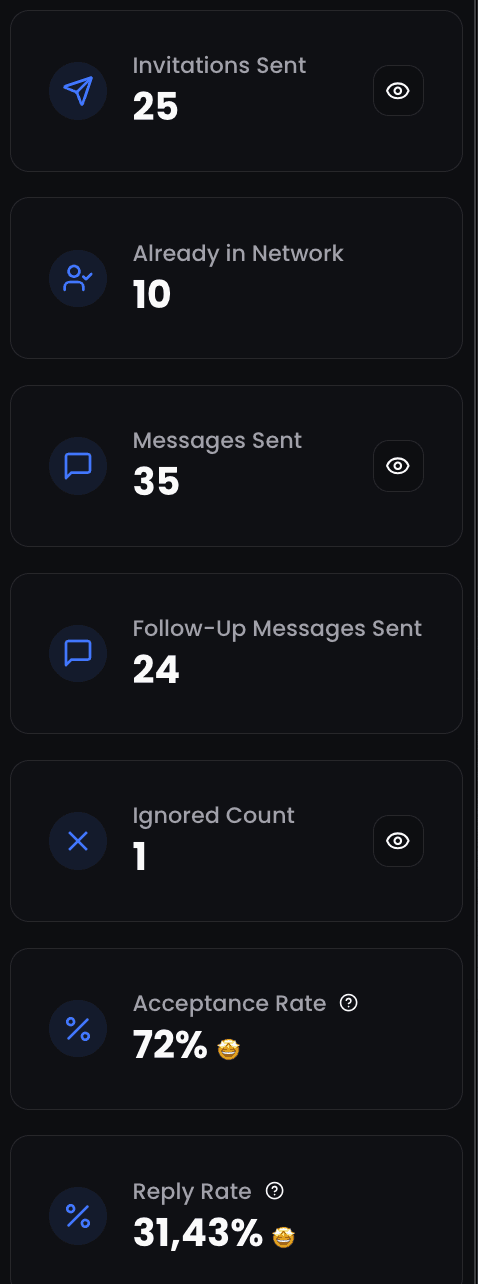
How ReactIn Handles Warmup
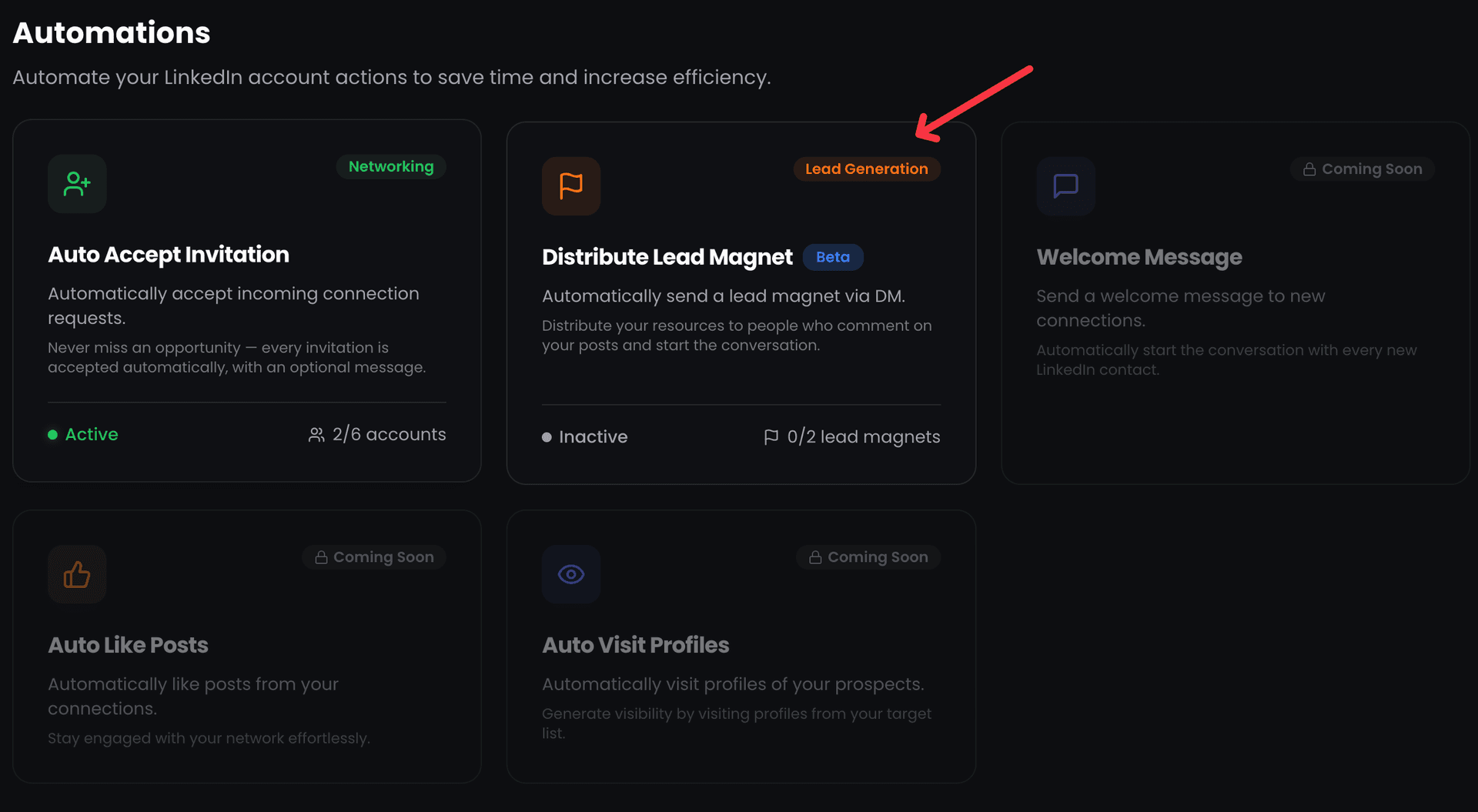
ReactIn was built with account safety as a core principle. Instead of an automated warmup mode, ReactIn gives you precise control over daily limits per LinkedIn account - the safest approach because you decide the pace based on your account's unique situation.
Adjustable daily limits per account
In the LinkedIn Accounts section, you can set daily limits for connection requests, messages, profile views, and other actions for each connected account. During warmup, start with conservative limits (5-10 connection requests per day) and increase them by 3-5 each week as your acceptance rate stays healthy.
Human-like activity patterns
Actions are spaced with randomized delays between them and distributed throughout working hours. ReactIn never sends 20 connection requests in 5 minutes - it spreads them across the day with natural pauses, just like a human would.
Monitor your metrics manually
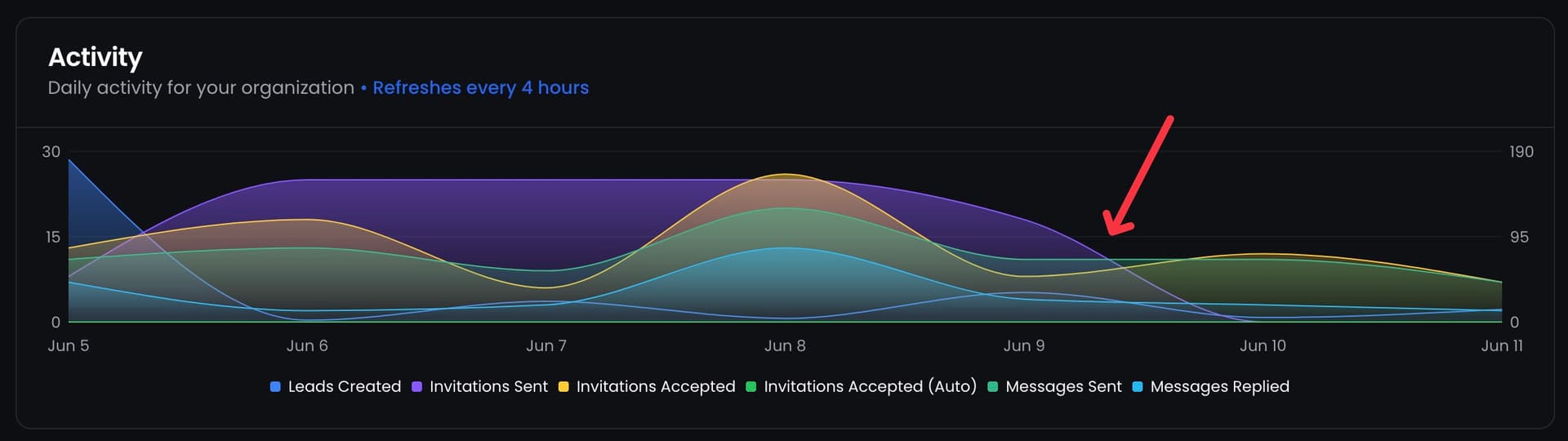
Track your acceptance rates and response rates through ReactIn's analytics. If your acceptance rate drops below 30%, reduce your daily limits immediately. ReactIn gives you the data - you make the decisions about volume adjustments based on your account's performance.
Smart personalization at scale
During warmup, personalization matters even more than at full scale. ReactIn's personalization engine uses prospect data - job title, company, mutual connections, recent activity - to generate relevant connection notes that drive higher acceptance rates.

Daily Limits Reference
Use this table as a reference for safe daily action limits during each week of your warmup. These numbers assume a LinkedIn account in good standing with no prior restrictions.
| Period | Connection Requests | Profile Views | Messages |
|---|---|---|---|
| Week 1 | 0 (profile setup only) | 10-20 | 5-10 |
| Week 2 | 0-3 (organic only) | 20-40 | 10-15 |
| Week 3 | 5-10 | 30-50 | 15-20 |
| Week 4 (automation) | 15-20 | 50-80 | 20-30 |
Common Mistakes to Avoid
Even with a solid warmup plan, these common errors can get your account flagged:
LinkedIn Warm-Up Tools Comparison
Choosing the right LinkedIn account warm-up tool can make or break your outreach strategy. Not all automation platforms handle the warmup phase the same way - some offer built-in warmup features, while others leave you to manage limits manually. Here's how the leading LinkedIn warmup tools compare in 2026.
Tool-by-tool comparison
The table below compares warmup capabilities across the most popular LinkedIn automation tools. We focus on the features that matter most during the warmup phase: automatic volume ramping, safety monitoring, and human-like behavior patterns.
| Feature | ReactIn | Waalaxy | Dripify |
|---|---|---|---|
| Built-in warmup mode | Manual - adjustable daily limits per account | Partial - basic daily limits but no dedicated warmup | No - manual limit adjustment required |
| Real-time safety monitoring | Yes - analytics dashboard to monitor acceptance rates | Limited - alerts but no auto-adjustment | No - manual monitoring only |
| Human-like activity patterns | Yes - randomized delays and working-hours distribution | Yes - randomized delays | Basic - fixed intervals between actions |
| Gradual volume scaling | Manual - user sets and increases limits per account | Manual - user adjusts limits weekly | Manual - user adjusts limits daily |
Manual warmup vs automated warmup
ReactIn takes a different approach - instead of claiming to automate the warmup, it gives you precise per-account daily limits and analytics to monitor your progress. You follow a warmup schedule manually, increasing limits each week based on your acceptance rate. This controlled approach is actually safer than fully automated warmup because you remain aware of your account's health at every step.
How to Reach Out on LinkedIn Safely After Warmup
Completing the 4-week warmup is just the beginning. The safest way to scale LinkedIn connection requests and follow-ups in 2026 requires a disciplined approach to gradual ramp-up, consistent monitoring, and knowing when your account is truly ready for higher volumes.
Gradual ramp-up strategy for safe LinkedIn outreach
Week 5-6: Hold steady at your warmup ceiling
After reaching 15-20 connection requests per day at the end of your warmup, maintain this volume for at least two more weeks. This consolidation period lets LinkedIn's algorithm confirm your activity pattern as legitimate. Don't rush to increase - stability signals trustworthiness.
Week 7-8: Increase by 10-15% per week
If your acceptance rate stays above 40% and you've received no warnings, increase your daily connection requests by 2-3 per week. Move from 20 to 22-23, then to 25. Add follow-up messages at the same gradual pace - never spike multiple action types simultaneously.
Month 3+: Find your sustainable maximum
Every LinkedIn account has a sustainable maximum that depends on your network size, account age, LinkedIn plan, and acceptance rate. Most accounts plateau between 20-30 connection requests per day. Premium and Sales Navigator accounts can sometimes sustain higher volumes, but always let your metrics - not ambition - determine your ceiling.
Signs your account is ready to scale
Before increasing your outreach volume beyond warmup levels, verify that your account shows these readiness signals:
- Consistent acceptance rate above 40% for at least 2 weeks at current volume
- No LinkedIn warnings, temporary restrictions, or CAPTCHA challenges in the past 30 days
- Active organic engagement pattern - regular posts, comments, and profile views from others
- Response rate on messages above 15%, indicating your outreach resonates with prospects
Warmup for New vs Existing LinkedIn Accounts
The warmup strategy that works for a brand-new LinkedIn account differs significantly from what you need for an existing account that's been dormant or is being prepared for automation. Understanding these differences helps you warmup efficiently without wasting time or taking unnecessary risks.
Warming up a brand-new LinkedIn account
A new LinkedIn account starts with zero trust score - LinkedIn has no activity history to evaluate, so the algorithm watches new accounts more closely. For a new account, the full 4-week warmup is non-negotiable:
- Spend the entire first week on profile completion - photo, headline, About section, work history, skills, and building your initial connections from people you actually know
- Keep connection requests at zero for the first 10 days. LinkedIn flags new accounts that start sending requests immediately
- Build to 500+ connections organically before introducing any automation. This threshold is critical for new accounts
- Extend the warmup to 5-6 weeks if your initial acceptance rate is below 35%. New accounts need more time to establish trust
Warming up an existing but inactive account
An existing account with connection history and past activity has a head start - LinkedIn already has a baseline for your behavior. But dormant accounts that suddenly become active can still trigger alerts. The approach is different:
- Start with 1 week of organic engagement (likes, comments, profile views) to re-establish activity patterns before sending any connection requests
- You can compress the warmup to 2-3 weeks if your account has 500+ connections and no prior restrictions
- Begin connection requests at 5-7 per day in week 2, and scale to automation-ready levels by week 3
- If the account was previously restricted, add an extra 2 weeks of conservative activity before any automation. LinkedIn remembers past violations
Conclusion
Warming up your LinkedIn account isn't optional - it's the foundation of every successful automation strategy. The 4-week investment pays for itself many times over by keeping your account safe and building the credibility that drives higher acceptance and response rates.
Ready to automate safely? ReactIn's adjustable daily limits let you control the ramp-up pace per account, while the platform handles human-like execution and AI personalization - so your outreach stays safe as you scale.
For the complete strategy from warmup to closed deals, read our LinkedIn Outreach Playbook for 2026.
Frequently Asked Questions
Sources & Further Reading
- LinkedIn details the reasons accounts get restricted in their Help Center article on account restrictions.
- For best practices on safe usage, review LinkedIn's Professional Community Policies.
- HubSpot offers additional context on LinkedIn outreach strategy in their guide to LinkedIn prospecting.
Related Articles
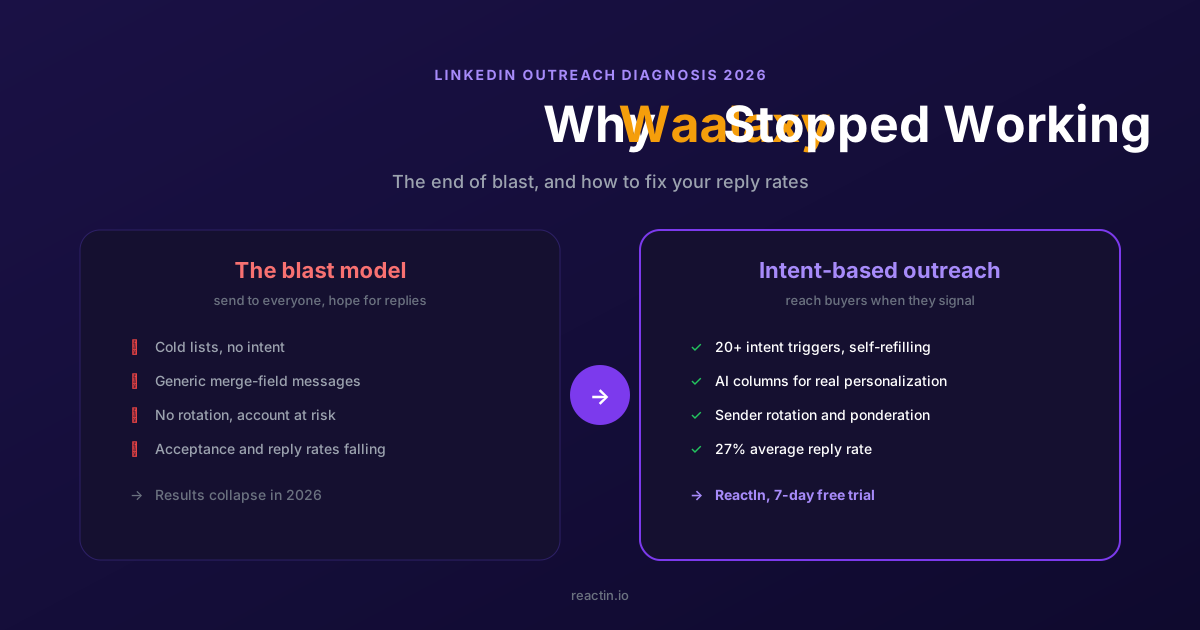
Why Waalaxy Stopped Working in 2026 (And How to Fix Your Reply Rates)
Your Waalaxy reply rates cratered in 2026 and you cannot tell why. Here is what changed, why blast outreach stopped working, and how intent-based prospecting brings double-digit reply rates back.
LinkedIn Outreach Playbook 2026: From Warmup to Closed Deals
The complete LinkedIn outreach playbook for 2026. Account warmup, connection request strategies, DM copywriting rules, multi-touch sequences, and optimization tactics. Based on data from 5,000+ campaigns.
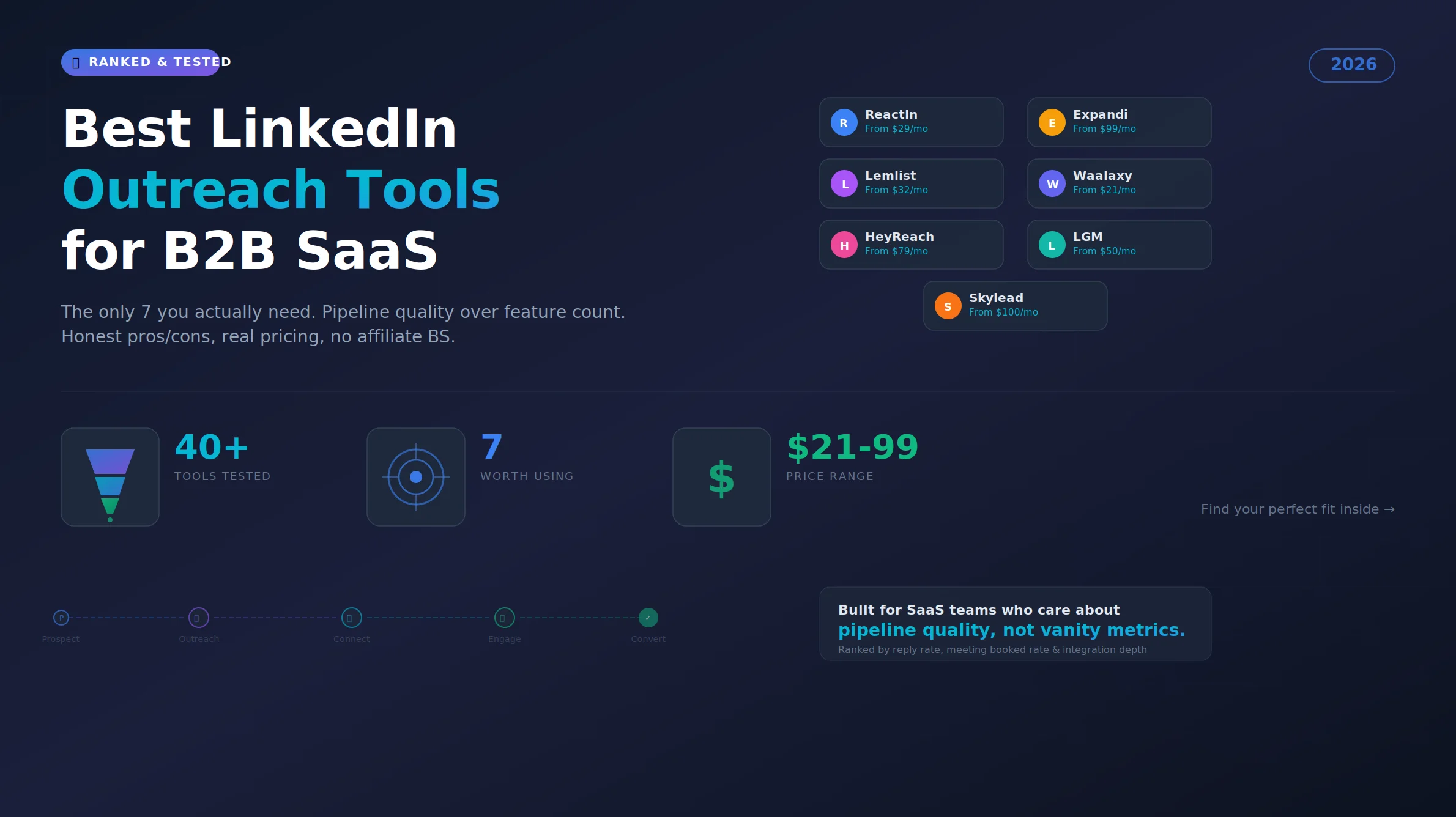
Best LinkedIn Outreach Tool for B2B SaaS in 2026 (Ranked by Pipeline Quality, Not Feature Lists)
The 7 best LinkedIn outreach tools for B2B SaaS in 2026, ranked by pipeline quality and true cost. ReactIn replaces 3-4 tools ($69/mo vs $500+/mo stack) with intent signals, AI enrichment, and automated campaigns. Full 5-seat cost comparison included.
LinkedIn Connection Request Note Character Limit 2026: Official Limit, Rules & Templates
The official LinkedIn connection request note limit in 2026 is 300 characters, on every plan. But notes between 120 and 180 characters win on acceptance rate. Full breakdown, 10 templates, and the difference with InMail and DM limits.