LinkedIn Lookalike Audience: How to Find Leads That Match Your Best Customers (2026)
LinkedIn never shipped a native lookalike audience for outbound. Here is how to build one in 3 minutes, with 3 detailed playbooks for agencies, founders, and SDRs hitting 22-28% reply rates.
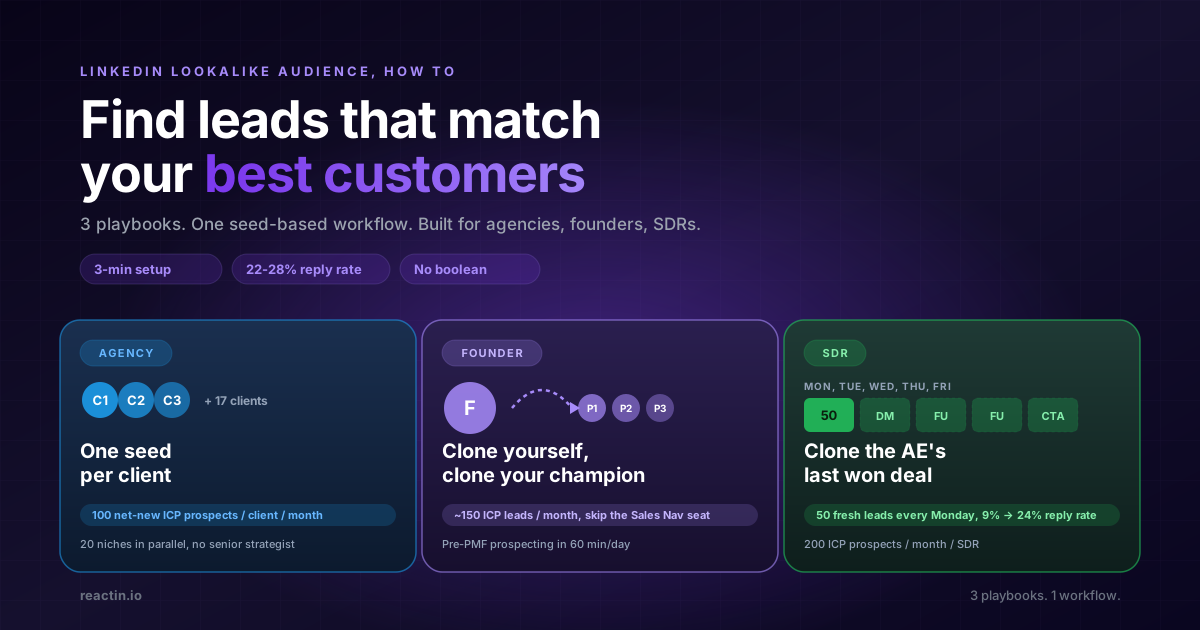
If you searched "LinkedIn lookalike audience how to", you already know the truth: LinkedIn never built one. LinkedIn Ads had a Lookalike option, then quietly retired it in 2022. Sales Navigator never had one.
So how do you actually find leads that match your best customers on LinkedIn in 2026? Not with a filter. With a seed: one profile that anchors a lookalike search across 20+ buyer-intent signal sources.
This guide walks through the exact "how to", then drills into 3 playbooks built for the people who ask this question the most: agencies, founders, and SDRs.
TL;DR
LinkedIn lookalike audience, in 5 bullets:
- LinkedIn never built one. The Ads option was retired in 2022. Sales Nav never had one. You have to fake it with a seed-based scraper.
- The how-to is 4 steps. Drop a seed profile, describe your ICP, describe your persona, set a volume. 3 minutes, done.
- Three personas, three playbooks. An agency runs one seed per client. A founder uses themselves as the seed. An SDR clones the AE's last won deal.
- Benchmark: 22-28% reply rate. Across 5,000+ ReactIn campaigns, lookalike-sourced lists out-converted Sales Nav lists 2-3x.
- Cost: 10 credits per delivered lead. Failed enrichments are not charged. 50-lead audience for 500 credits.
The LinkedIn lookalike audience myth
Type "LinkedIn lookalike audience" into Google and you get two flavors of result. Old LinkedIn Ads tutorials that no longer work (Microsoft retired the option in February 2022). And Meta lookalike tutorials by mistake, because their lookalikes are still the gold standard for paid social.
For outbound (connection requests, DMs, the everyday work of a B2B sales team), LinkedIn has nothing. Sales Navigator gives you boolean filters: industry, headcount, title, seniority, geography. None of that says "find me 100 more people like the customer I just closed".
The workaround is a lookalike scraper. You give it one profile as the seed, describe the ICP and persona in plain text, and it returns up to 100 prospects that match the pattern. That is what we built into ReactIn, and that is the workflow this guide walks through.
How to build a LinkedIn lookalike audience in 4 steps
Total setup time: 3 minutes. Open ReactIn, click the "Lookalike leads" template in the template gallery, and the wizard walks you through these 4 inputs.
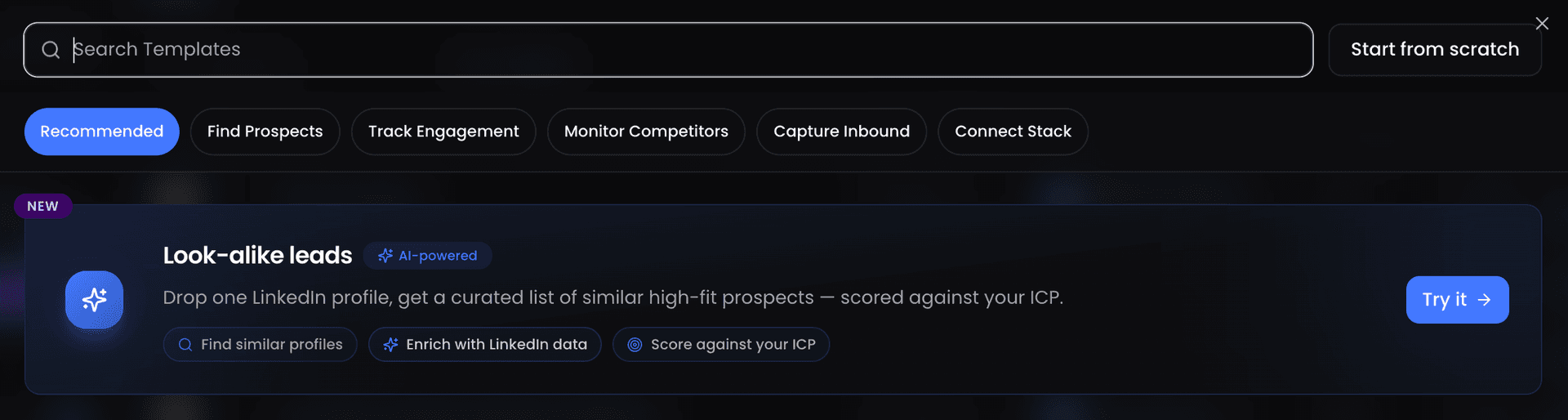
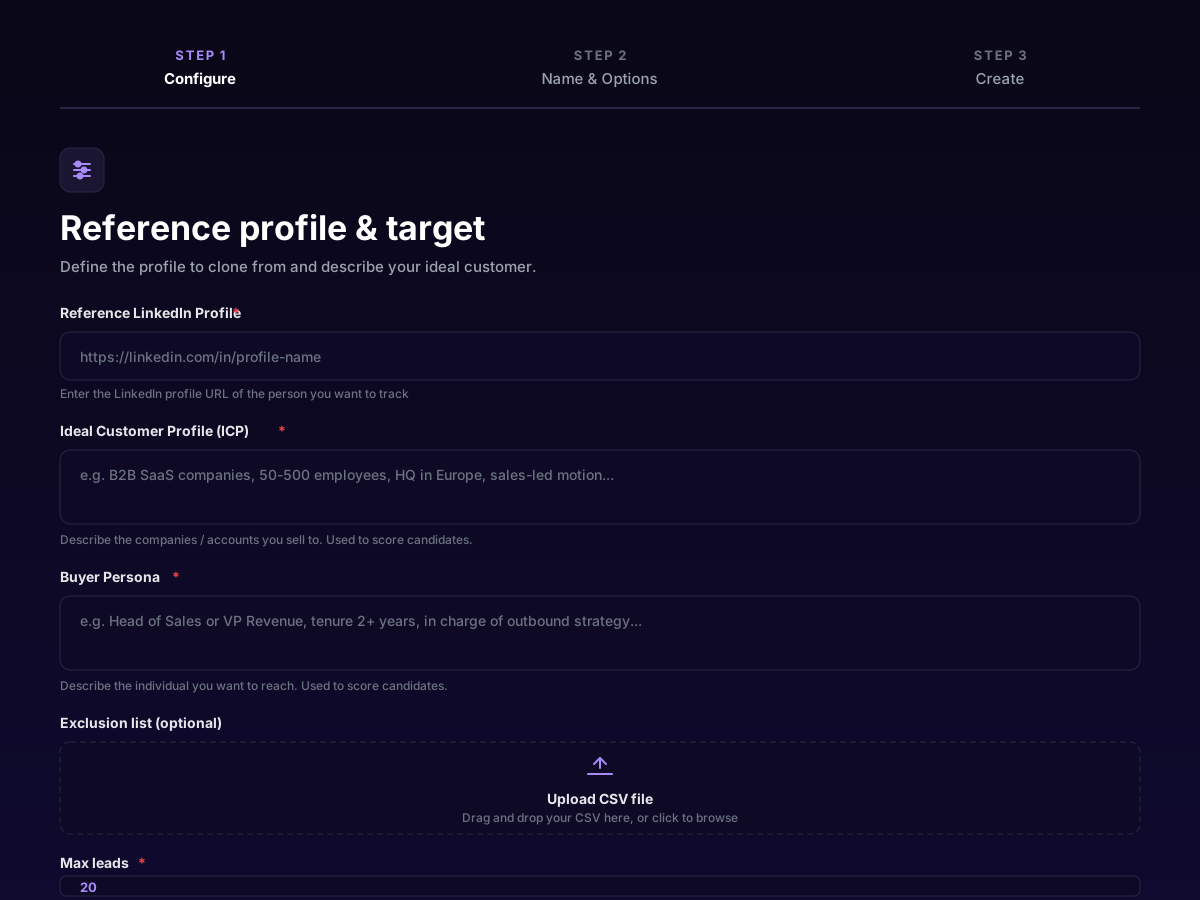
Pick a seed profile
Describe your ICP in plain text
Describe your buyer persona
Set max leads, confirm, run
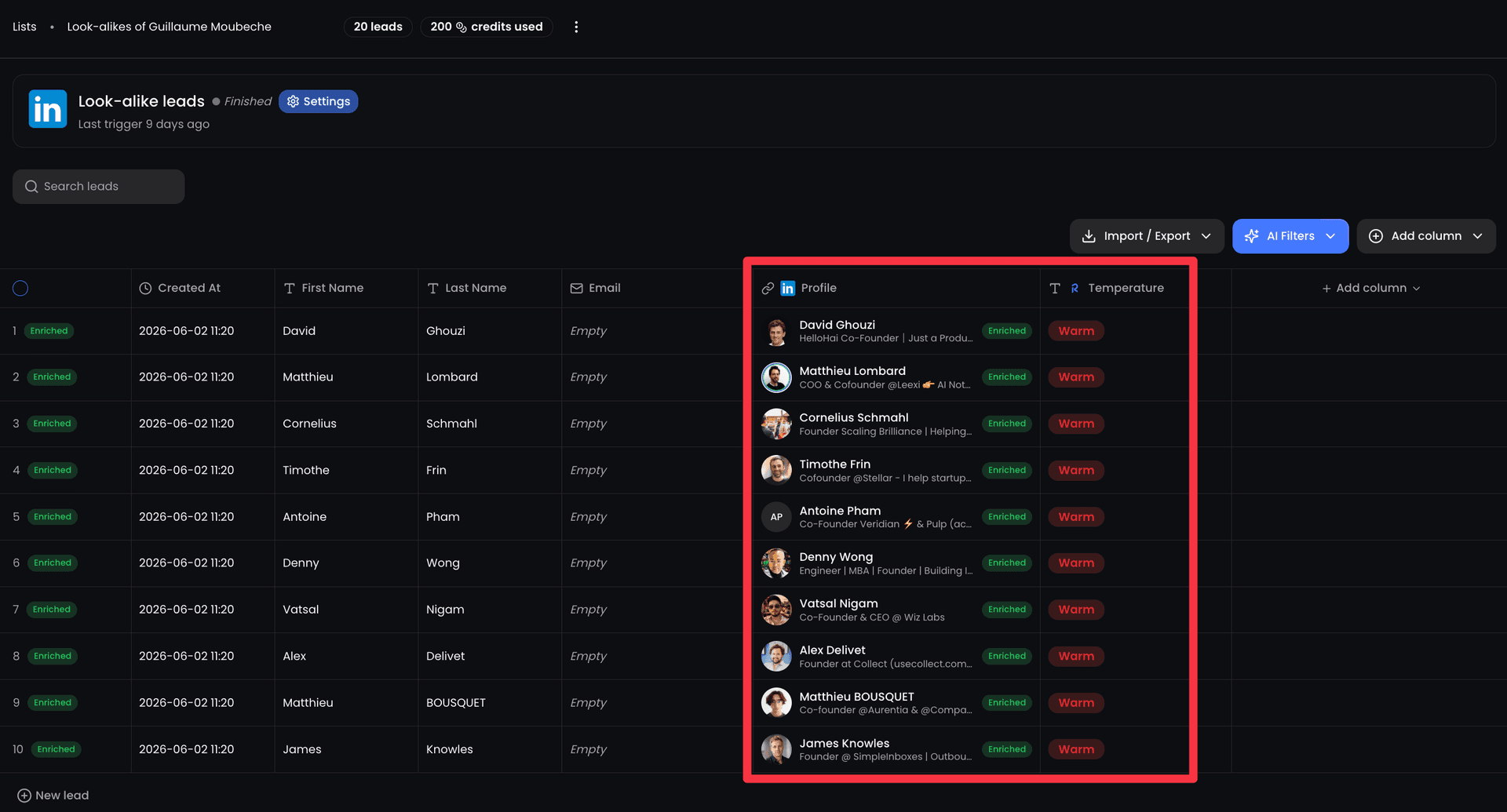
Playbook 1: Agency, one seed per client, one campaign per niche
If you run a B2B lead-gen agency, the lookalike audience is the only workflow that scales without a senior strategist babysitting every onboarding. The seed is the asset. The boolean search dies the moment your junior leaves.
Every new client comes with a CRM full of closed-won deals. That is your seed pool. You do not need to interview the founder for 90 minutes about their ICP. You reverse-engineer it from one profile.
The agency workflow
Ask for their 3 best customers
Run 3 small scrapes (20 leads each)
Scale the winning seed to 100 leads, repeat monthly
Playbook 2: Founder, clone yourself, clone your champion
Pre-PMF, the only person who knows the ICP is the founder. The CRM is half-empty. There is no SDR. There is no enrichment stack. There is one founder, an inbox, and 2 hours a day for outbound.
The lookalike audience is the lowest-effort prospecting motion available to a solo founder in 2026, and it slots cleanly into a lean B2B SaaS GTM stack. You skip the entire "build the ICP doc" detour and start from the 3 conversations that already converted.
The founder workflow
Seed with your own profile (for top-of-funnel discovery)
Seed with your 3 best customers (for revenue)
Run it weekly, batch the outreach to 60 min/day
Playbook 3: SDR, clone the AE's last won deal, every Monday
An SDR's worst hour of the week is Monday morning, rebuilding the Sales Nav search from last week because the new ICP "shifted". The lookalike audience kills that hour.
Every closed-won deal in the CRM is a new seed. Every Monday, you ask the AE "which deal closed last week?", grab that LinkedIn profile, and you have a fresh lookalike list by 9:30am.
The SDR workflow
Pull the AE's last closed deal every Monday
Generate 50 lookalike leads, exclude existing pipeline
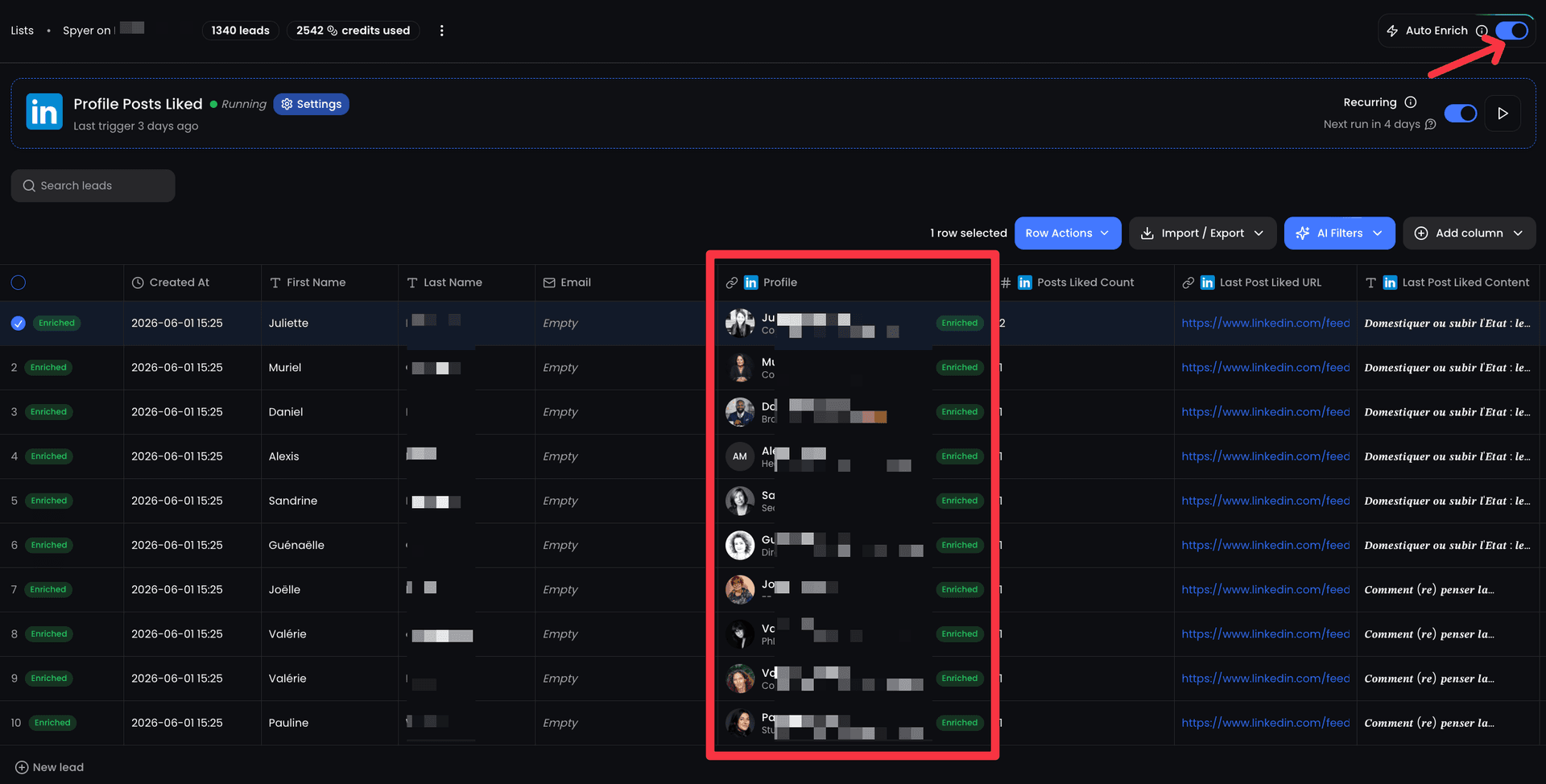
Push to a campaign, A/B the seed monthly
3 mistakes that kill lookalike audience results
Same scraper, same ICP, different reply rates. These are the 3 mistakes that come up in 80% of "it did not work" support tickets (across every LinkedIn automation tool we have benchmarked, not just ReactIn).
Mistake 1: Picking your biggest logo as the seed
The biggest logo is rarely the cleanest match. They bought because of the deal, the relationship, or the politics. Pick the customer who closed fastest, used the product the most, and would refer a friend. That is the buyer signature you want to clone, not the one on your investor deck.
Mistake 2: A vague ICP
"B2B SaaS" is not an ICP. "B2B SaaS, 50-500 employees, sales-led, ARR 2-20M, HQ in Europe or North America" is an ICP. The lookalike scraper has no opinion about your business: it just matches against what you wrote. Vague in, vague out.
Mistake 3: Skipping the exclusion list
The exclusion list is the highest-leverage 30 seconds of the setup. Upload your current customers, your active opps, your last 90 days of outreach. ReactIn skips them. You stop wasting DMs (and credits) on the same inbox twice. Without it, expect 15-20% of any list to be people you have already contacted.
LinkedIn Ads (retired) vs Sales Nav vs lookalike scraper
All three have been pitched as "the LinkedIn lookalike audience" at some point. Only one of them still exists for outbound, and it is not native. If you want a deeper teardown against a developer-first alternative, see ReactIn vs BeReach.
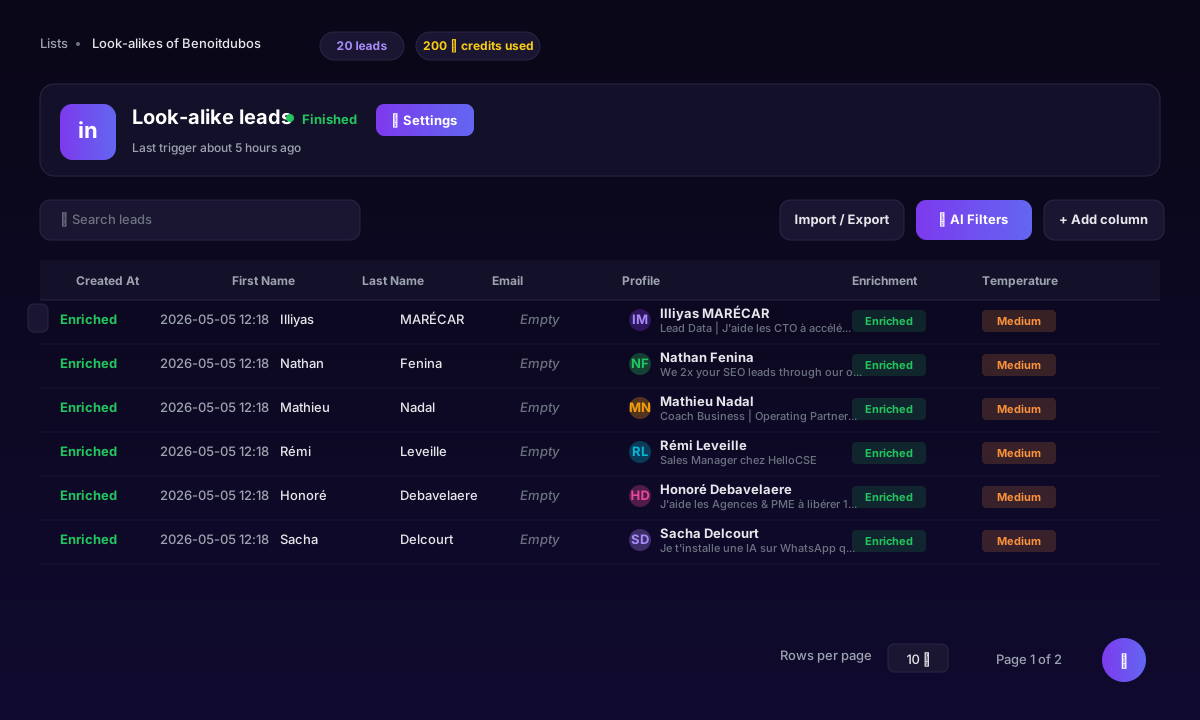
| Capability | LinkedIn Ads | Sales Nav | ReactIn Lookalike |
|---|---|---|---|
| Available in 2026 | Retired Feb 2022 | Yes (filters) | Yes (seed-based) |
| Targeting input | Customer email list | Boolean filters | 1 profile + plain text |
| Use for outbound DMs | |||
| AI scoring vs ICP | |||
| Built-in enrichment | |||
| Setup time per list | Ads-only, n/a | 30-60 min | 3 min |
More on the 7-step lookalike workflow.
The shortest answer to "how to"
Stop hunting for the LinkedIn lookalike audience button. It does not exist. The native option in LinkedIn Ads was retired four years ago, and Sales Navigator was never built for this.
Pick a seed. Describe your ICP. Describe your persona. Hit go. Three minutes later you have 20-100 prospects scored against the customer who already bought from you, whether you are an agency running 20 client niches, a founder cloning your first champions, or an SDR turning Monday stand-up into a fresh list.
The seed is the moat. The boolean search is not.
Sources & Further Reading
- Building lookalike segments usually starts from Sales Navigator filters. Check current plans on the LinkedIn Sales Navigator pricing page.
- Any automated outreach sits under LinkedIn's terms. Read the LinkedIn User Agreement.
This article is part of our complete LinkedIn Prospecting Guide for 2026 - covering ICP definition, signal-based targeting, and pipeline building.
Frequently Asked Questions
Related Articles
LinkedIn Prospecting Guide 2026: Build Pipeline With Signal-Based Targeting
The complete LinkedIn prospecting guide for 2026. ICP definition, lookalike audiences, SmartList building, and signal-based targeting. Turn LinkedIn into your #1 pipeline source.
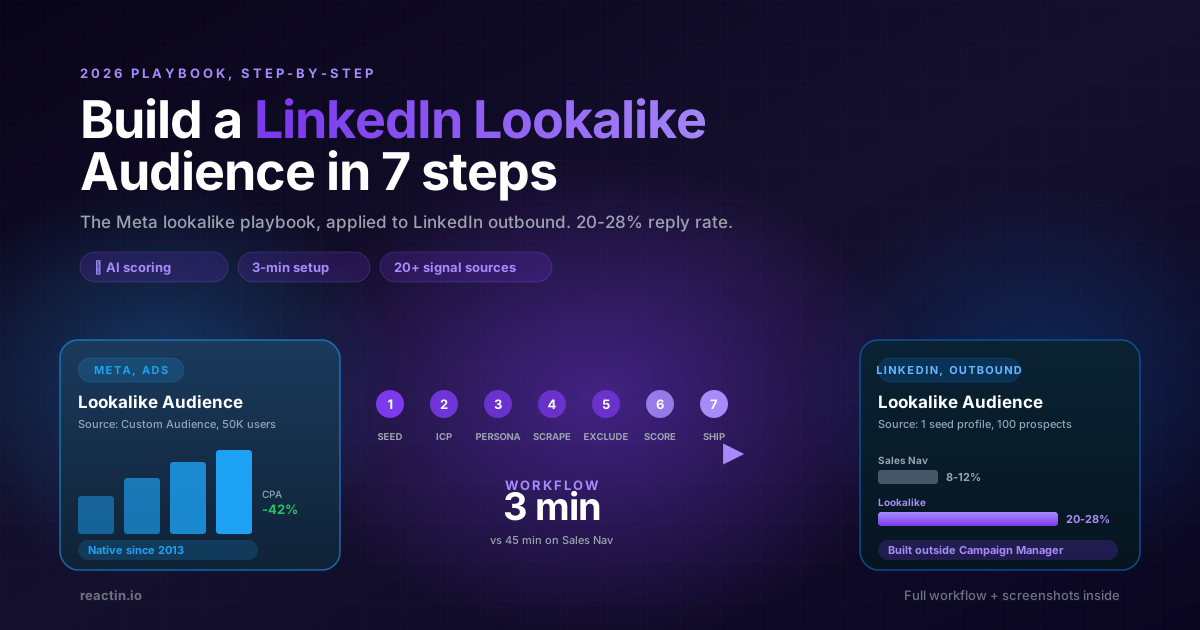
How to Build a LinkedIn Lookalike Audience in 2026 (Full Workflow + Screenshots)
LinkedIn never shipped a native Lookalike Audience for outbound. Here is the full 2026 workflow: pick the seed, write your ICP, run the waterfall scrape, ship a 50-lead audience in under 5 minutes that hits 20-28% reply rates.
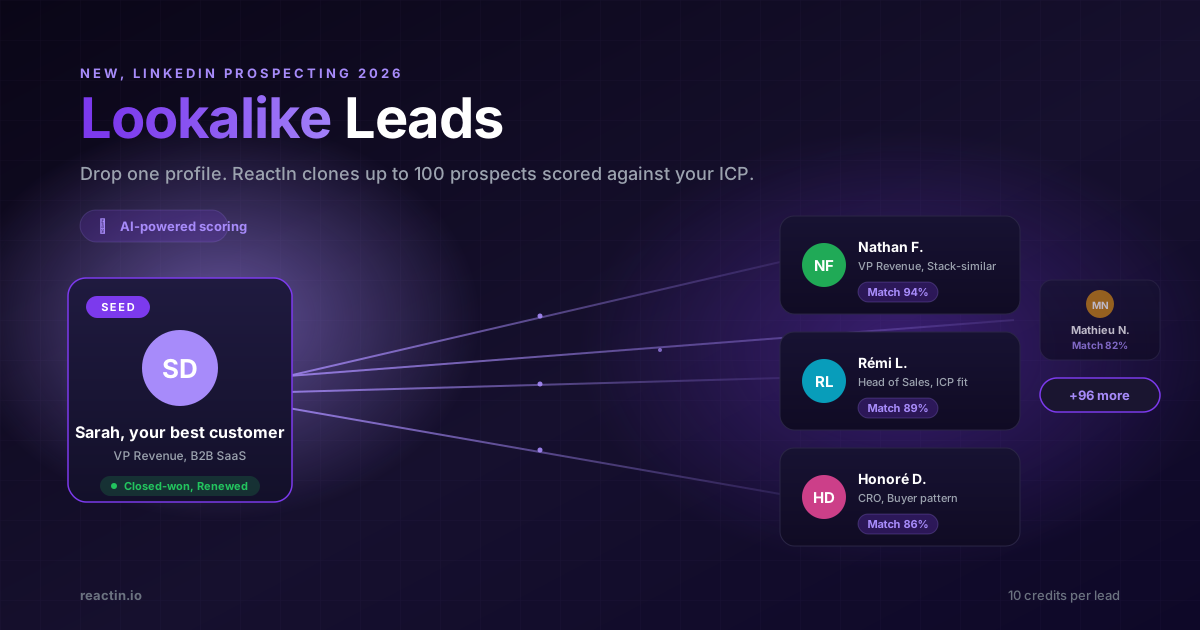
LinkedIn Lookalike Leads: Clone Your Best Customers in 3 Minutes (2026)
Drop one LinkedIn profile, describe your ICP and persona, and ReactIn returns up to 100 prospects who match. The Meta Lookalike playbook, applied to B2B prospecting. 22% reply rates vs 8% from Sales Nav.
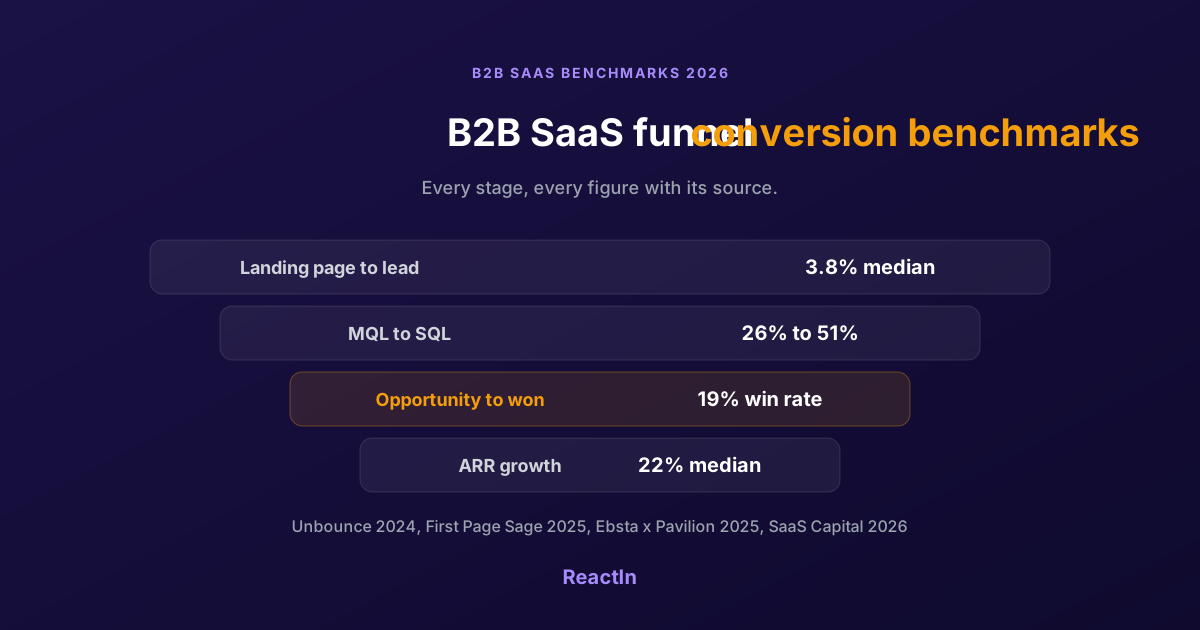
B2B SaaS Funnel Conversion Benchmarks 2026: Every Stage, With Sources
Sourced conversion benchmarks for each stage of the B2B SaaS funnel, from landing page to closed-won, plus growth and retention medians, and why the numbers you find online disagree.