How to Scrape LinkedIn Comments: Tools, Policy & Lead Gen Guide (2026)
Learn how to scrape LinkedIn comments safely in 2026. Best tools compared, LinkedIn scraping policy explained, and step-by-step guide to turning commenters into qualified leads.
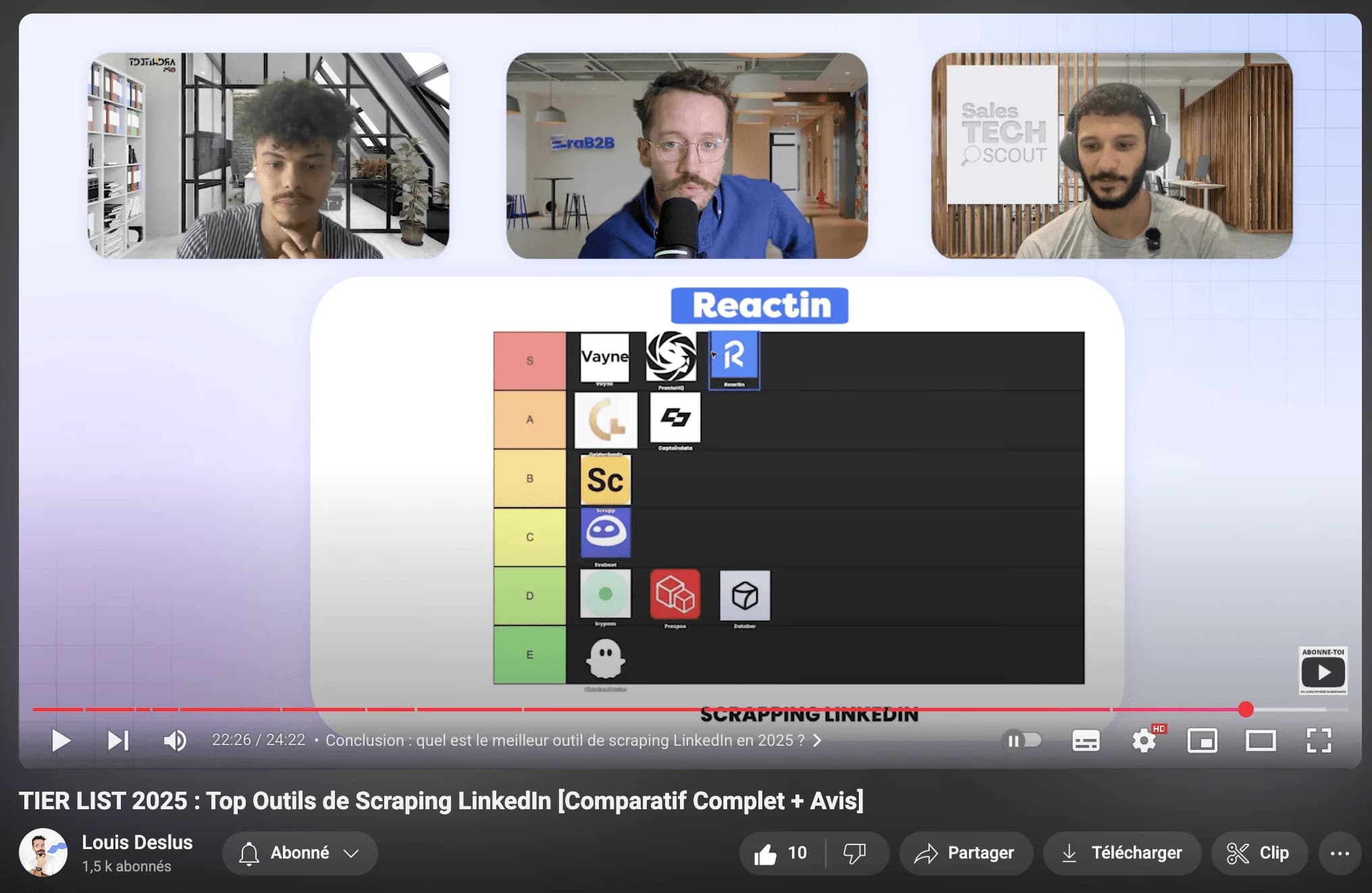
LinkedIn comments are one of the most valuable - and most overlooked - data sources for B2B prospecting. When someone takes the time to write a comment on a post, they're signaling real interest in a topic, sharing their perspective, and revealing pain points you can address.
This guide covers how to scrape LinkedIn comments safely and effectively in 2026 - the tools, the process, what LinkedIn allows, and how to turn comment data into qualified leads.
Why Scrape LinkedIn Comments?
Likes and reactions show passive interest. Comments show active engagement. When someone writes a comment on a LinkedIn post, they're investing time and thought - which makes them a much higher-quality lead signal than a simple reaction.
Scraping comments gives you three things no search filter can provide:
- Intent data: Commenters are actively thinking about the topic. If someone comments on a post about CRM migration challenges, they likely have that problem right now.
- Personalization context: The comment text itself tells you exactly what the person cares about, giving you a natural conversation opener for outreach.
- Competitor intelligence: Monitoring comments on competitor posts reveals their audience, objections prospects raise, and feature requests that aren't being met.
Use Cases for LinkedIn Comment Data
Comment scraping isn't just about building lead lists. Here are four ways B2B teams use this data to drive results.
Lead Generation from Post Engagement
The most direct use case: scrape commenters from posts that discuss problems your product solves, then reach out with a personalized message referencing their comment. This consistently outperforms cold outreach because you already know what the prospect cares about. Teams using this approach report 20-30% reply rates compared to 5-10% for generic cold DMs.
Content Ideas and Topic Research
Scraping comments across posts in your niche reveals recurring questions, frustrations, and trends. Use this data to create content that directly addresses what your audience is already talking about - instead of guessing what topics might resonate.
Competitor Analysis
Monitor comments on your competitors' posts to understand their audience sentiment, identify common objections, and spot gaps in their offering. When prospects comment with unmet needs on a competitor's post, that's a qualified lead for your solution.
Engagement Tracking and Social Listening
Track who consistently comments on posts in your industry to identify thought leaders, potential partners, and highly engaged prospects. Over time, this builds a picture of the most active voices in your market - people who are worth building relationships with.
How to Scrape LinkedIn Comments: Step-by-Step
Here's the practical workflow for extracting comment data from LinkedIn posts using a tool like ReactIn.
Find the right posts to scrape
Identify LinkedIn posts with high engagement in your niche. Look for posts from industry influencers, competitor company pages, or thought leaders that discuss topics relevant to your product. Posts with 50+ comments are the sweet spot - enough volume to build a list, but still targeted enough to be relevant.
Set up your scraping trigger
In ReactIn, create a SmartList with a LinkedIn post engagement trigger. Paste the post URL, and the tool will automatically capture everyone who comments - along with their comment text, profile data, and engagement timestamp. For ongoing monitoring, set up triggers on your own posts or competitor pages to continuously capture new commenters.
Enrich and filter the results
Raw commenter data needs qualification. Use AI-powered enrichment to add job titles, company info, and ICP scoring. Then filter out commenters who don't match your target profile - you want decision-makers at companies in your target segment, not random engagers.
Launch personalized outreach
With enriched, filtered comment data, craft outreach that references the specific post and their comment. Something like: 'Saw your comment on [Author]'s post about [Topic] - you mentioned [specific point]. We've been working on exactly that problem...' This level of personalization is what drives 25%+ reply rates.
Best Tools for Scraping LinkedIn Comments
Not every LinkedIn scraping tool handles comment extraction well. Here's how the main options compare for this specific use case.
| Tool | Comment Scraping | Captures Comment Text | Auto-Outreach |
|---|---|---|---|
| ReactIn | Automatic via SmartLists | Yes | Yes (built-in DMs) |
| PhantomBuster | Manual per post URL | Yes | No (export only) |
| Captain Data | Via workflow setup | Yes | No (export only) |
| Manual / Scripts | Custom code required | Depends on implementation | No |
For a full comparison of scraping tools beyond comment extraction, see our top LinkedIn scraping tools guide.
LinkedIn's Scraping Policy for Comments
Before scraping any LinkedIn data - including comments - it's important to understand what's allowed, what's risky, and where the legal lines are.
What LinkedIn's ToS Says About Comments
LinkedIn's User Agreement (Section 8.2) explicitly prohibits automated scraping of any content on the platform - and comments are no exception. Here's what this means in practice:
- Automated extraction of comment text, commenter profiles, or engagement metadata is technically a ToS violation, regardless of whether the data is publicly visible
- LinkedIn's detection systems look for non-human browsing patterns, rapid API calls, and automated scrolling through comment threads
- Enforcement is progressive: first a warning, then temporary restrictions, then permanent account suspension for repeat violations
What's Lower Risk vs. Higher Risk
Not all comment scraping carries the same level of risk. Understanding the spectrum helps you make informed decisions:
- Lower risk: Using cloud-based tools with human-like delays that capture commenters gradually over time (e.g., ReactIn SmartLists that collect engagers as they interact naturally)
- Medium risk: One-time extraction of commenters from a specific public post using a tool with rate limiting (e.g., PhantomBuster's Post Commenters Phantom)
- Higher risk: Bulk scraping thousands of comments across many posts in a short time window using browser extensions or custom scripts without rate limiting
GDPR and Data Protection Considerations
If you're targeting EU residents, GDPR applies to scraped comment data just as it does to any personal data processing:
- You need a legitimate interest basis for processing the data - 'they commented publicly' is not automatically sufficient
- Provide a clear opt-out mechanism in any outreach based on scraped comment data
- Don't store comment data longer than necessary for your stated purpose, and document your data processing activities
Best Practices for Comment Scraping
Follow these guidelines to scrape LinkedIn comments safely and effectively without putting your account at risk.
- Start small: Begin with a few posts per week and scale gradually. Sudden spikes in activity trigger LinkedIn's detection systems.
- Use cloud-based tools: Cloud tools like ReactIn operate from dedicated infrastructure with human-like delays, which is significantly safer than browser extensions that run from your session.
- Focus on quality over quantity: A list of 50 qualified commenters who match your ICP is worth more than 500 random engagers. Always filter by job title, company size, and relevance.
- Personalize your outreach: The whole point of scraping comments is the context they provide. If your outreach doesn't reference what the person actually said, you've wasted the best part of the data.
For the complete LinkedIn tool stack, read our Best LinkedIn Tools guide for 2026.
Frequently Asked Questions
Sources & Further Reading
- LinkedIn's User Agreement addresses automated data collection in detail. Read the full LinkedIn User Agreement.
- The hiQ Labs v. LinkedIn ruling is a key legal precedent for data scraping. Read more about the case at EFF - hiQ v. LinkedIn.
Related Articles
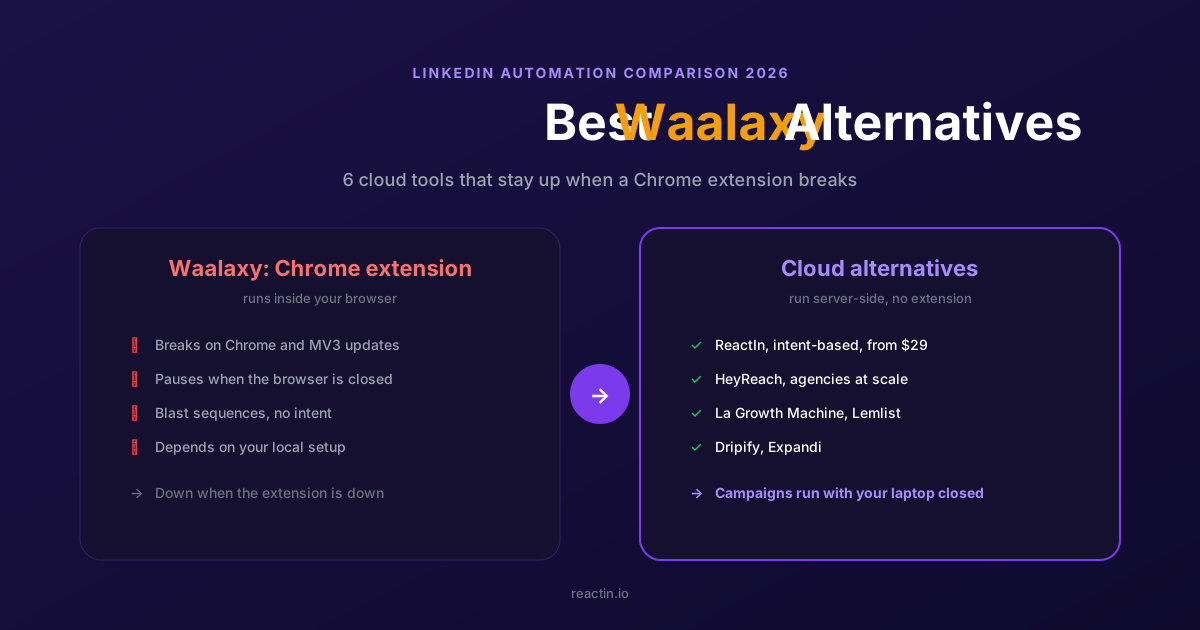
The 6 Best Waalaxy Alternatives in 2026 (Cloud Tools, No Extension)
Waalaxy runs as a Chrome extension that pauses when the browser breaks. Here are the 6 best cloud-based alternatives for 2026, with verified pricing and the right pick for your motion.
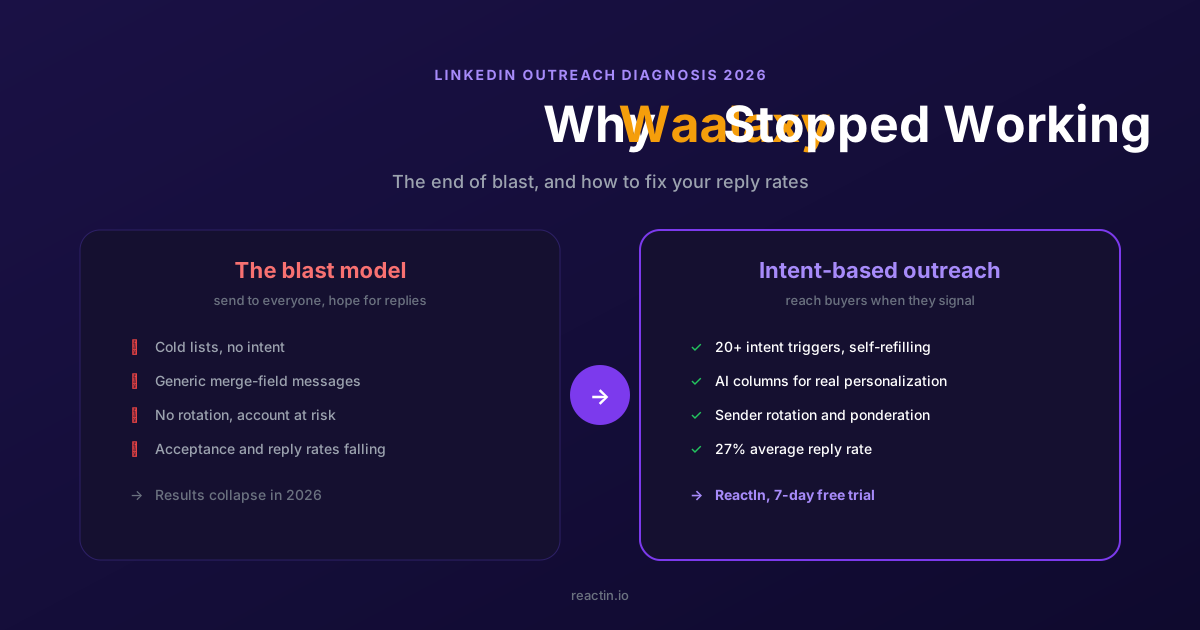
Why Waalaxy Stopped Working in 2026 (And How to Fix Your Reply Rates)
Your Waalaxy reply rates cratered in 2026 and you cannot tell why. Here is what changed, why blast outreach stopped working, and how intent-based prospecting brings double-digit reply rates back.
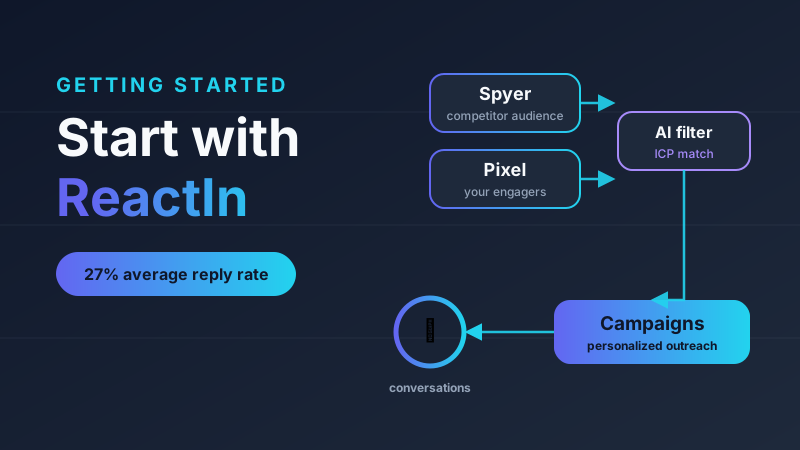
How to Get Started with ReactIn: The Complete Starter Pack (2026)
New to ReactIn? Learn what Spyer, Pixel, and campaigns do, and follow a layer-by-layer starter pack to build an intent-based LinkedIn pipeline that runs on autopilot.
Best Software Affiliate Programs in 2026 (Ranked by Category)
Your software stack costs hundreds a month and earns you nothing. The best software affiliate programs for 2026 fix that, ranked by commission, recurring value and category. ReactIn leads for B2B and LinkedIn audiences, next to Notion, NordVPN, Semrush, HubSpot, Systeme.io and Hostinger.
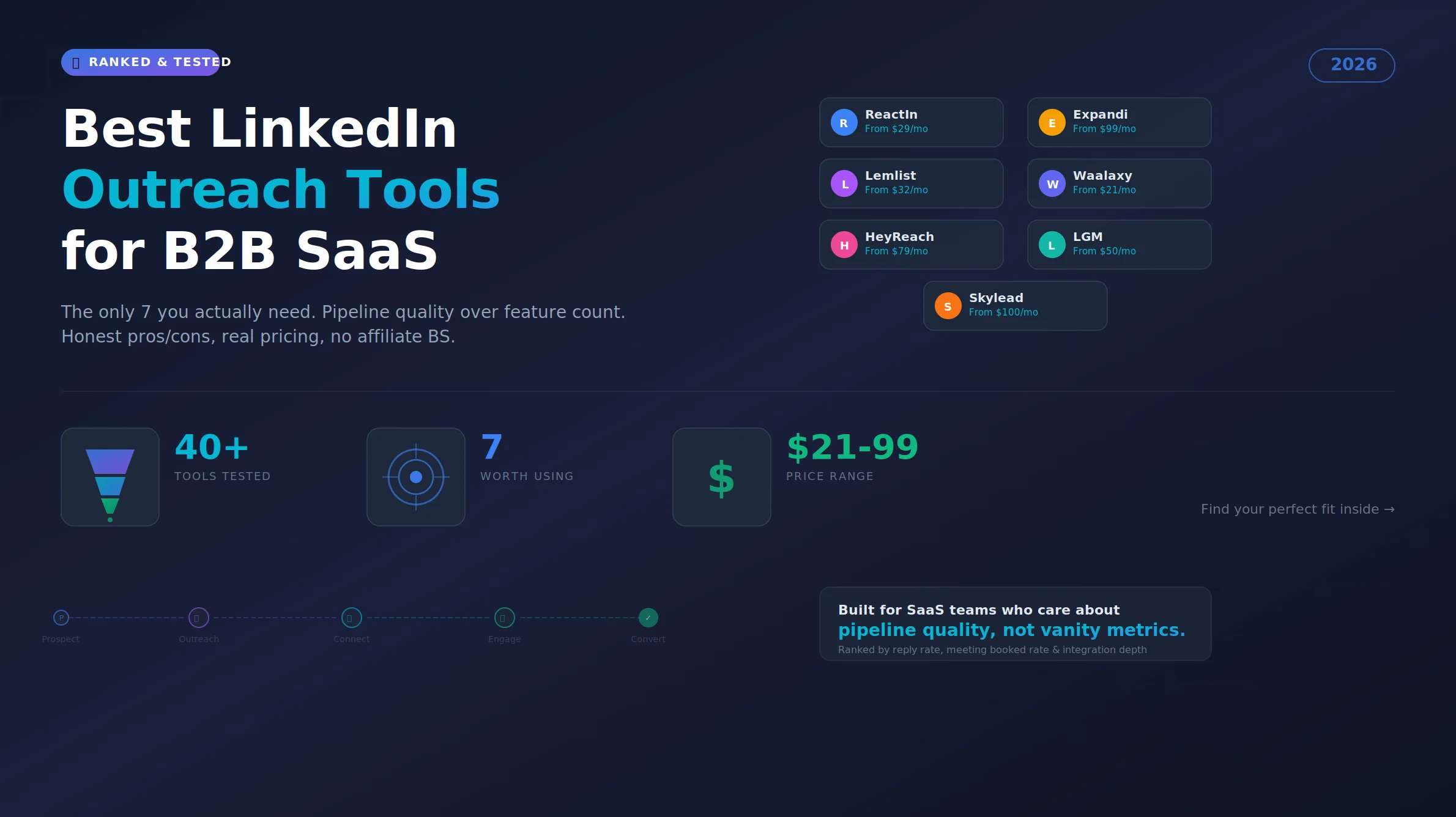
Best LinkedIn Outreach Tool for B2B SaaS in 2026 (Ranked by Pipeline Quality, Not Feature Lists)
The 7 best LinkedIn outreach tools for B2B SaaS in 2026, ranked by pipeline quality and true cost. ReactIn replaces 3-4 tools ($69/mo vs $500+/mo stack) with intent signals, AI enrichment, and automated campaigns. Full 5-seat cost comparison included.
LinkedIn Prospecting Guide 2026: Build Pipeline With Signal-Based Targeting
The complete LinkedIn prospecting guide for 2026. ICP definition, lookalike audiences, SmartList building, and signal-based targeting. Turn LinkedIn into your #1 pipeline source.
ReactIn Alternatives & Comparisons 2026: Find the Right LinkedIn Tool
Compare ReactIn with every major LinkedIn automation tool in 2026. Head-to-head comparisons with BeReach, Gojiberry, Phantombuster, Waalaxy, and more. Find the right tool for your use case.
Free LinkedIn Tools 2026: 4 Tools to Preview, Scrape, Hook & Coach
4 free LinkedIn tools by ReactIn - no signup required. Preview your posts pixel-perfect, scrape post likers into lead lists, generate scroll-stopping hooks with AI, and get GTM coaching. The complete free toolkit for B2B professionals.
Best LinkedIn Tools 2026: The Complete B2B Stack Guide
The definitive guide to LinkedIn tools in 2026. Automation, scraping, AI sales tools, and CRM integrations - compared and ranked. Build your ideal LinkedIn tech stack at any budget.
Affiliate Marketing Guide 2026: From First Commission to Passive Income
The complete affiliate marketing guide for 2026. Choose your niche, find the best programs (B2B, SaaS, recurring), build your funnel, and scale to passive income. Includes links to our ranked program lists.
LinkedIn Outreach Playbook 2026: From Warmup to Closed Deals
The complete LinkedIn outreach playbook for 2026. Account warmup, connection request strategies, DM copywriting rules, multi-touch sequences, and optimization tactics. Based on data from 5,000+ campaigns.
Best LinkedIn Automation Tool for Agencies in 2026 (Ranked by Total Cost, Not Feature Lists)
The 7 best LinkedIn automation tools for agencies in 2026, ranked by true cost at scale. ReactIn replaces 3-4 tools ($69/mo vs $300+/mo stack) with intent signals, AI enrichment, and unified inbox. Full "True Cost for 10 Accounts" comparison included.
Best Marketing Affiliate Programs in 2026 (Ranked by Niche)
You recommend marketing tools every week and earn nothing. The best marketing affiliate programs for 2026 fix that, ranked by recurring rate, cookie and niche. ReactIn leads for B2B and LinkedIn marketers, next to AWeber, Semrush, GetResponse, Leadpages, Unbounce and Moosend.
Best B2B Affiliate Programs in 2026 (Ranked for Business Audiences)
The best B2B affiliate programs for 2026, ranked by value per business referral and audience fit. ReactIn leads for B2B, LinkedIn and GTM creators with 30% recurring for life, compared against HubSpot, Pipedrive, monday.com, ClickUp, ActiveCampaign and Semrush.
Best SaaS Affiliate Programs in 2026 (Ranked by Recurring Commission)
The best SaaS affiliate programs for 2026, ranked by recurring economics and audience fit. ReactIn leads for LinkedIn, GTM and agency creators with 30% recurring and lifetime attribution, compared against Systeme.io, GetResponse, ActiveCampaign, HubSpot, Kit and Semrush.
Best Recurring Affiliate Programs in 2026 (Lifetime Commissions Ranked)
The best recurring affiliate programs for 2026, ranked by recurring quality, lifetime attribution over 12-month caps. ReactIn leads for B2B, LinkedIn and GTM creators with 30% recurring for life, compared against Systeme.io, Kit, GetResponse, Cloudways, HubSpot and Teachable.
How to Build a LinkedIn Lookalike Audience in 2026 (Full Workflow + Screenshots)
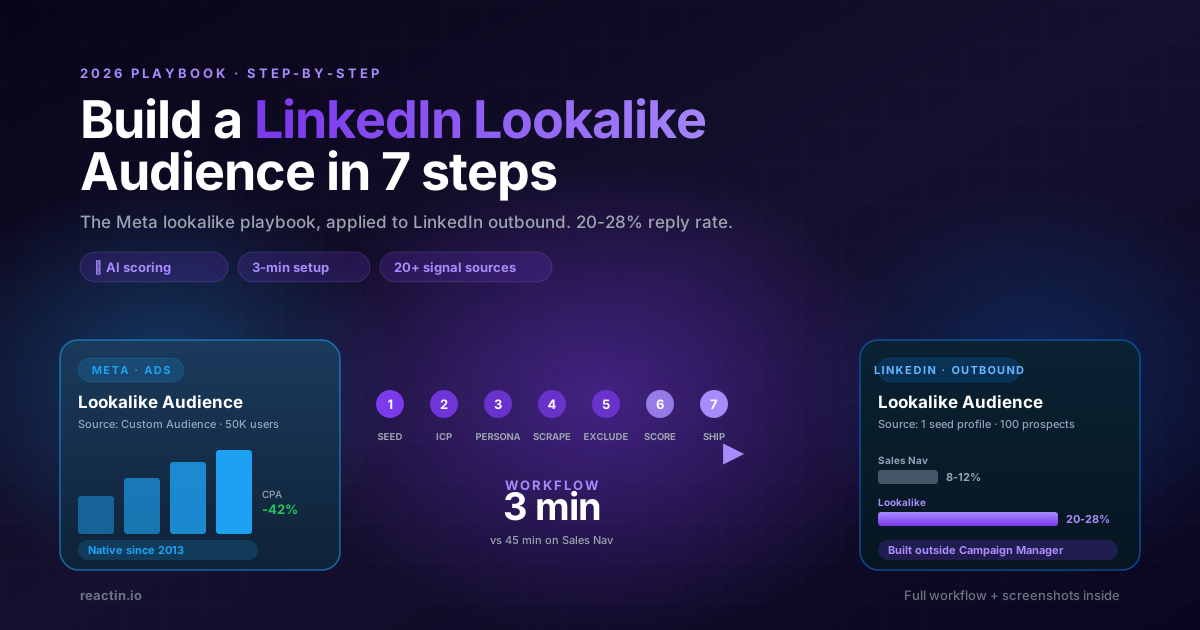
LinkedIn never shipped a native Lookalike Audience for outbound. Here is the full 2026 workflow: pick the seed, write your ICP, run the waterfall scrape, ship a 50-lead audience in under 5 minutes that hits 20-28% reply rates.
LinkedIn Lookalike Audience: How to Find Leads That Match Your Best Customers (2026)
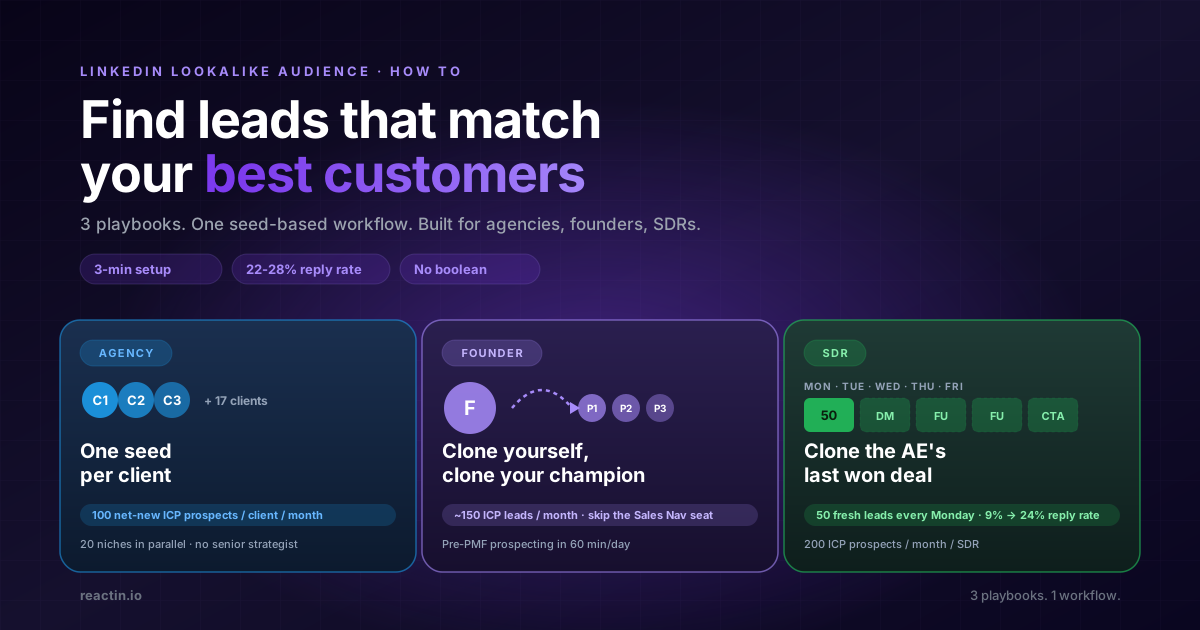
LinkedIn never shipped a native lookalike audience for outbound. Here is how to build one in 3 minutes, with 3 detailed playbooks for agencies, founders, and SDRs hitting 22-28% reply rates.
LinkedIn Lookalike Leads: Clone Your Best Customers in 3 Minutes (2026)
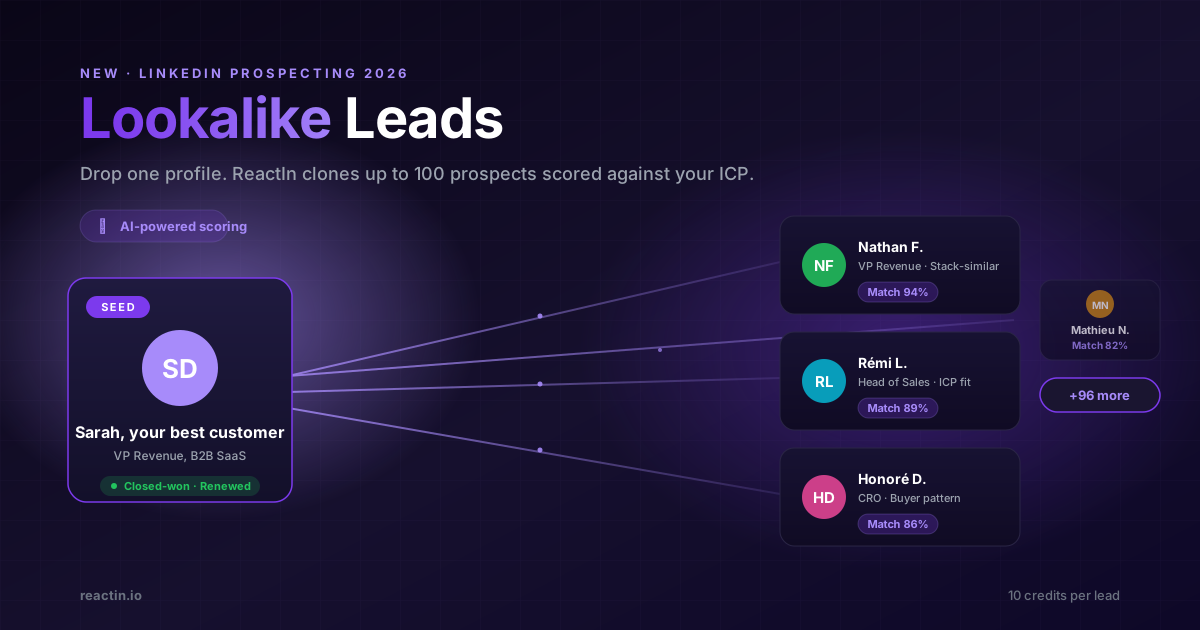
Drop one LinkedIn profile, describe your ICP and persona, and ReactIn returns up to 100 prospects who match. The Meta Lookalike playbook, applied to B2B prospecting. 22% reply rates vs 8% from Sales Nav.
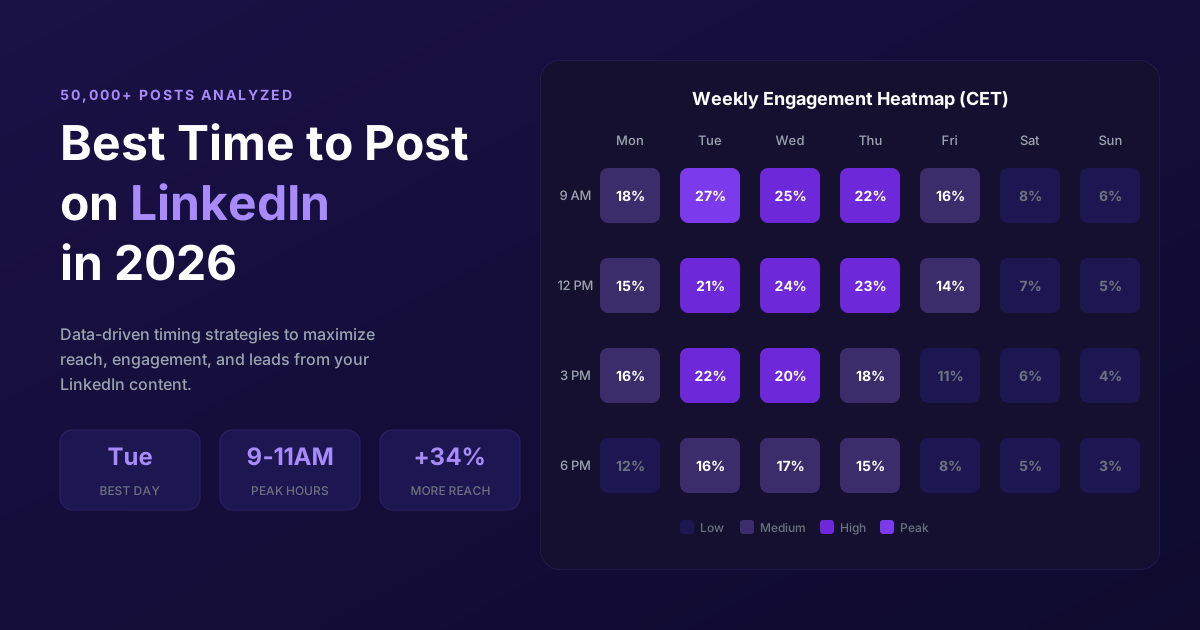
Best Time to Post on LinkedIn in 2026 (50,000+ Posts Analyzed)
When should you post on LinkedIn for maximum engagement? Analysis of 50,000+ posts reveals the best times, days, and strategies to maximize reach in 2026.
LinkedIn Connection Request Note: Character Limit, 2026 Rules & Best Templates
The official LinkedIn connection request note limit in 2026 is 300 characters, on every plan. But notes between 120 and 180 characters win on acceptance rate. Full breakdown, 10 templates, and the difference with InMail and DM limits.
LinkedIn Connection Requests: With or Without a Note? (2026 Data)
Should you add a note to LinkedIn connection requests? 80,000+ requests analyzed. No-note invites get 55–68% acceptance vs 28–45% with notes. See when each approach wins.
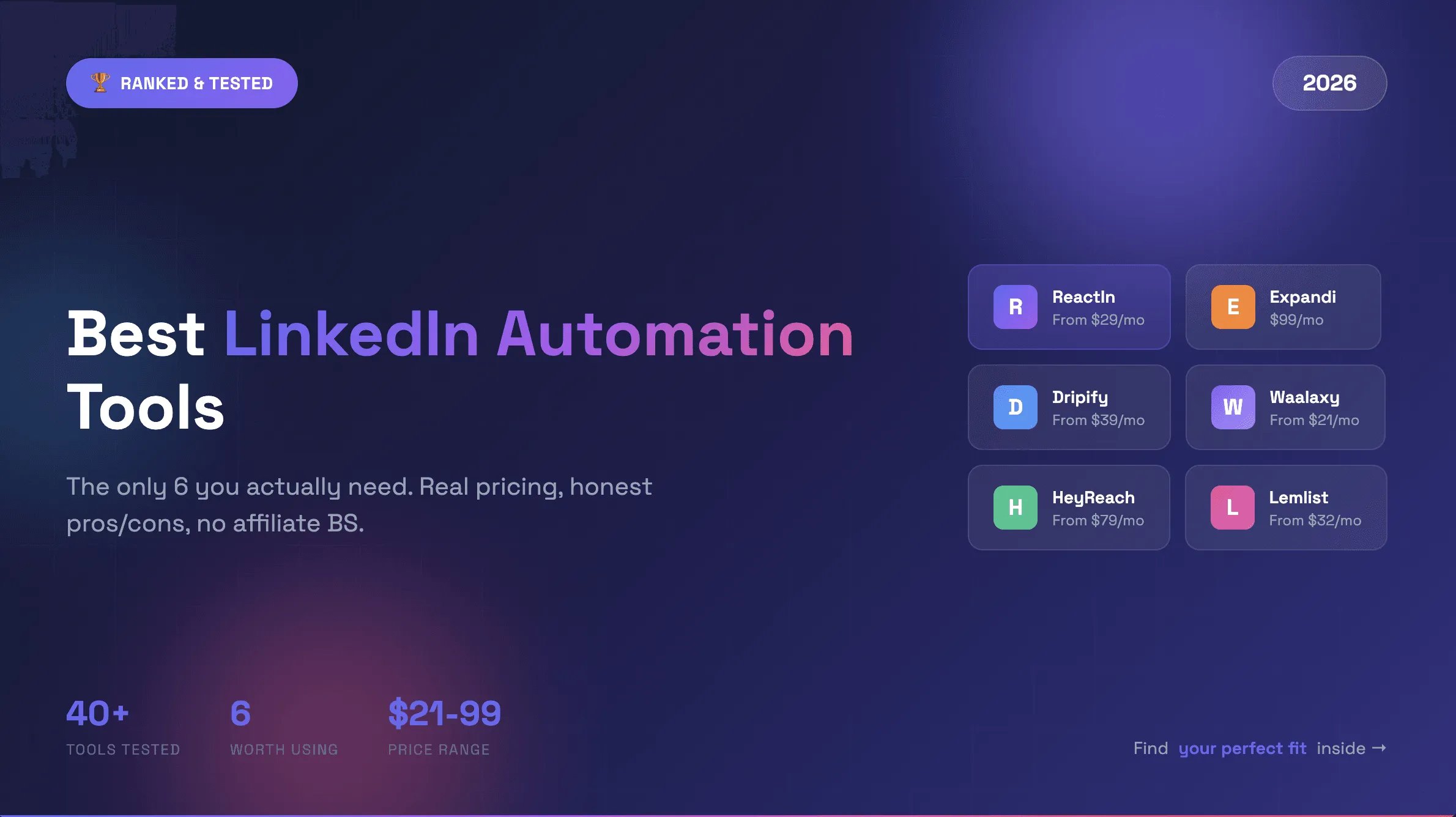
Best LinkedIn Automation Tools 2026 - Top 6 Ranked
Honest comparison of the 6 best LinkedIn automation tools in 2026. Tested hands-on with real campaigns. ReactIn, Expandi, Dripify, Waalaxy, HeyReach, and Lemlist ranked by results.
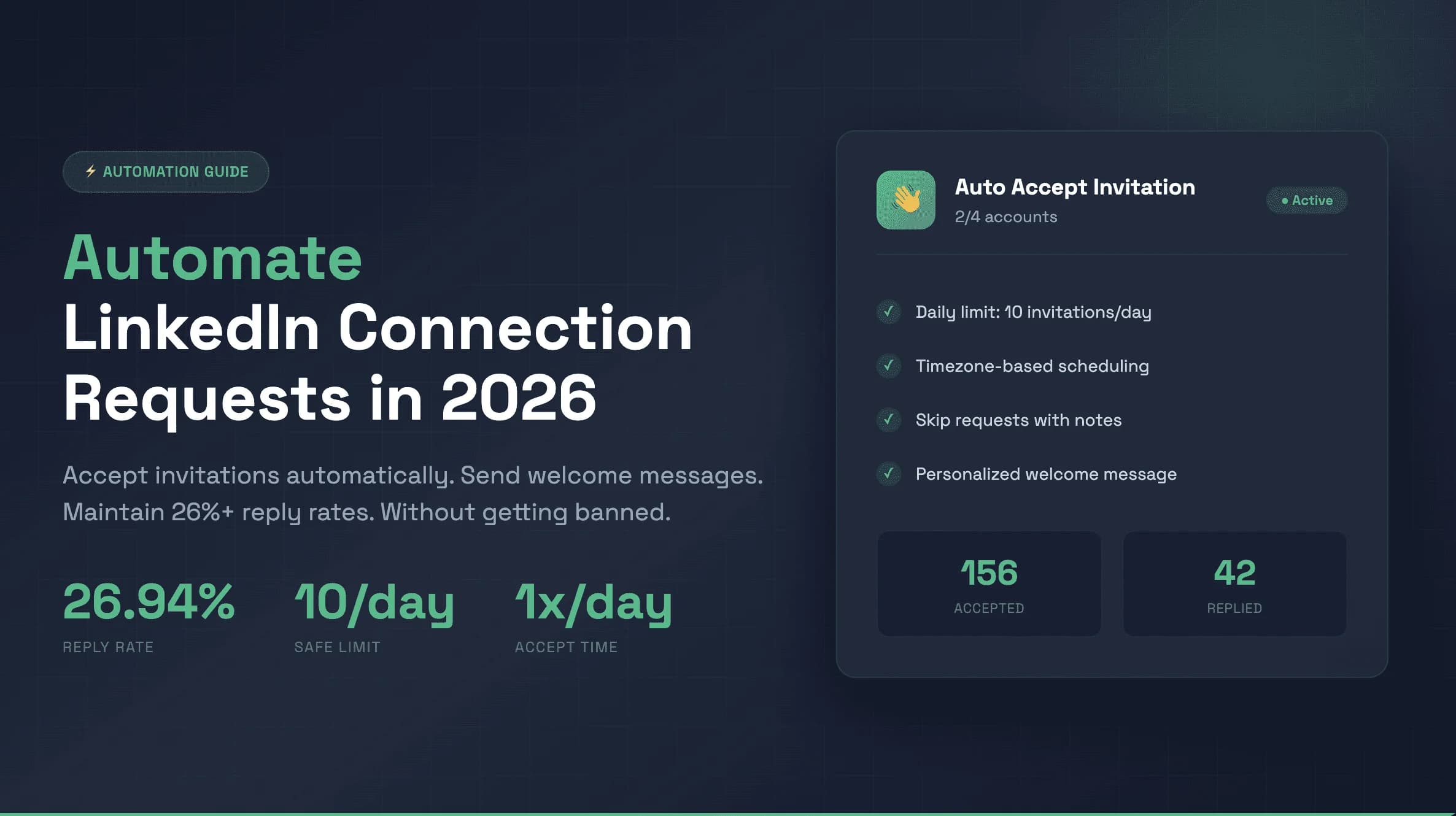
How to Automate LinkedIn Connection Requests: 5 Rules for 26% Reply Rates (2026)
Stop losing leads. 5 proven rules to automate LinkedIn connection requests safely and hit 26%+ reply rates with personalized welcome messages.
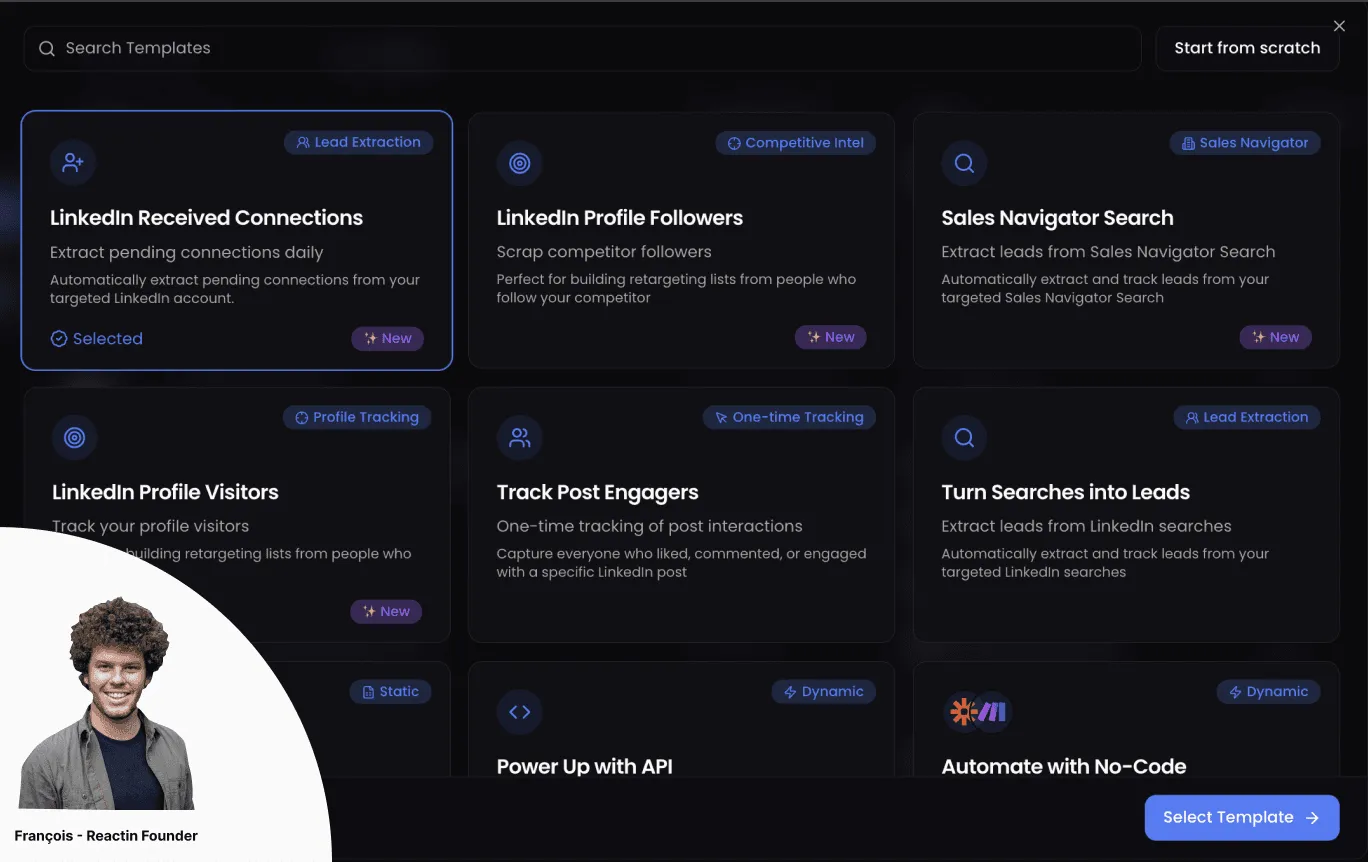
How to Automatically Accept LinkedIn Connection Requests (and Send a Welcome DM)
Learn how to automatically accept LinkedIn connection requests and send personalized welcome DMs. Step-by-step ReactIn setup, compare 5 tools, and maintain 26%+ reply rates safely.
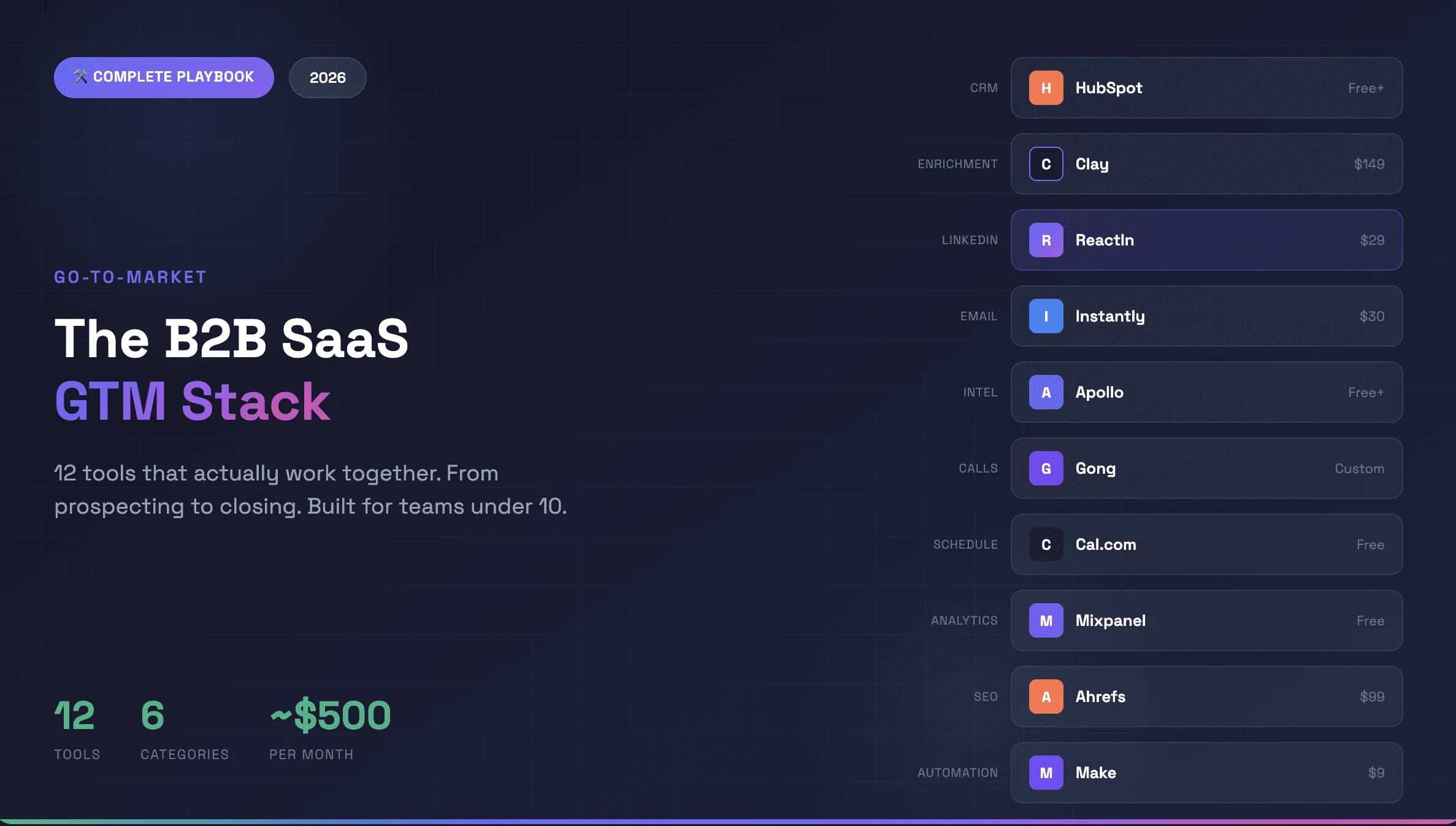
Best Go-to-Market Tools for B2B SaaS 2026: The 12-Tool GTM Stack
The best go-to-market tools for B2B SaaS in 2026. A complete 12-tool GTM stack with automation platforms that actually integrate - from prospecting to closing, built for scaling SaaS businesses. ~$500/month total.
How to Warm Up a LinkedIn Account Safely Before Scaling Outreach (2026)
Step-by-step 4-week plan to warm up your LinkedIn account safely. Daily limits, organic engagement strategy, and how to scale outreach without getting restricted.
Top LinkedIn Scraping Tools for B2B Growth (2026 Review)
Honest comparison of the best LinkedIn scraping tools in 2026. ReactIn, PhantomBuster, Captain Data, Evaboot, and Prospeo ranked by features, safety, and pricing.
LinkedIn Automation Guide: The Complete 2026 Playbook
The definitive guide to LinkedIn automation in 2026. 5 intent-based workflows, 10 messaging rules, safety limits, and tool comparisons. 27% average reply rate across 5,000+ campaigns.
The 7 Best AI Sales Tools to Close More Deals in 2026
Discover the best AI sales tools in 2026. Top AI-powered tools for closing deals: ReactIn for LinkedIn outreach, Allo as the best AI phone agent, Clay for prospecting, Attio for CRM, and more.
Intent-Based Marketing Automations in 2026: The Complete Guide to 3x Reply Rates
Stop blasting the same message to every lead. Intent-based marketing automations use buyer signals to reach the right person at the right moment - delivering 3x higher reply rates. 5 workflows, benchmarks, and step-by-step setup inside.
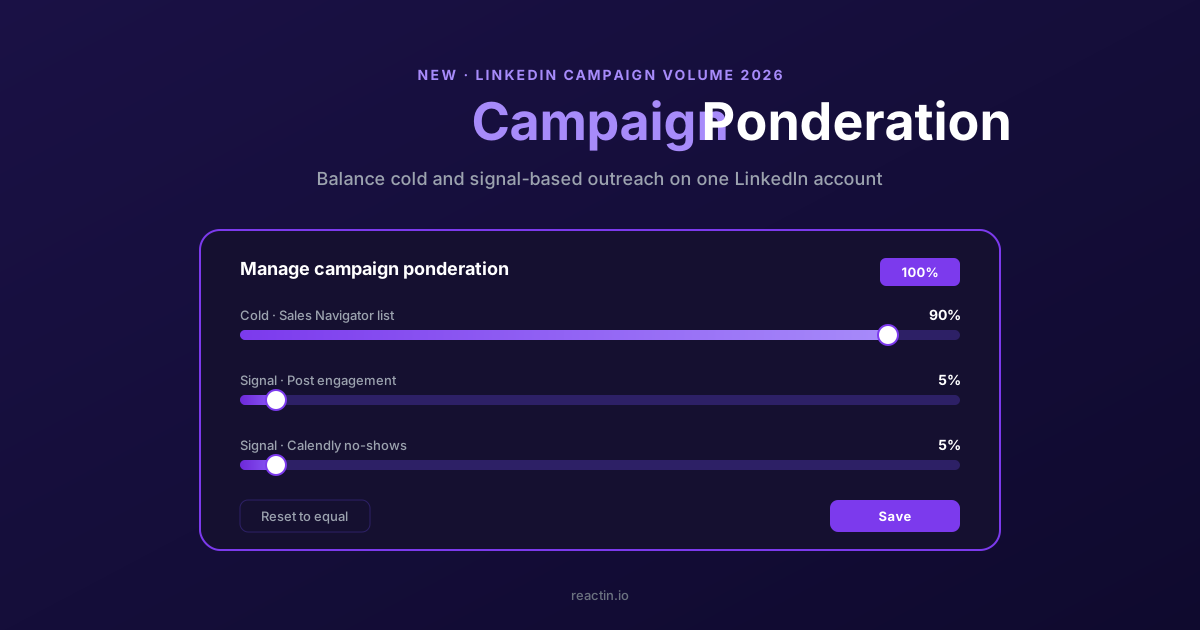
How to Balance LinkedIn Campaign Volume Across Tools (Waalaxy, HeyReach, Expandi, Dripify, LGM, PhantomBuster, Gojiberry vs ReactIn)
Most LinkedIn automation tools force you to pick: one big cold campaign, or none. Here is how Waalaxy, HeyReach, Expandi, Dripify, LGM, PhantomBuster and Gojiberry actually let you split daily volume between campaigns - and how ReactIn’s new Campaign Ponderation finally lets you run a 90/5/5 mix of cold + signal-based outreach.
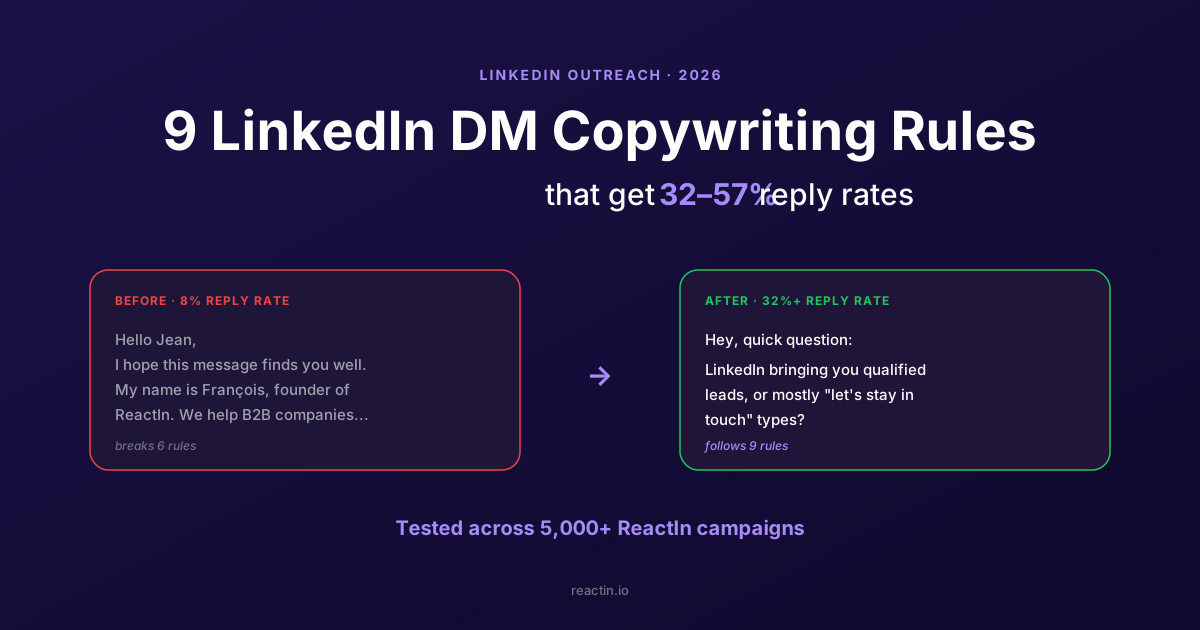
9 LinkedIn DM Copywriting Rules That Get 32-57% Reply Rates (2026)
The average LinkedIn direct message response rate is 8-12%. Our campaigns hit 32-57%. 9 tested copywriting rules, the 5-3-2 rule explained, and how to turn replies into meetings.
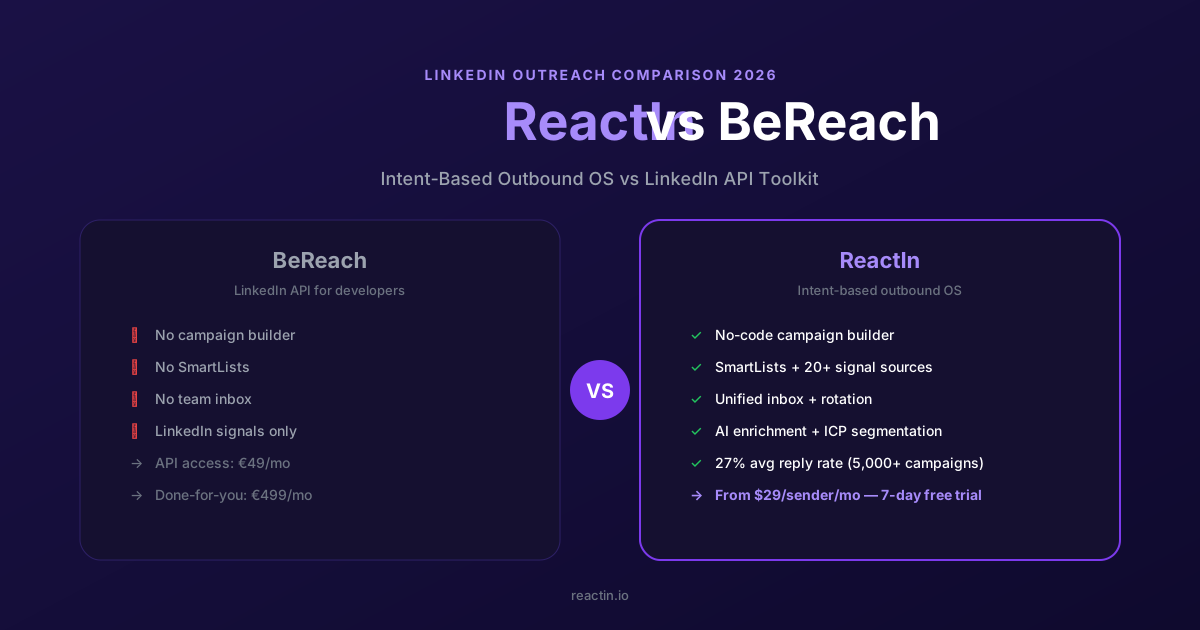
ReactIn vs BeReach (2026): Intent-Based Outbound OS or LinkedIn API Toolkit?
BeReach is a LinkedIn API for developers. ReactIn is an intent-based outbound OS for sales teams - 20+ signal sources, SmartLists, AI enrichment, and 27% reply rates out of the box. Full feature-by-feature comparison.
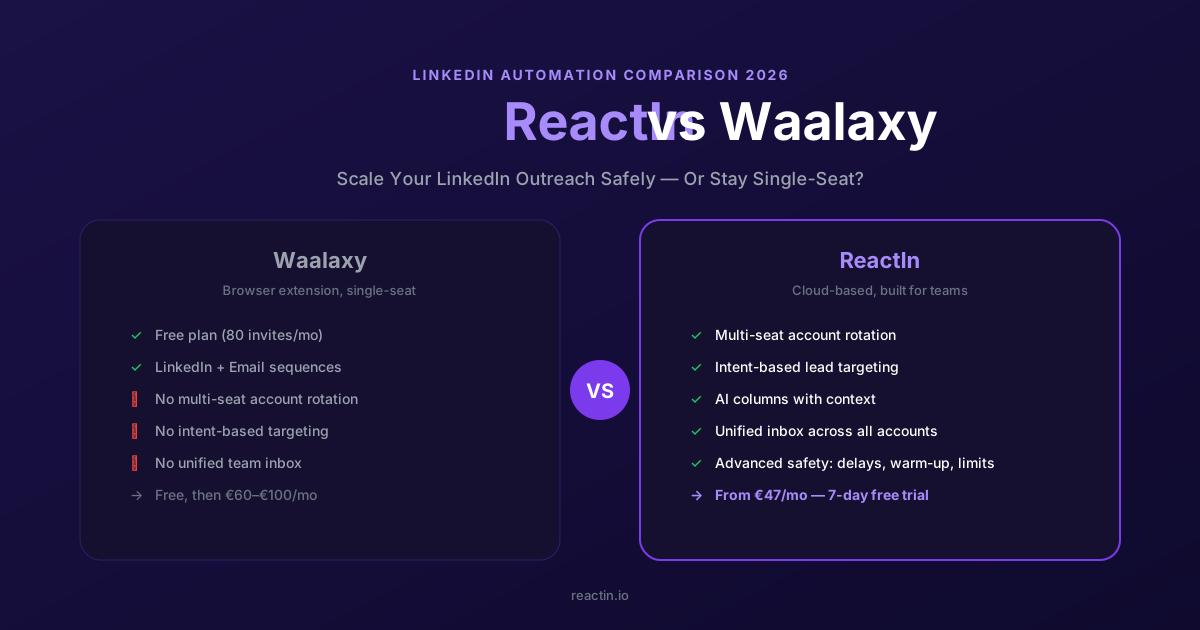
ReactIn vs Waalaxy (2026): Blast Campaigns or Intent-Based Outreach?
Waalaxy is built for mass LinkedIn campaigns. ReactIn is built for intent-based outreach with 20+ signal sources, AI columns, and campaign ponderation. Full comparison inside.
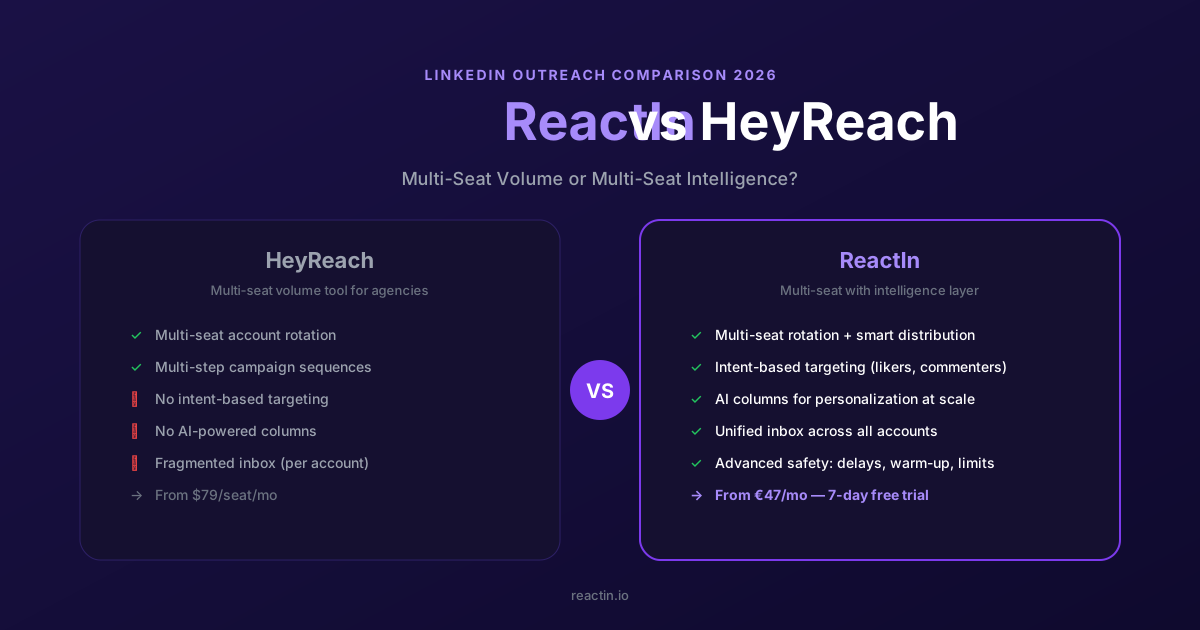
ReactIn vs HeyReach (2026): Volume Rotation or Intent-Driven Outreach?
HeyReach focuses on multi-sender rotation for agencies. ReactIn combines smart rotation with 20+ intent signals, AI columns, and campaign ponderation - all at $69/mo per sender.
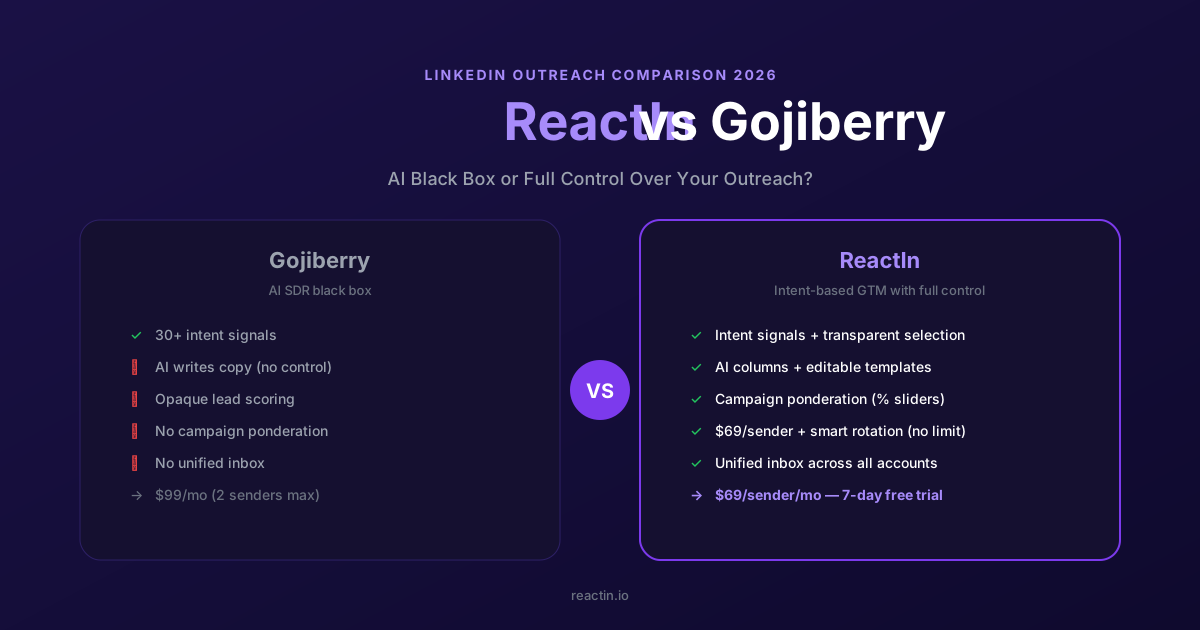
ReactIn vs Gojiberry (2026): AI Black Box or Full Control Over Your Outreach?
Gojiberry is an AI SDR black box. ReactIn gives you intent signals with full workflow control: AI columns, editable templates, campaign ponderation, $69/mo per sender.
Discover the Secret to Maximizing LinkedIn Engagement with Perfect Timing
A data-driven guide to LinkedIn engagement timing in 2026. Best times and days by region, content type timing, weekend strategies, LinkedIn Ads scheduling, and peak activity hours.
How to Automate LinkedIn Connection Requests in 2026 (Safe Method)
The safe method to automate LinkedIn connection requests in 2026. Daily limits by plan (20-50/day), 300-character note limit, best practices, step-by-step ReactIn setup, and safety comparison of top tools.
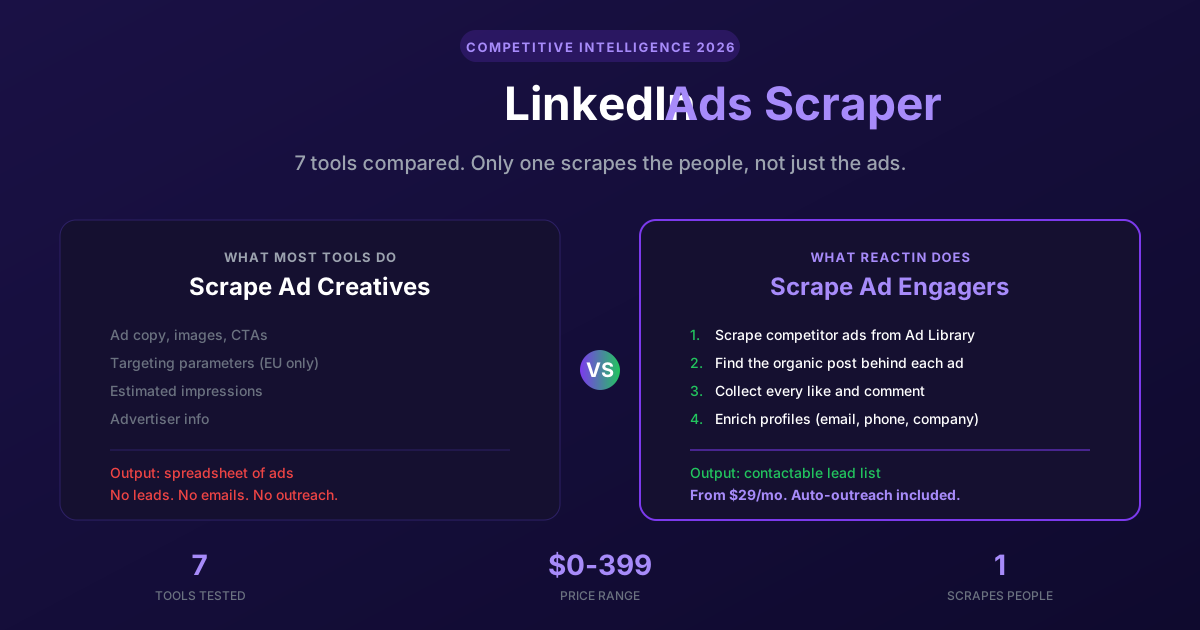
LinkedIn Ads Scraper in 2026: 7 Tools to Spy on Competitor Ads (and Steal Their Audience)
The 7 best LinkedIn ads scrapers in 2026, from ad library extractors to engagement scrapers. Most tools stop at ad creatives. ReactIn goes further: it scrapes the people who engage with competitor ads and turns them into a contactable lead list. Full pricing and feature comparison included.