How to Contact LinkedIn Profile Visitors (2026 Guide)
A profile view is one of the warmest signals LinkedIn produces and one of the most wasted. Two settings decide whether you can see them at all, and the opening line decides whether it reads as noticed or surveilled.
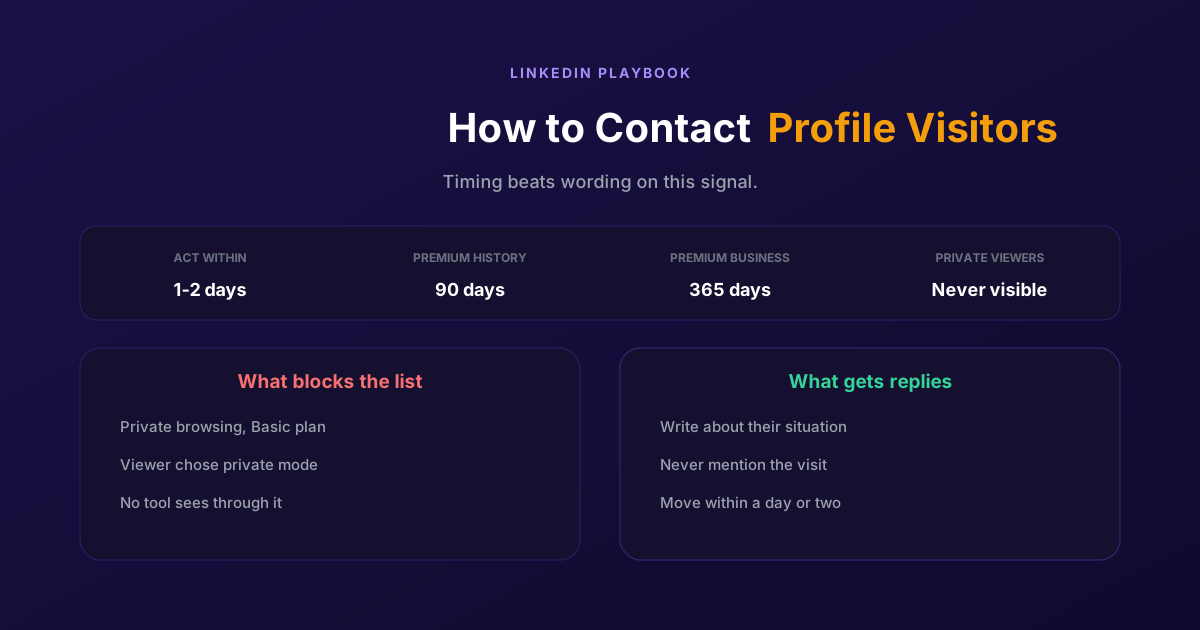
Someone looked at your profile. They were not searching for a supplier, they were looking at you, which makes them one of the warmest signals LinkedIn produces and one of the most consistently wasted.
Two things decide whether you can act on it. Whether you can see them at all, which depends on a setting on your side and one on theirs. And whether your first message makes the view feel noticed rather than surveilled, which is where most people get it wrong in the opening line.
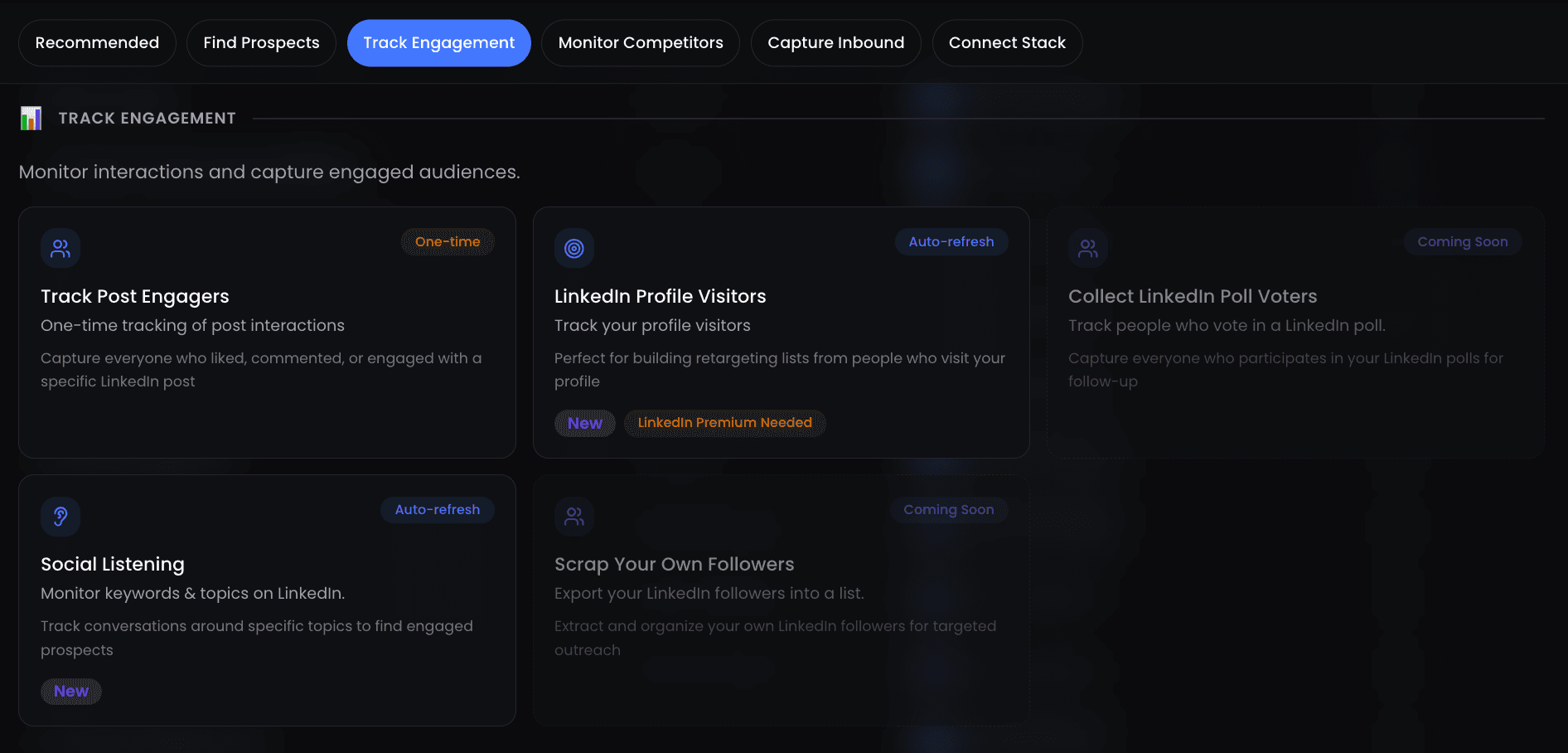
Who you can actually see
Before the outreach, the visibility. There are four situations, and only one of them is a problem you can solve by upgrading anything.
| Situation | What you see | What to do |
|---|---|---|
| They browsed in private mode | LinkedIn Member, viewing profiles in private mode | Nothing. No plan and no tool identifies them |
| You browse in private mode, Basic account | Nothing at all, your own list is switched off | Turn private browsing off, or move to Premium |
| You browse in private mode, Premium | Your viewers from the last 90 days, still visible | Nothing, this combination works |
| You want a longer history | Premium Business goes up to 365 days | Only worth it if you work the list systematically |
The second row is the one that quietly costs people the entire feature. If you have a Basic account and you browse in private mode, you cannot see who has viewed your profile either. It is a trade, not a bug, and it catches out anyone who turned private browsing on months ago while researching competitors and forgot. If your visitor list looks empty, check that setting before you conclude nobody is visiting.
The first row is the one to be honest about, because it is where bad tools make promises. A member who views your profile in private mode shows up as LinkedIn Member with a note that they are browsing privately, and you cannot see their name even with a Premium account. Anything advertising itself as a way to reveal anonymous viewers is either describing something else or not telling you the truth.
Contacting them, step by step
Four steps. The timing in the first one matters more than the wording in the third.
Move within a day or two
A profile view is a perishable signal. Someone who looked at you on Tuesday has a reason on Tuesday, and by the following month they have forgotten why. This is the single biggest difference between a visitor list that produces conversations and one that produces nothing, and it has nothing to do with what you write.
Work out why they were there
Look at the visitor properly before writing anything. Their role, their company, whether they engaged with a recent post of yours, whether their company matches anything you sell to. Premium gives you job titles and filters on company, title, location and industry, which is what makes the list workable rather than a pile of names.
Open on their situation, not on the view
Do not lead with I noticed you viewed my profile. It reads as surveillance and it puts the conversation on the wrong subject immediately, because the subject becomes you watching them. Use the view as the reason you are writing today and write about something real instead: their role, a post they engaged with, something specific to their company.
Make it easy to answer and then stop
One short message, one question they can answer in a line, and no follow-up sequence triggered by a profile view alone. A visit is enough of a signal to justify one approach; it is not consent to a five-step cadence. If they do not reply, they were browsing, and treating that as a lead to nurture is how a warm signal becomes a complaint.
Messages that work
Four things that separate the visitor outreach that gets replies from the kind that gets ignored.
- Write as if they had not visited. If the message only makes sense because you saw them in a list, it is the wrong message. The good version would be reasonable to send to anyone in their situation, and the visit is just why you sent it now.
- Lead with the thing that brought them. If they visited after you posted about a specific problem, that problem is your opening. The view plus a recent post is the strongest combination on this list.
- Ask one question, not three. A visitor is interested, not committed. One answerable question outperforms a paragraph that asks them to brief you on their whole situation.
- Accept silence. Most profile views are curiosity, including from competitors and candidates. A visitor who does not reply is not a lead that needs more pressure, and persisting on a visit alone costs you more than it returns.
None of this needs automation to work. What automation changes is whether you see the list at the moment it is still warm, rather than on Friday when you remember to look.
For the message itself, the rules we use are in 9 LinkedIn DM copywriting rules, and for the wider picture, the LinkedIn prospecting guide.
Turning visits into a standing list
Done by hand, this is a habit that decays. You check the list when you remember, which means you catch a Tuesday visitor on Friday, and the reason they were there has gone cold. The signal is good and the process around it is fragile.
ReactIn has profile visitors as one of its list sources, alongside post engagement, followers, webinar attendees and the rest of the catalogue. People who view your profile enter a list as they appear, and the campaign reaches them while the visit is recent rather than whenever you next open the page.
The honest limit, and it is the same one as above: we read what LinkedIn shows you. A visitor browsing in private mode is invisible to us exactly as they are to you, a Basic account with private browsing on has no list for us to read, and the history we can work with is the history your plan gives you. Automating the list does not extend it.
What it does change is the decay. A visitor list is valuable in proportion to how fast you act on it, which makes it one of the clearest cases where the automation is worth more than the data, because the data was already there and you were just getting to it late.
For how this sits against other tools, see our ReactIn vs Waalaxy comparison.
Profile visitors are the rare signal where the hard part is not finding the people, it is reaching them before the reason evaporates. Fix the visibility setting, then fix the delay, and the wording matters far less than either.
Frequently Asked Questions
Sources & Further Reading
- LinkedIn explains the private-mode rule in private mode viewers of profiles.
- The trade-off on your own side is set out in browsing profiles in private and semi-private mode.
- For what each plan shows, see Who's viewed your profile basic and Premium features.
- And the visibility settings themselves are in Who's viewed your profile visibility settings.
Related Articles
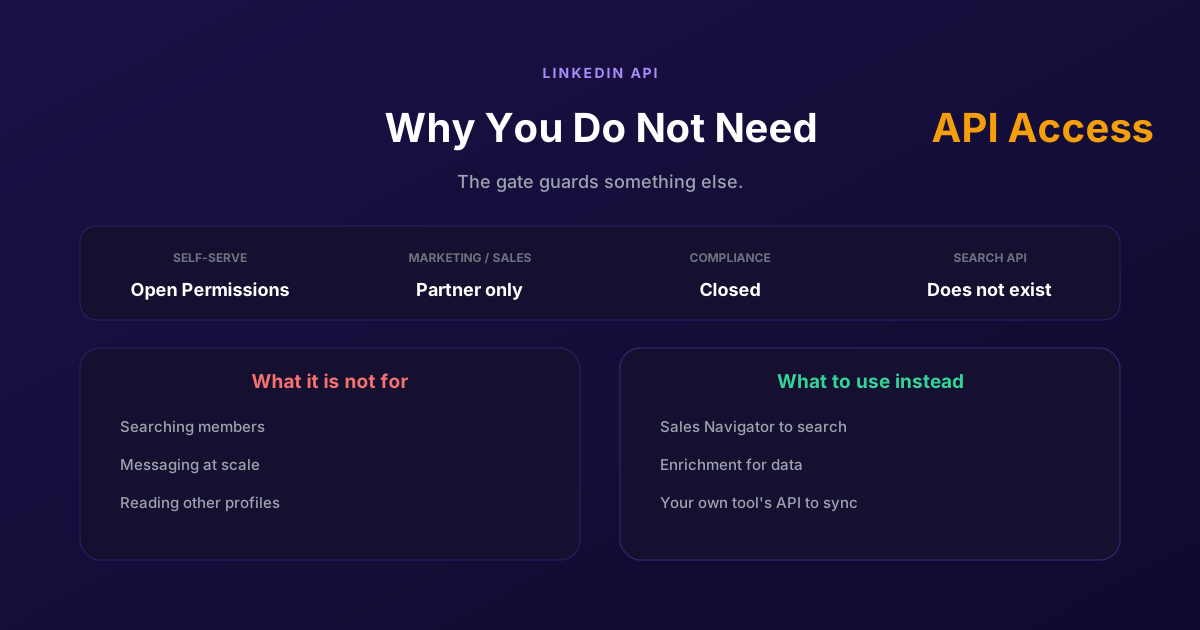
LinkedIn API Access: Why You Probably Do Not Need It
Self-serve access covers your own profile and posting as yourself. Marketing, Sales and Talent need partner approval, Compliance is closed, and none of them is a prospecting API, so approval would not deliver what most applicants want.
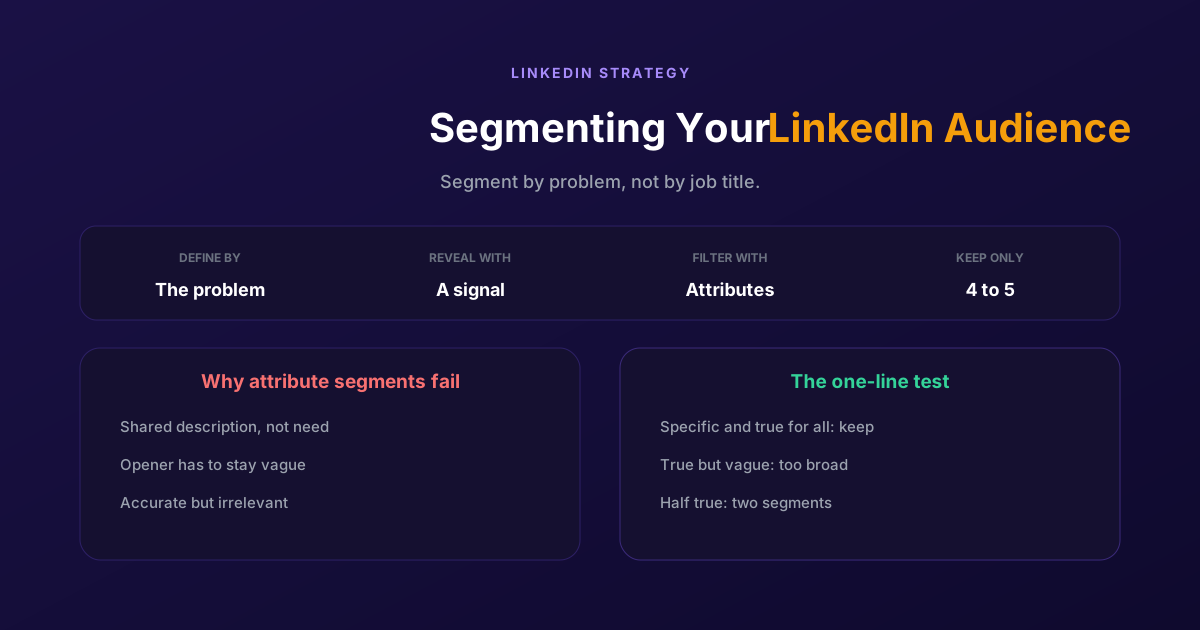
Segmenting Your LinkedIn Audience: A Practical Guide
Filtering by job title gives you people who look alike, not people who want the same thing. Segment by the problem you solve and the signal that reveals it, then use attributes only to narrow what remains.
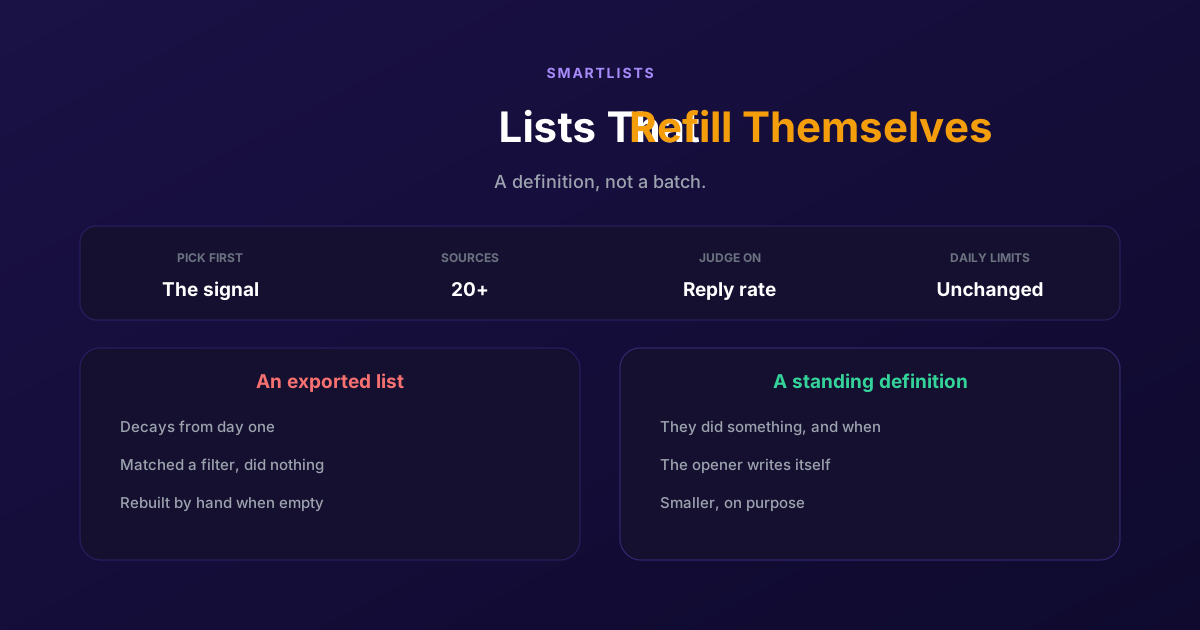
How to Generate LinkedIn Leads Continuously with SmartLists
An exported list is a photograph of a moment and decays from day one. A SmartList is a standing definition that fills itself, so people get contacted while the reason is still fresh.
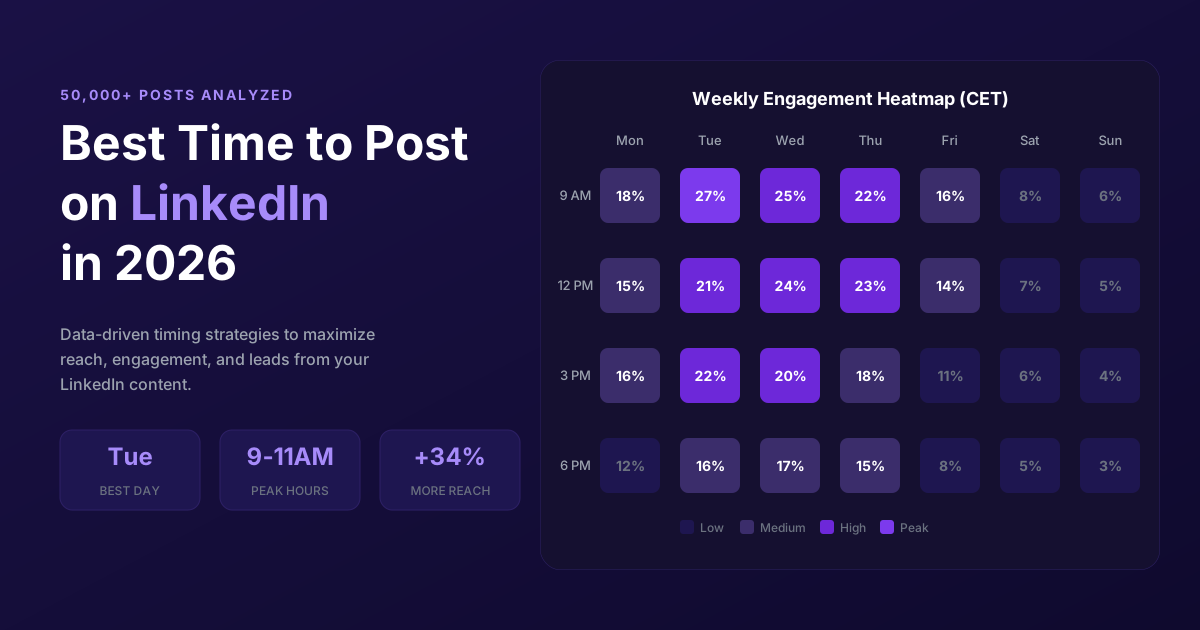
LinkedIn Peak Hours, Best Posting Times and Ads Scheduling in 2026
A data-driven guide to LinkedIn timing in 2026. Peak activity hours, best times and days by region, timing per content type, weekend strategy, and LinkedIn Ads scheduling including how long ad review takes.