How to Generate LinkedIn Leads Continuously with SmartLists
An exported list is a photograph of a moment and decays from day one. A SmartList is a standing definition that fills itself, so people get contacted while the reason is still fresh.
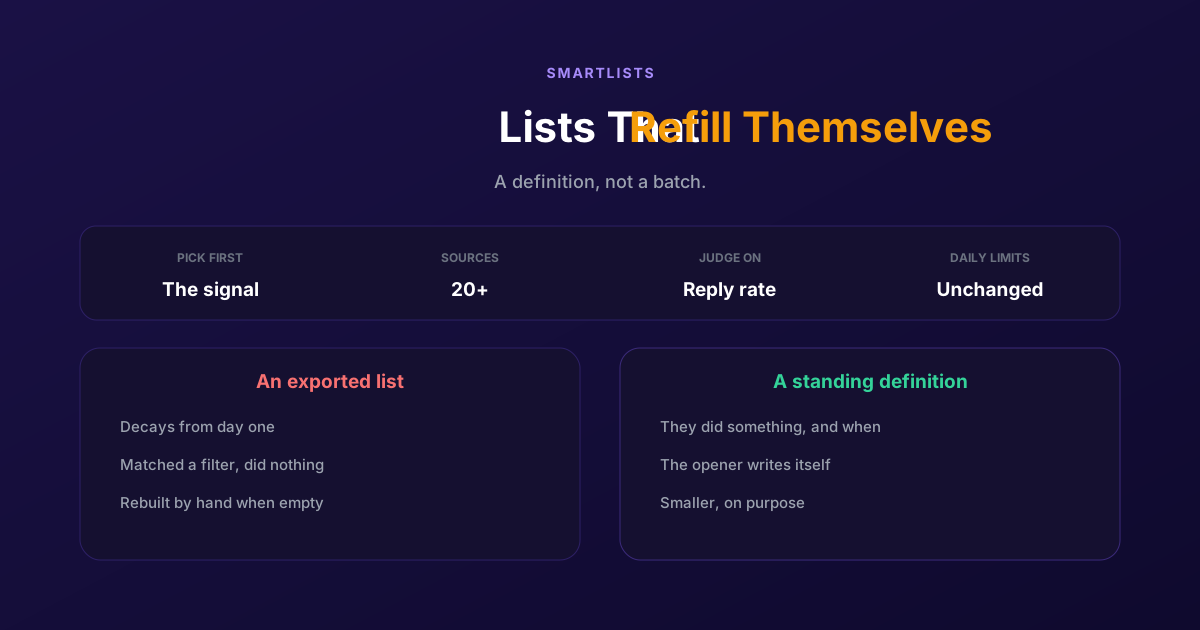
Every LinkedIn pipeline built on a list eventually runs dry. You export a search, you work through it, replies taper off, and then you are back in Sales Navigator building the next one. The list was never the asset, it was a photograph of a moment, and photographs age.
The alternative is not a bigger list or a faster tool. It is changing what a list is: a standing definition of who you want to talk to, which fills itself as people meet it. That is what a SmartList is, and the difference it makes is less about volume than about timing, because the people it adds have just done something.
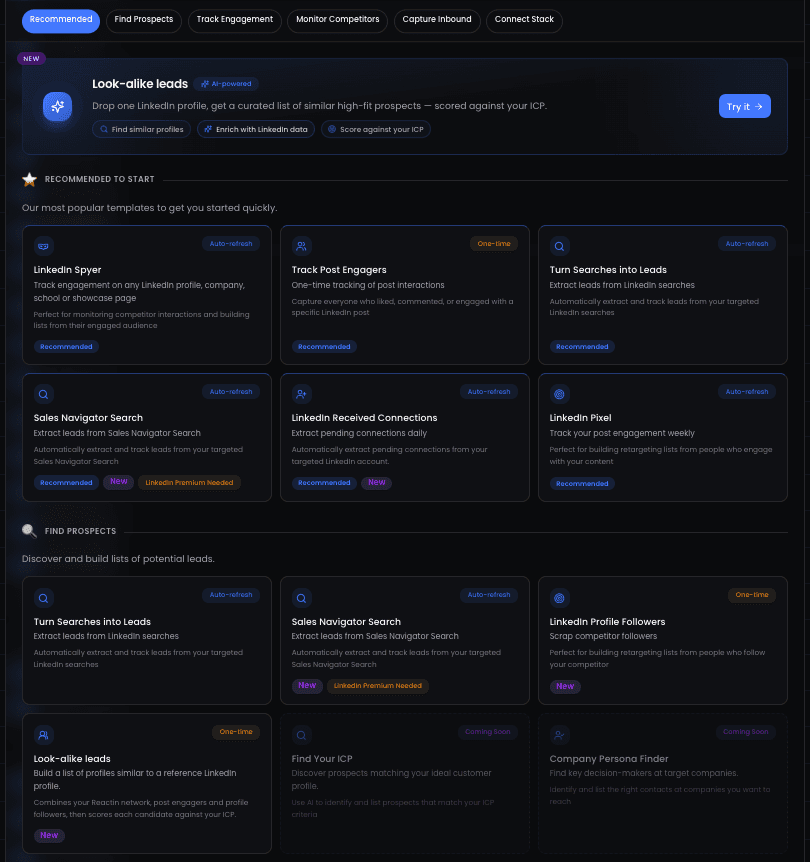
Why static lists go dry
LinkedIn is where most B2B teams look for pipeline, and the numbers back that up: LinkedIn reports that 89 percent of B2B marketers use it for lead generation and 62 percent say it generates them leads, more than twice the next-highest social channel. What it does not tell you is how to keep a list alive once you have built one.
| Exported list | SmartList | |
|---|---|---|
| How people get in | You run a search once and export the result | They meet a rule you defined and enter on their own |
| What it knows about them | Their filters matched on the day you exported | Something they actually did, and when |
| How it ages | Decays from the first day, silently | Stays current because the definition is the asset |
| What the first message can say | Something generic about their job title | Something specific about what they just did |
| What happens when it empties | You build the next list by hand | Nothing: it refills as the signal fires |
The column worth staring at is the fourth. A list built from filters can only support a message about attributes, which is why so much LinkedIn outreach opens with a variation on noticed you are a head of sales at a growing company. A list built from a signal supports a message about an event, and an event gives you a reason to be in someone's inbox that they will recognise.
That is also why the timing matters more than the size. Someone who commented on a post about a problem you solve is interested this week. The same person, pulled from a filter-based search in three months, is a stranger with a job title. Same human, completely different conversation.
Building one, step by step
Four steps. The first is the one that decides whether the rest is worth doing.
Choose the signal source
The catalogue is wider than most people expect. On LinkedIn: likes and comments on a post, either or both, the people engaging with a specific profile's posts, followers of a page or profile, who visited your profile, webinar attendees, people engaging with a company's ads, posts matching a keyword, LinkedIn and Sales Navigator searches, and lookalikes generated from a profile you nominate. Off LinkedIn: Cal.com bookings, Tally form submissions, additions to a Brevo list, our API, or Zapier and Make for anything else you already run.
Define the list, not the batch
Give the list its rule and leave it running. This is the conceptual shift: you are not assembling people, you are writing down the condition under which someone becomes worth talking to. A good list definition outlives several campaigns, and you will find yourself editing the message far more often than the list.
Let enrichment fill in the gaps
A signal gives you a person and a reason, not a complete record. Leads entering a list are enriched automatically with contact and company data, which is what makes the difference between knowing someone commented and knowing who they are. It also means you are not exporting to a third tool and importing back, which is where most data quality problems are born.
Attach a campaign and let it run
The campaign contacts people as they arrive rather than working through a queue. Write the opener around the signal, because that is the whole advantage: reference the post, the webinar, the booking they missed. If several campaigns could claim the same person, campaign ponderation decides the order rather than leaving it to whichever one happened to run first.
Three patterns that work
Each of these is a signal paired with a message that could only be sent because of that signal.
- Post engagement into a first conversation. Someone likes or comments on a post about a specific problem. The opener references the post and asks whether that problem is live for them. It reads as a follow-up to something they did rather than an approach out of nowhere.
- A missed booking into a second chance. Someone books a call through Cal.com and does not show, or fills in a form and goes quiet. That is a warm signal people routinely waste. A short message referencing the booking, with an easier next step, recovers a meaningful share of them.
- Competitor and category attention into a shortlist. People engaging with a company's ads, or with posts matching a keyword you care about, are in the market now. It is the closest thing LinkedIn offers to intent data, and it is the list that most often justifies sending fewer, better messages.
Notice what these have in common: in each case the signal writes the first line for you. If you cannot say what the signal lets you reference, the list is probably just a search with extra steps.
We went deeper on the signal side in intent-based marketing automations, and on timing in our guide to the best time to post on LinkedIn.
What this does not solve
Worth being plain about the trade-offs, because a list that fills itself is not a list without constraints.
Signal-driven lists are smaller than broad searches, by design. A filter set can return thousands of people; the set who commented on your post last week is much smaller. That is the point, and it is still a genuine constraint: if you need volume this quarter more than you need relevance, a search-based list will produce more names faster. The argument for signals is reply rate and conversation quality, not headcount.
LinkedIn's own daily ceilings apply exactly as they do to every other tool. Nothing here sends more invitations or messages per day than the platform permits, and any vendor suggesting otherwise is describing a risk to your account rather than a feature. Volume beyond one account's limits comes from more senders, which is a different conversation with a different cost.
And the signal has to exist. If you do not publish on LinkedIn, do not run ads, do not host webinars and have no inbound forms, there is less for a list to listen to, and search-based sources will carry more of the weight at the start. The honest version of this approach is that it rewards teams who are already creating some surface for people to react to.
If you are weighing this against the tool you use today, the comparisons are collected in our ReactIn vs Waalaxy comparison and the rest of that cluster.
The shift is small to describe and large in practice: stop maintaining lists and start maintaining definitions. Everything else, the enrichment, the sequencing, the ordering between campaigns, is downstream of getting that one thing right.
Frequently Asked Questions
Sources & Further Reading
- The adoption figures come from LinkedIn's own lead generation resources.
- For how LinkedIn frames intent and audience building, see LinkedIn Marketing Solutions.
- And LinkedIn's rules on automated activity are set out in the User Agreement, worth reading before you scale anything.
Related Articles
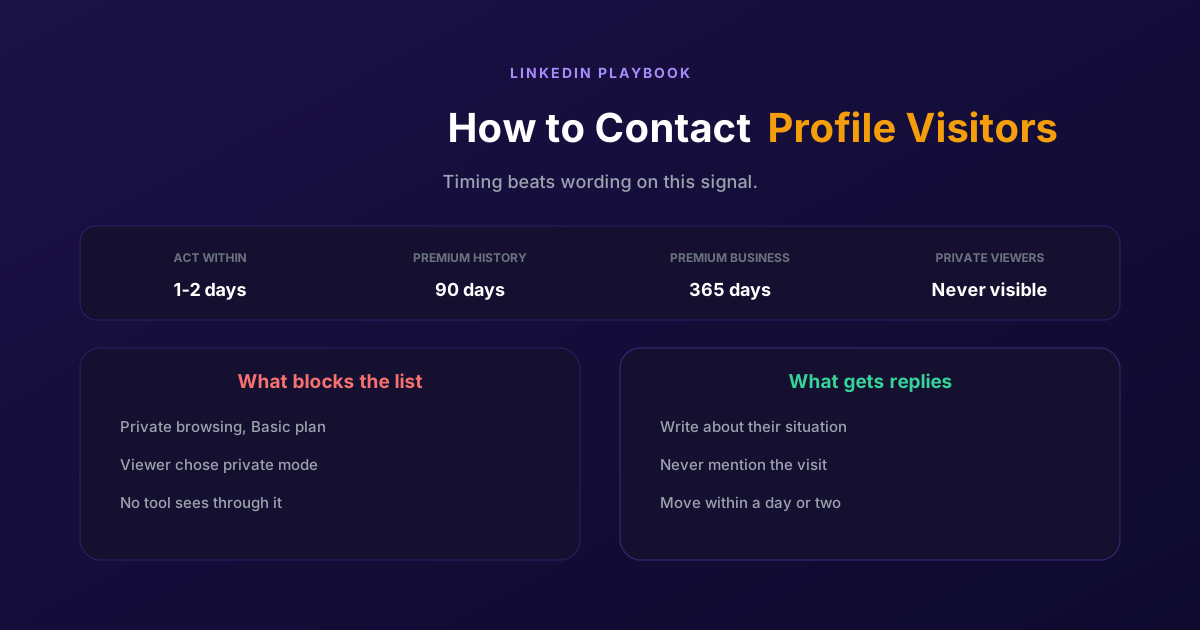
How to Contact LinkedIn Profile Visitors (2026 Guide)
A profile view is one of the warmest signals LinkedIn produces and one of the most wasted. Two settings decide whether you can see them at all, and the opening line decides whether it reads as noticed or surveilled.
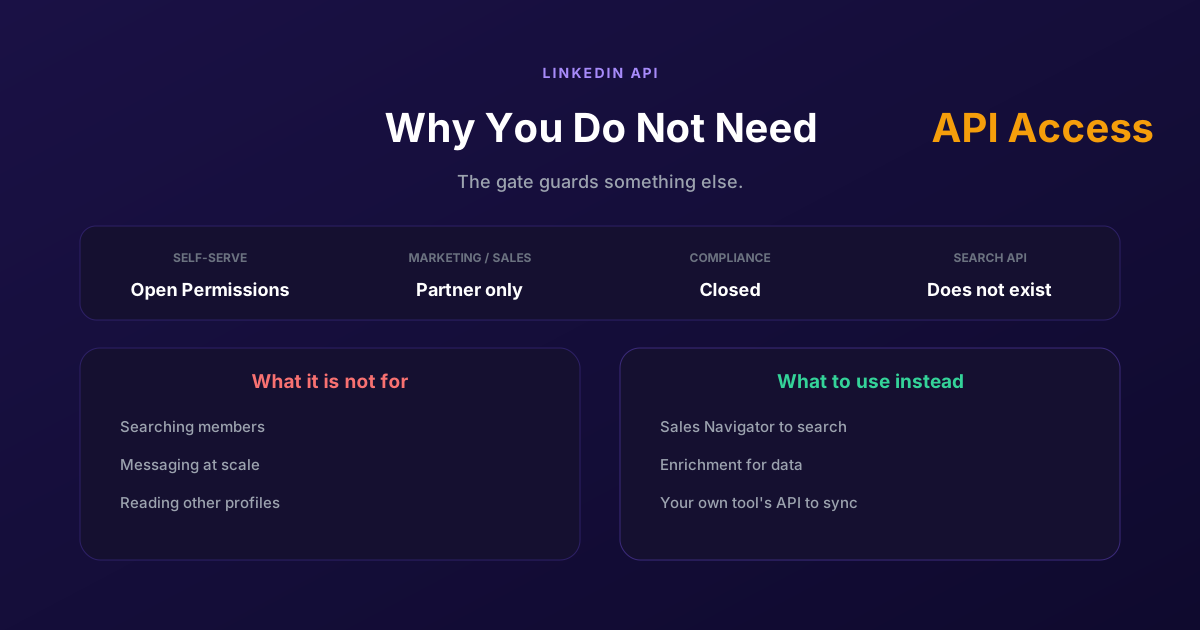
LinkedIn API Access: Why You Probably Do Not Need It
Self-serve access covers your own profile and posting as yourself. Marketing, Sales and Talent need partner approval, Compliance is closed, and none of them is a prospecting API, so approval would not deliver what most applicants want.
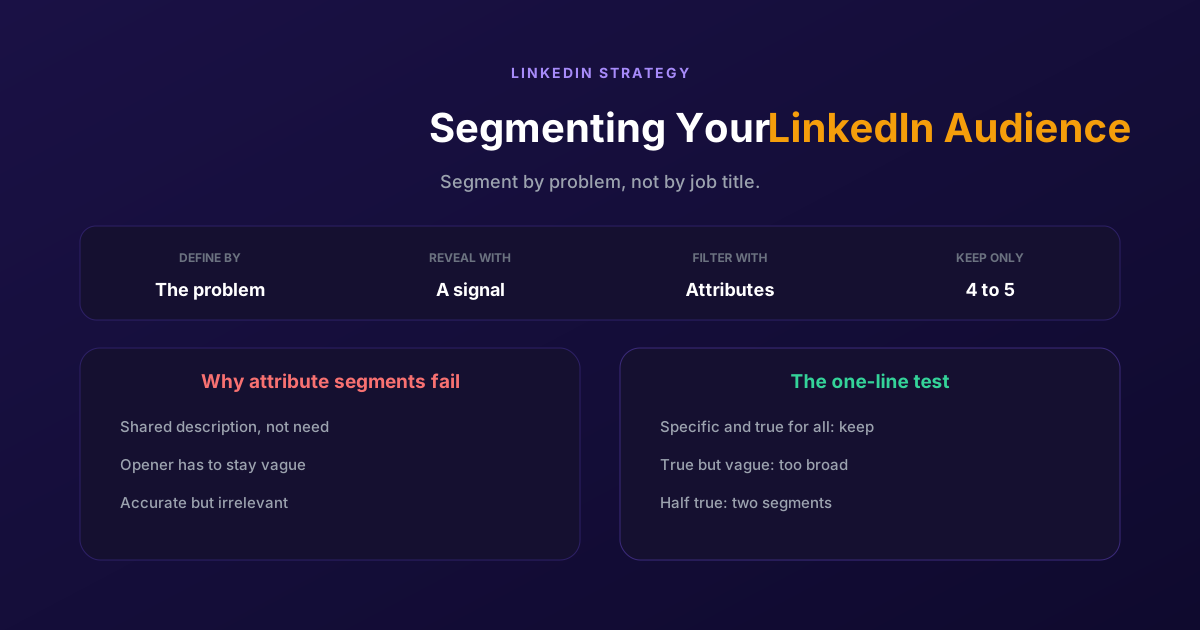
Segmenting Your LinkedIn Audience: A Practical Guide
Filtering by job title gives you people who look alike, not people who want the same thing. Segment by the problem you solve and the signal that reveals it, then use attributes only to narrow what remains.
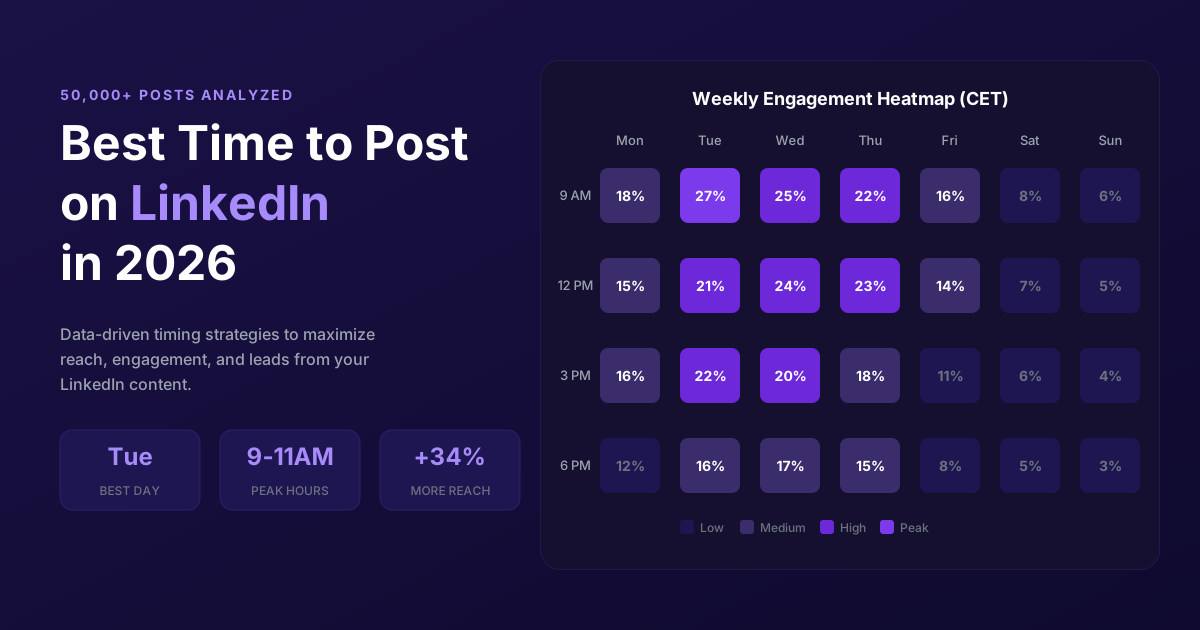
Best Time to Post on LinkedIn in 2026 (50,000+ Posts Analyzed)
When should you post on LinkedIn for maximum engagement? Analysis of 50,000+ posts reveals the best times, days, and strategies to maximize reach in 2026.