Pause, Resume & Manage Campaigns
ReactIn gives you full control over every campaign, so you can start, pause, resume, or duplicate flows at any time without losing progress. This lets you stay agile and react fast to changes in your strategy, performance, or capacity.
🛑 Pause a campaign
You can pause any campaign at any moment:
-
From the Campaign you want to pause
-
Click “Pause Campaign” on the top right corner
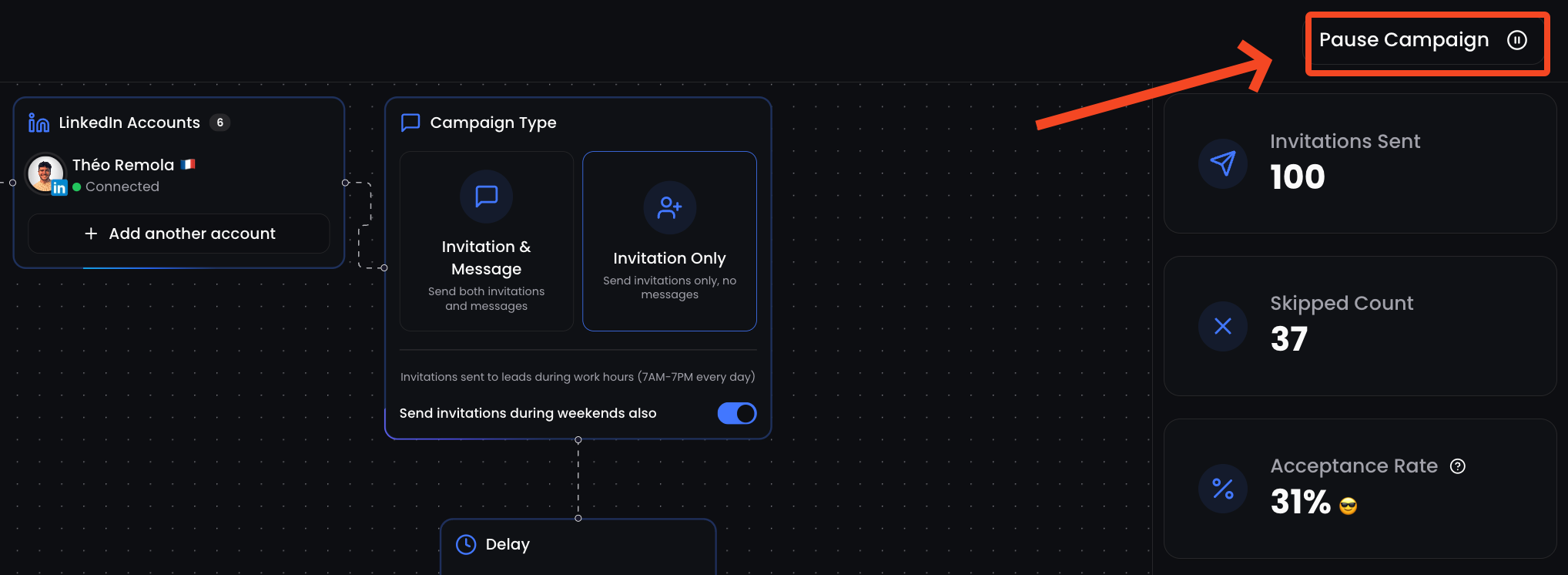
While paused:
-
No new messages or invites will be sent
-
Leads already contacted will retain their place in the queue
-
You can still view stats
▶️ Resume a campaign
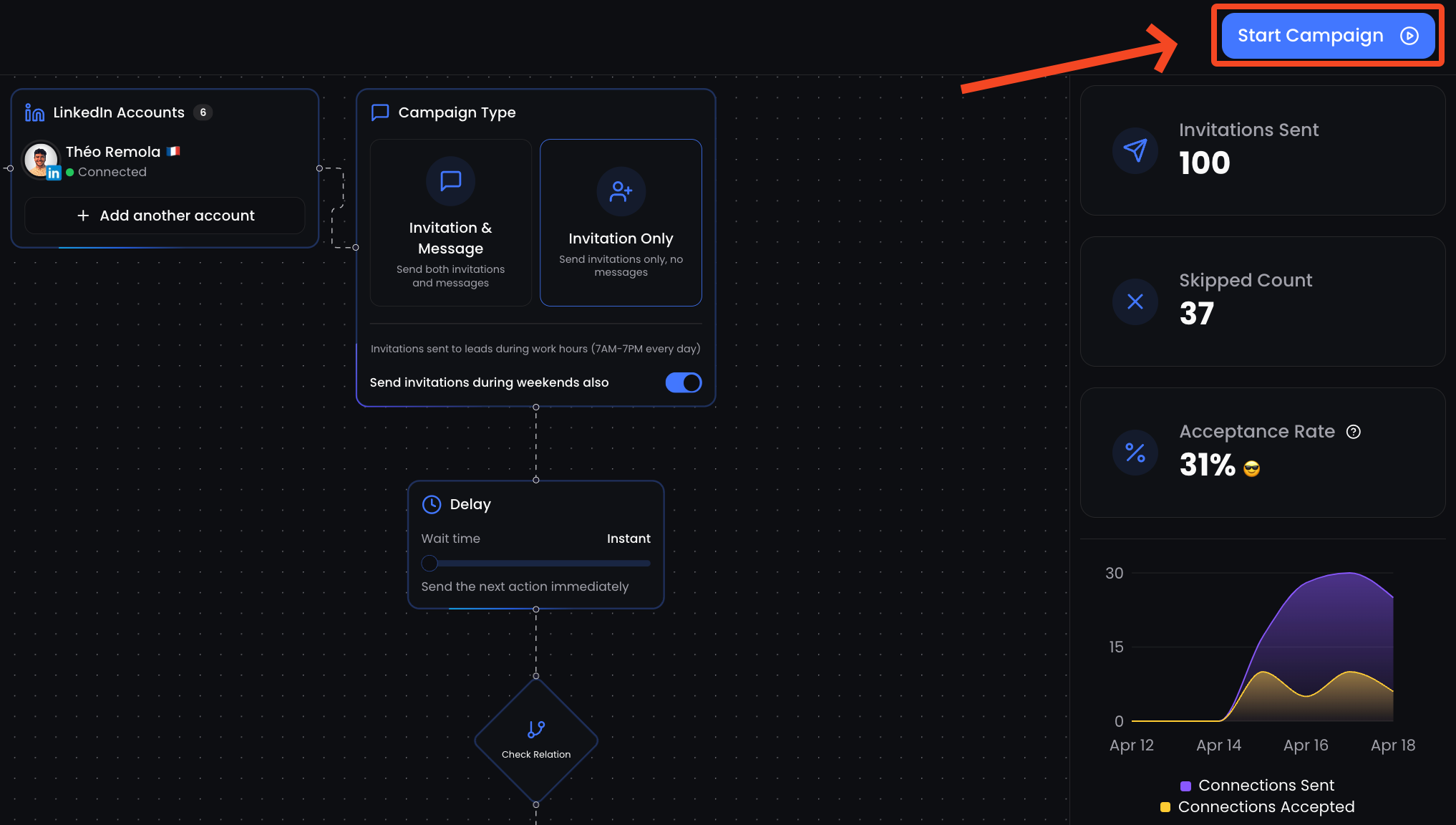
To resume:
-
From the Campaign you want to resume
-
Click “Start Campaign” on the top right corner
🧪 Rename a campaign
-
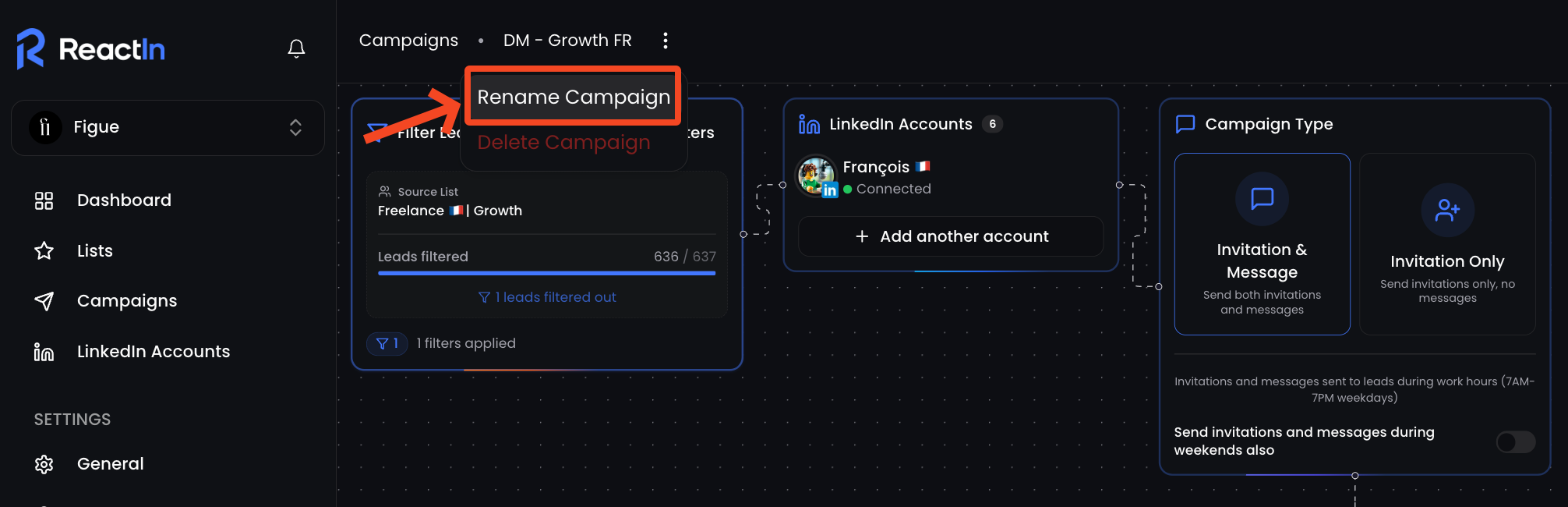
From the Campaign you want to rename
-
Click the three dots (
⋮) next to the campaign -
Click on “Rename Campaign”
🗑️ Delete a campaign
-
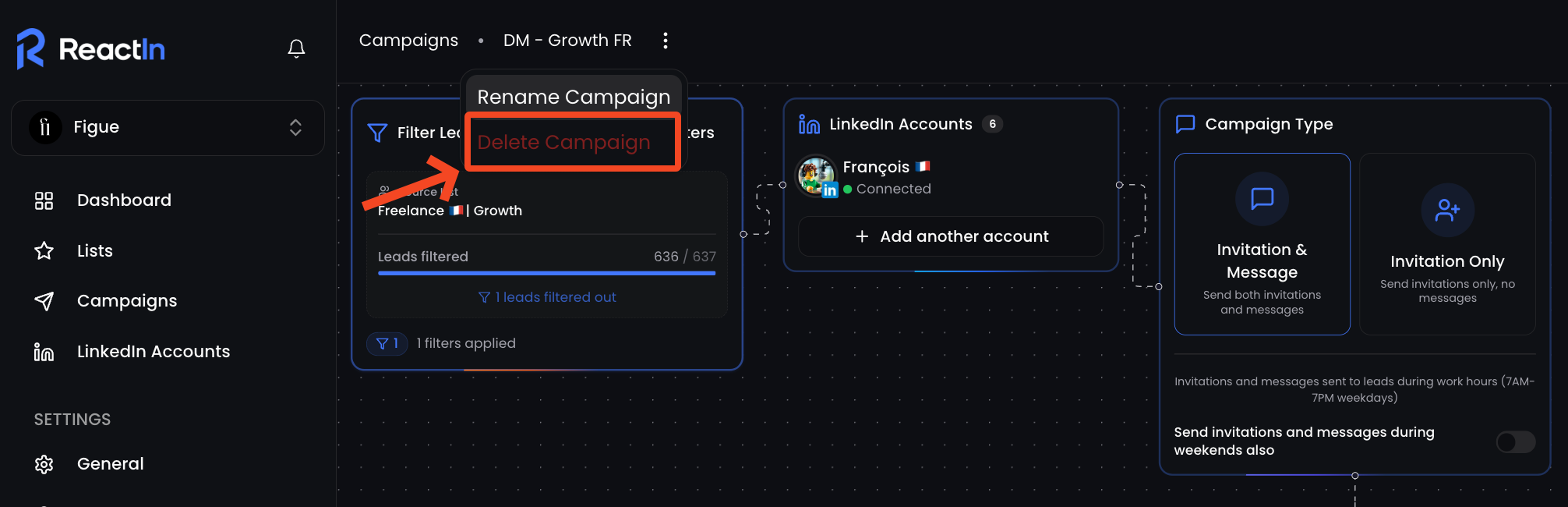
From the Campaign you want to rename
-
Click the three dots (
⋮) next to the campaign -
Click on “Delete Campaign”
🧠 Best practices
-
Pause campaigns if response quality drops suddenly, and test a new angle
-
Resume once filters, targeting or quota issues are fixed
-
Use Delete only if you no longer need the campaign, this is permanent
💡 Pro tip: Pause before the weekend to avoid awkward timing, then resume on Monday to match business hours.
Ready to move on?
👉 Next Step: API Keys & List ID →