Configure Delay Rules Between Messages
ReactIn gives you control over how much time to wait between each message step in your campaigns, so your outreach feels natural, not robotic. This helps you mimic human behavior and avoid triggering LinkedIn’s spam detection signals.
🔁 Where delays apply
In a multi-step campaign (Invite + DM), you can set delays:
-
⏳ After the connection request is accepted → before sending the first message
-
⏱ Between each message step → for follow-ups
Each delay is defined in number of days and applies individually per lead.
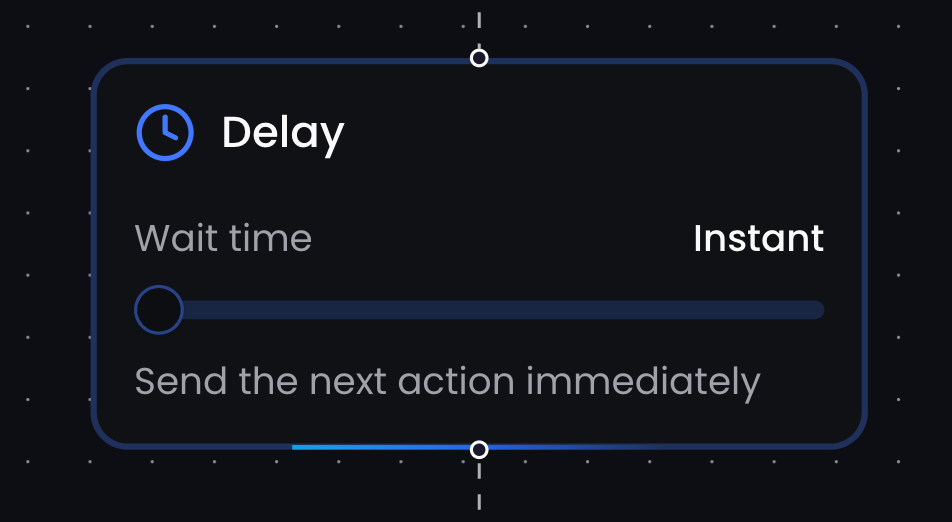
📌 ReactIn calculates the delay for each lead based on when they accept the invite or receive the previous message, not based on campaign start date.
🎯 Best practices
-
Leave at least 1 day between the invite and first message
-
Allow 2-3 days between follow-ups to avoid feeling pushy
-
Avoid “same day” sequences unless the context is urgent (e.g. event follow-up)
🧠 The delay system makes your outreach feel staggered and intentional, even when sent at scale.
💡 Pro tip: Use a longer delay before your last follow-up, it often reactivates leads who didn’t reply to your first message but are still considering.
Ready to move on?
👉 Next Step: Pause, Resume & Manage Campaigns →