Monitor Credit Usage
ReactIn includes unlimited usage for most features, so you can scale your outreach freely, while keeping track of your enrichment credits.
🎯 What’s unlimited?
Your ReactIn subscription gives you full access to:
| Feature | Limit |
|---|---|
| ✅ SmartLists | Unlimited |
| ✅ Campaigns | Unlimited |
| ✅ Leads added | Unlimited |
| ✅ LinkedIn invitations | Unlimited |
| ✅ LinkedIn messages | Unlimited |
| ✅ Integrations | Unlimited |
🧠 You can run as many campaigns, SmartLists, and actions as you need, without worrying about quotas.
💳 Enrichment credit limits
Each organization has 1,000 enrichment credits per month included in the plan.
| Feature | Monthly Limit |
|---|---|
| 🔍 Lead enrichment | 1,000 credits |
Enrichment credits are used when ReactIn adds missing info to a contact or AI enrichment.
📅 These credits reset every month on your billing cycle date.
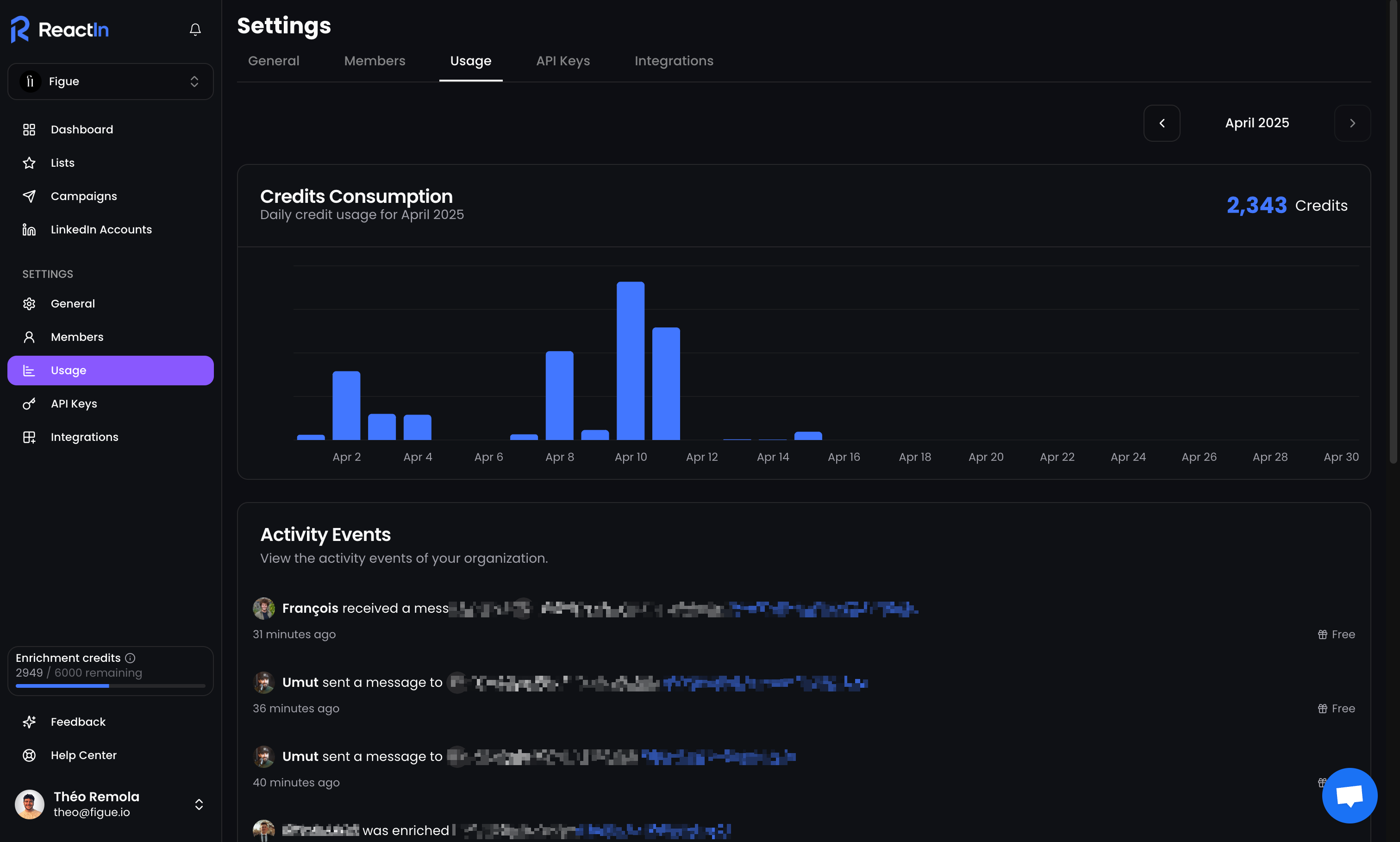
📍 Where to track usage
To check how many enrichment credits you’ve used:
-
Go to Settings > Billing
-
Scroll to the “Usage” section
-
You’ll see:
-
Credits used this month
-
Activity events
-
🛑 What happens when I run out?
-
Campaigns will continue to send messages, but enrichment will stop automatically
-
You can continue using all other features without interruption
-
You’ll be notified once you get close to your credit limit
💡 Pro tip: Regularly monitor your enrichment credit usage to avoid campaign pauses, especially if running high-volume outreach.
Ready to move on?
👉 Next Step: Manage Your Plan & Seats →