Salesflow Disconnected Errors 07, 01 and 05 on LinkedIn: What Each One Means
Read the code before you act. Codes 07 and 01 are session problems that reconnecting fixes. Error 05 is a LinkedIn restriction, typically 24 to 72 hours, and reconnecting cannot clear it.
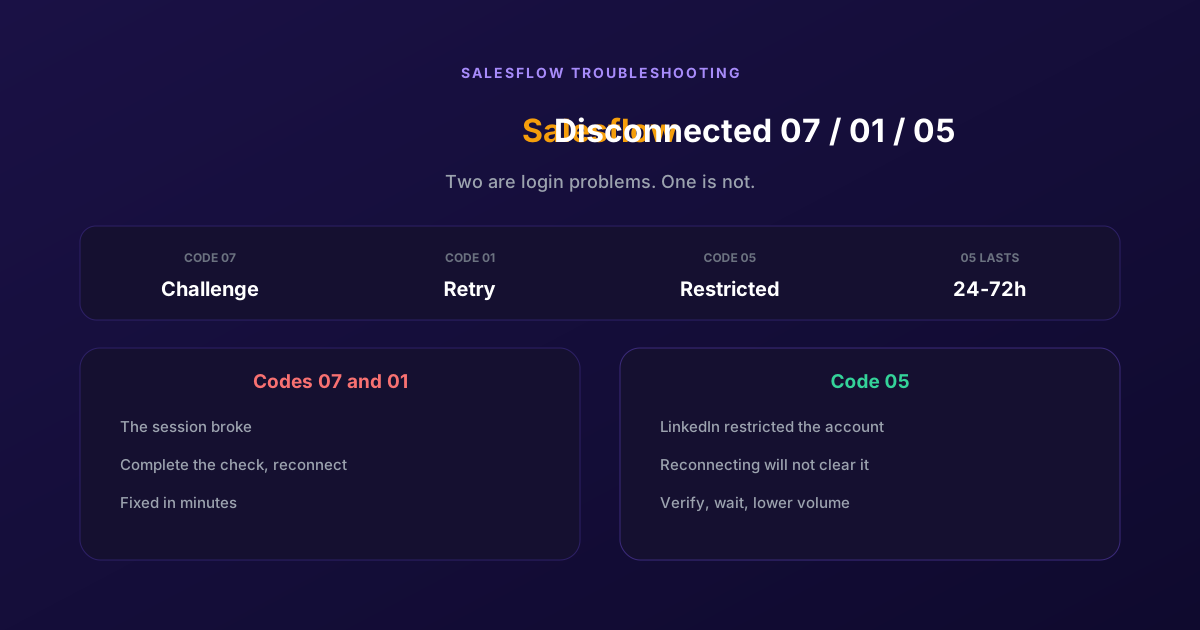
The campaign was running. Now the account reads LinkedIn: Disconnected with a code next to it, and nothing is going out. No invites, no messages, no explanation beyond two digits.
Those digits matter more than anything else on the screen, because they separate a two-minute reconnection from a problem you cannot fix by reconnecting at all. One of these codes means LinkedIn has restricted the account, and treating that one like a login hiccup is how people turn a two-day pause into something worse.
What the codes separate
Salesflow keeps a live LinkedIn session to act on your behalf, and a disconnection means that session is no longer usable. The code tells you why, and the three you see most divide into two very different situations.
| Code | What it means | What it asks of you |
|---|---|---|
| 07 | A security challenge was issued and not completed in time | Reconnect and complete the code or captcha promptly |
| 01 | A catch-all after a failed reconnection attempt | Retry the reconnection cleanly, from one browser |
| 05 | LinkedIn has restricted the account, typically 24 to 72 hours | Verify identity if offered, then wait and lower volume |
The line to draw is between 07 and 01 on one side and 05 on the other. The first two are session problems: something interrupted authentication and redoing it properly resolves them. Error 05 is not a session problem at all. The session is fine; LinkedIn has decided the account should not be doing what it was doing. Reconnecting repeatedly against a restriction achieves nothing and adds activity to an account already under scrutiny.
Salesflow maintains its own list of what each code means, and codes can change as the product does, so treat the table above as orientation and check their documentation for the current definitions before acting on an unfamiliar one.
Reconnecting after a challenge
For 07 and 01, the fix is quick and the main risk is doing it messily across several tabs.
Complete the challenge in LinkedIn first
Open LinkedIn directly and clear whatever it is asking for: the emailed code, the SMS PIN, the captcha. Do this before touching Salesflow. A reconnection attempt against an account that still has an unanswered challenge simply fails again, which is often what produces the catch-all code.
Answer the security prompt promptly
Verification codes are short-lived. If you start a reconnection, walk away and come back later, the code will have lapsed and you will be reconnecting into a challenge that has already timed out. Do it in one sitting.
Reconnect from a single browser
Use one browser, logged into the correct LinkedIn account, and nothing else open on that account. Several tabs or devices authenticating at once is a good way to produce a confused state and a second failed attempt on top of the first.
Check the campaigns resumed
Reconnection usually restarts campaigns automatically, but confirm rather than assume. A campaign that stayed paused while you believed it was running is a quiet week of nothing, and you will find out through your pipeline rather than through a notification.
Handling a restriction
Error 05 needs patience and a change of habits rather than a technical fix. Four things help, in this order.
- Complete identity verification if LinkedIn offers it. Salesflow recommends going through ID verification via Persona, and completing a verification LinkedIn offers generally shortens a restriction rather than lengthening it.
- Stop all automated activity while restricted. Continuing to attempt actions on a restricted account is the clearest way to turn a temporary limit into a longer one.
- Come back below where you were. Restrictions typically lift within 24 to 72 hours, and resuming at the volume that caused one produces another. Cap invitations around 30 to 40 a day and spread messages over hours rather than minutes.
- Vary the message. Repetitive text across many recipients is one of the patterns that triggers this, and it is the easiest of the causes to fix permanently.
Notice that three of the four are about volume and content rather than about configuration. A restriction is the platform commenting on your outreach, and the only durable answer is different outreach.
The ramp that keeps a sender under the threshold in the first place is covered in our guide to warming up a LinkedIn account.
Why sessions keep dropping at all
Underneath the codes is a design decision. Tools that drive LinkedIn through a session tied to your browser inherit everything that happens to that browser: logouts, security checks, network changes, devices. The session is a dependency you share with your own daily computer use.
ReactIn holds the connection server side, so the ordinary breakages stop being your problem. Closing a laptop, changing network or working from elsewhere does not interrupt a running campaign, because the campaign was never depending on your machine.
What that does not do, and should not, is make LinkedIn's checks go away. If LinkedIn issues a challenge on your account, you complete it. If LinkedIn restricts an account, it is restricted, and no vendor can or should offer to work around that. Any tool claiming to solve captchas and verification prompts for you is describing something you do not want attached to an account you care about.
Where the model genuinely helps with restrictions is upstream. Most of what ReactIn sends answers something the person did, a comment on your post, a webinar signup, a booking they missed, so the volume is warmer and less repetitive than a cold sequence at the same daily count. That is the part that reduces how often an account looks like a pattern worth restricting.
For a direct comparison of the two, including agency economics, see our ReactIn vs Salesflow comparison.
The reconnection is the easy part. The code tells you whether you have a login problem or a message from the platform about how you are using the account, and only one of those is fixed by clicking reconnect.
Frequently Asked Questions
Sources & Further Reading
- Salesflow documents the disconnection states and what to do in my account is disconnected, what shall I do, which is the authority for the current code meanings.
- LinkedIn explains the verification path in verify your identity to recover account access.
- LinkedIn's position on automated activity is set out in its user agreement, which is worth reading before setting any daily volume.
Related Articles
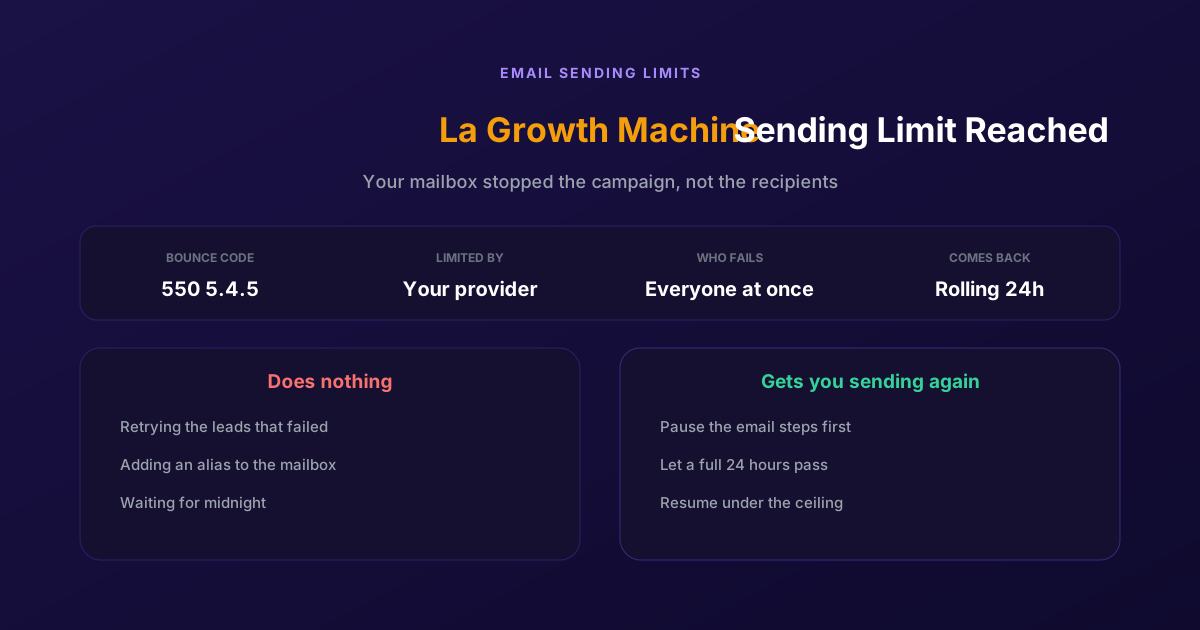
Fix "You Have Reached a Limit for Sending Mail" in La Growth Machine
The message belongs to your email provider, not to the tool. The mailbox has spent its daily allowance, every recipient fails at once, and capacity comes back on a rolling 24-hour window rather than at midnight.
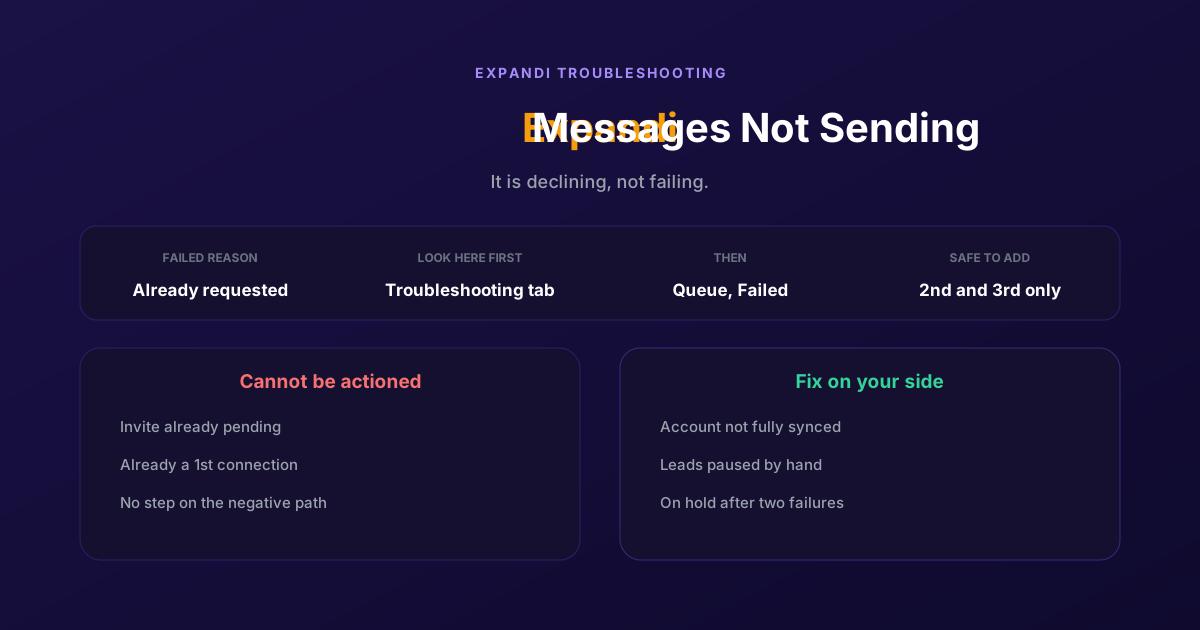
How to Fix Expandi Messages Not Sending (Pending Invites)
A connector campaign opens with a connection request, and a lead who already has one pending cannot receive a second. So the campaign has nothing it is allowed to do, and it says so in a tab most people never open.
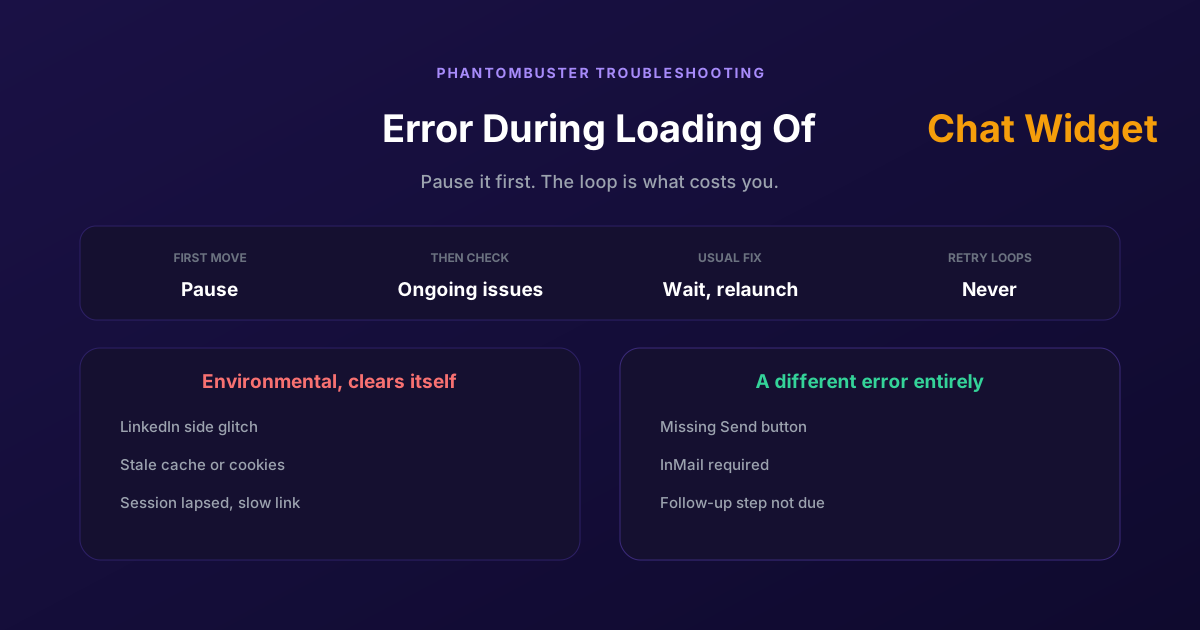
How to Fix Phantombuster "Error During Loading of Chat Widget"
Phantombuster documents this one, and the documented fix is mostly to wait. The expensive part is a Phantom left looping against it, burning execution time on attempts that cannot succeed.
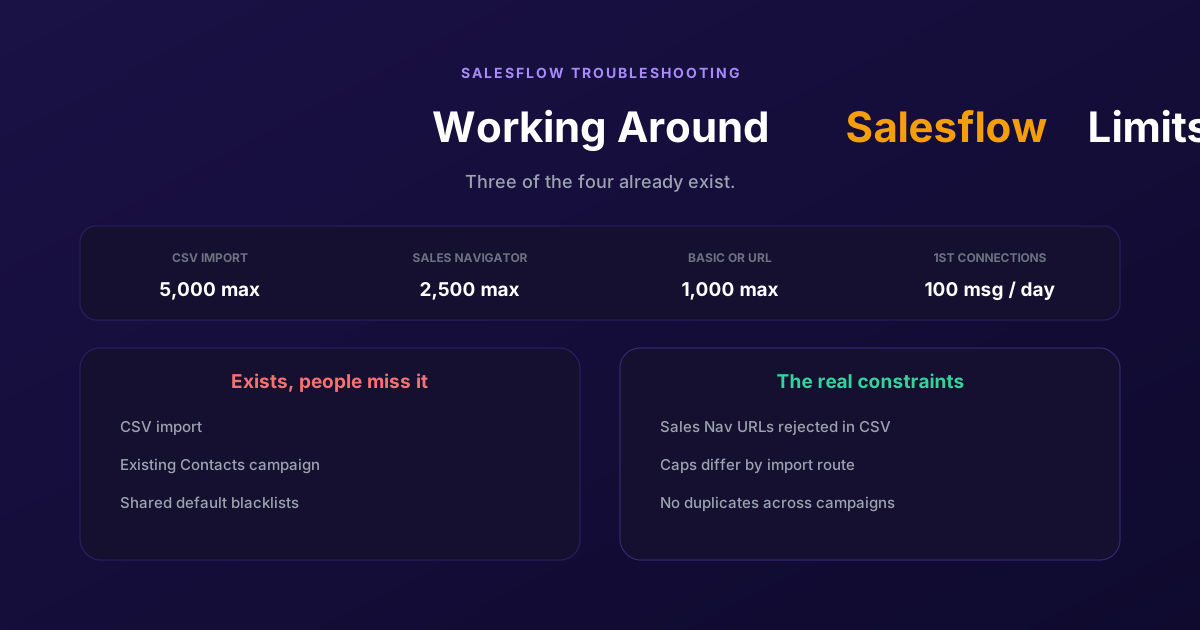
Working Around the Limitations on Salesflow (2026 Guide)
CSV import exists, so does a campaign type for contacts you already hold, and so do shared blacklists. The constraints that actually bite are narrower: rejected Sales Navigator URLs, per-route caps, and a deliberate block on duplicates.