How to Fix Dripify Lead Collection Stalls (2026 Guide)
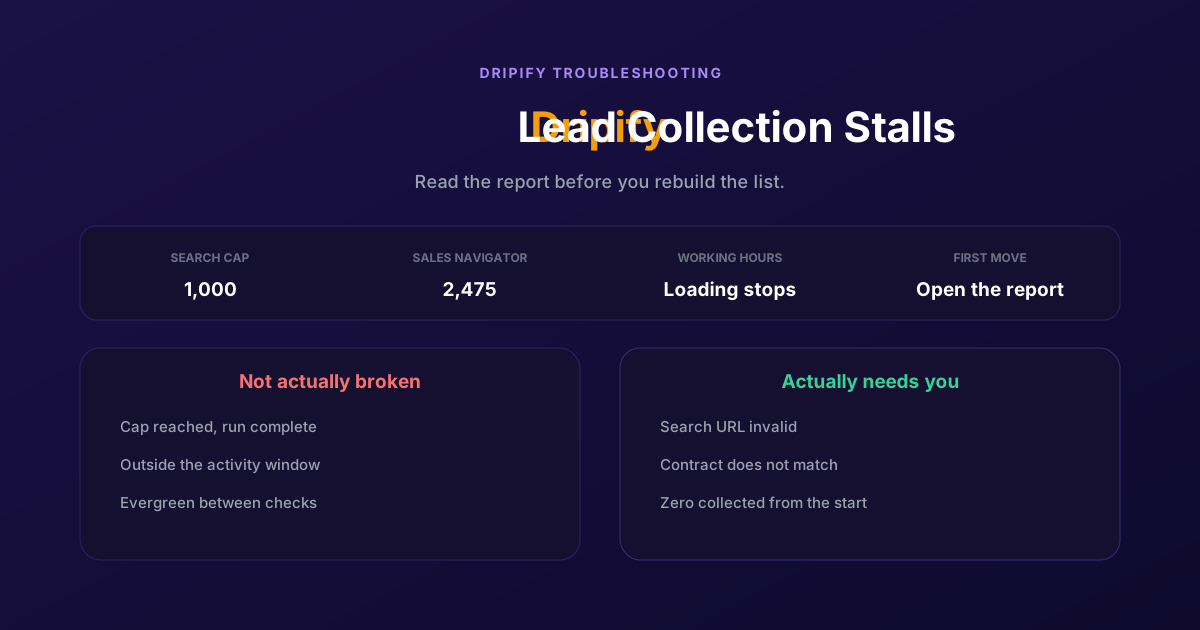
Most stalled collections have finished or are waiting. The Lead Collection Report names the cause, the search cap ends runs silently, and working hours suspend lead loading as well as sending.
The campaign is live, the lead list says it is collecting, and the number has not moved in hours. No error, no warning, just a count that stopped. So you wait, then you delete the list and start again, and the same thing happens.
Most Dripify collections that look stalled are not stalled. They have either finished early for a documented reason or they are waiting on a condition you can see in thirty seconds. Dripify ships a report that tells you exactly which, and almost nobody opens it.
Why a collection stops
Dripify builds a lead list by walking a LinkedIn search you pasted, inside the working hours you configured, under the limits of the LinkedIn account it is connected to. Every stall comes from one of those three things. Two of them are not failures at all.
| Cause | How you recognise it | What to do |
|---|---|---|
| Outside working hours | The count moves during the day and freezes in the evening | Nothing, or widen the window in the campaign settings |
| Search cap reached | The count plateaus at a round number and the report says done | Nothing, split the search into narrower ones |
| Invalid search URL | Nothing is collected at all, from the start | Open the URL yourself, then rebuild the list from a fresh one |
| LinkedIn contract mismatch | The import halts and Dripify reports a mismatch | Align the contract in settings with the one used for the URL |
| An Evergreen list between checks | The count is stable but the list is still marked live | Nothing, it refreshes on its own schedule |
The cap is the one that wastes the most time because it looks exactly like a bug. Dripify documents a maximum of 1,000 leads from a LinkedIn search on free and Recruiter accounts, and up to 2,475 with Sales Navigator. Point a campaign at a search returning 6,000 people and it will collect the first slice and stop, correctly, with no error to explain itself.
Working hours are the second. They do not only govern sending: when a campaign is outside its window, all actions stop and that includes loading leads. A collection started at six in the evening on a nine to five schedule will sit untouched until the next morning and look broken the whole time.
The four checks, in order
Thirty seconds each, cheapest first. The first two settle most cases without changing anything.
Open the Lead Collection Report
It answers the question directly: how many profiles you requested, how many have been collected, how many were skipped and for what reason, and how many remain. A collection that reports nothing remaining is finished, not stuck, and the gap between requested and collected is explained in the skipped column rather than being a defect.
Check the working hours
Look at the clock and at the campaign's activity window. Lead loading is suspended outside it, so a count that only advances between nine and five is behaving as configured. If your leads sit in another timezone, widening the window is the real fix rather than a workaround.
Open the search URL yourself
Click View leads and take the LinkedIn search URL shown at the top of the page. Open it in the browser where you are logged into the account Dripify uses. If it does not return a filtered list of people, the URL is the problem, and a URL that was never valid cannot be repaired in place: build a new list from a freshly generated search.
Check the LinkedIn contract
If you hold several Sales Navigator or Recruiter contracts, a search URL generated under one contract will not run against another. Open your Dripify account settings and compare the contract name there with the contract you were logged into when you copied the URL. They have to match exactly.
Imports that do not stall
Four habits remove most of these before they happen.
- Keep each search under the cap. If a filter set returns several thousand people, split it by seniority, geography or headcount instead of hoping the import finishes. You get complete lists and a better-defined audience in the same move.
- Standardise on one LinkedIn tier per campaign. Mixing a Sales Navigator URL into a campaign running on a Premium contract is the mismatch, and it is easier to avoid than to diagnose.
- Set working hours to match your leads, not your own day. The window governs lead loading as well as sending, so a narrow one slows down the part of the job that has nothing to do with LinkedIn limits.
- Read the skipped reasons, not just the total. That column is where closed profiles, out of network results and duplicates show up, and it tells you whether your search is producing reachable people or noise.
None of this makes Dripify collect faster than LinkedIn allows it to. It removes the stalls that come from the search URL, the schedule and the contract, which between them account for most of what people report as a broken import.
If the mismatch is the one you are hitting, we went through it in detail in how to fix the Dripify LinkedIn contract mismatch error.
Lists that fill themselves
Step back and the import is a snapshot. You pasted a search on Tuesday, Dripify walked it once, and the result is a batch of people who matched a set of filters at one moment. The URL is a dependency that can go invalid, the cap decides how much of the search you actually get, and nothing in the list knows whether those people have done anything since.
Dripify does soften this: Evergreen lists re-check their source on a schedule, every twelve hours for a LinkedIn post and weekly for a Sales Navigator saved search, inside your working hours. That is a genuine improvement on a one-shot import and worth turning on if you are not using it.
ReactIn starts from the other end. A list is a standing definition fed by signals, over twenty intent sources including post engagement, job changes, group membership and hiring activity, so people enter as they qualify rather than being walked out of a search URL once. There is no import to stall because there is no import: no pasted link to go stale, no cap to silently truncate a run, no contract to align.
The honest limit: LinkedIn's own ceilings apply to ReactIn exactly as they do to Dripify, and no tool contacts more people per day than the platform permits. What changes is the fragility of the step before that. If you run one saved search a quarter and it has never given you trouble, Dripify's import is fine and this is not an argument to switch.
For a feature-by-feature view of the two, see our ReactIn vs Dripify comparison.
The pattern behind all four is the same: a Dripify collection does not usually fail, it finishes or it waits. Find out which before you rebuild the list, because rebuilding it is the one step that destroys the evidence.
Frequently Asked Questions
Sources & Further Reading
- Dripify lists the causes in reasons why a lead collection can get stuck.
- The report itself is documented in accessing the lead collection report.
- For the import limits and the steps themselves, see how to add leads to a campaign, which carries the current caps.
- And for automatic refreshes, how Evergreen lead upload works in Dripify.
Related Articles
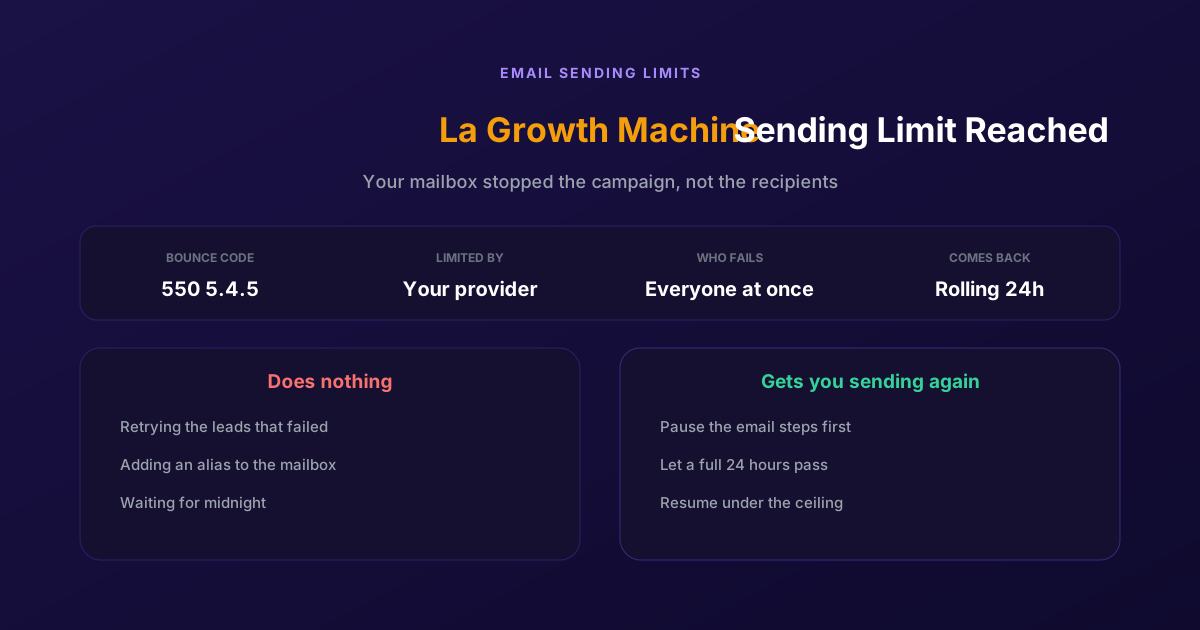
Fix "You Have Reached a Limit for Sending Mail" in La Growth Machine
The message belongs to your email provider, not to the tool. The mailbox has spent its daily allowance, every recipient fails at once, and capacity comes back on a rolling 24-hour window rather than at midnight.
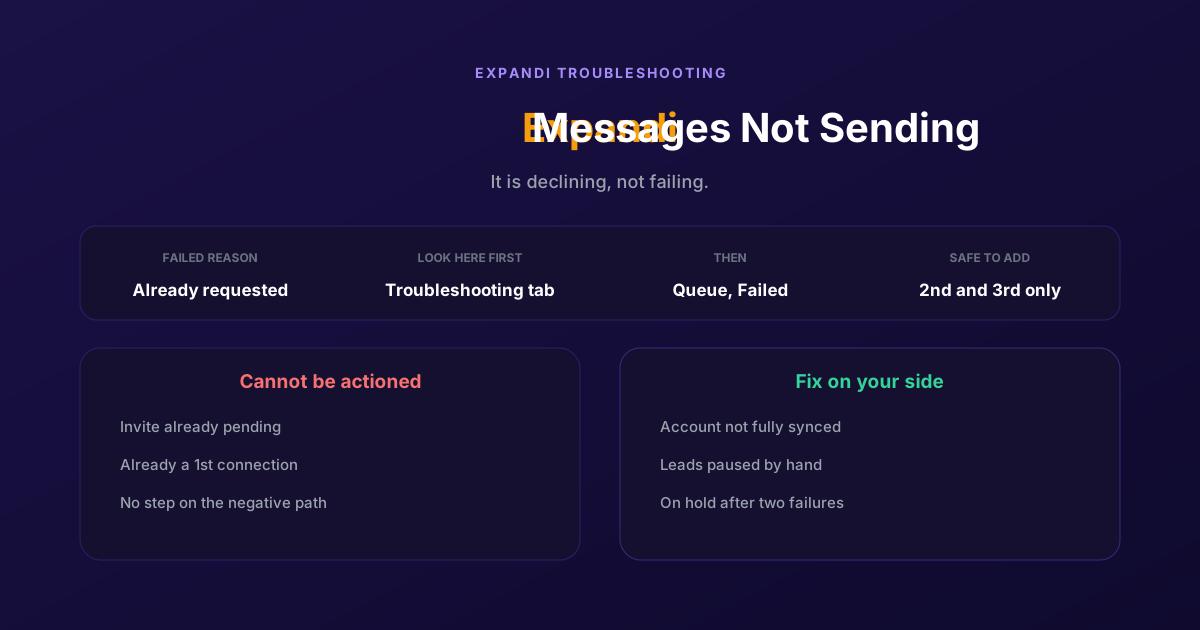
How to Fix Expandi Messages Not Sending (Pending Invites)
A connector campaign opens with a connection request, and a lead who already has one pending cannot receive a second. So the campaign has nothing it is allowed to do, and it says so in a tab most people never open.
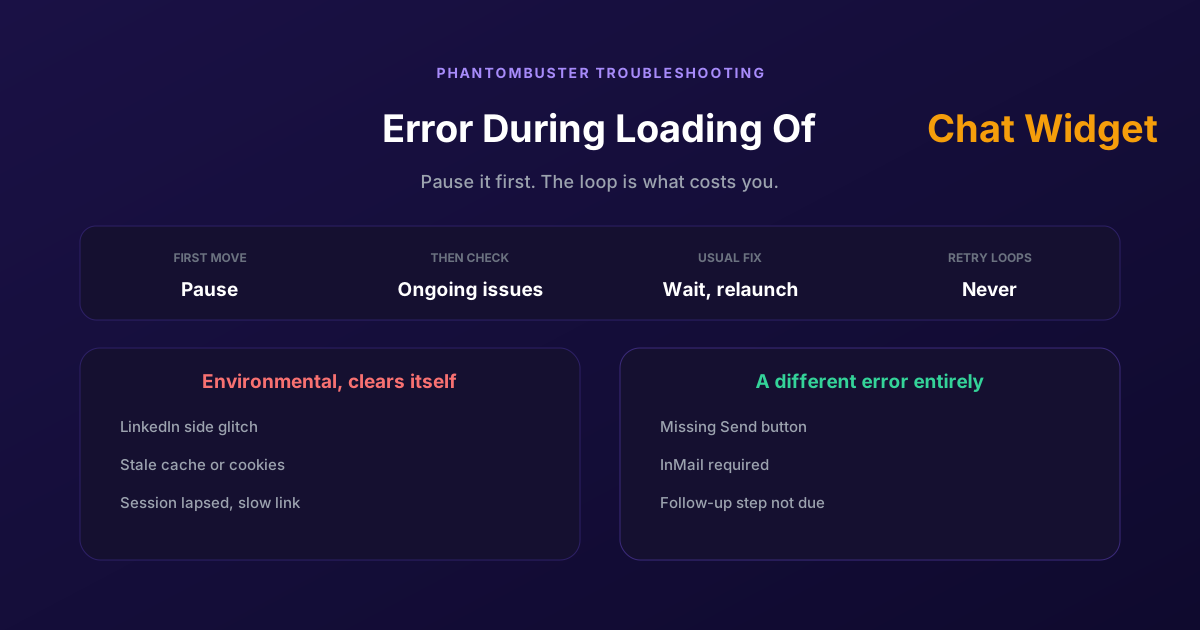
How to Fix Phantombuster "Error During Loading of Chat Widget"
Phantombuster documents this one, and the documented fix is mostly to wait. The expensive part is a Phantom left looping against it, burning execution time on attempts that cannot succeed.
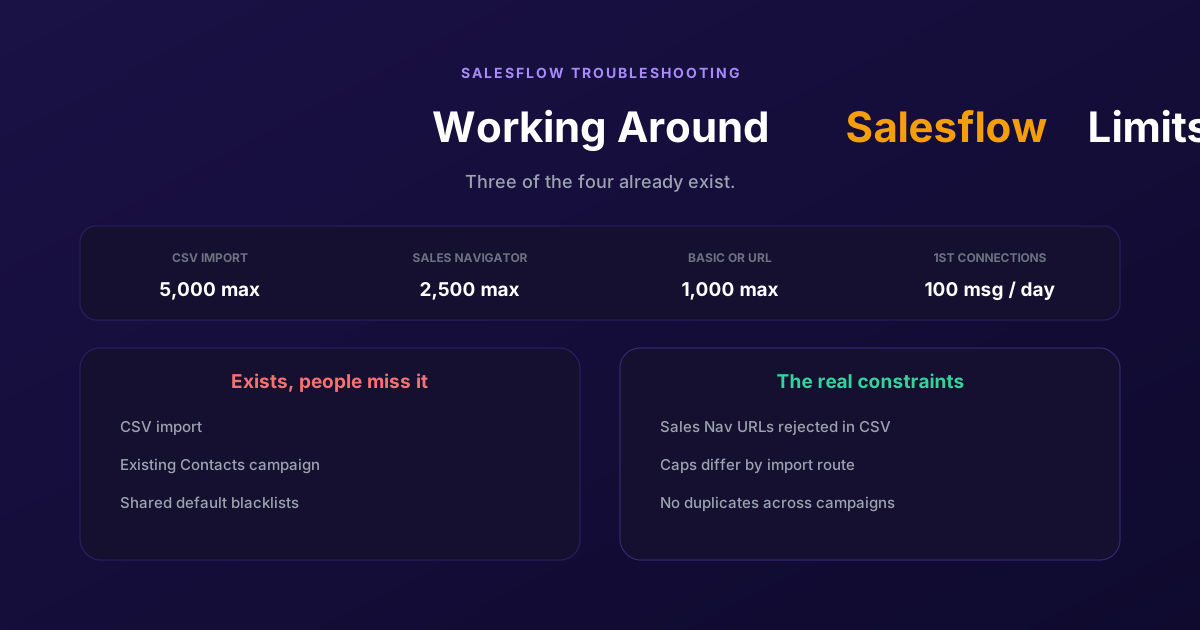
Working Around the Limitations on Salesflow (2026 Guide)
CSV import exists, so does a campaign type for contacts you already hold, and so do shared blacklists. The constraints that actually bite are narrower: rejected Sales Navigator URLs, per-route caps, and a deliberate block on duplicates.