Fix "A Contact Is Getting Too Much Mail" in La Growth Machine
This bounce is a per-contact throttle from the recipient server, code 550 5.2.1, not your daily sending cap. Count the failing recipients to tell which you have, because the two fixes pull in opposite directions.
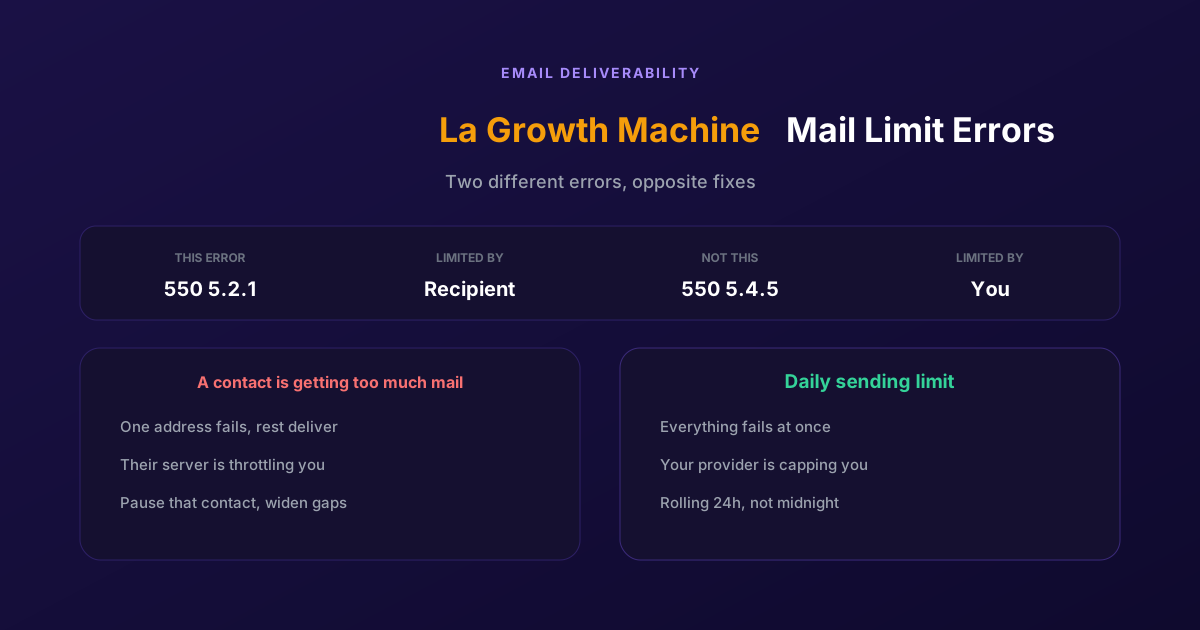
La Growth Machine reports a bounce and the text reads Messages you sent couldn't be delivered. A contact is getting too much mail. The address is valid, you have emailed this person before, and nothing about the campaign changed.
Almost every guide on this treats it as your daily sending limit. It is not, and that mistake sends people to the wrong fix. This error is a throttle on one recipient, not a cap on you. The two have different causes, different symptoms and opposite remedies, so the first job is telling them apart.
Two errors that look the same and are not
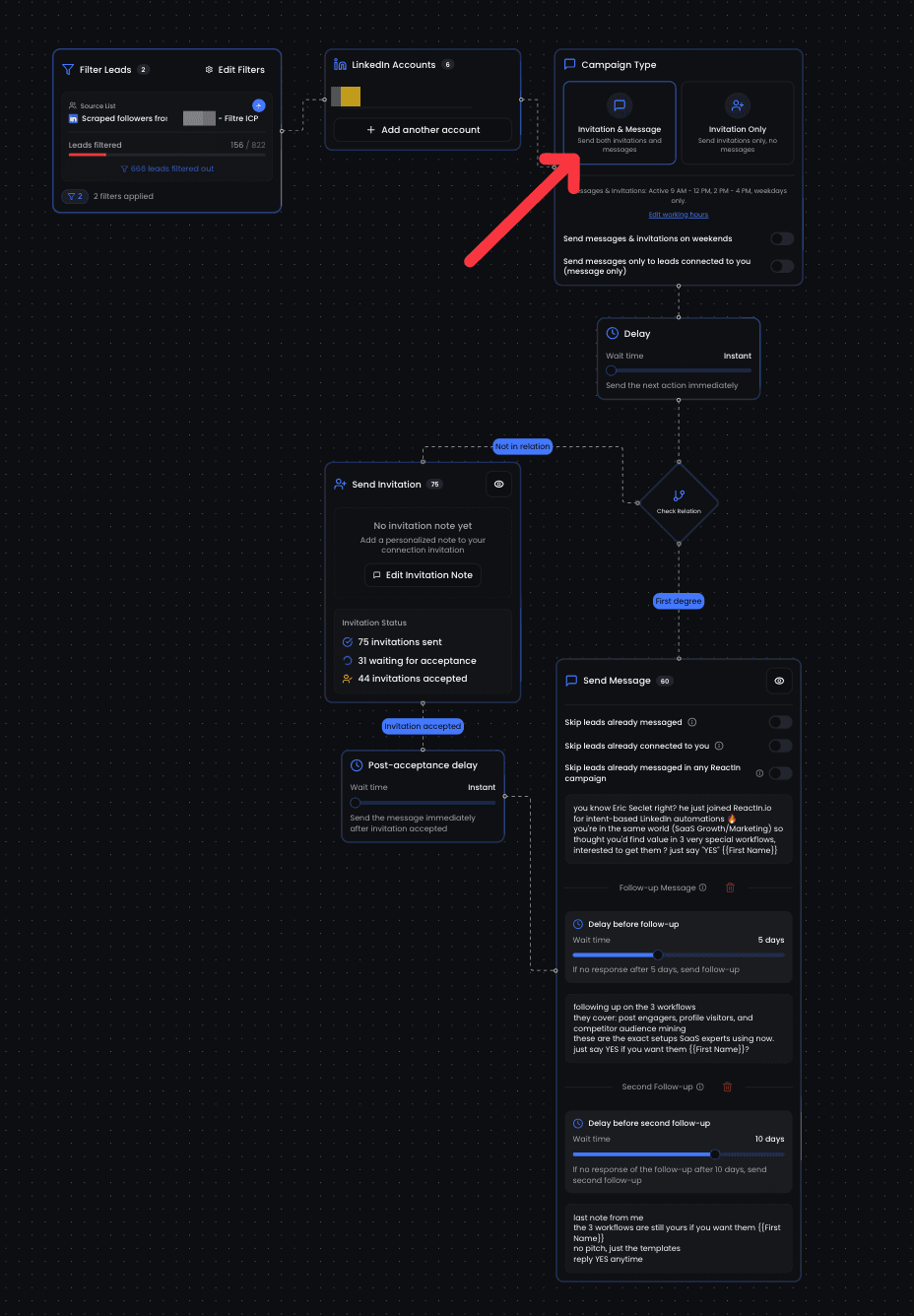
Both stop your campaign, both mention mail limits, and La Growth Machine surfaces both as a delivery problem. Underneath they are opposites: one is about how much mail one person is getting, the other about how much mail you are sending in total.
| Signal | A contact is getting too much mail | Daily sending limit reached |
|---|---|---|
| Bounce code | 550 5.2.1 | 550 5.4.5 |
| Who is limiting | The recipient's mail server | Your own provider |
| How many recipients fail | One address, or a handful | Everything, all at once |
| What triggered it | Too many messages to that person in a short window | Your total volume across all recipients |
| The fix | Pause that contact, space out follow-ups | Lower daily volume, wait for the rolling window |
The count of failing recipients is the tell, and it takes ten seconds to check. One or two addresses failing while the rest deliver is the per-contact throttle. Everything failing from a given moment onward is your cap. Look at that before you change any setting, because the two fixes pull in different directions: one asks you to slow down toward a single person, the other to lower your overall volume.
There is a second detail that trips people up on the daily cap. It does not reset at midnight. Google applies a rolling 24-hour window, so the capacity comes back gradually from whenever you spent it, not in one lump overnight. Advice telling you to wait until midnight is wrong on both the timing and the mechanism.
Fixing the per-contact throttle
If only one contact or a small handful is bouncing, work through these. The theme is the same throughout: reduce how much that specific person hears from you.
Stop emailing that contact for a few days
The throttle is temporary and it clears on its own. Remove that person from the active sequence rather than letting the next step retry into the same wall. Repeated attempts against a rate-limited mailbox do not get through and they do add failed sends to your own reputation.
Check whether several sequences are hitting them
The most common cause is not one aggressive sequence, it is three polite ones. A contact enrolled in a nurture, a product campaign and a re-engagement flow at once receives everything, and none of the three looks excessive on its own. Deduplicate across campaigns before you touch send intervals.
Widen the gap between follow-ups
Two days between steps looks reasonable on a diagram and reads as pressure in an inbox. Push the interval out, particularly on the later steps where the contact has already not replied twice. This also improves reply rates, so it is rarely a cost.
Check for a shared or role mailbox
Addresses such as contact, hello or sales route to a mailbox many people write to, so it hits receiving limits far faster than a personal address. If your bounces cluster on generic addresses, the fix is targeting a named person rather than pacing the sequence.
If it is actually your daily cap
Every recipient failing at once is a different problem. These four habits keep you under the limit rather than discovering it mid-campaign.
- Set your sending limit in La Growth Machine below your provider's ceiling, not at it. A margin absorbs the replies, internal mail and one-off sends that also count against the same allowance.
- Remember that recipients are counted, not messages. A message to three people spends three of your allowance, and To, Cc and Bcc all count. Sequences that copy a colleague burn capacity faster than the step count suggests.
- Treat a new mailbox as a small one. New Workspace accounts start well below the headline figure and ramp over the first weeks, so a fresh sending identity cannot carry an established campaign's volume on day one.
- Spread the day rather than firing at nine. Volume concentrated into one hour reaches the ceiling early and leaves the rest of the day blocked, even though the daily total would have been fine.
For reference on the numbers, Google Workspace accounts sit at 2,000 emails a day with a 3,000 total recipient limit, of which up to 2,000 may be external, and a single message allows at most 500 external recipients. Confirm the current figures with Google before you plan volume around them, because these change.
If every recipient is failing at once instead, the sender-side version has its own guide: you have reached a limit for sending mail, which covers what the daily counter actually counts and how to resume without tripping it again.
If the email leg of your motion keeps running into caps like this, it is worth asking what it is actually contributing. We took that apart in our ReactIn vs La Growth Machine comparison.
Outreach with no mailbox in the way
Step back from both errors and the shared cause is structural. Email delivery is rented. Your provider decides how much you may send, the recipient's provider decides how much they will accept, and neither of those decisions involves you or the quality of your message.
ReactIn runs on LinkedIn, where the constraint is different in kind. There is no daily mail quota, no recipient-side throttle and no bounce code, because there is no mail server between you and the person. The limits that do exist are LinkedIn's action limits, which are about your account's behaviour rather than about an inbox filling up.
It also changes what a pause means. A rate-limited mailbox stops a campaign for a day and you find out through a bounce. On LinkedIn a message to someone who just engaged with your post arrives in a notification they are already looking at, and the pacing question is about account safety rather than about somebody's mail server capacity.
The honest limit: this is not a general argument against email. If your buyers live in their inbox and your deliverability is healthy, email works and ReactIn does not replace it, since it has no email sequencing at all. The case here is narrower. If you are spending real time managing quotas, warm-up and bounce codes to keep a channel alive, that maintenance is a cost worth weighing against what the channel returns.
For how a LinkedIn-led motion is structured end to end, see our LinkedIn outreach playbook.
Most of the pain here comes from fixing the wrong error. Read the bounce, count the failures, and the right remedy is obvious.
Frequently Asked Questions
Sources & Further Reading
- Google documents the daily figures on its Gmail sending limits page for Workspace, which is worth re-checking before you plan volume.
- The bounce codes are explained in this guide to email bounce codes, including the difference between 5.2.1 and 5.4.5.
- For the recipient-side case specifically, see how to fix 550 5.2.1 mailbox disabled or rate limited.
- And for the sending cap, how to fix 550 5.4.5 daily sending limit exceeded.
Related Articles
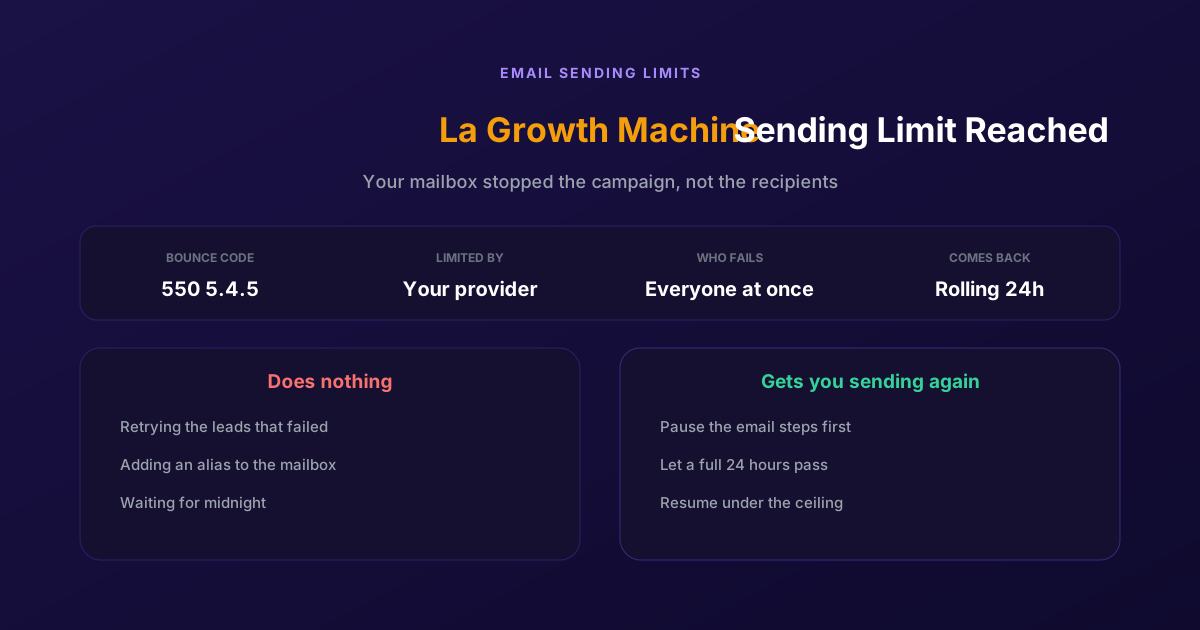
Fix "You Have Reached a Limit for Sending Mail" in La Growth Machine
The message belongs to your email provider, not to the tool. The mailbox has spent its daily allowance, every recipient fails at once, and capacity comes back on a rolling 24-hour window rather than at midnight.
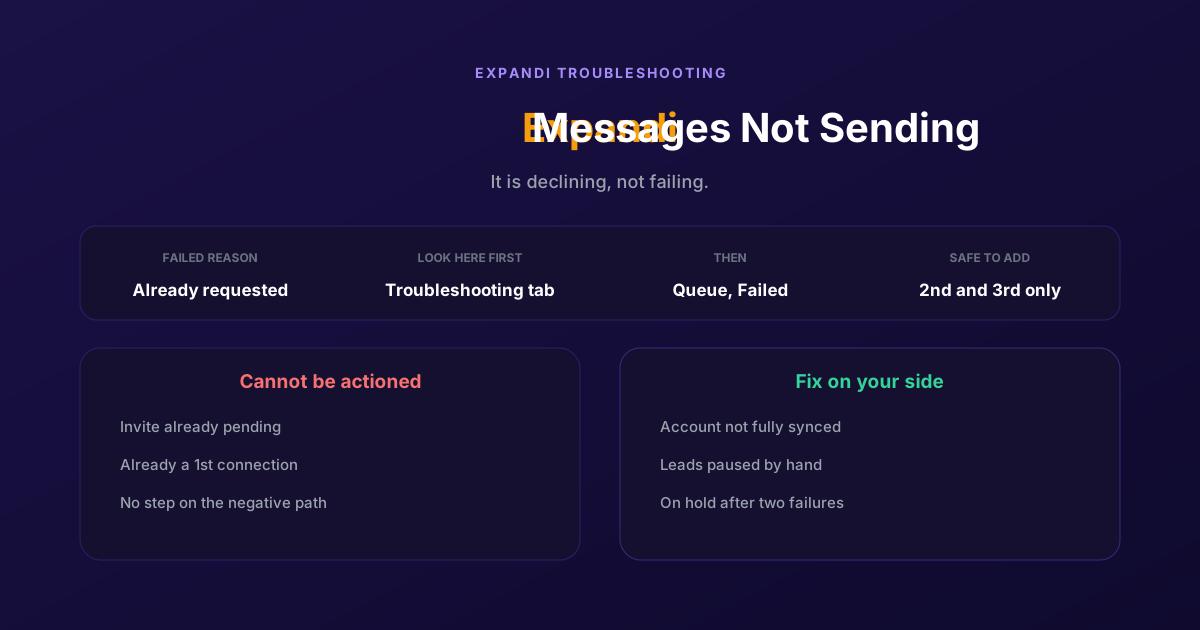
How to Fix Expandi Messages Not Sending (Pending Invites)
A connector campaign opens with a connection request, and a lead who already has one pending cannot receive a second. So the campaign has nothing it is allowed to do, and it says so in a tab most people never open.
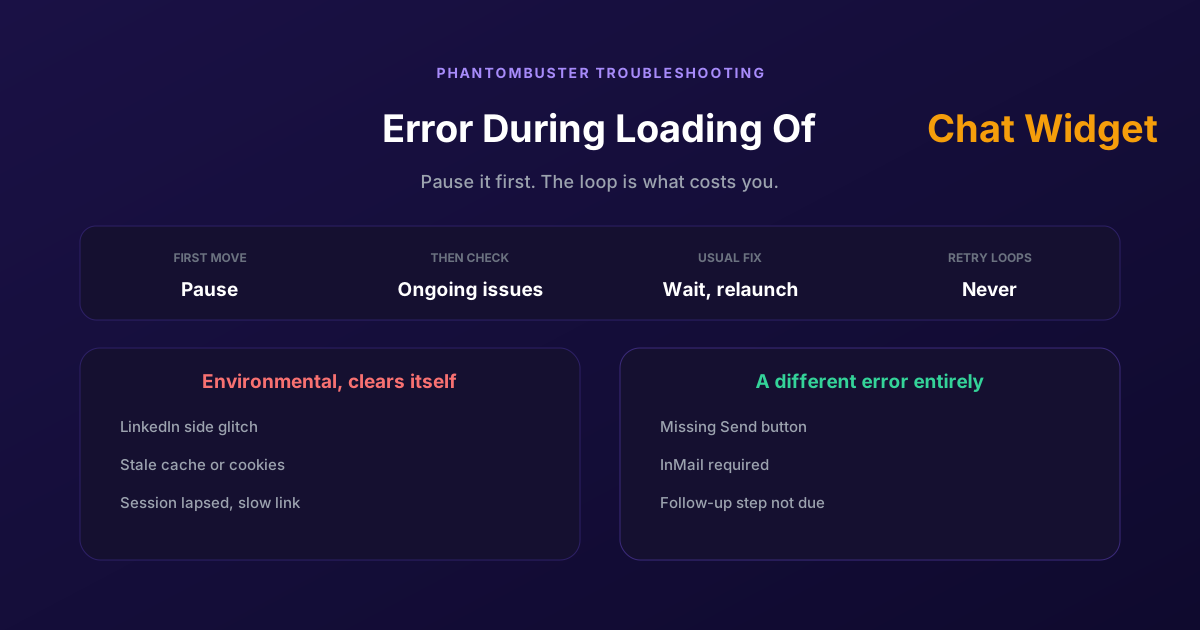
How to Fix Phantombuster "Error During Loading of Chat Widget"
Phantombuster documents this one, and the documented fix is mostly to wait. The expensive part is a Phantom left looping against it, burning execution time on attempts that cannot succeed.
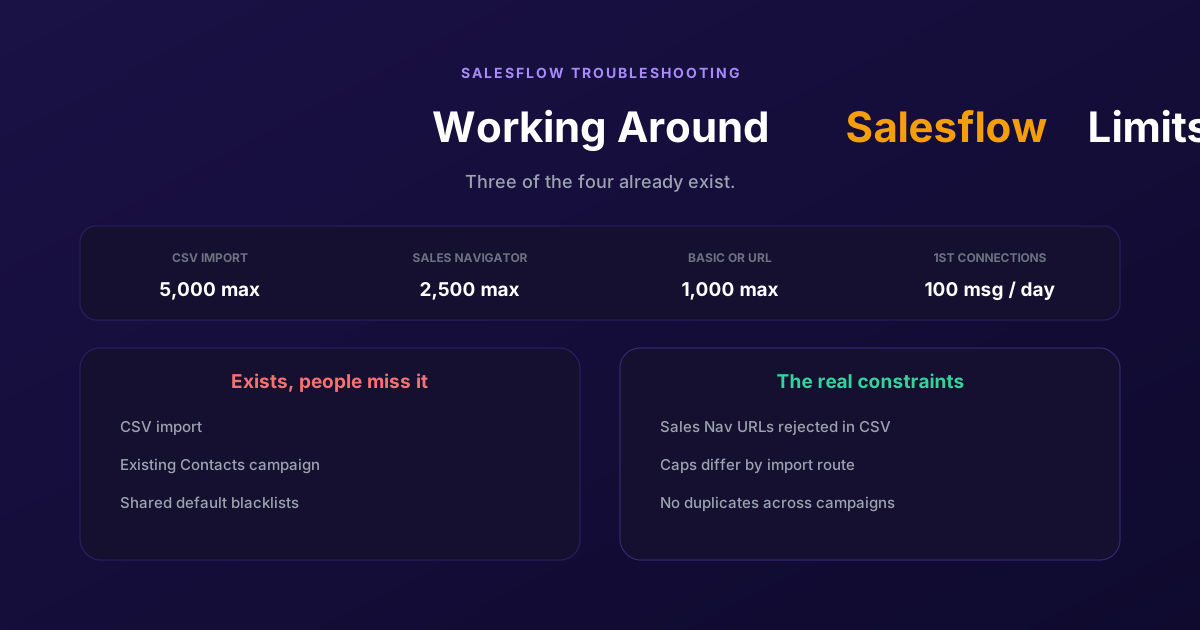
Working Around the Limitations on Salesflow (2026 Guide)
CSV import exists, so does a campaign type for contacts you already hold, and so do shared blacklists. The constraints that actually bite are narrower: rejected Sales Navigator URLs, per-route caps, and a deliberate block on duplicates.