How to Fix lemlist Bounces Caused by Default Tracking Links
Content-blocked bounces on verified addresses point at a link, not the address. The shared default tracking domain means your deliverability depends on other senders. Move to a subdomain you own.
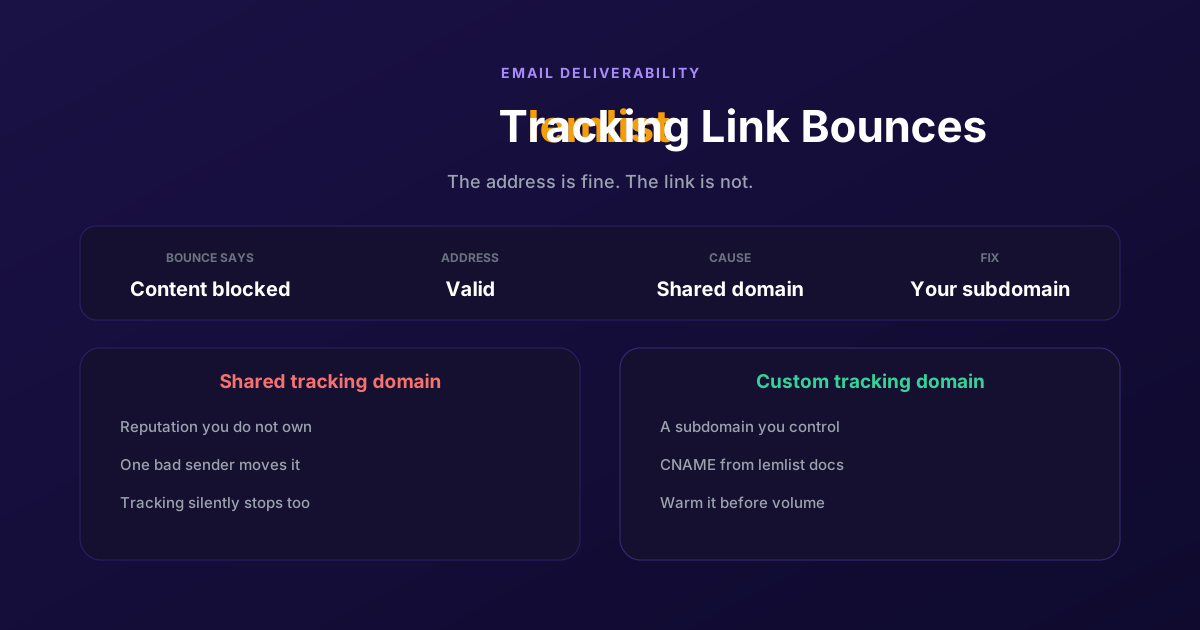
Your list is clean, your copy has not changed, and the bounce rate has tripled overnight. The rejections say things like content blocked or spam detected rather than no such user, which is the detail that matters.
A bounce that blames the content on a verified address is almost never about the address. It is usually about a link. If you are on lemlist's shared default tracking domain, every user of that domain shares its reputation, and you inherit whatever the worst sender among them did last week. Here is how to confirm it and how to stop renting somebody else's reputation.
How to tell it is the tracking domain
Deliverability problems all look the same from the dashboard, so start by separating this one from the two it gets confused with. The bounce reason is the fastest signal, and the pattern across recipients is the confirmation.
| Symptom | What it points at | What to do |
|---|---|---|
| Content blocked or spam detected, valid addresses | A link or hosting domain, often the shared tracker | Move to a custom tracking domain |
| No such user, mailbox unavailable | The address itself is dead | Clean the list, verify before sending |
| Rejections concentrated on one company | That company's filter, not a general reputation issue | Check whether the domain is on their blocklist |
| Everything fails from one moment onward | Your sending domain or your daily cap | Check authentication and volume, not links |
| Opens and clicks stop being recorded | The tracking domain is being stripped or blocked | Move to a custom tracking domain |
The last row is the one people miss. Tracking failing quietly is the same root cause as bouncing loudly: a filter has decided it does not trust that domain. If your open rates fell off a cliff at the same time your bounces rose, you are almost certainly looking at one problem rather than two.
The reason a shared tracker degrades has nothing to do with you. Every link you send routes through a domain that thousands of other campaigns also use. Filters judge that domain on its aggregate behaviour, so one sender running something aggressive moves the reputation for everyone on it. Your deliverability becomes a function of strangers' sending habits.
Move to your own tracking domain
The fix is a subdomain you control, pointed at lemlist's tracking host with a CNAME. Follow lemlist's own setup guide for the exact host value, because that target is theirs to change and a stale value copied from a blog post is worse than no value at all.
Pick a subdomain
Something like track or links on a domain you own. Use a subdomain rather than your root domain, so that whatever happens to the tracker's reputation stays contained and does not touch the domain your email is sent from.
Decide which domain to hang it on
If you send from a dedicated outreach domain rather than your main company domain, put the tracker on the outreach one. Keeping the whole cold-email apparatus on a separate domain from your corporate mail is the single most protective decision in this whole area.
Add the CNAME record
In your DNS provider, create a CNAME for the subdomain pointing at the tracking host lemlist gives you in their setup instructions. Propagation is usually quick but can take a few hours, and lemlist will not validate until it has resolved.
Verify it inside lemlist
Enter the subdomain in lemlist's tracking settings and let it validate. Do not skip this and assume the DNS record is enough: until lemlist confirms it, your campaigns are still rewriting links through the shared domain.
Test with a real send
Send yourself a campaign email, click the link, and confirm it routes through your subdomain and lands correctly. Check the raw message too. A link still showing the shared domain means the change did not take effect on that campaign.
Protect it once it is yours
Owning the domain moves the reputation into your control, which also means it becomes your responsibility. Four habits keep it healthy.
- Warm it like a sending domain. Start with low volume to engaged recipients and build up. A tracker that suddenly appears in ten thousand emails looks exactly like a domain someone bought for one campaign.
- Monitor it separately from your sending domain. Blocklist checks and reputation tools cover tracking domains too, and a problem there will show up before your bounce rate makes it obvious.
- Consider sending without tracking to sensitive segments. Enterprise filters are the strictest, and a plain-text email with no rewritten links gets through more of them. You lose open data on that segment, which is often a fair trade.
- Never revert to the shared domain. If something breaks, fix your own domain rather than switching back. Going back puts you at the mercy of other senders again, and it is the change that makes the problem recur months later.
The underlying principle is simple: anything in your email whose reputation you do not control is a dependency you cannot fix when it fails.
If email is one channel among several for you, it is worth looking at where replies actually come from. We covered that in our LinkedIn prospecting guide.
A channel with no domain to protect
Every fix above is maintenance on infrastructure that exists so a message can arrive. Authentication records, tracking domains, warm-up schedules, blocklist monitoring: none of it is about your offer or your targeting, and all of it needs someone to own it.
ReactIn runs on LinkedIn, where that layer does not exist. There is no DNS to configure, no tracking domain whose reputation can decay, no spam filter deciding whether your message is worth showing, and no bounce. A message to a connection arrives in their notifications, and whether they read it depends on them rather than on a filter.
What replaces it is a different discipline: LinkedIn's action limits and the question of whether your outreach looks like normal use. That is real work too, and this is not a claim that LinkedIn is effortless. It is a claim that the work is about the relationship rather than about infrastructure.
The honest limit: ReactIn has no email at all, so if email carries your pipeline this does not replace lemlist and you should fix the tracking domain, which is a genuinely good product for cold email. Plenty of teams run lemlist for email and ReactIn for LinkedIn. The point is only that one of those two channels asks you to maintain a mail reputation and the other does not.
For how the two products differ across the board, see our ReactIn vs Lemlist comparison.
You cannot fix a reputation you do not own. That is the whole argument for a custom tracking domain, and it applies the day you start sending rather than the day bounces spike.
Frequently Asked Questions
Sources & Further Reading
- Take the exact tracking host and setup steps from lemlist's own help centre, since that value is theirs to change.
- To check whether a domain is listed, MXToolbox blacklist lookup covers the major blocklists.
- Google explains what its filters expect from bulk senders in its email sender guidelines, which is the authority worth reading before you tune anything else.
Related Articles
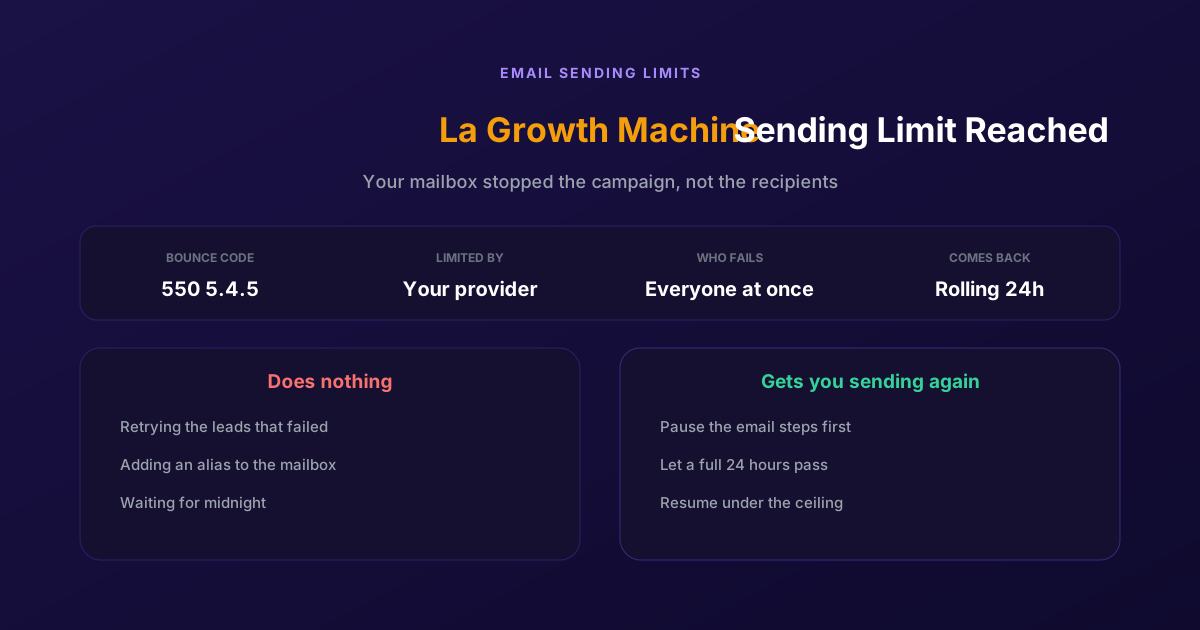
Fix "You Have Reached a Limit for Sending Mail" in La Growth Machine
The message belongs to your email provider, not to the tool. The mailbox has spent its daily allowance, every recipient fails at once, and capacity comes back on a rolling 24-hour window rather than at midnight.
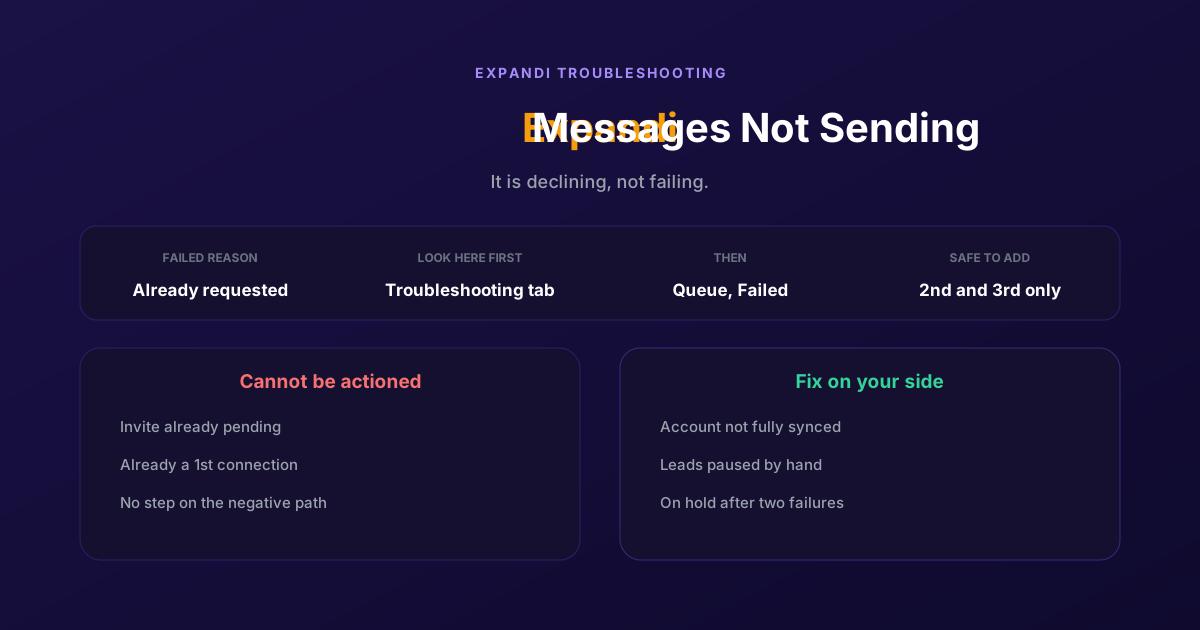
How to Fix Expandi Messages Not Sending (Pending Invites)
A connector campaign opens with a connection request, and a lead who already has one pending cannot receive a second. So the campaign has nothing it is allowed to do, and it says so in a tab most people never open.
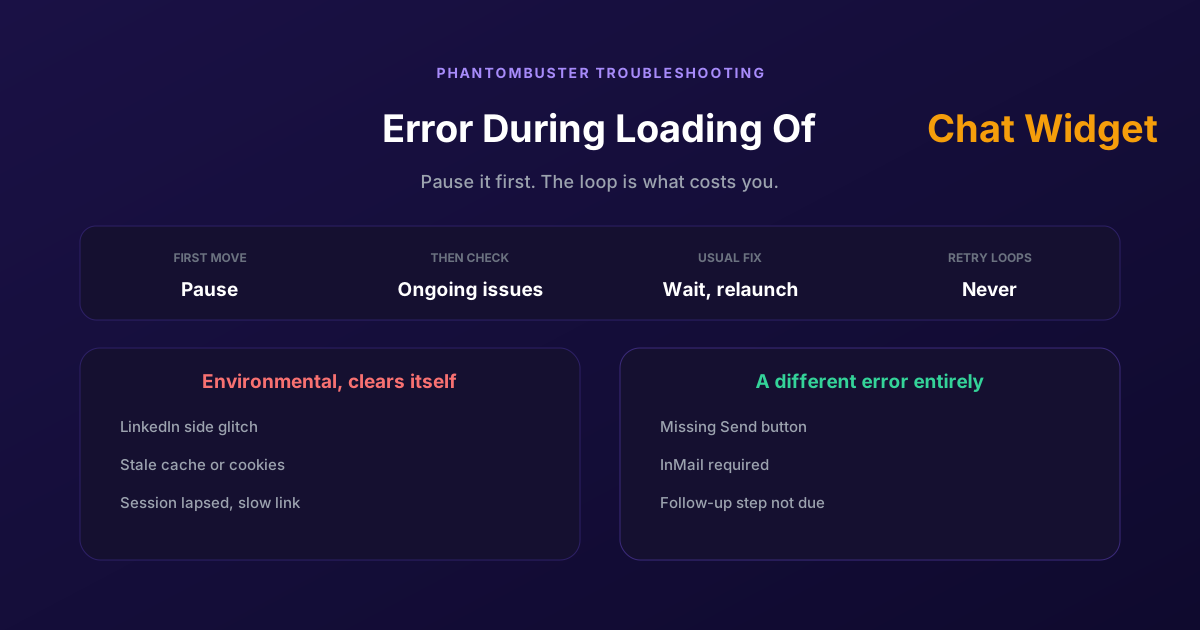
How to Fix Phantombuster "Error During Loading of Chat Widget"
Phantombuster documents this one, and the documented fix is mostly to wait. The expensive part is a Phantom left looping against it, burning execution time on attempts that cannot succeed.
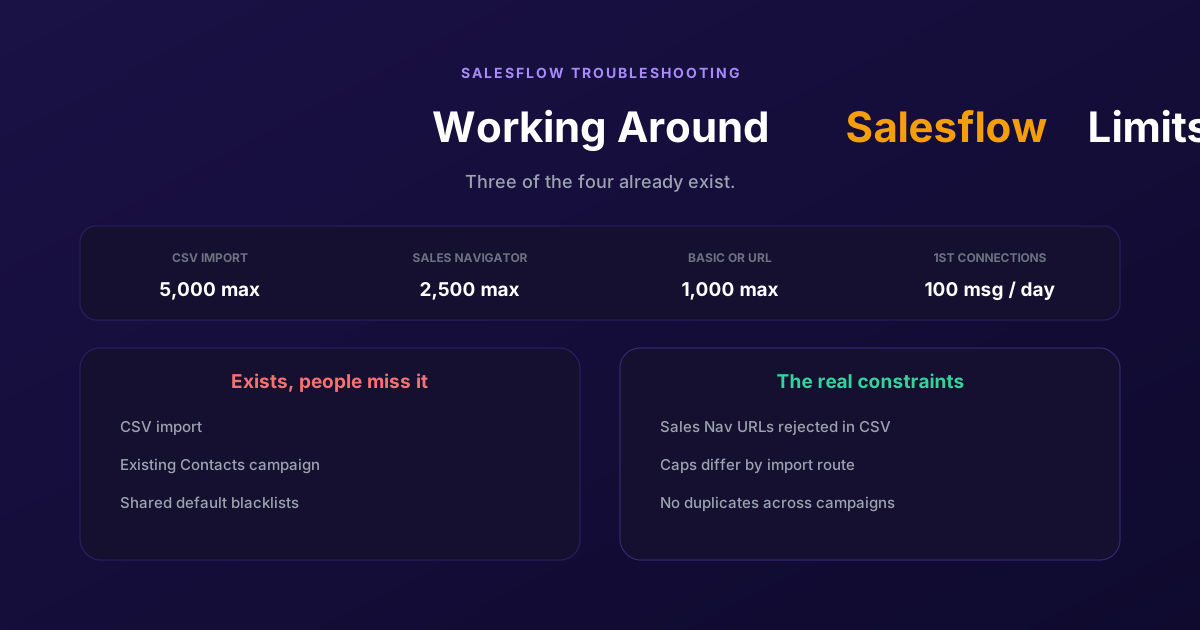
Working Around the Limitations on Salesflow (2026 Guide)
CSV import exists, so does a campaign type for contacts you already hold, and so do shared blacklists. The constraints that actually bite are narrower: rejected Sales Navigator URLs, per-route caps, and a deliberate block on duplicates.