How to Fix a Waalaxy Lead Import Stuck at 0% (2026 Guide)
A Waalaxy import frozen at 0 percent means the extension script never ran, not that your list is wrong. Here is the fix order, the CSV rules Waalaxy actually enforces, and when browser-side importing is the wrong tool.
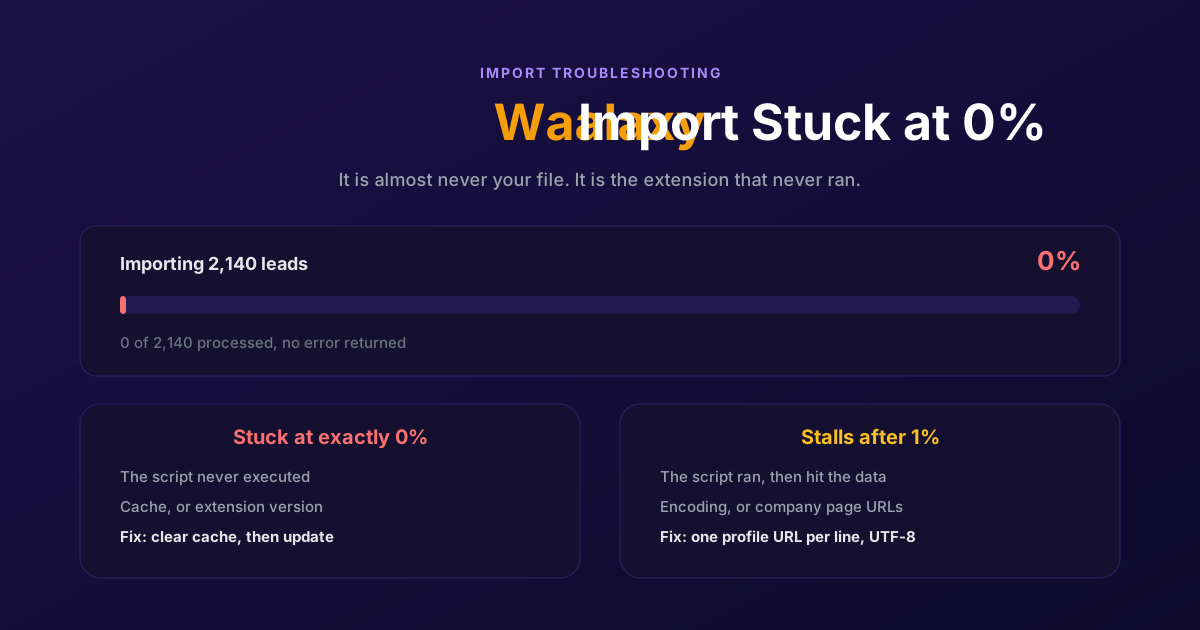
You paste the Sales Navigator URL, hit import, and the bar sits at 0 percent. Not slow. Not failing. Zero, indefinitely, with no error and no leads. You refresh, you retry, you start wondering whether the file is wrong.
A Waalaxy import that never leaves 0 percent is almost never a problem with your list. It is the browser extension failing to run its own import script, and because that failure happens outside the app's own error handling, nothing tells you so. Here is the order to work through, the CSV rules Waalaxy actually enforces, and when the answer is that browser-side importing is the wrong tool for the job.
Why a Waalaxy import freezes at 0 percent
Waalaxy imports through a Chrome extension that runs inside your LinkedIn tab. That design is why the import is fast when it works and why it fails silently when it does not. Five things stop the script before it processes a single row, and each leaves a recognisable trace.
| Cause | How you recognise it | Fix |
|---|---|---|
| Stale or corrupted browser cache | Every import type hangs, CSV and Sales Navigator alike | Clear cached images and files, reload LinkedIn |
| Outdated extension version | Started after a Chrome or LinkedIn update, worked yesterday | Force an update on the extensions page, or reinstall |
| CSV structure Waalaxy rejects | Only CSV imports hang, Sales Navigator lists still work | One profile URL per line, UTF-8, no company pages |
| Expired Sales Navigator session URL | Only the Sales Navigator import hangs, CSV works | Regenerate the search URL in the current session |
| Encoding artefacts in the file | Hangs on files exported from Excel or copied from a doc | Re-save as UTF-8 CSV and strip stray characters |
The distinction that saves the most time is whether the freeze is import-specific or universal. If both a CSV and a Sales Navigator list hang, the extension is the problem and the file is irrelevant. If only one method hangs, stop looking at the extension and go straight to the input.
The fix, in order
Work down the list and retry the import after each step. Most people are done after step two.
Clear the browser cache
In Chrome, open Settings, then Privacy and security, then Clear browsing data. Select cached images and files and clear it. You do not need to clear cookies, and you should not: that logs you out of LinkedIn and adds a step. A corrupted cache stops the extension's scripts from executing properly, which is exactly the silent failure you are looking at.
Update or reinstall the extension
Go to the Chrome extensions page, toggle developer mode off and on, and click update. An extension version that predates a Chrome or LinkedIn change will fail against the current page structure. If the update does not take, remove the extension and reinstall it from the Web Store. You will need to reconnect your account, which takes a minute.
Reload LinkedIn, then reopen Waalaxy
Close the LinkedIn tab entirely rather than refreshing it, then open it fresh and launch Waalaxy from there. The extension injects itself into the LinkedIn page on load, and a tab that was open through the update never received the new script.
Test with ten rows
Before you retry the full list, import a ten-line CSV built by hand. If ten rows import and two thousand do not, the problem is in the file rather than the extension, and you have just cut the search space in half. If ten rows also hang, go back to step one.
Regenerate the Sales Navigator URL
Sales Navigator search URLs are tied to the session that produced them. A URL saved last week, or pasted from a colleague, can resolve to nothing in your session. Re-run the search in Sales Navigator now and copy the fresh URL from the address bar.
Re-save the file as UTF-8
Open the CSV in a plain text editor rather than Excel, and save it explicitly as UTF-8. Excel exports in a local encoding on many machines, and the accented characters that survive fine in a spreadsheet become the artefacts that hang a parser.
The CSV rules Waalaxy actually enforces
Waalaxy's CSV import is stricter than it looks, and it does not always tell you which rule you broke. Four constraints account for nearly every rejected file.
- One LinkedIn URL per line. Not one per cell across several columns, not several separated by commas. The parser reads a line at a time and stops making sense of anything else.
- Personal profiles only. Company page URLs will not import as leads. If your export mixes both, filter the company pages out before you upload rather than hoping they are skipped.
- UTF-8 encoding. This is the single most common cause of a file that looks perfect in a spreadsheet and hangs on upload.
- No stray characters around the URLs. Depending on where you copied them from, URLs arrive wrapped in quotes, trailing spaces or invisible formatting marks. Strip them.
The practical habit that removes all four: build the file in a plain text editor, one URL per line, nothing else in it. A bare list of profile URLs imports reliably. Every extra column is another chance to break the parse.
If imports are only one of several things that stopped working lately, the wider pattern is worth reading: we covered it in why Waalaxy stopped working in 2026.
When it is not your cache
Sometimes you do everything above and the import still hangs. At that point it is worth naming the structural issue rather than clearing the cache a fourth time.
A browser extension that scrapes LinkedIn is coupled to LinkedIn's page structure. When LinkedIn ships a change to its markup, every extension that reads that markup breaks at the same moment, and stays broken until the vendor ships a patch and you install it. Your cache is fine. Your file is fine. The parser is looking for something that moved.
That is also why these outages arrive in clusters. If your import broke on a Tuesday and so did a colleague's on a different machine and a different list, you are not troubleshooting your setup, you are waiting for a release. Waalaxy publishes known issues, and checking that before you spend an hour is worth the thirty seconds.
The second structural limit is that the import needs your browser open and your session live. Close the tab, sleep the laptop, or let LinkedIn log you out, and the job stops where it was. For a one-off list of two hundred that is a minor annoyance. For a recurring import that is supposed to feed a campaign every morning, it is a process that quietly depends on someone remembering to leave a tab open.
If that coupling is the part you want out of your stack, we compared the options in our guide to the best Waalaxy alternatives for 2026.
Imports that cannot stall
The reason this failure exists at all is that the import is a manual step performed by a browser. Remove the manual step and the failure has nowhere to live.
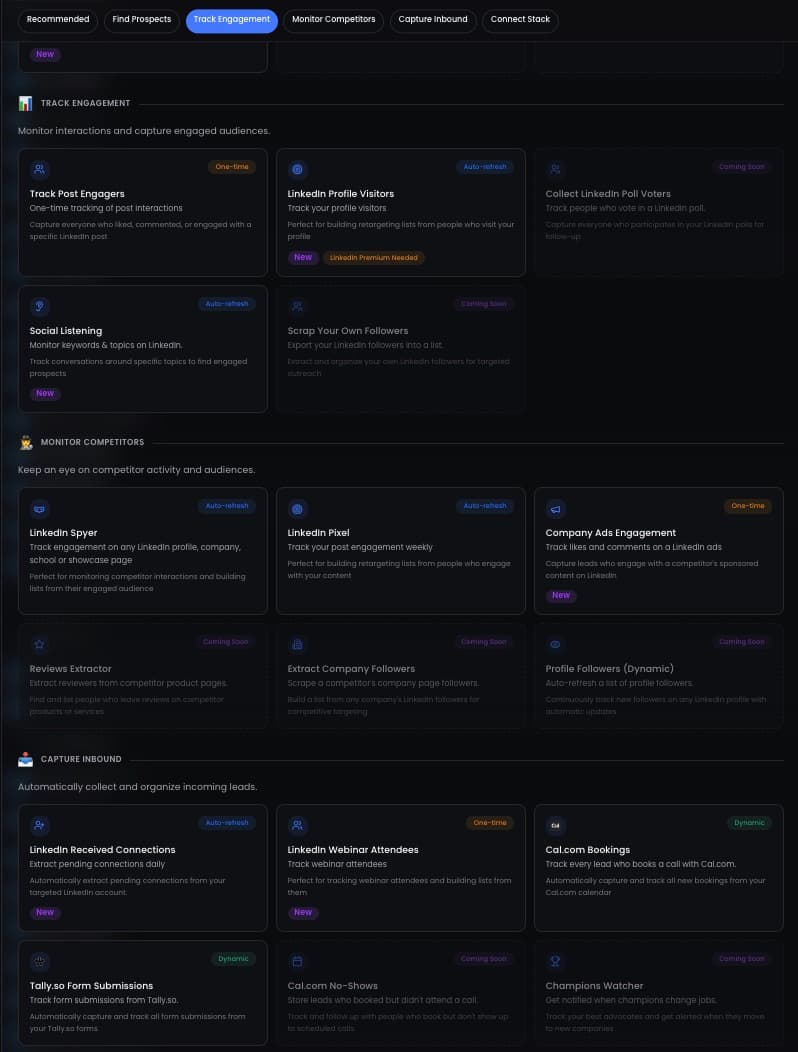
ReactIn does not import lists, it subscribes to sources. You point a list at a LinkedIn post, a company's followers, a competitor's engaged audience, a webinar, a Tally form or a Cal.com booking, and it fills itself as those events happen. There is no CSV to encode, no URL to regenerate and no extension holding the job. The fetching runs on our servers, so nothing in your browser can block it and nothing stops when you close a tab.
The practical difference shows up on the recurring case. A list built from a post keeps adding the people who engage with it this week. A CSV is a photograph of a moment, and the moment you re-export it you are back at the import screen.
The honest trade: if your workflow genuinely starts with a purchased CSV or a Sales Navigator export, you still need an import path, and Waalaxy's is a reasonable one when the extension is healthy. ReactIn suits the case where the list should have been built from behaviour in the first place. That is a different way of working, not a drop-in fix for a stuck progress bar.
For a feature-by-feature view of how the two approaches differ, see our ReactIn vs Waalaxy comparison.
Every fix above buys you one working import. The structural answer is to stop importing lists by hand, so a browser cache never gets a vote on whether your campaign runs tomorrow.
Frequently Asked Questions
Sources & Further Reading
- Waalaxy documents its own troubleshooting path for extension issues on its bug on Waalaxy page.
- The constraints on imports are covered in the Waalaxy imports FAQ.
- For file structure specifically, see how CSV import works in Waalaxy.
- Encoding and formatting rules are detailed in Waalaxy's guide to creating and formatting CSV files.
Related Articles

Fix "You Have Reached a Limit for Sending Mail" in La Growth Machine
The message belongs to your email provider, not to the tool. The mailbox has spent its daily allowance, every recipient fails at once, and capacity comes back on a rolling 24-hour window rather than at midnight.
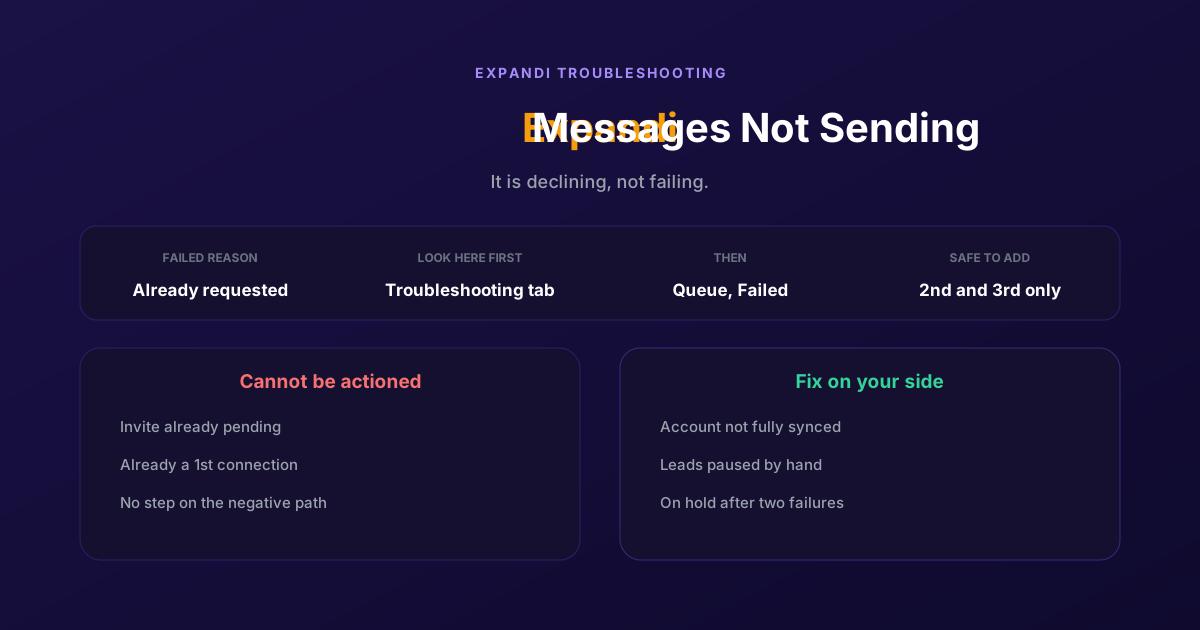
How to Fix Expandi Messages Not Sending (Pending Invites)
A connector campaign opens with a connection request, and a lead who already has one pending cannot receive a second. So the campaign has nothing it is allowed to do, and it says so in a tab most people never open.

How to Fix Phantombuster "Error During Loading of Chat Widget"
Phantombuster documents this one, and the documented fix is mostly to wait. The expensive part is a Phantom left looping against it, burning execution time on attempts that cannot succeed.
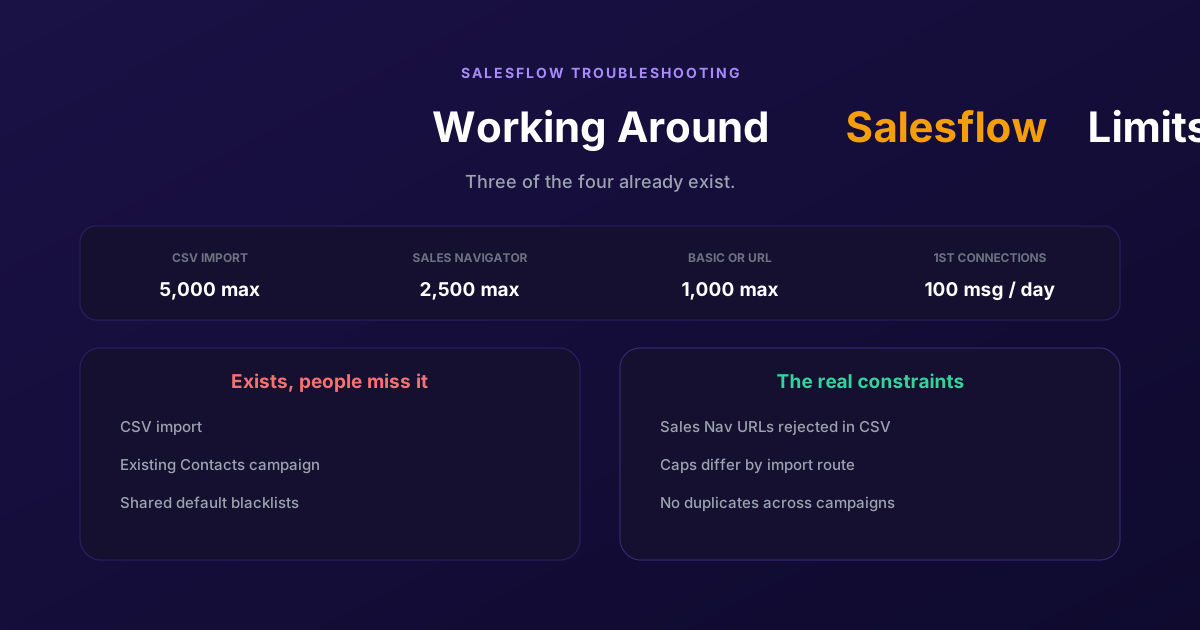
Working Around the Limitations on Salesflow (2026 Guide)
CSV import exists, so does a campaign type for contacts you already hold, and so do shared blacklists. The constraints that actually bite are narrower: rejected Sales Navigator URLs, per-route caps, and a deliberate block on duplicates.